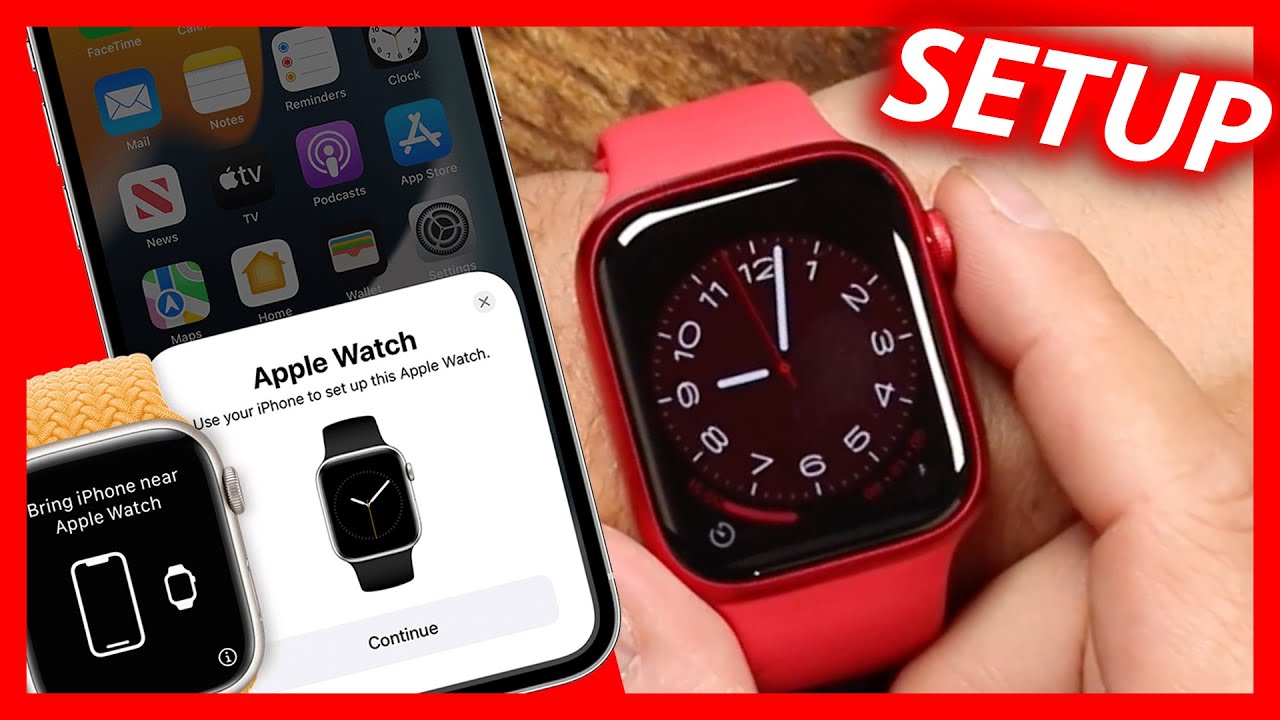
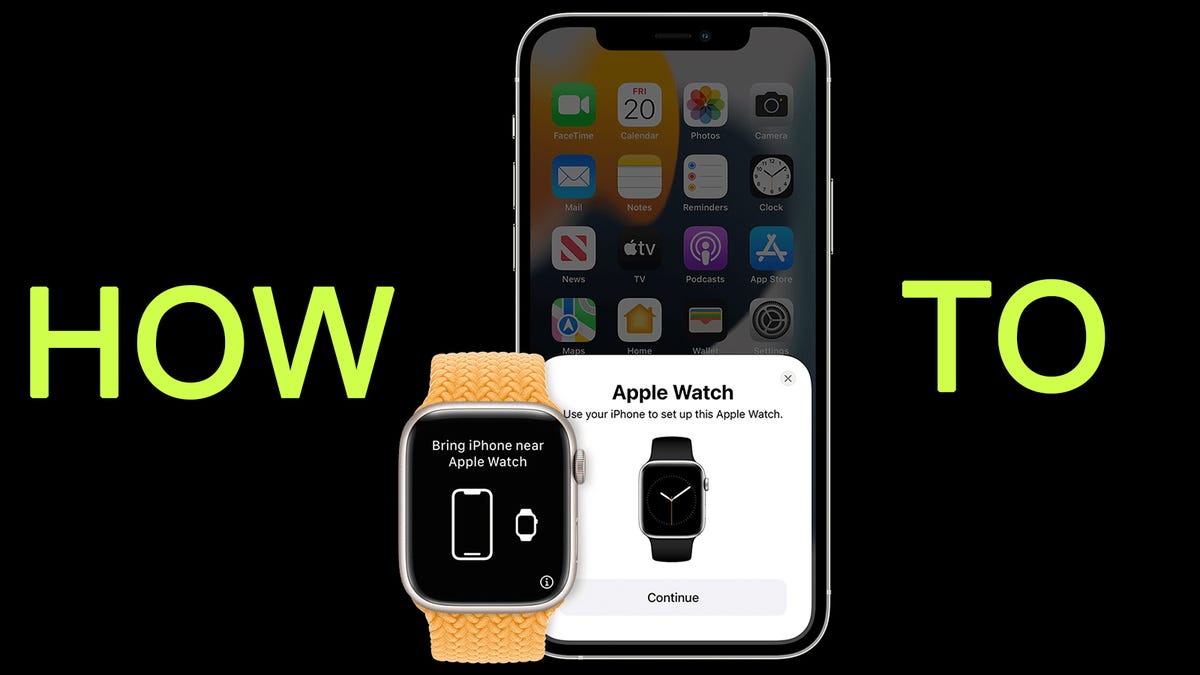
Apple Watch Setup On Windows 10 Improve Performance
Unveiling the Magic of Apple Watch Setup On Windows 10 Improve Performance with Stunning Visuals
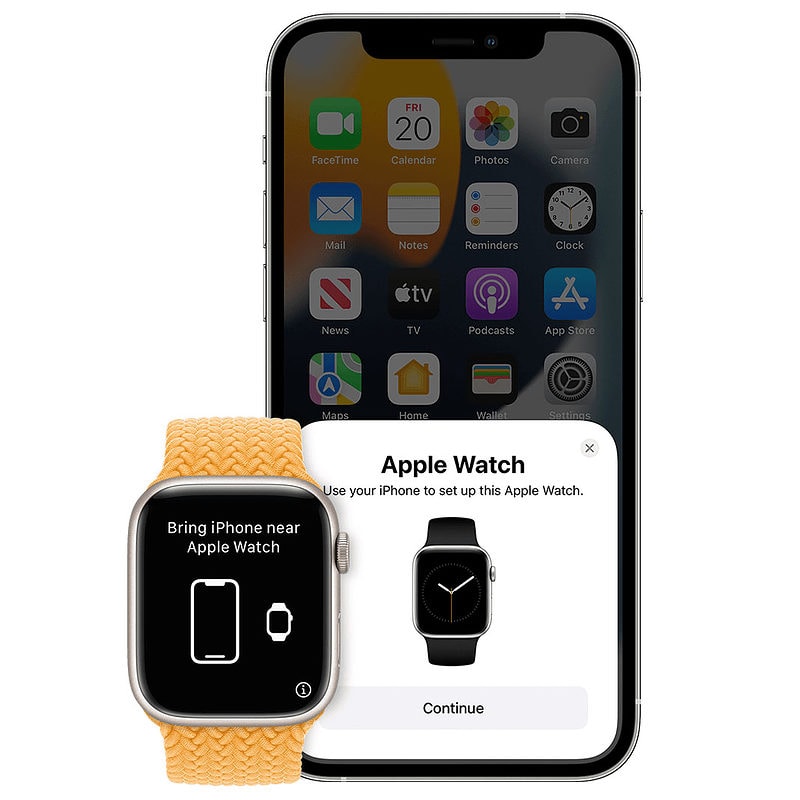
Using an apple Watch with a Windows PC
The only thing you can do on windows is to use Itunes to make and restore iphone backups that include your watch's fitness data, there is no way to use/manipulate that data in any useful way; About encrypted backups on your iPhone, iPad or iPod touch And you can't use an apple watch with an android phone. Also you can only make a bluetooth connection in order to use fitness+ on an ipad.
Apple Watch Setup On Windows 10 Improve Performance
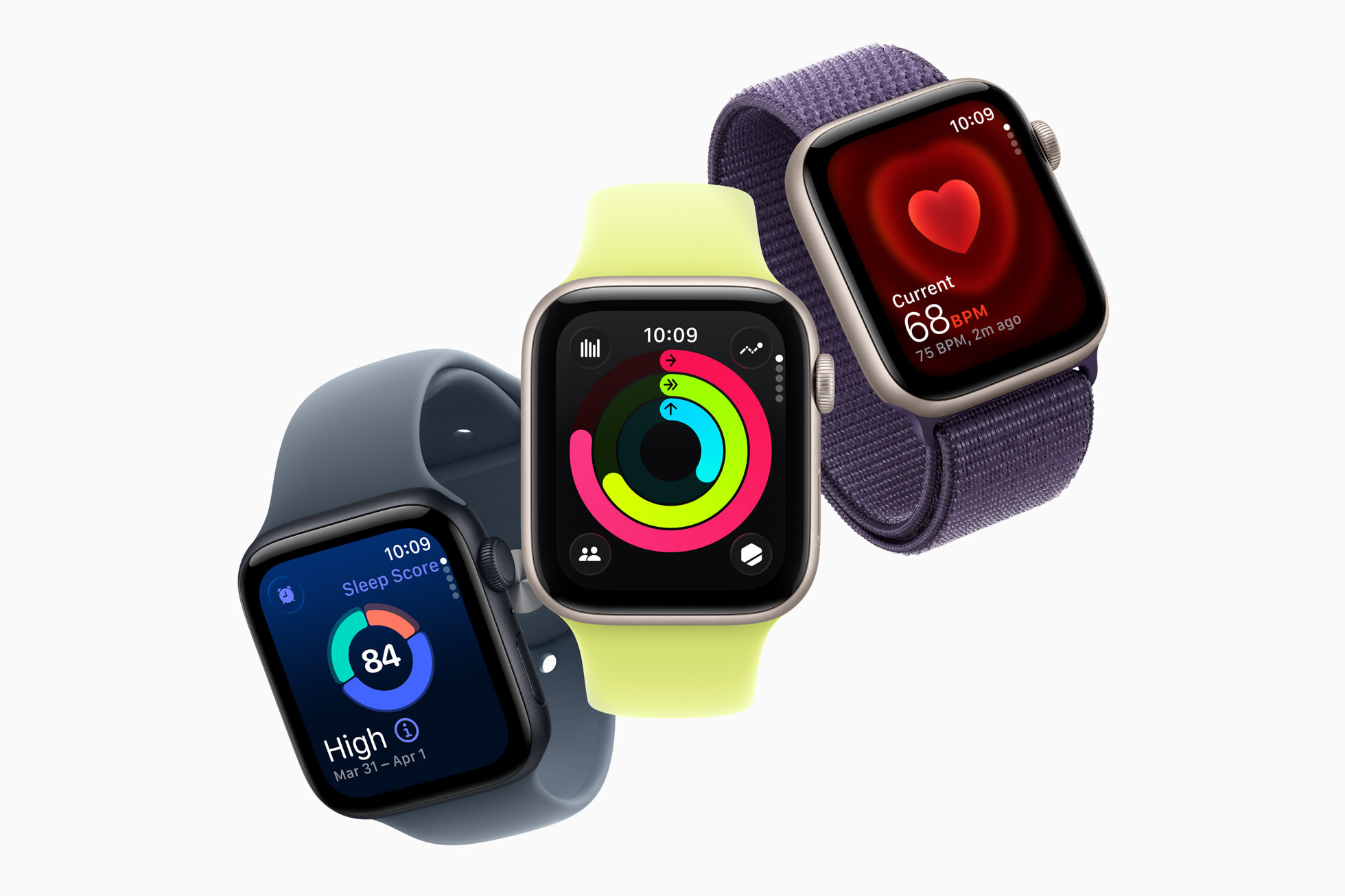
As we can see from the illustration, Apple Watch Setup On Windows 10 Improve Performance has many fascinating aspects to explore.
Apple Watch too slow 15 tips to speed up your Apple Watch
Apple Watch Setup On Windows 10 Improve Performance
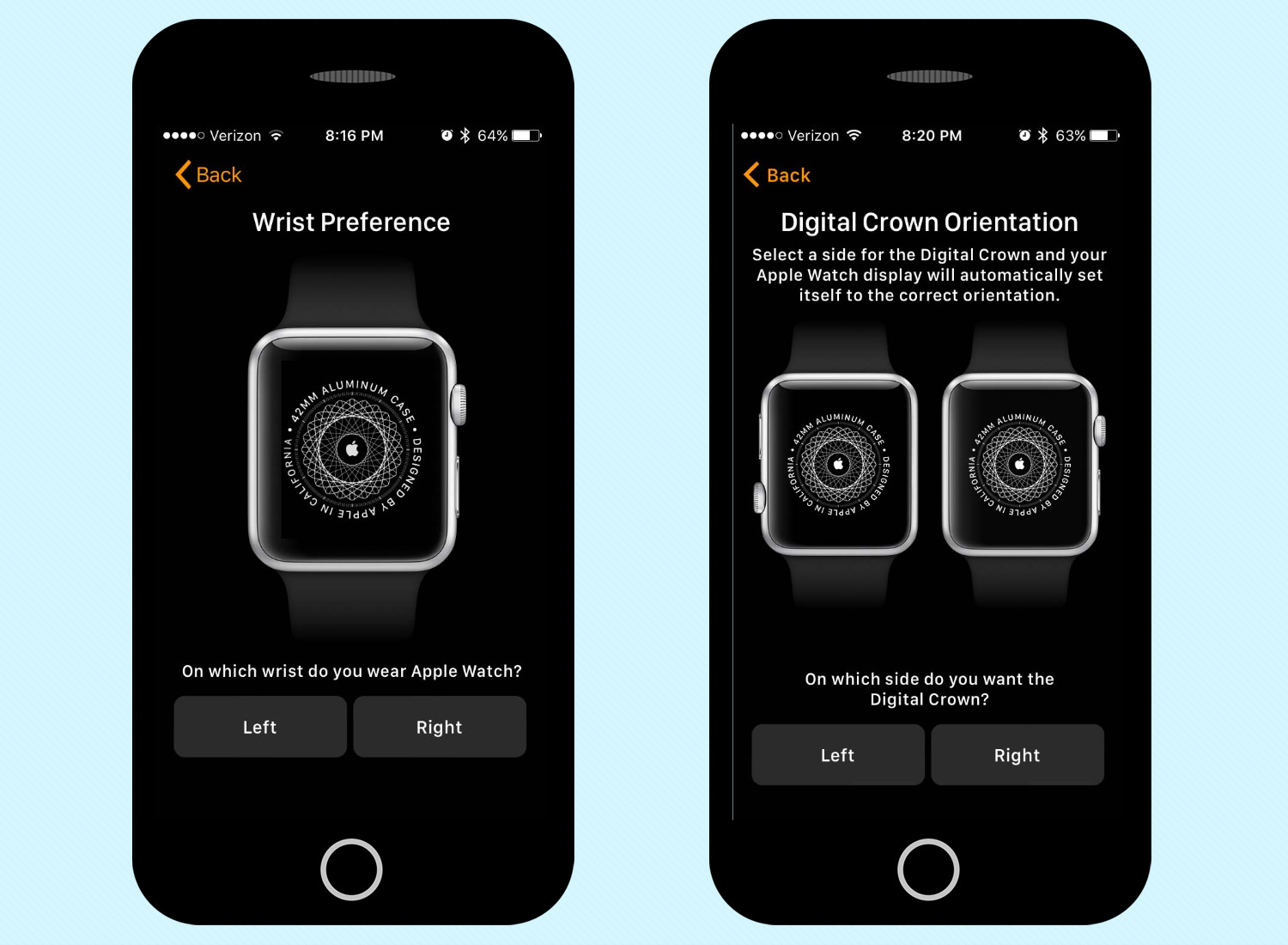
Moving forward, it's essential to keep these visual contexts in mind when discussing Apple Watch Setup On Windows 10 Improve Performance.
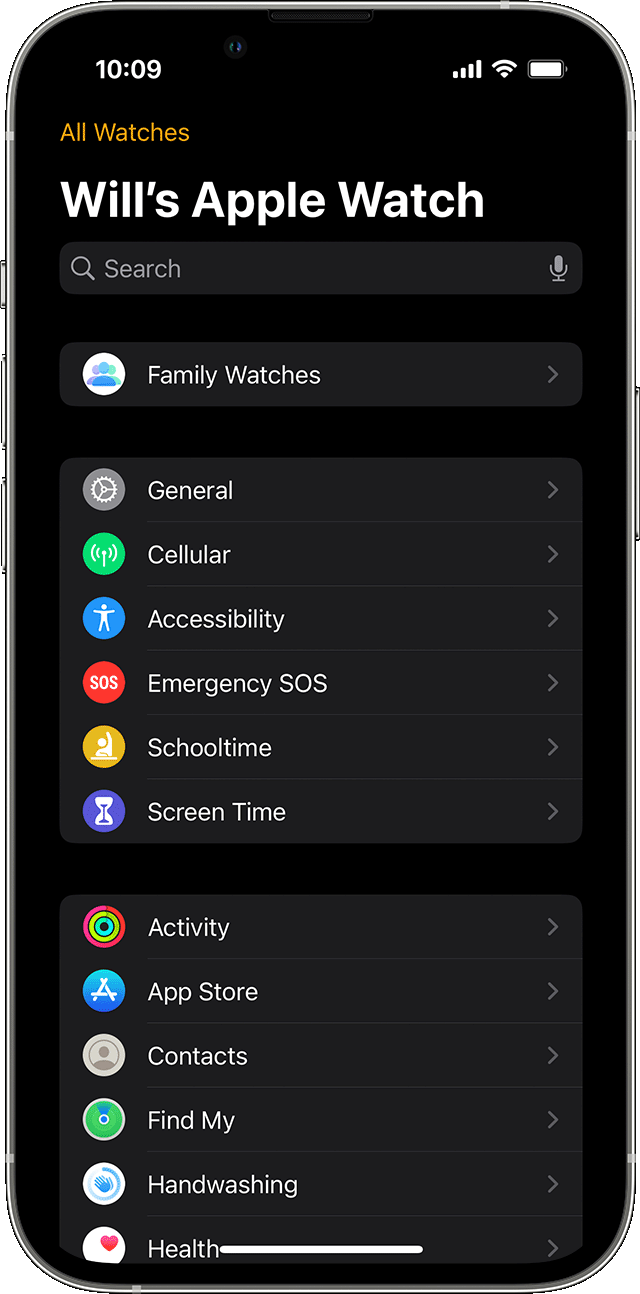
Whenever you install one of these apps, the companion app is installed on your Apple Watch by default. Follow these steps to disable the auto app installation feature and save yourself some storage space on the Apple Watch .
In this guide, we cover several reasons your Apple Watch is slow and share some handy tips to fix it, making your experience faster. A slow Apple Watch takes longer to start workouts, launch apps, and navigate around.