Update TP
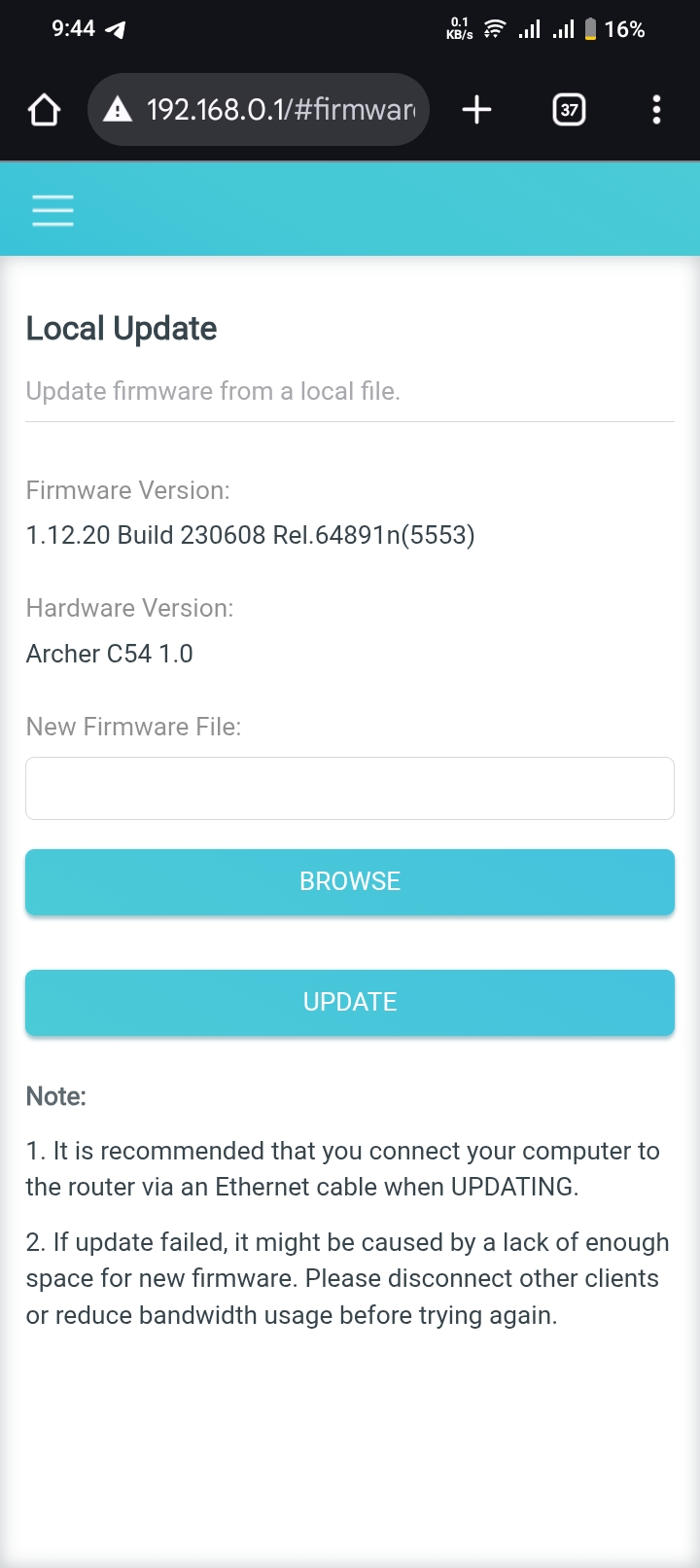
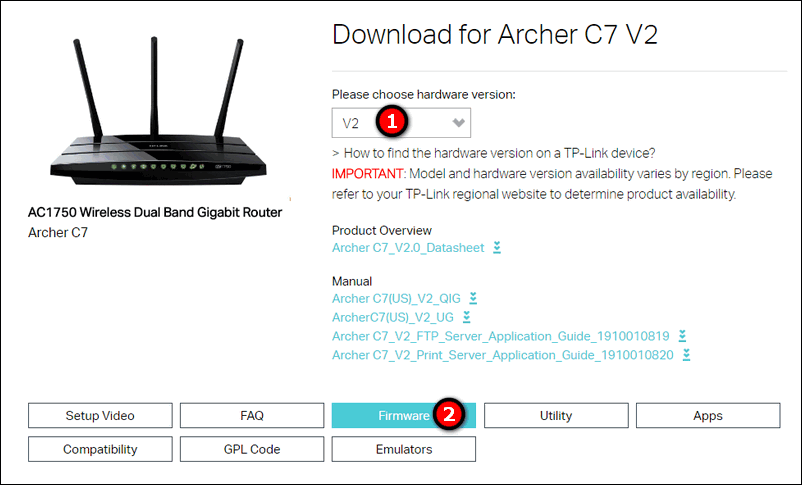
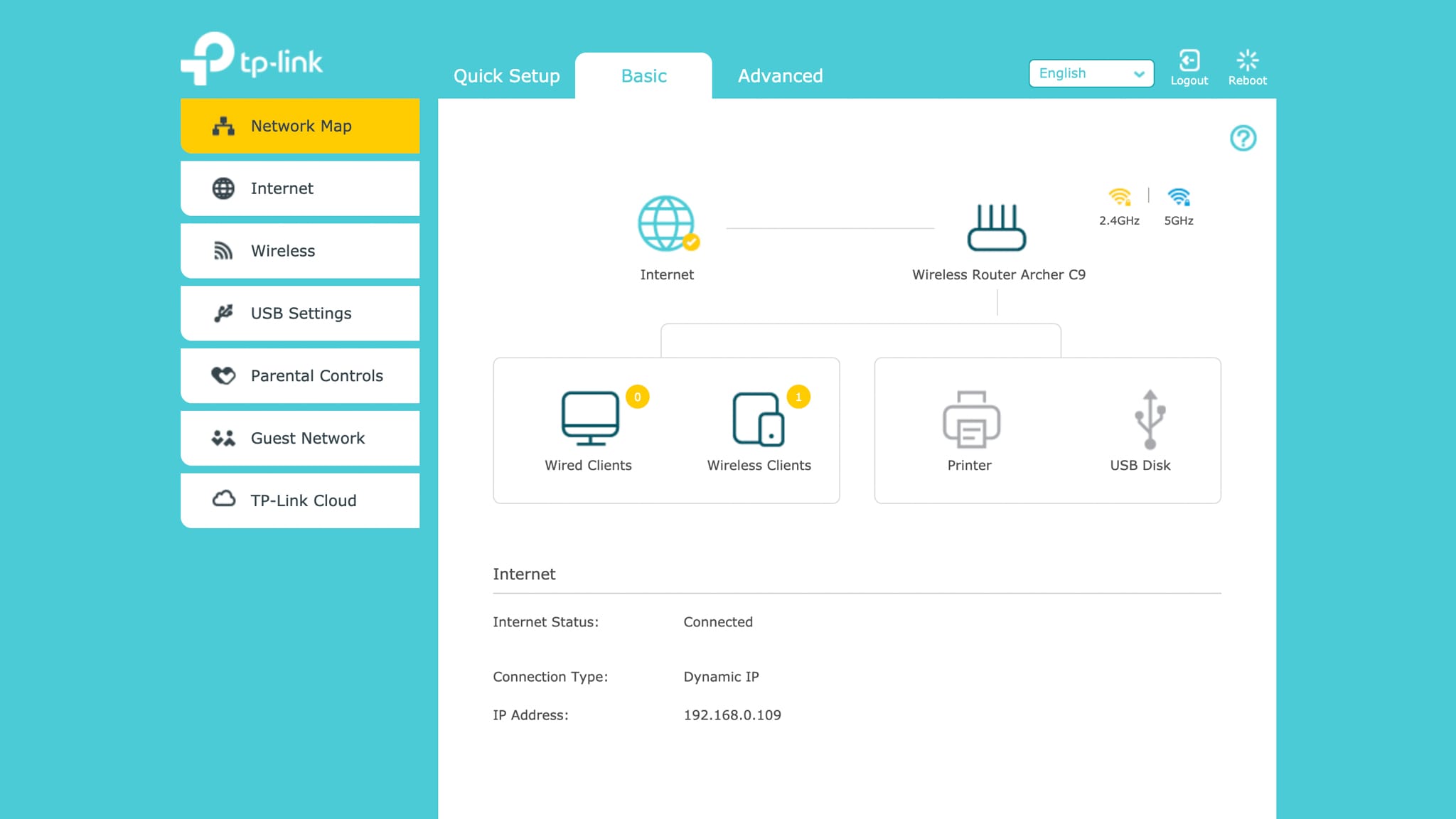
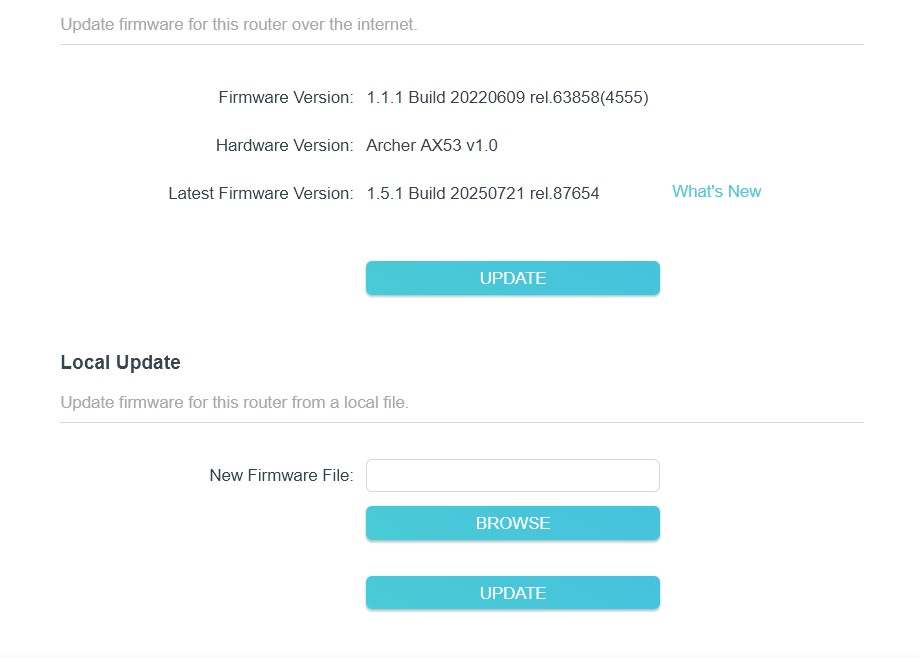
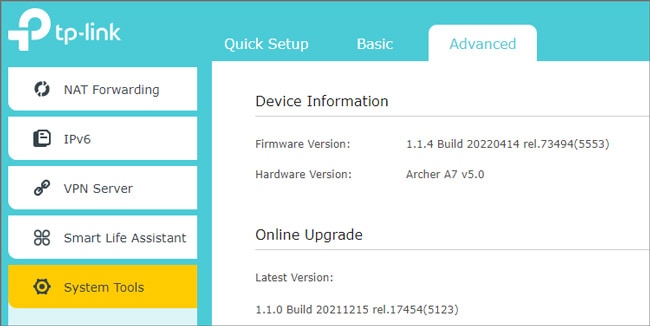
How to update firmware on TP-LINK Archer C9 . How to actualize software on TP-LINK Archer C9 . How to update TP-LINK Archer C9 : First, you need to download firmware from the official website of your router manufacturer. Next, login into the router , check how to Open Admin Page. Now choose Maintenance and find Update or Firmware Update .
Archer C9 Router Firmware Update Faqs Archer C9 firmware is the software that controls the router's performance, managing Wi-Fi stability, security protocols, and bandwidth allocation. Regular updates from TP-Link address bugs, enhance compatibility, and improve features like QoS for gaming or parental controls.
Archer C9 Router Firmware Update Faqs Archer C9 Firmware for Windows Archer C9 Router Firmware Update Faqs Download for Archer C9
SOHO Wireless Router (Asia-Pacific_7 Languages)_Quick Installation Guide SOHO Wireless Routers (EU2-16Languages)_ Quick Installation Guide SOHO Router (EU1-12Languages)_Quick Installation Guide Archer C9 (EU)_V5_User Guide Archer C9 (EU)_V5_Quick Installation Guide Archer C9 Utility Setup Video FAQ Firmware Apps Emulators
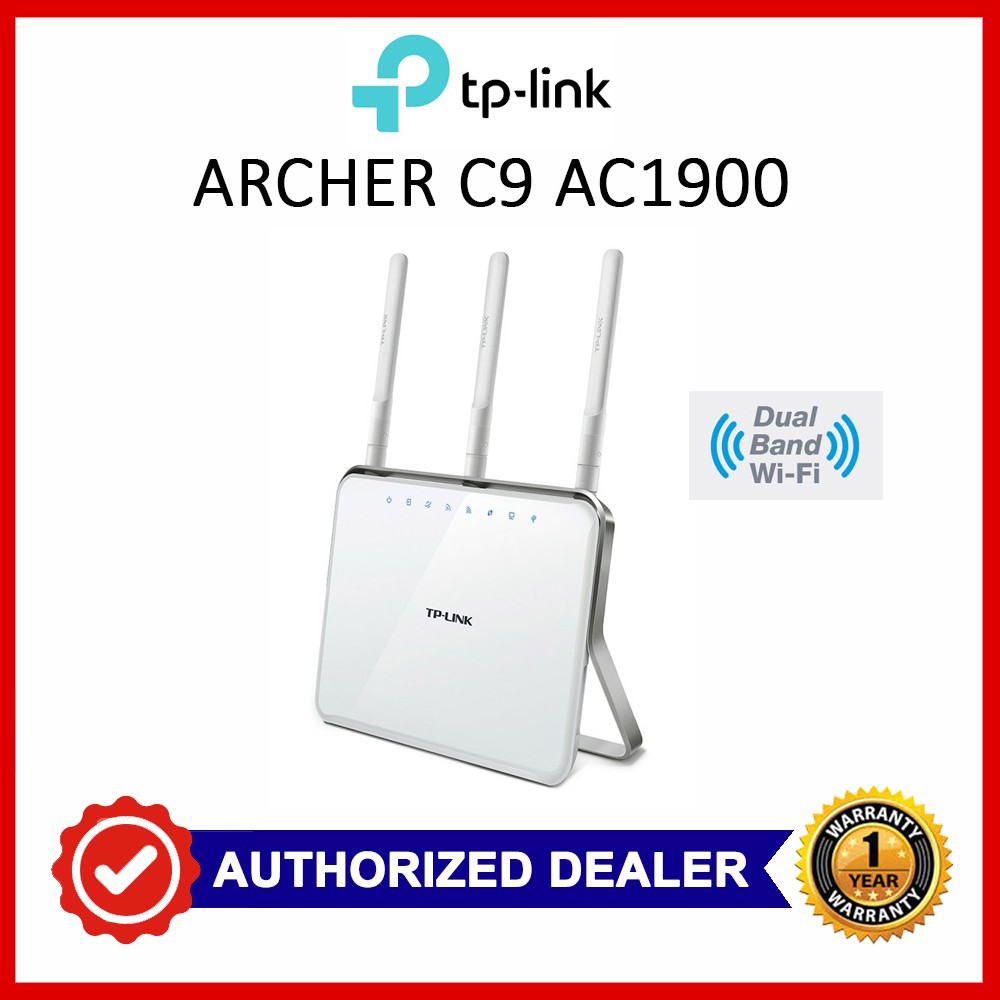
TP-Link Archer C9 AC1900 Dual Band Gigabit Router | Shopee Malaysia
Archer C9 | AC1900 Wireless Dual Band Gigabit Router | TP-Link Israel
How to TP-LINK Archer C6 v3.20 Firmware upgrade & Full Setting Setup. (Part 3) Gigabit Router ...
Archer C64 Router firmware upgrade - YouTube
TP-Link Archer AX53 (AX3000) Dual Band Router Firmware Update - Step by Step Guide - YouTube
Archer C9 | AC1900 Wireless Dual Band Gigabit Router | TP-Link Israel
How to update the firmware on an NVR or DVR - CGI Communications
TP-Link Rolls Out Firmware for Its Archer C9 V3 Router - Version 160713 - Softpedia
Need Firmware update of tplink archer c54 in Bangladesh - Home Network Community
Archer C9 | AC1900 Wireless Dual Band Gigabit Router | TP-Link India
TP Link Archer C9 Wireless Router - Quick Review - YouTube
কিভাবে New Firmware Update দিবেন 🔥 TPlink Archer C6v3.20 | TPlink Router Firmware Upgrade 2023 ...
Default Router Password and Wi-Fi Password TP-LINK Archer C9, How To - HardReset.info
TP-Link Archer C7 v2 - Upgrade Firmware
TP Link Archer C9 Router into a Wireless Repeater With DD WRT Firmware - YouTube
Archer C9 | AC1900 Wireless Dual Band Gigabit Router | TP-Link India
How To Update Router Firmware | TP-Link Archer C54 Firmware Update | Tp-link Router Update - YouTube
TP-LINK Archer C54 Firmware Update & Fix Errors! - YouTube
TP Link Archer C9 Router Router to Router Connection Configuration #internet - YouTube
TP-Link Archer C9 Router | Köp på Tradera (695838649)
TP-Link Archer C9 AC1900 WiFi Router Review
Router Wifi Archer C9 Ac1900 Dual ARCHERC9 | lowcomponents.com
Archer C9 | AC1900 Wireless Dual Band Gigabit Router | TP-Link Israel
TP-Link Archer C9 AC1900Mbps Dual Band Gigabit Router
DD-WRT firmware flash on Tp-link Archer C9 Router (Ver. 1) - Step by Step - guide - YouTube
How To Router Firmware Update | tp link archer c54 update | টিপি লিংক রাউটার ফার্মওয়্যার আপডেট ...
Router firmware auto update not working - Home Network Community
TP-Link Archer C9 Dual Band Wireless Router Unboxing and Walkthrough! - YouTube
Archer C9 | AC1900 Wireless Dual Band Gigabit Router | TP-Link Canada
TP Link Archer C9 Wireless Router Review - YouTube
TP-LINK ARCHER C9 QUICK INSTALLATION MANUAL Pdf Download | ManualsLib
Repair the bricked Archer C7 wireless router, upgrade to the latest OpenWRT firmware, SS SSR ...
How to Setup TP-Link Archer C9 - YouTube
Can't upgrade firmware Archer C9 v3.0 - Home Network Community
Revert To Stock Firmware TP-Link Archer C9 Router V1 From DD-WRT Step-By-Step Using Serial/USB ...
TP-Link Archer C60 - How To Upgrade Router Firmware | TP Link Router Firmware Upgrade - YouTube
Archer C9 Router Specifications | PDF | Wi Fi | Ieee 802.11
Tp Link Archer C9 | How to Setup TP Link Router In DD WRT Firmware In Urdu - YouTube
TP-Link Archer C9 AC1900 WiFi Router Review
Archer C9 | AC1900 Wireless Dual Band Gigabit WiFi Router | TP-Link United Kingdom
How to update your router firmware
Archer C9 | AC1900 Wireless Dual Band Gigabit Router | TP-Link India
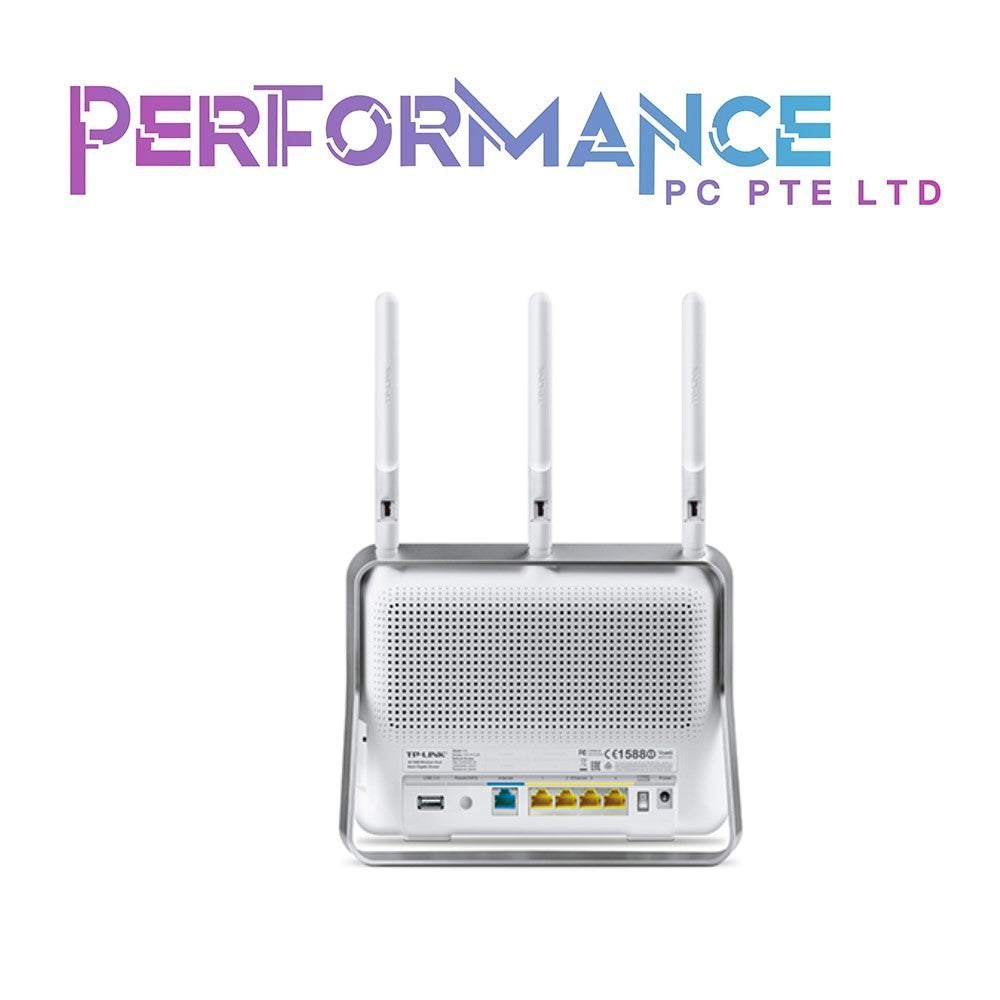
TP-Link Archer C9 AC1900 Smart Wireless Router - Beamforming Dual Band - Performance PC
TP-Link Archer C9 AC1900 WiFi Router Review
How to upgrade the firmware version of TP-Link EasyMesh satellite devices
Archer C9 V1 update firmware to Archer C9(US)_V1_210107 caused all LED doesn't lighting. - Home ...
AX53 Firmware Update - Home Network Community
How To Update Router Firmware
TP-Link Archer C9 v1 - Unbrick and Back To Stock Step-By-Step Guide | PDF | Router (Computing ...
Archer C9 | AC1900 Wireless Dual Band Gigabit Router | TP-Link