Configure Wireless Tp-Link Router For Small Business
Unveiling the Magic of Configure Wireless Tp-Link Router For Small Business with Stunning Visuals
Business Routers and Gateways for Seamless Connectivity
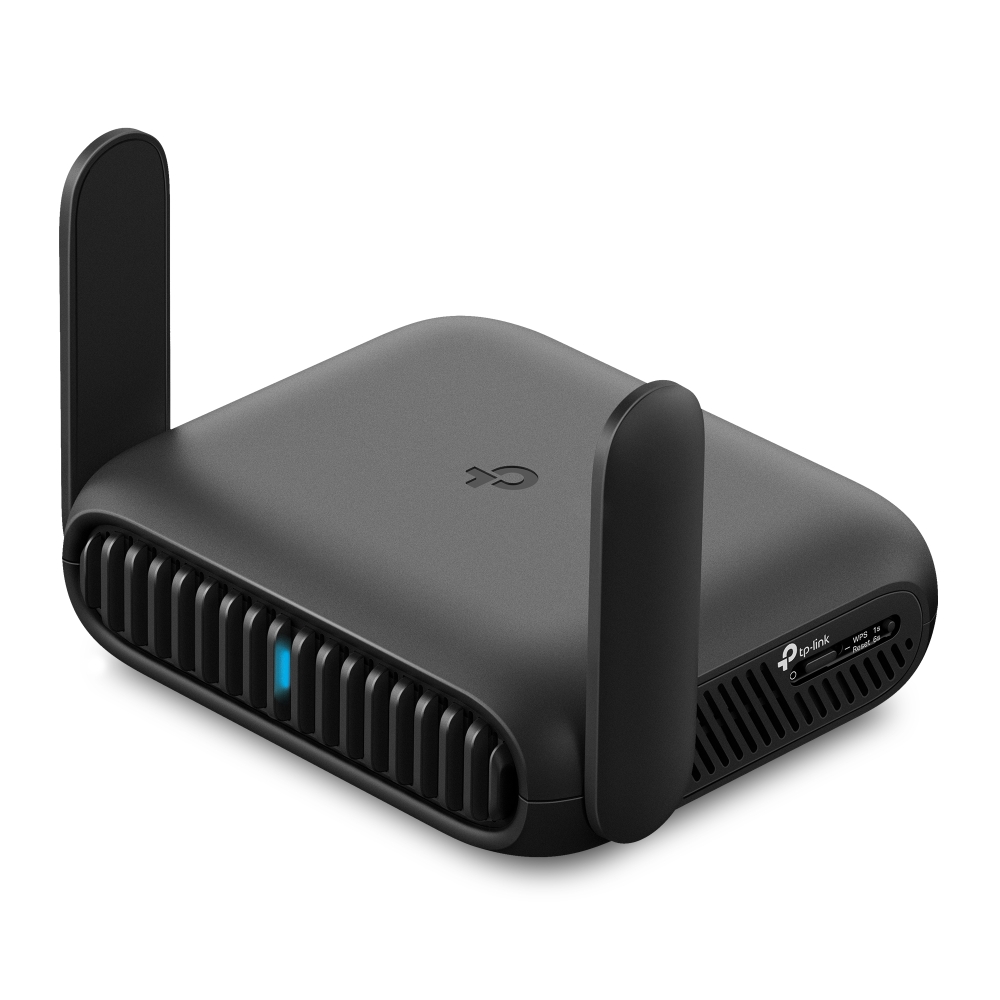
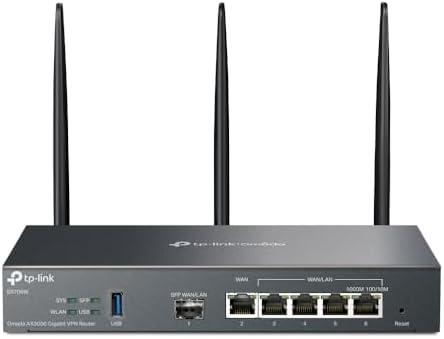
Omada business routers and gateways manage WAN connectivity, VPN access, and network security for organizations that need reliable, centrally managed internet routing. From compact gateways for small offices to multi-gigabit and 10G models for high-throughput environments, Omada by TP-Link covers the full range of business routing requirements: wired, wireless , and cellular.
Configure Wireless Tp-Link Router For Small Business
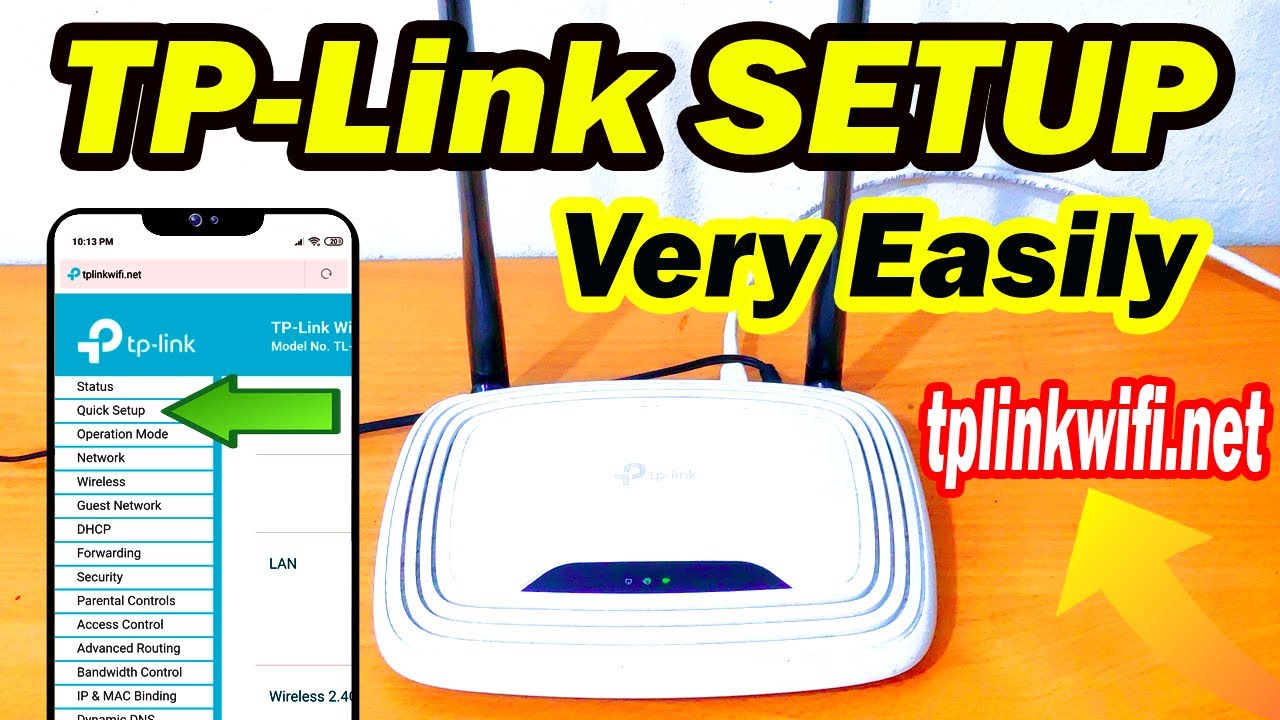
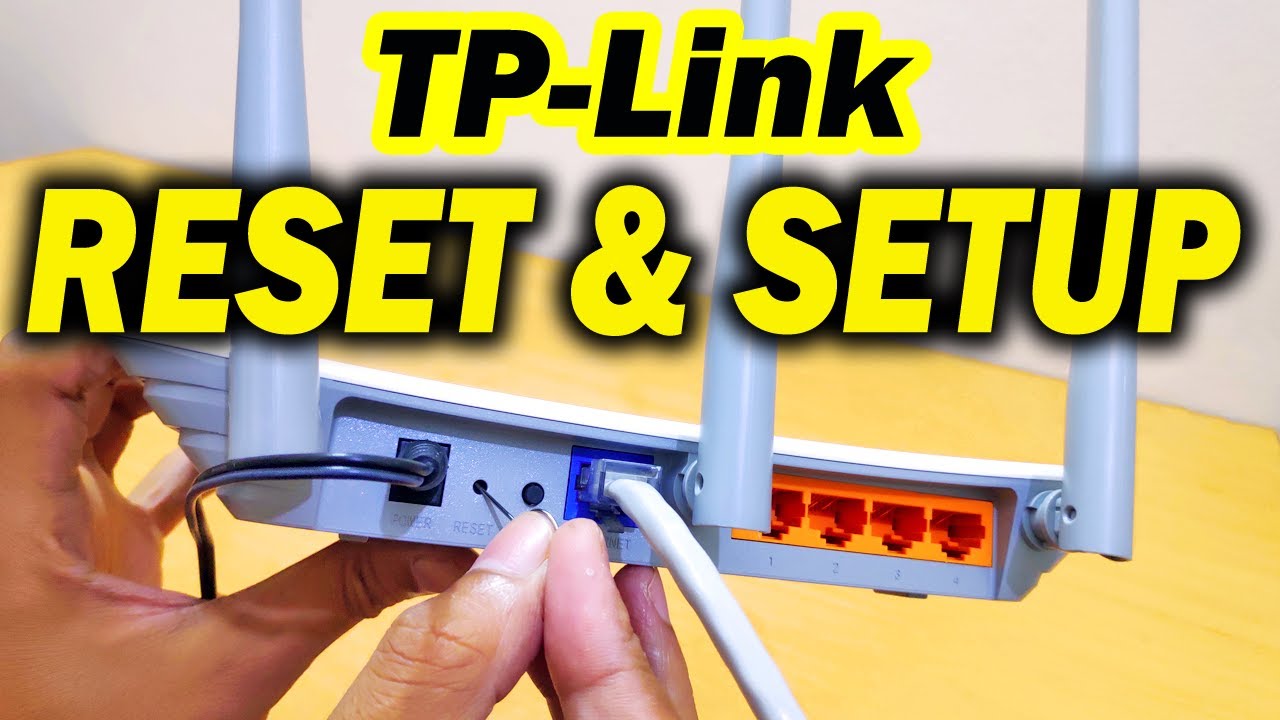
This video provides a comprehensive, step-by-step guide on the best way to setup and fully configure a TP-Link wireless router . It covers everything from the initial physical hardware connections ...
Configure Wireless Tp-Link Router For Small Business
Furthermore, visual representations like the one above help us fully grasp the concept of Configure Wireless Tp-Link Router For Small Business.
Key Details About Configure Wireless Tp-Link Router For Small Business
Configure Wireless Tp-Link Router For Small Business
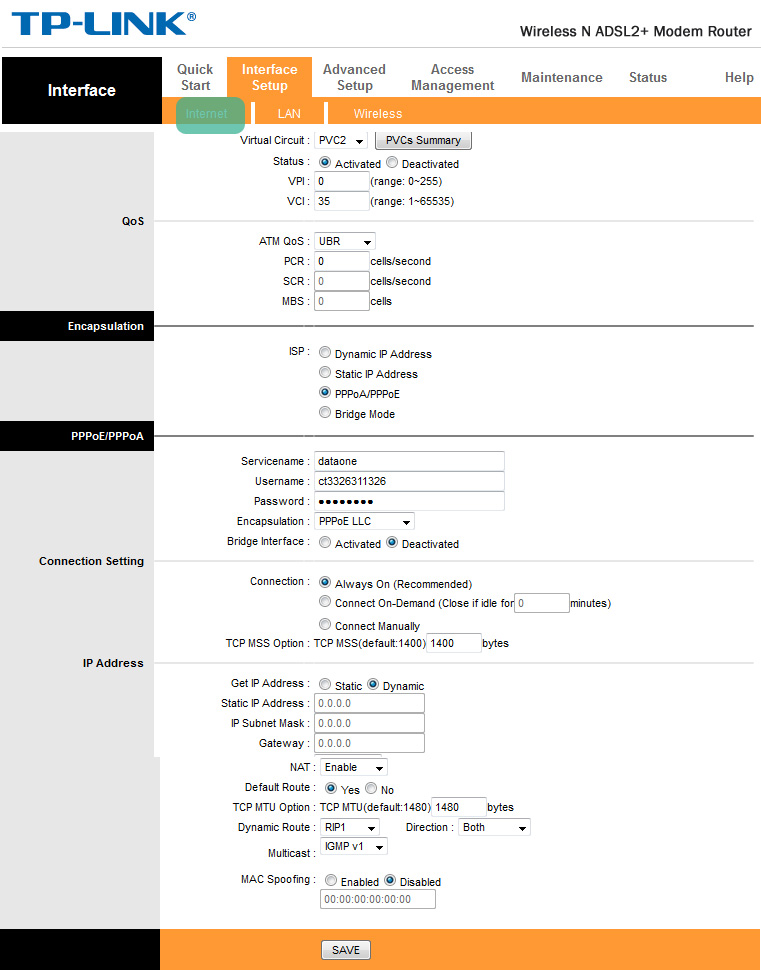
Check TP-Link's website for firmware updates specific to your router model. By following these steps, you can easily configure your TP-Link router and enjoy a secure wireless network for your devices.
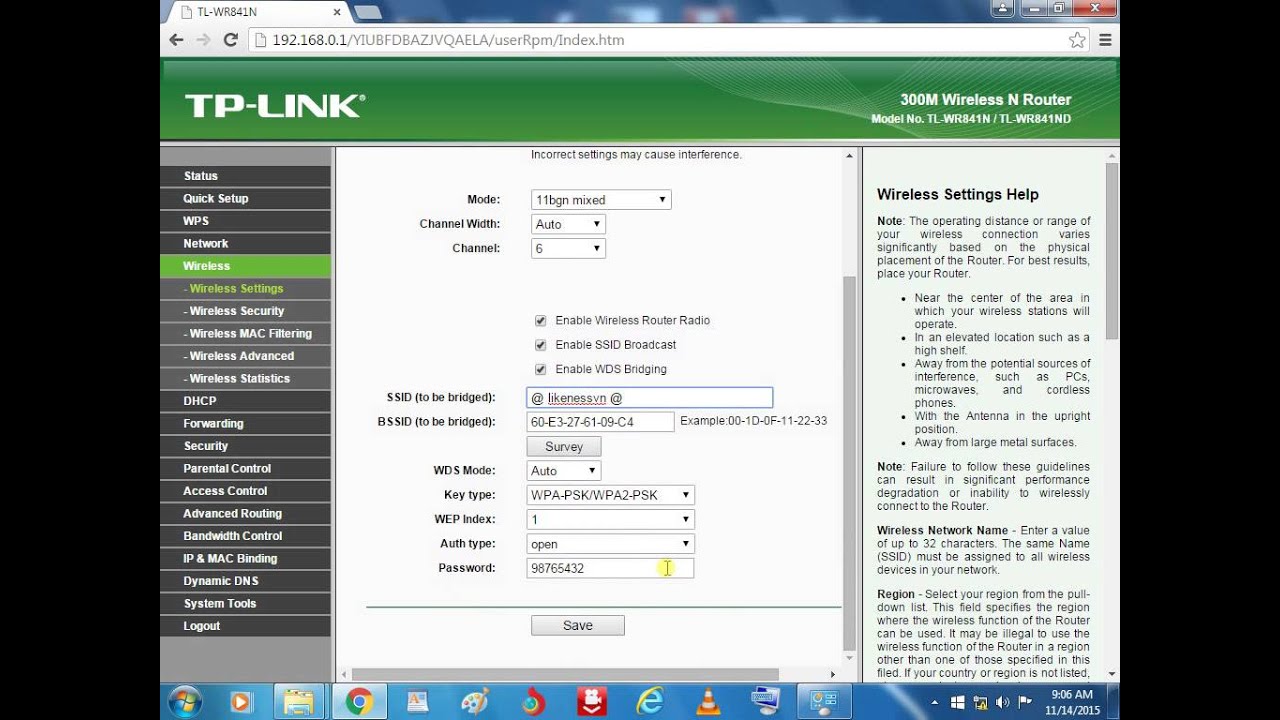
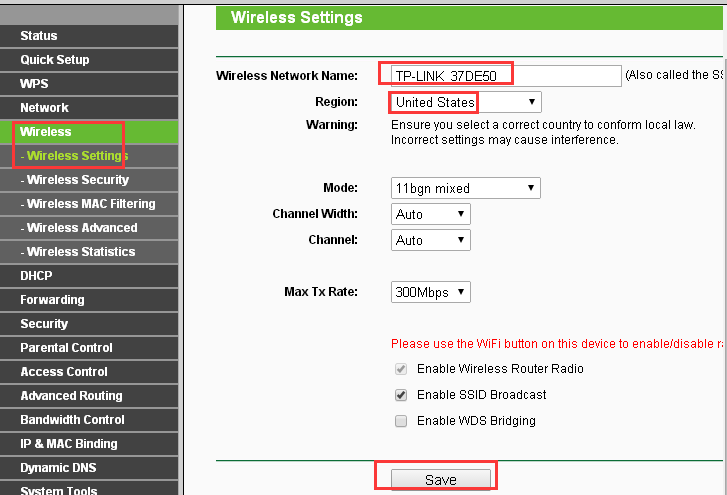
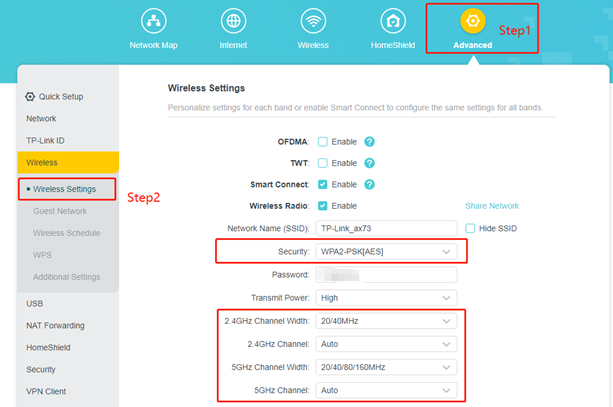
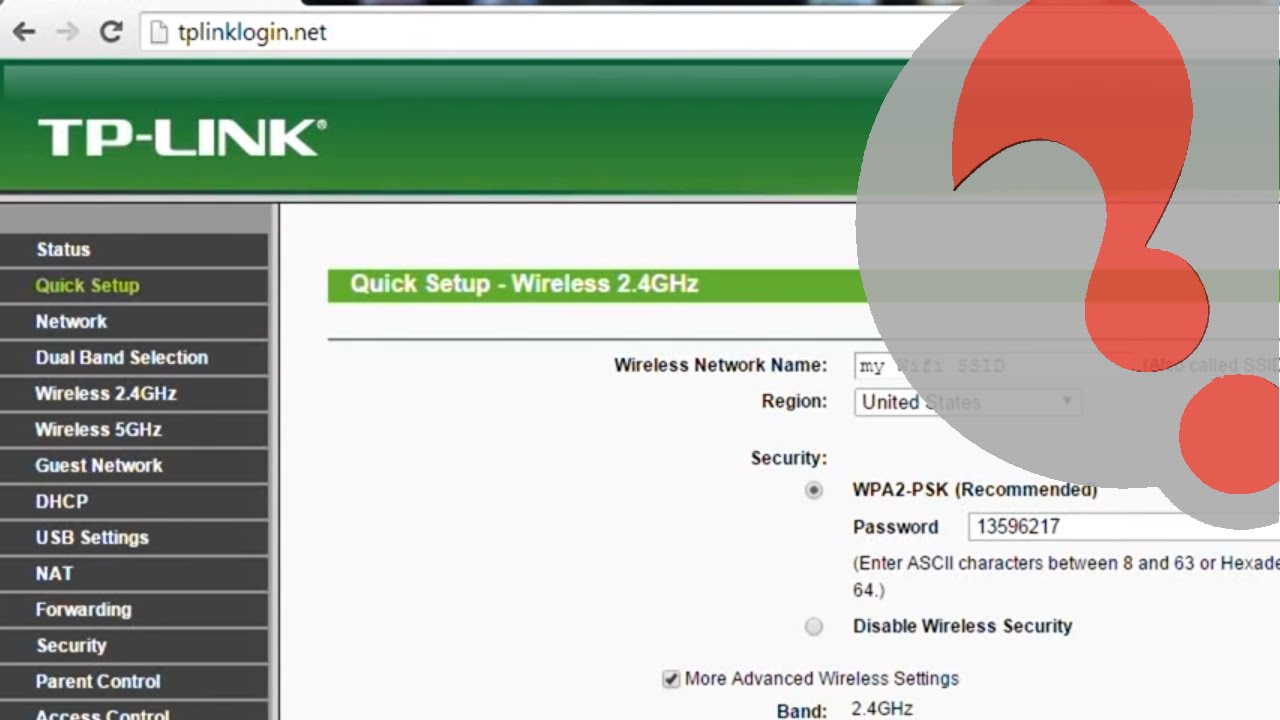
This article provides clear, step-by-step instructions for adjusting the TP-Link Wireless Router's wireless settings (SSID, password, channel, etc.), helping you secure your network and optimize Wi-Fi performance with verified configurations.