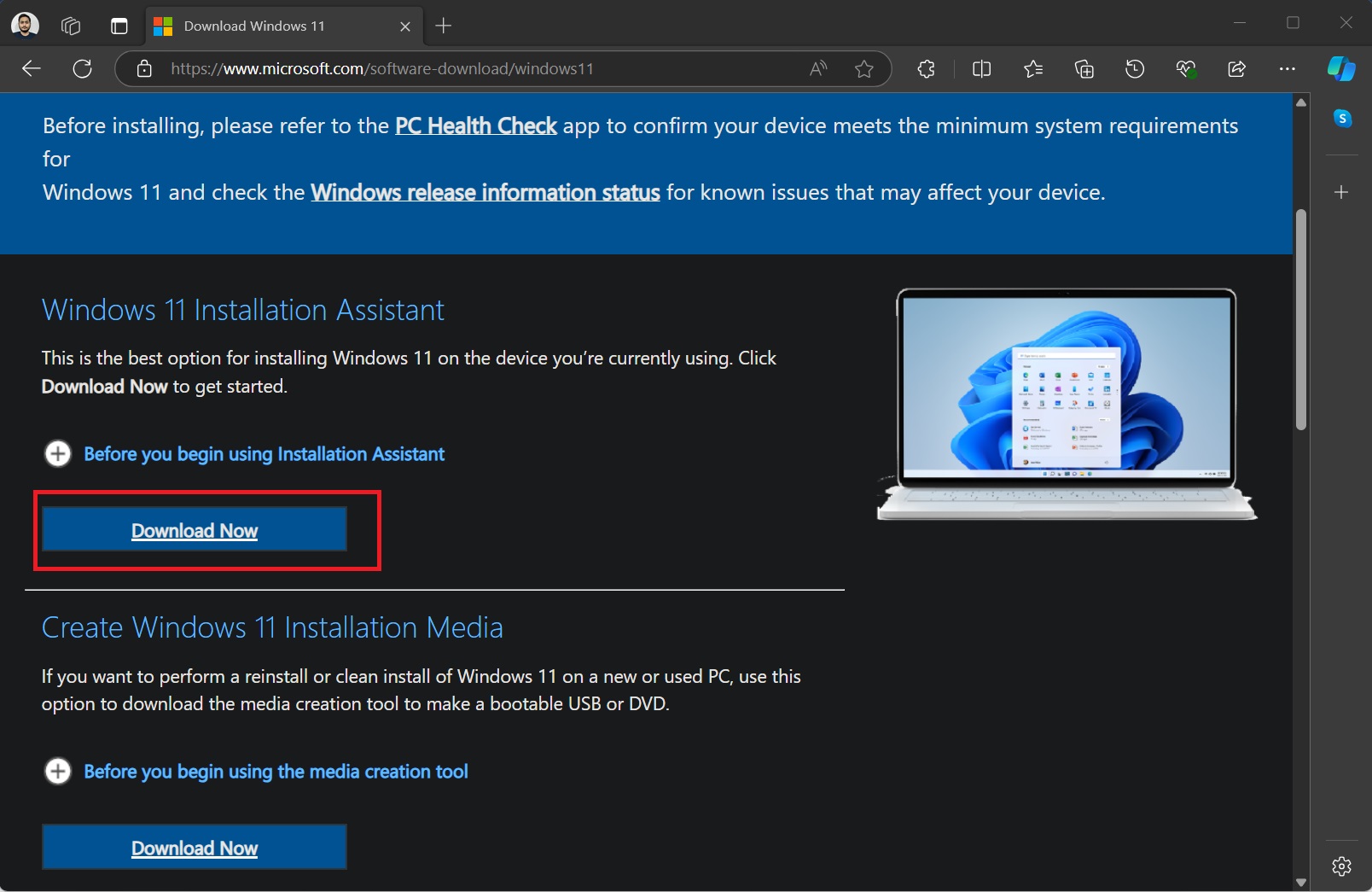
Download Windows 11
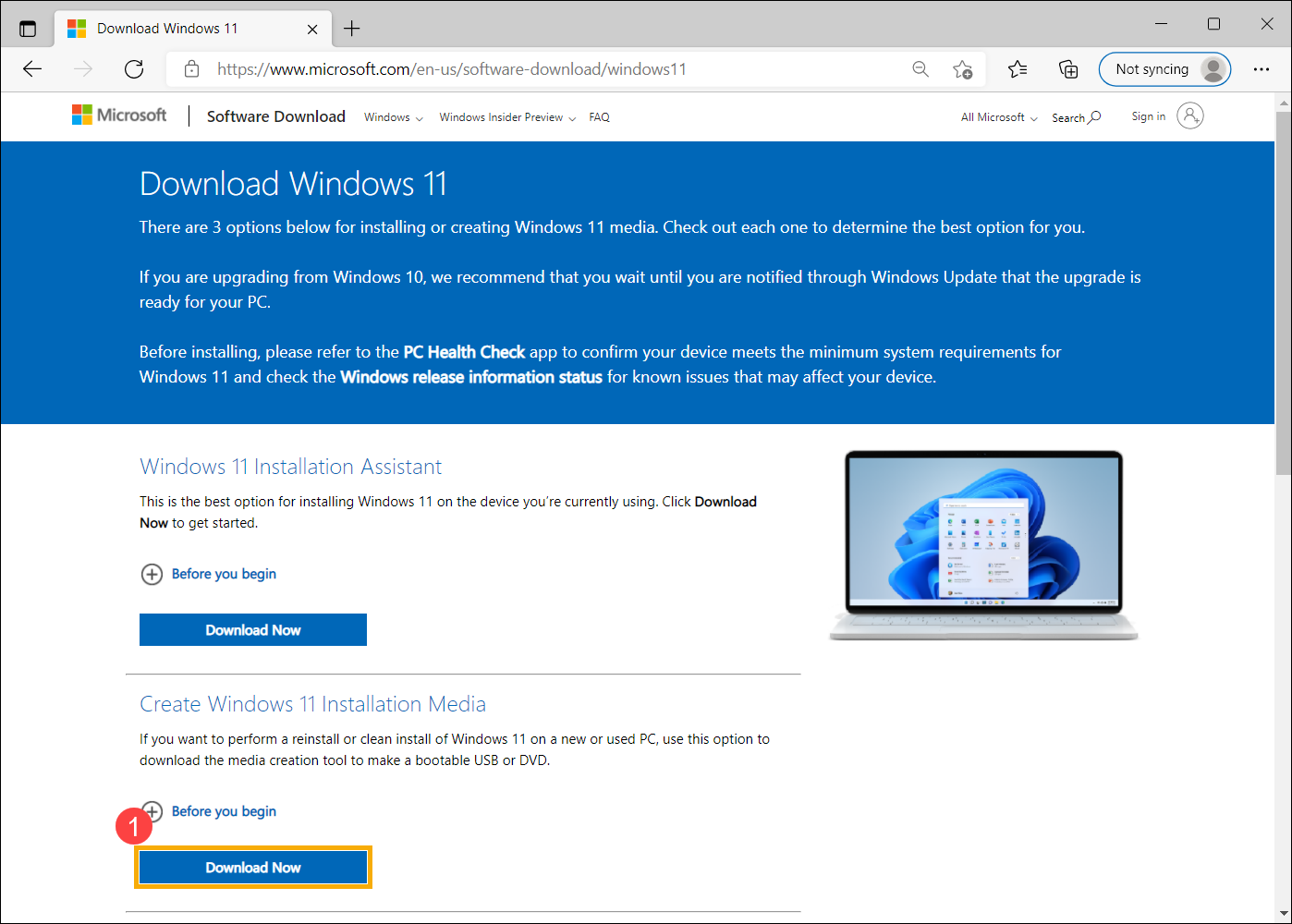
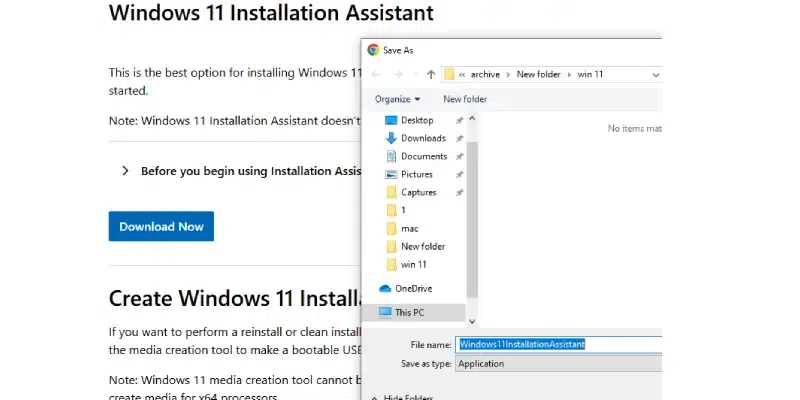
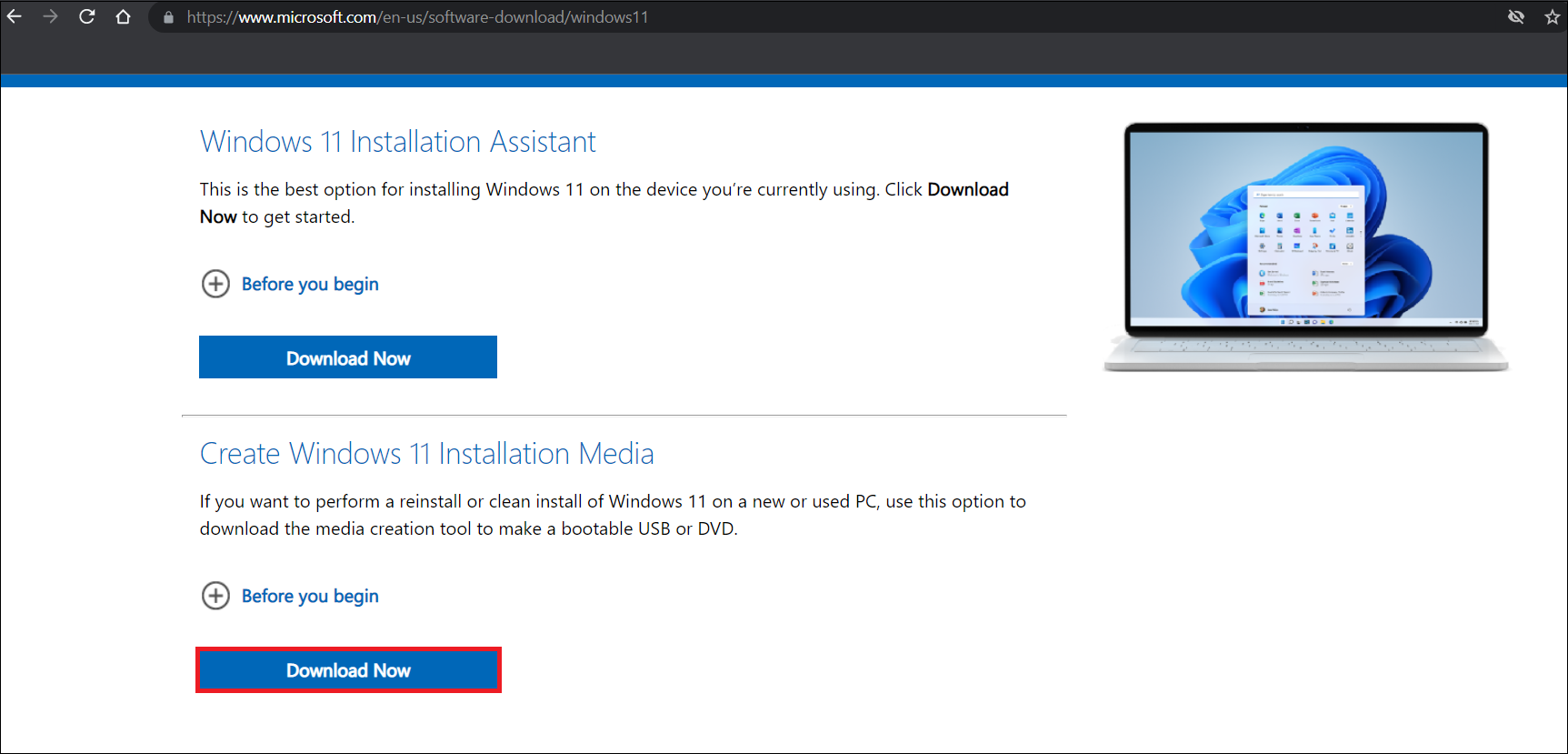
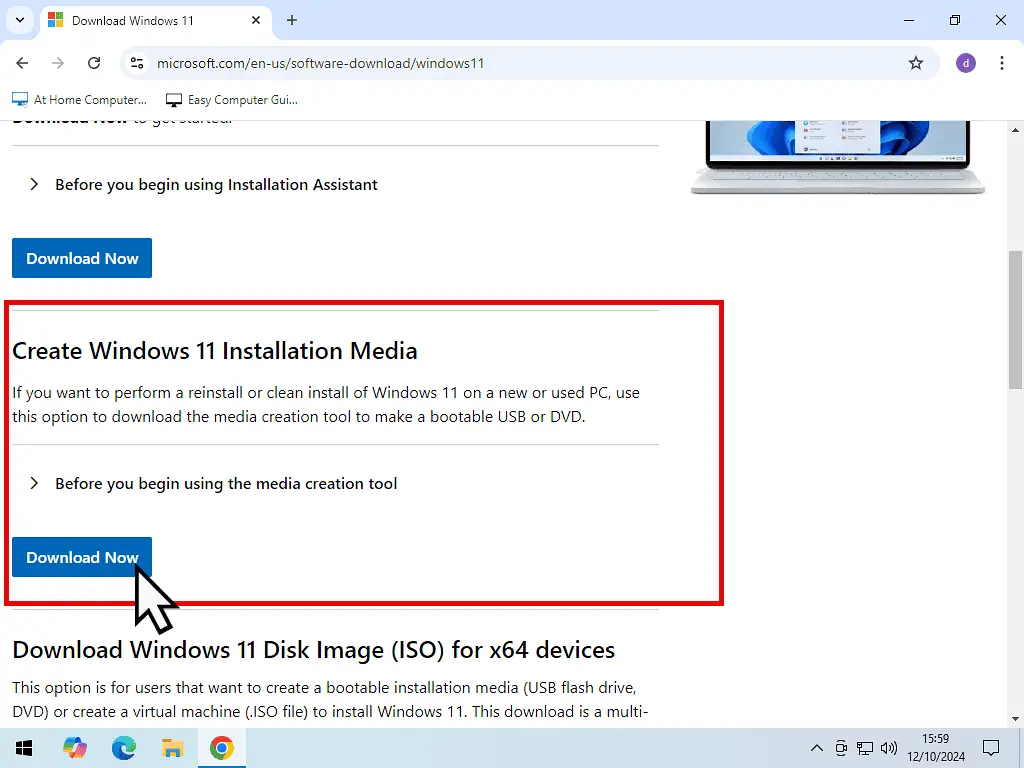
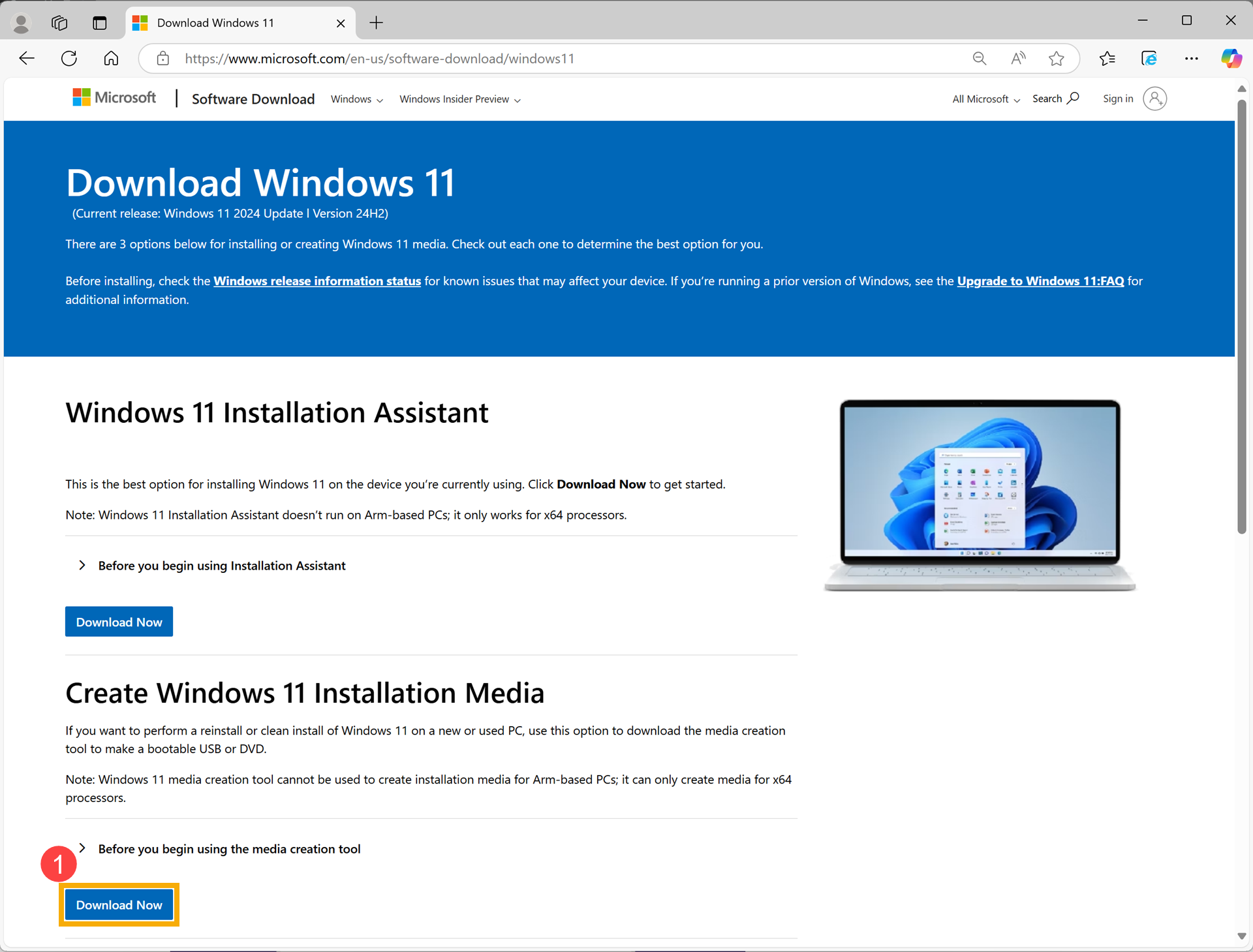
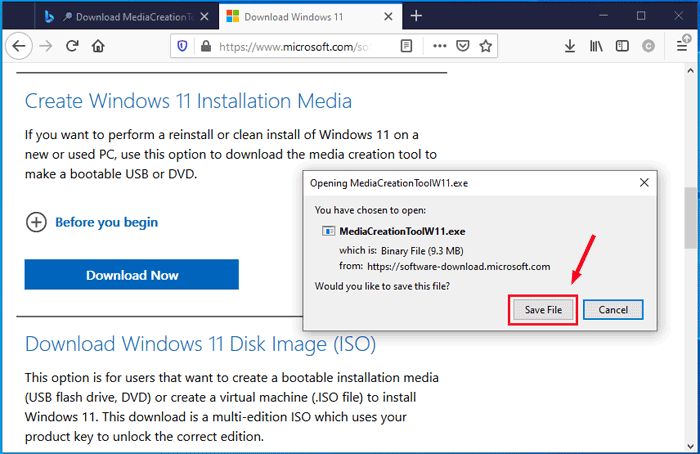
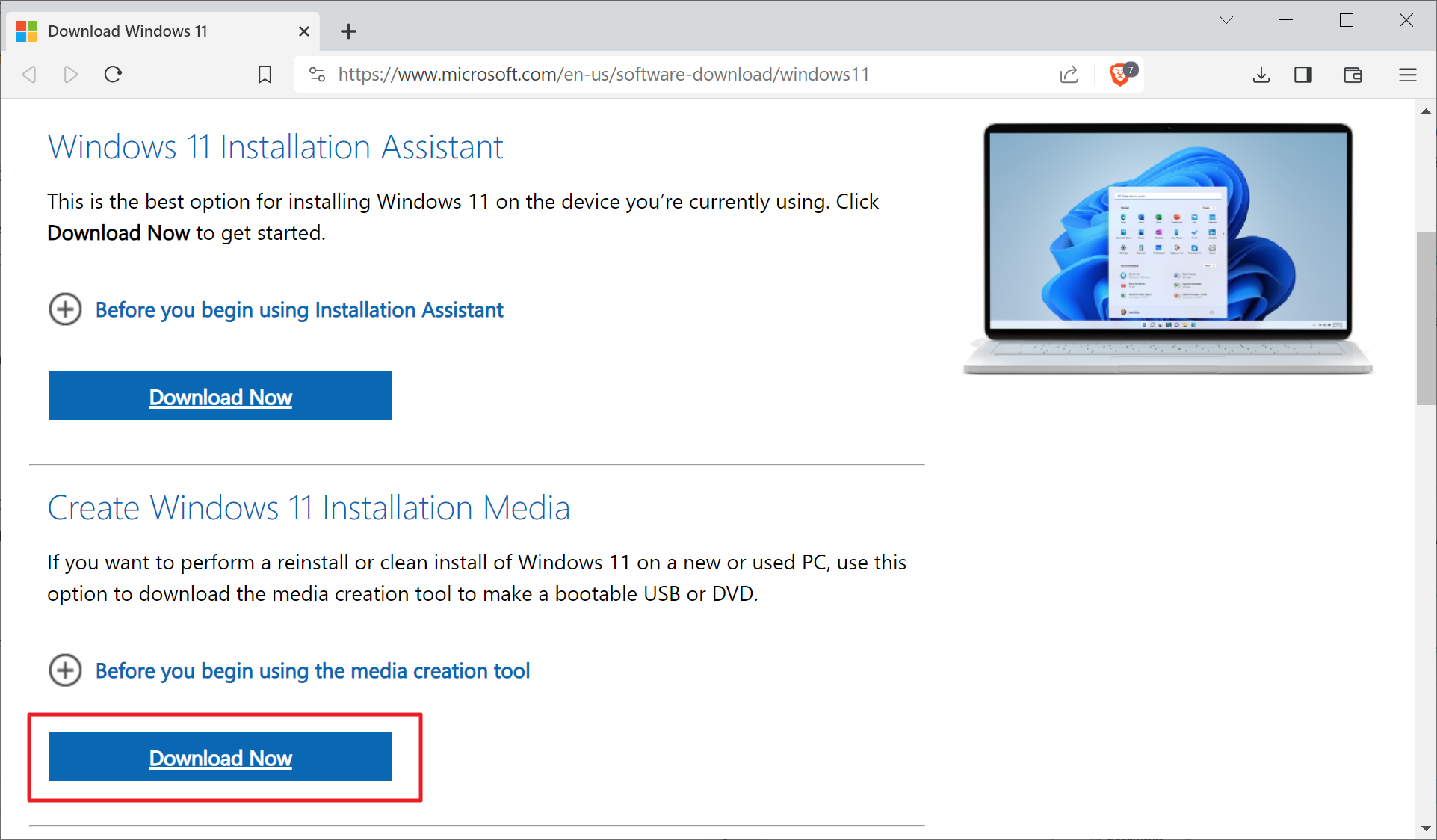
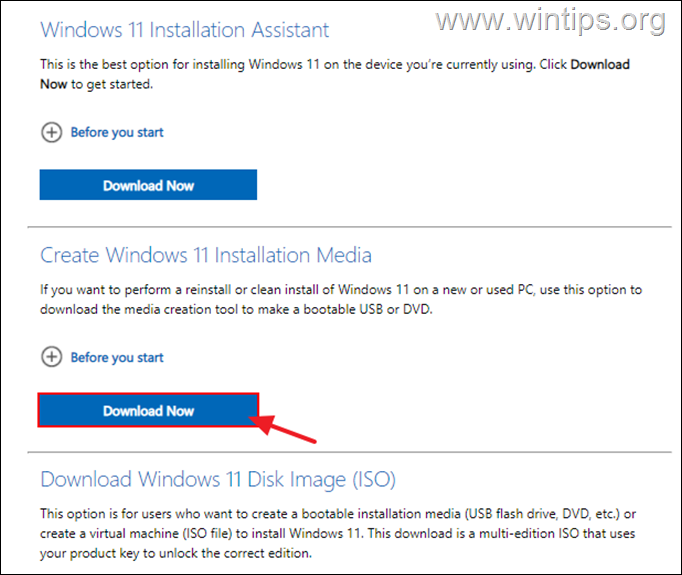
Download Windows 11 Disk Image (ISO) for x64 devices This option is for users that want to create a bootable installation media (USB flash drive, DVD) or create a virtual machine (.ISO file) to install Windows 11 . This download is a multi-edition ISO which uses your product key to unlock the correct edition.

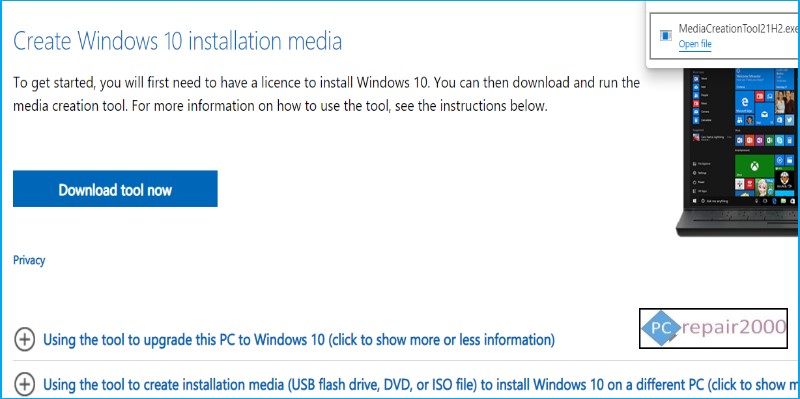
Furthermore, visual representations like the one above help us fully grasp the concept of Create Windows 11 Installation Media From Windows 10.
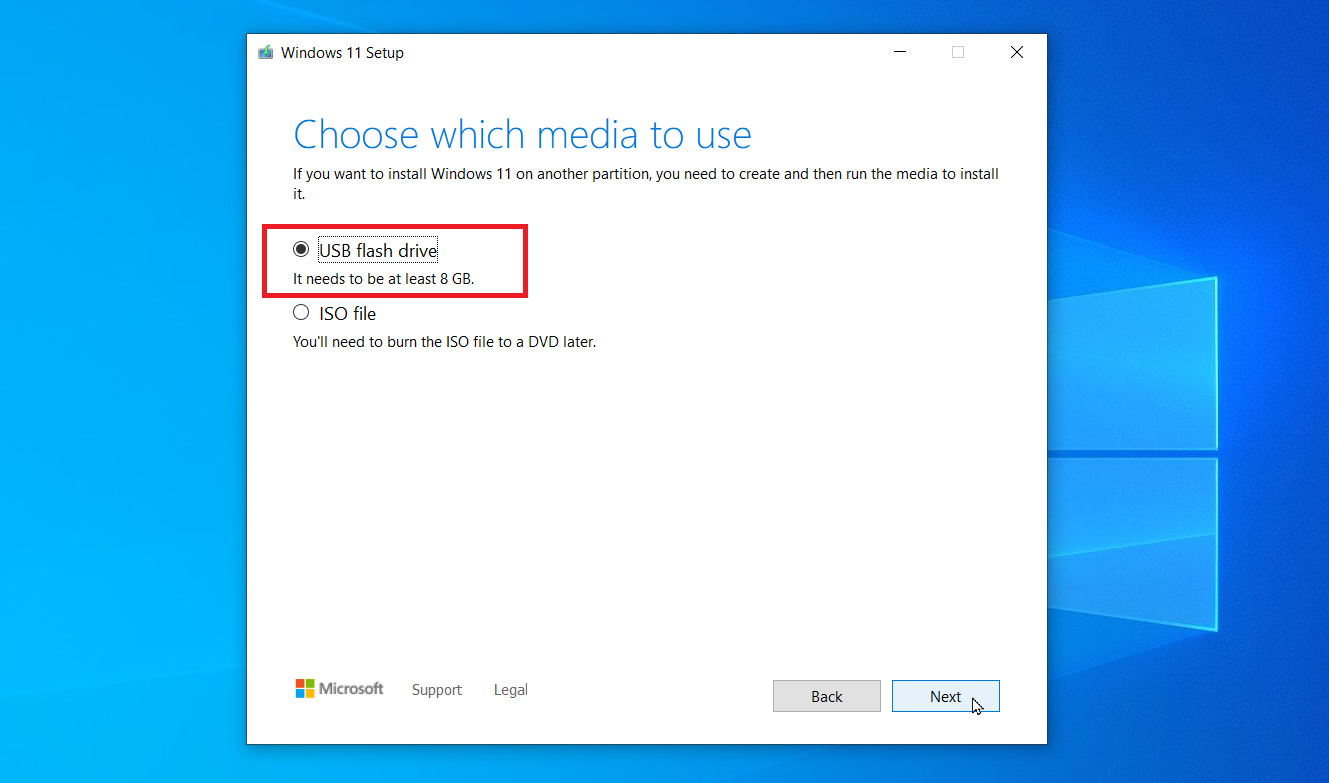
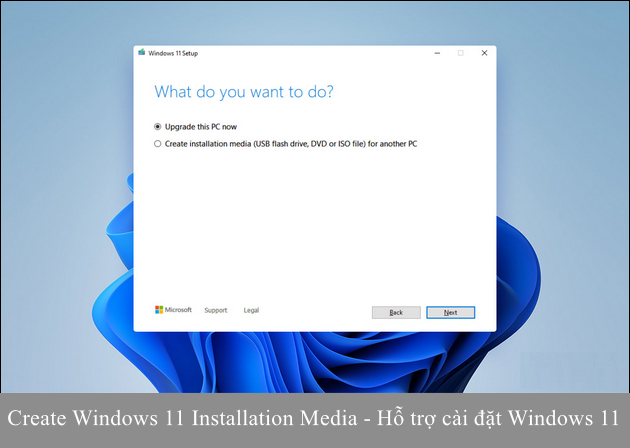
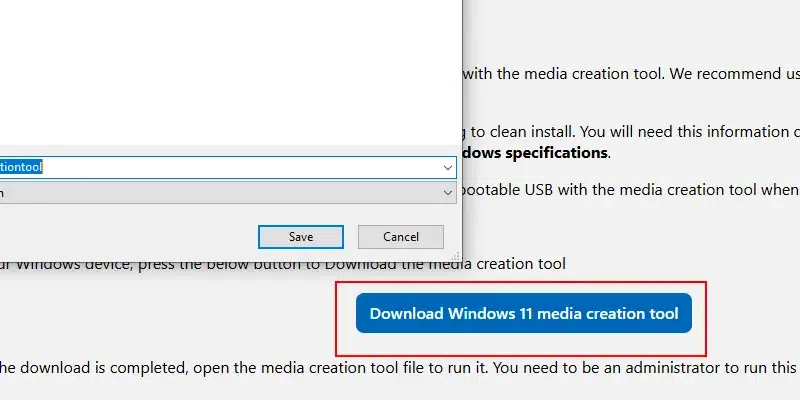
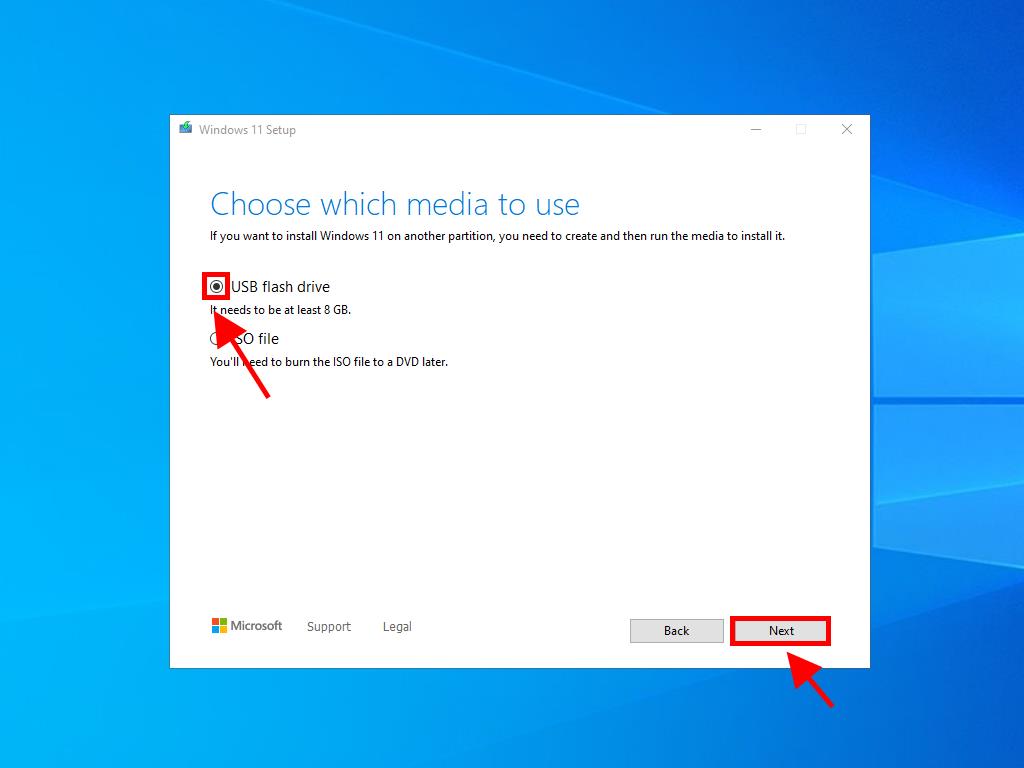
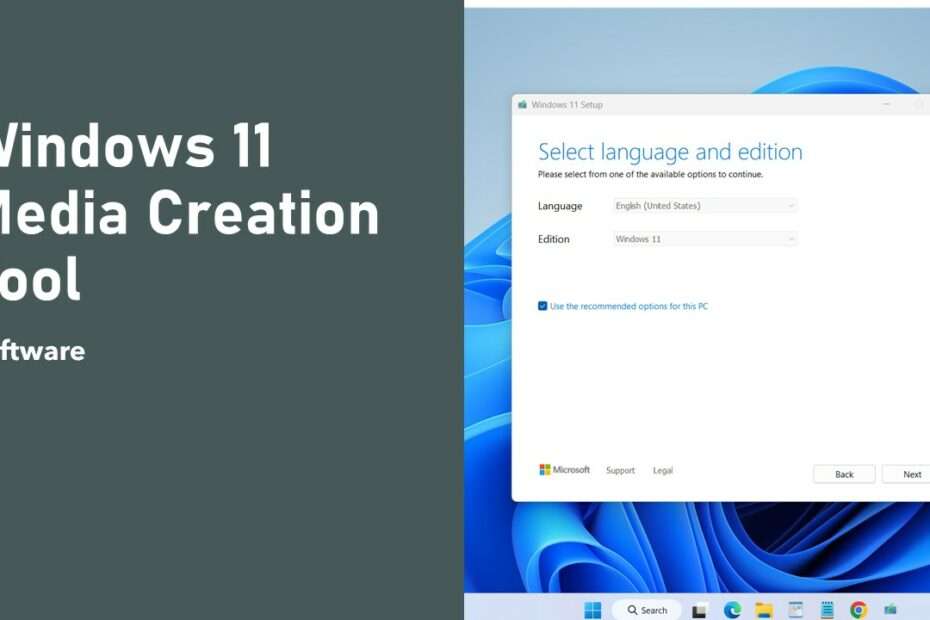
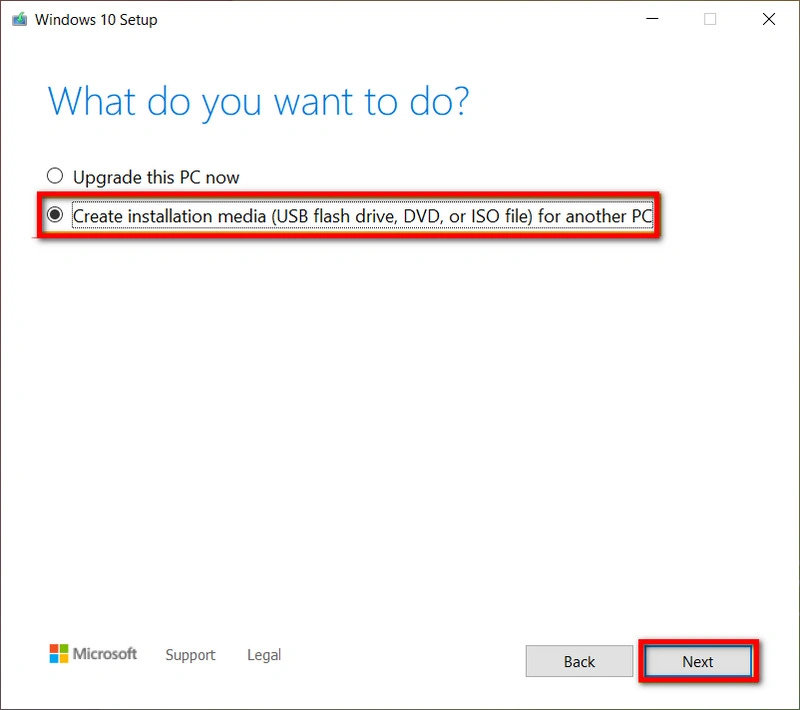
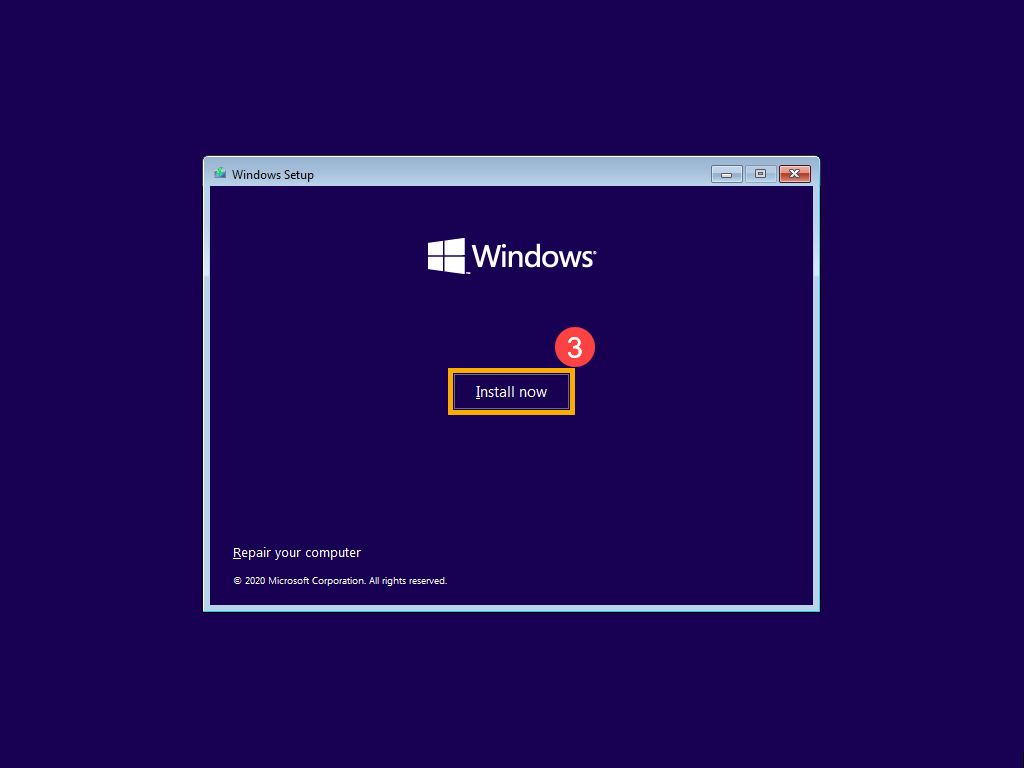
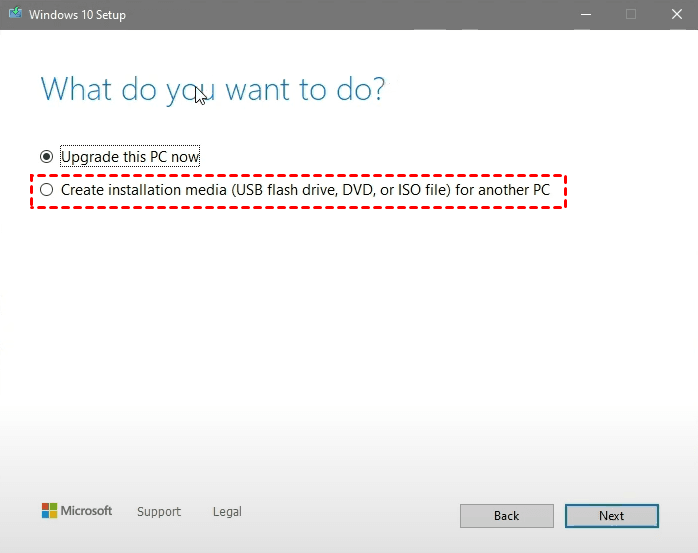
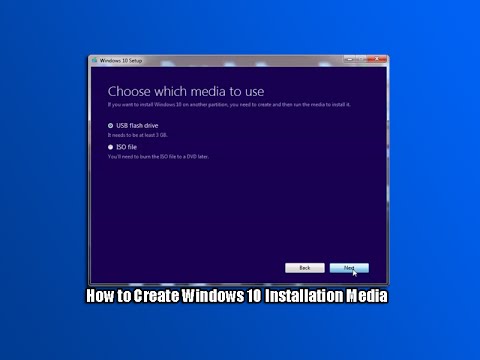
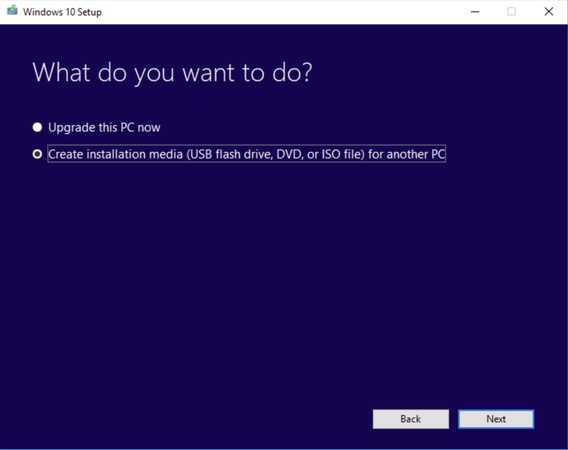
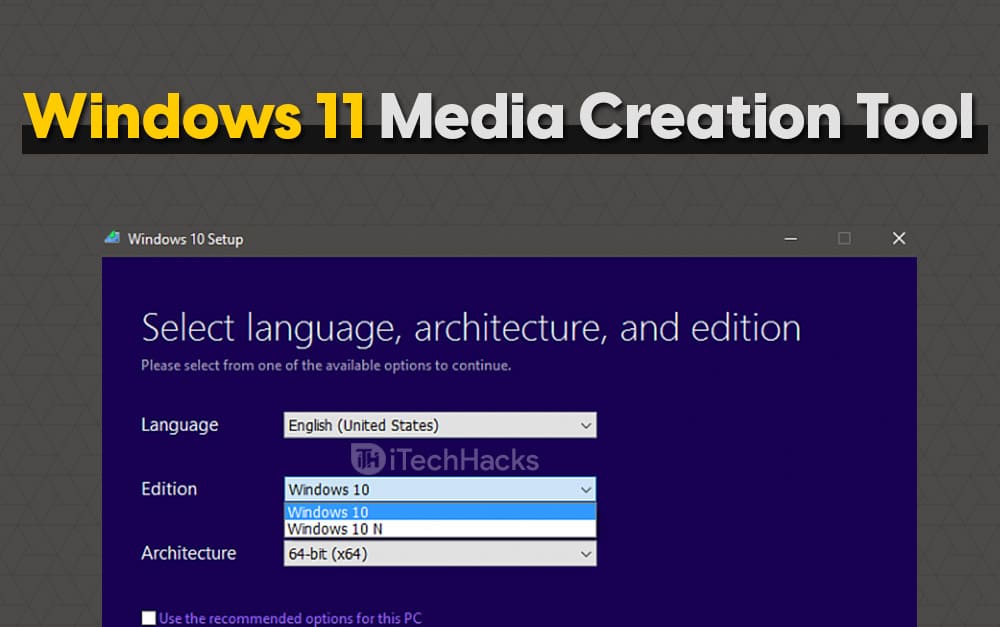
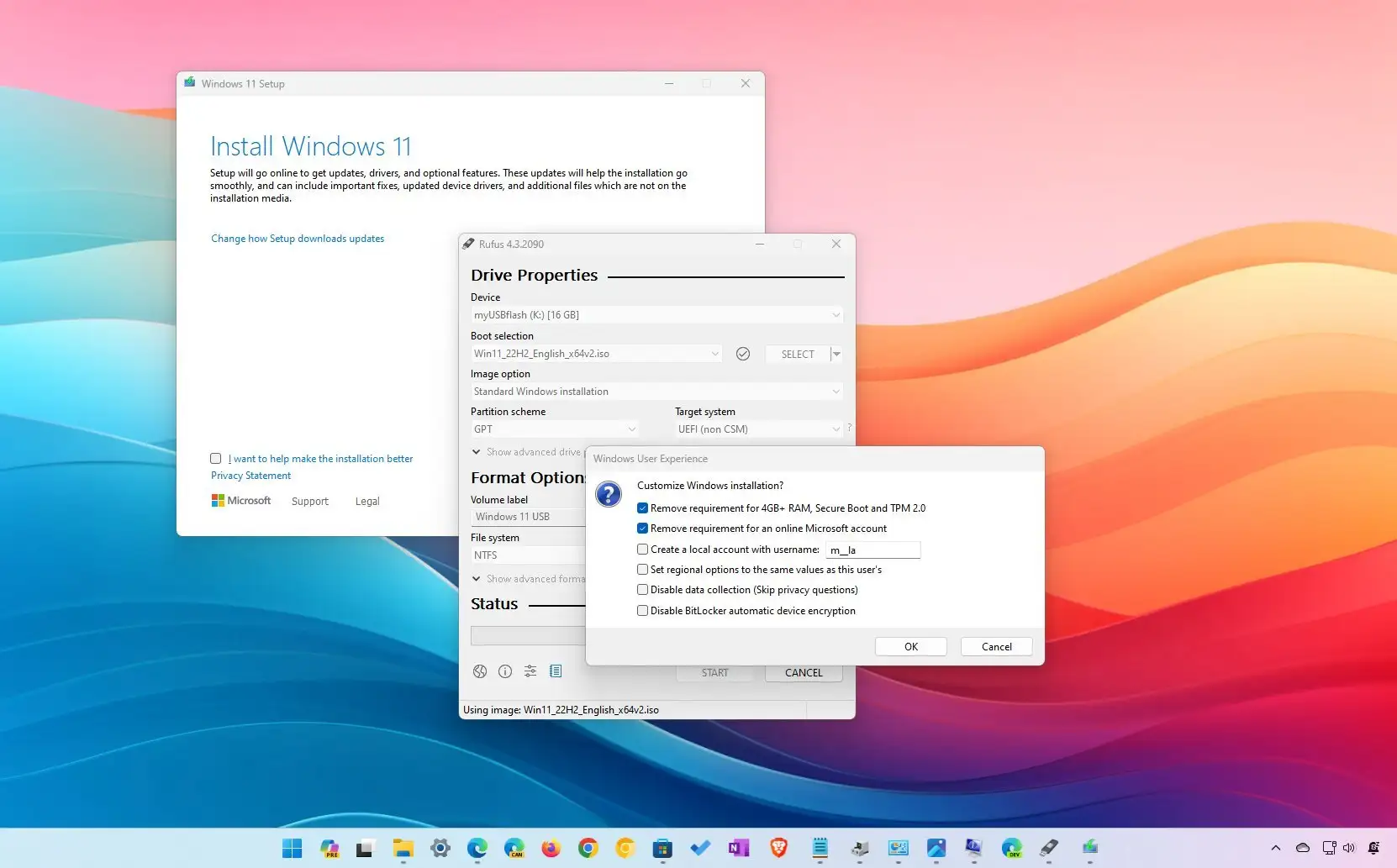
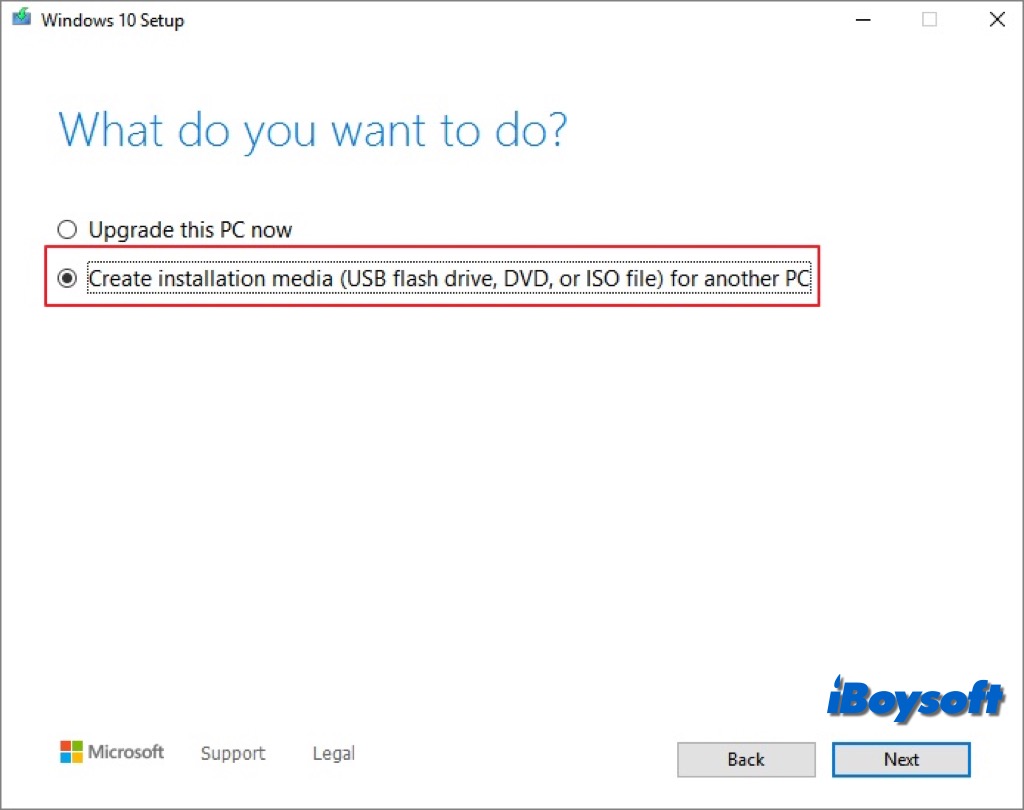
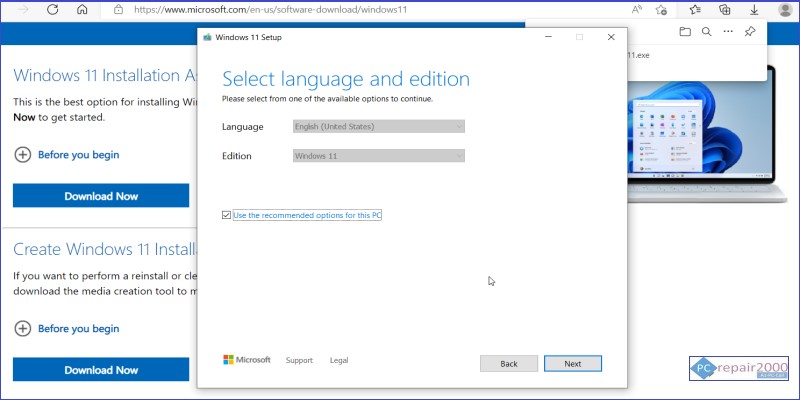
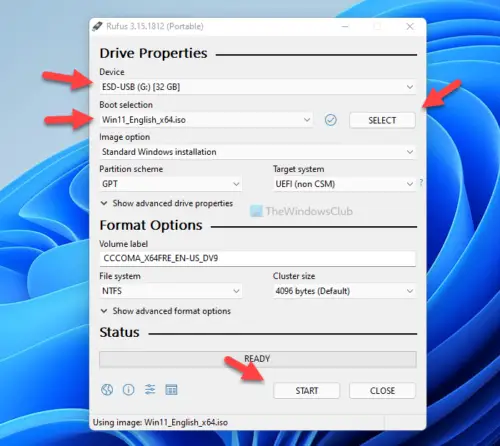
Insert the USB drive into the PC and boot from it to start the installation process. That's it! These are the step-by-step instructions for using the Windows 11 Media Creation Tool to create a bootable USB drive or ISO file for a clean installation of Windows 11 . 24th of September: For Windows 11 25H2 ISO, Paul Thurrott has posted Microsoft links:
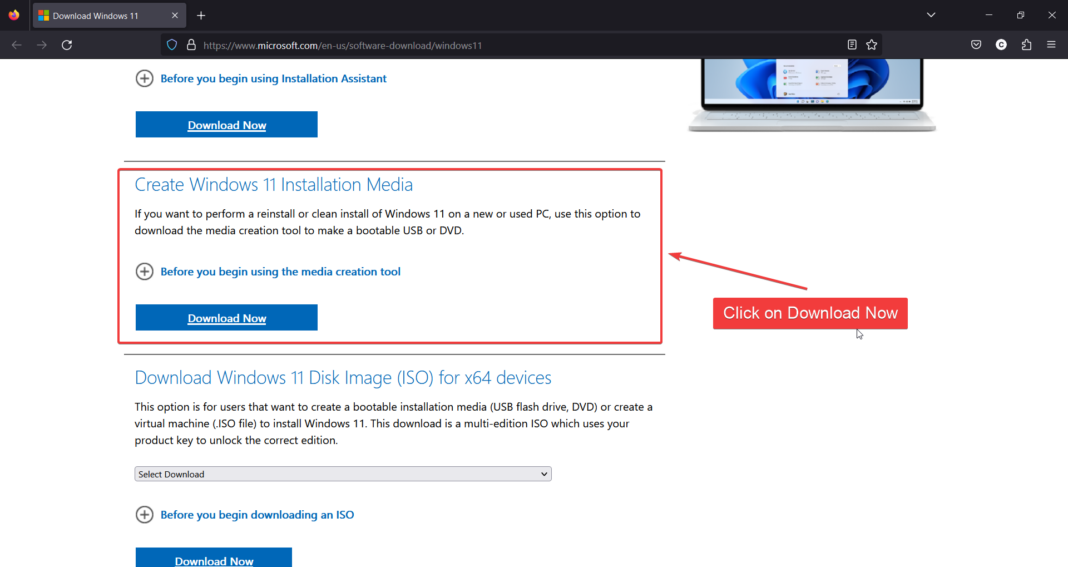
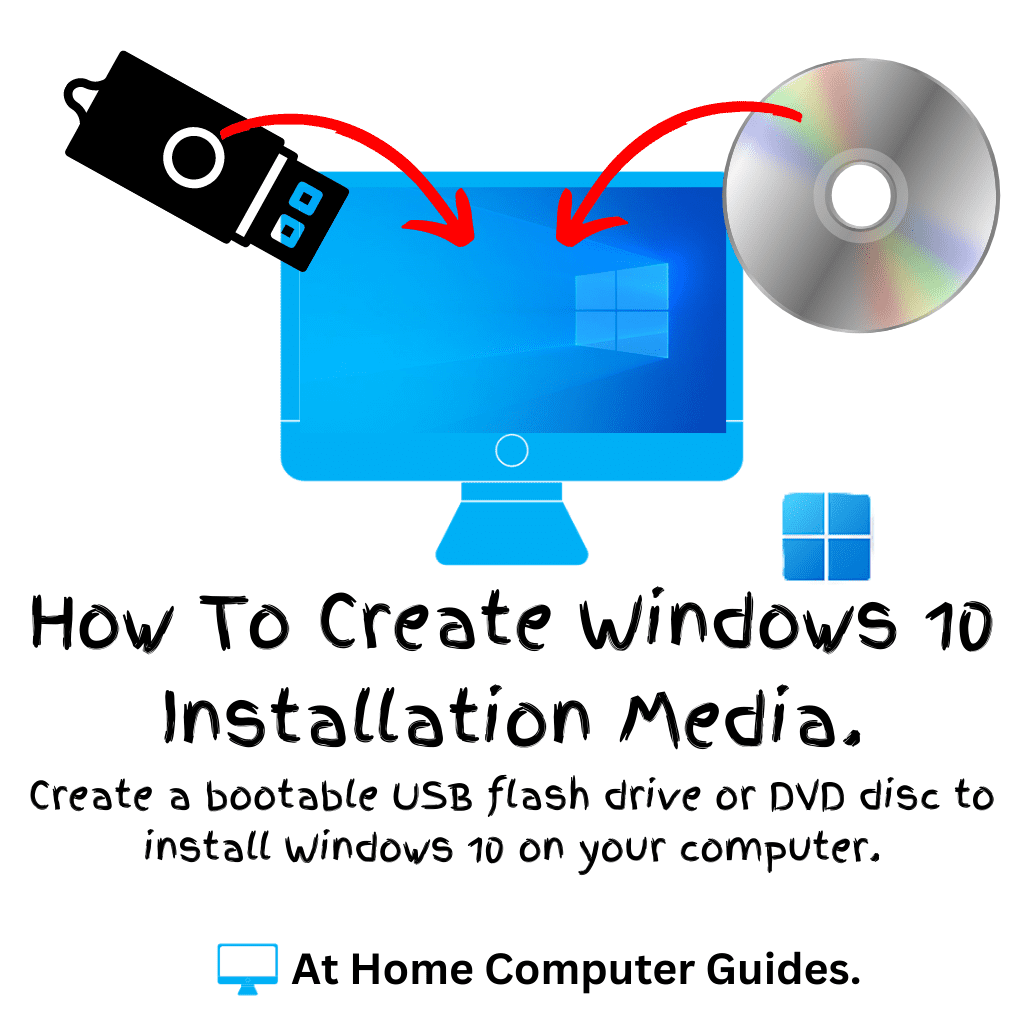
Such details provide a deeper understanding and appreciation for Create Windows 11 Installation Media From Windows 10.
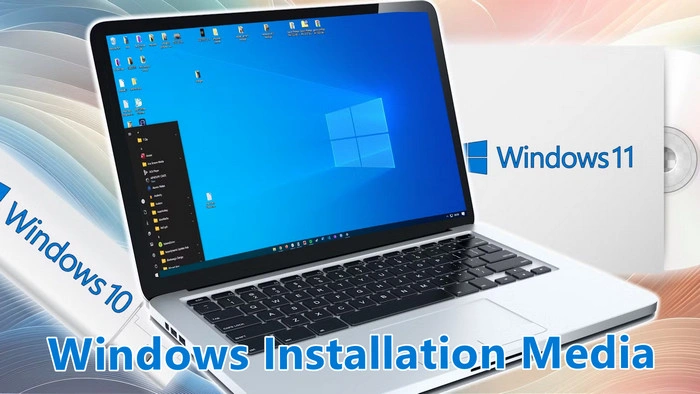
Need to reinstall Windows or fix a broken PC? Learn how to create bootable USB installation media step-by-step with official Microsoft tools.
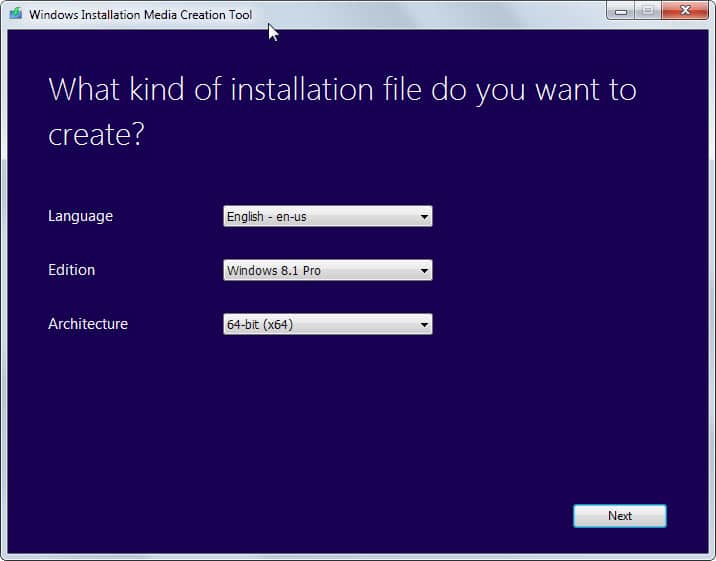
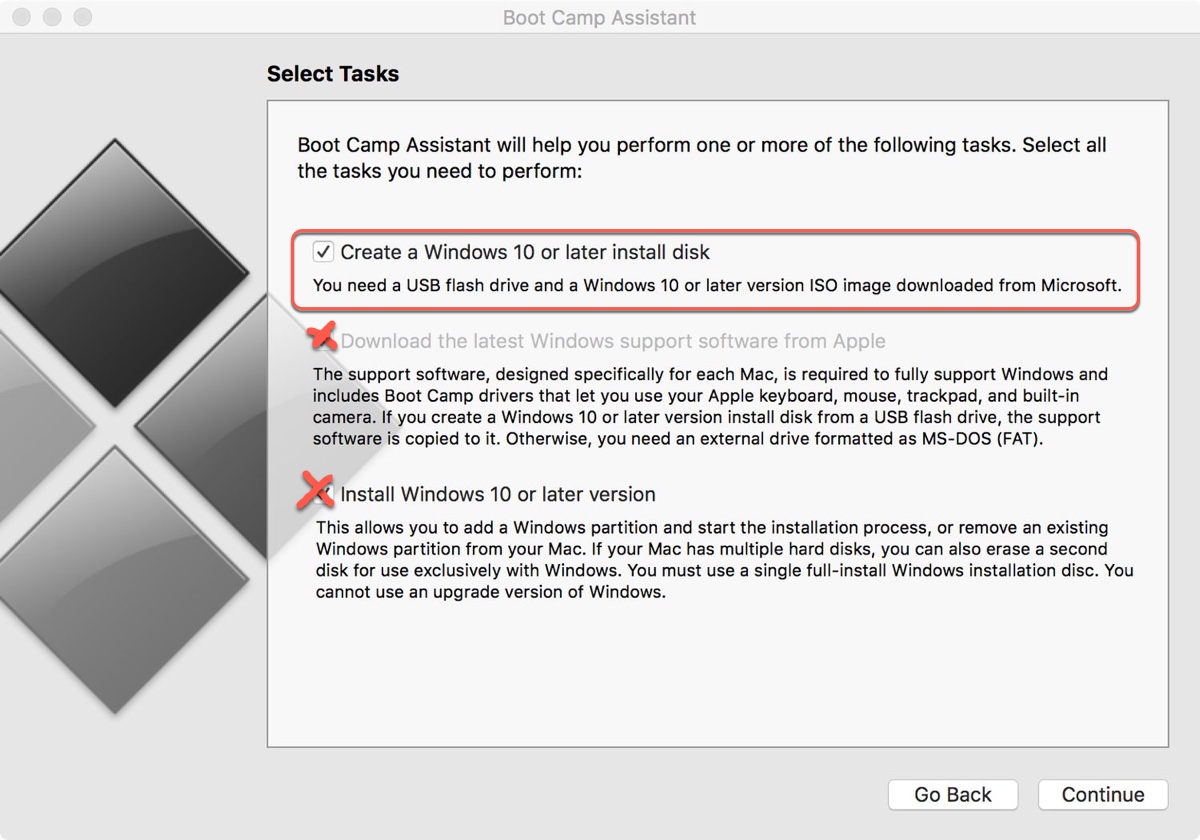
Furthermore, visual representations like the one above help us fully grasp the concept of Create Windows 11 Installation Media From Windows 10.
In addition to installation , the Windows 11 bootable USB can be used to repair or recover an existing Windows 11 installation . With the help of installation media , you can access advanced troubleshooting tools and utilities to diagnose and fix various issues, such as startup problems, corrupted system files, or boot errors.