Unveiling the Magic of D Link Router Configure Wireless Access Point with Stunning Visuals
How to configure a Dlink router as an access point
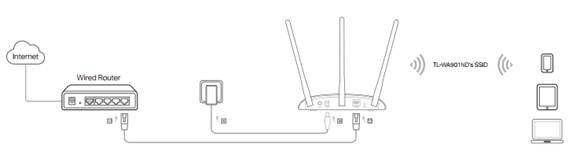
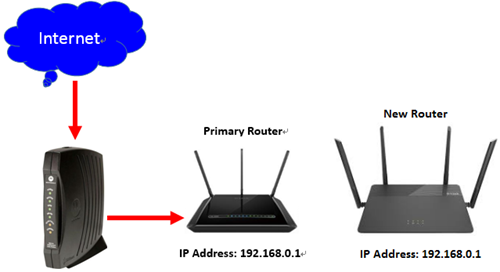
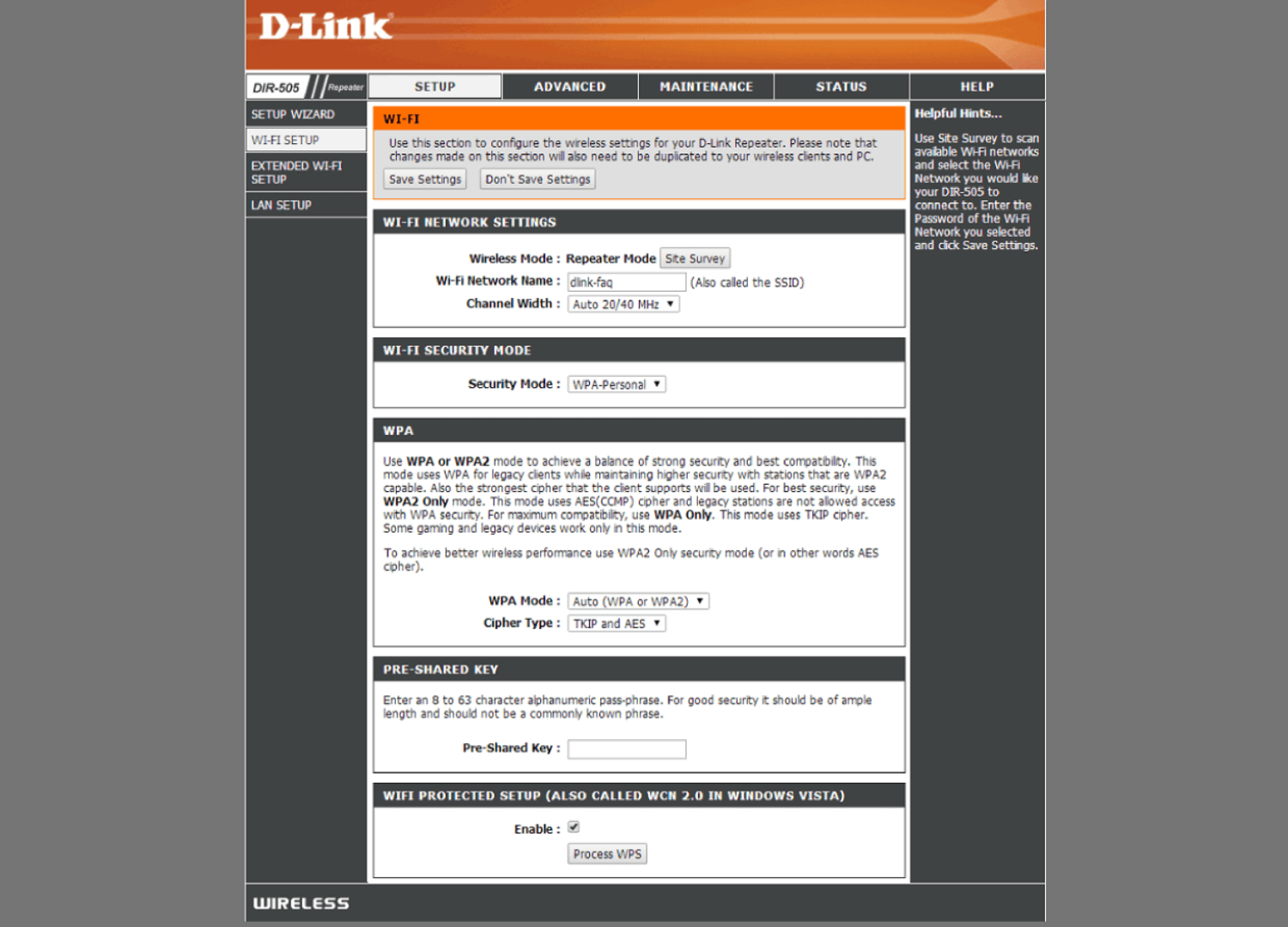
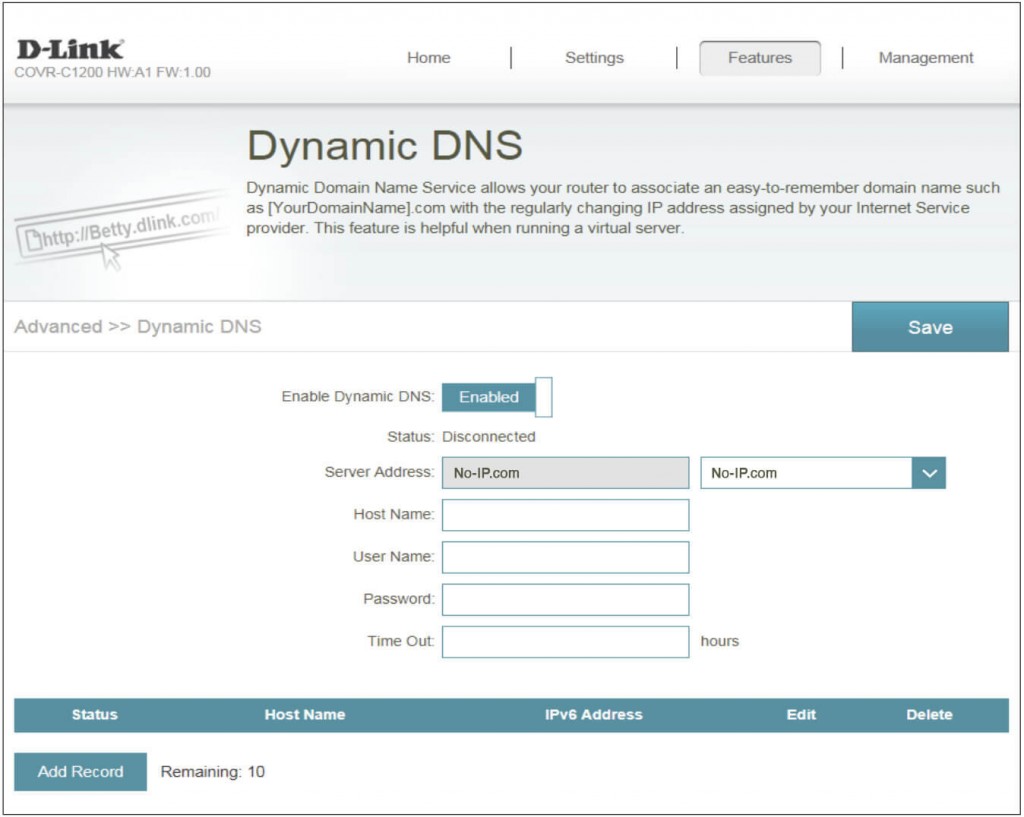
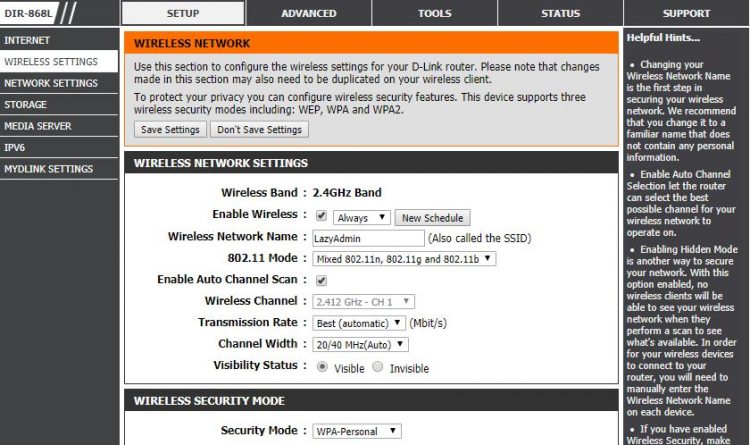
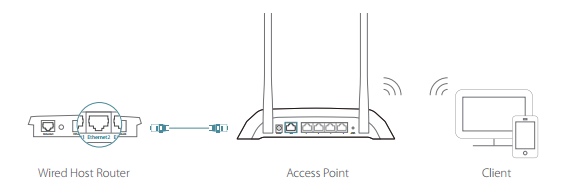
In this tutorial, we'll explain how to configure your D-Link router as an access point to improve your wireless network coverage. An access point is a device used to extend your wireless network signal, allowing more devices to connect to it.
D Link Router Configure Wireless Access Point
Moving forward, it's essential to keep these visual contexts in mind when discussing D Link Router Configure Wireless Access Point.
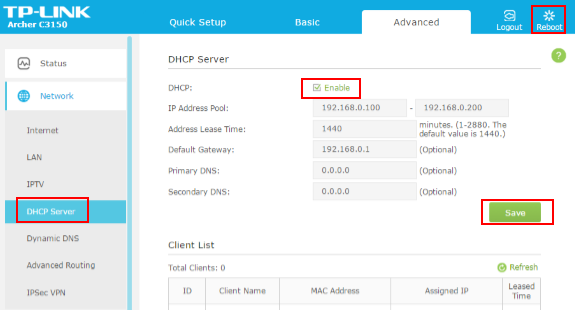
Clients connecting to the DIR-600L's Wi-Fi will receive IP addresses from your primary router's DHCP server, ensuring seamless integration. We trust this guide helps you successfully configure your D-Link DIR-600L as a robust Access Point , enhancing your network's wireless coverage and maintaining optimal network topology.
D Link Router Configure Wireless Access Point
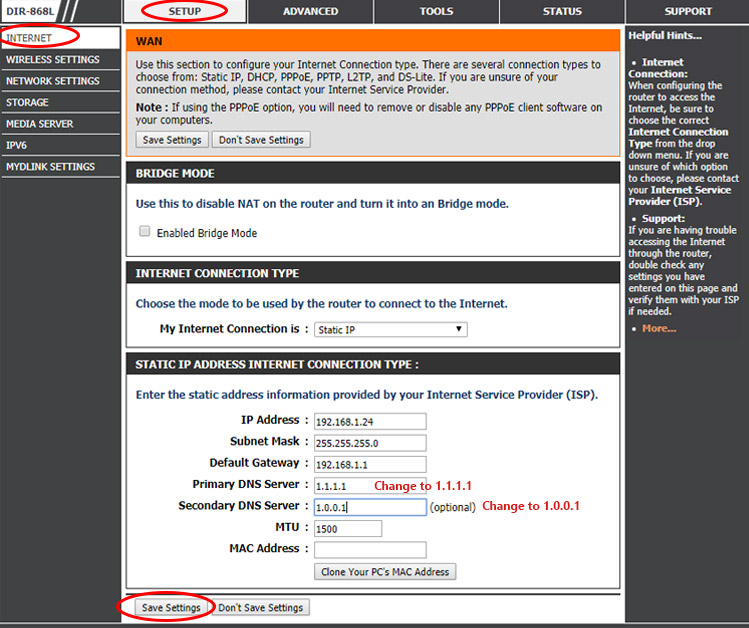
Can someone help me setup this dlink router as wireless access point to my home network with access to the lan and internet? Some details to help home network: 192.168..1/24 dlink router IP settings: 192.168..3/24 Some images.
D Link Router Configure Wireless Access Point
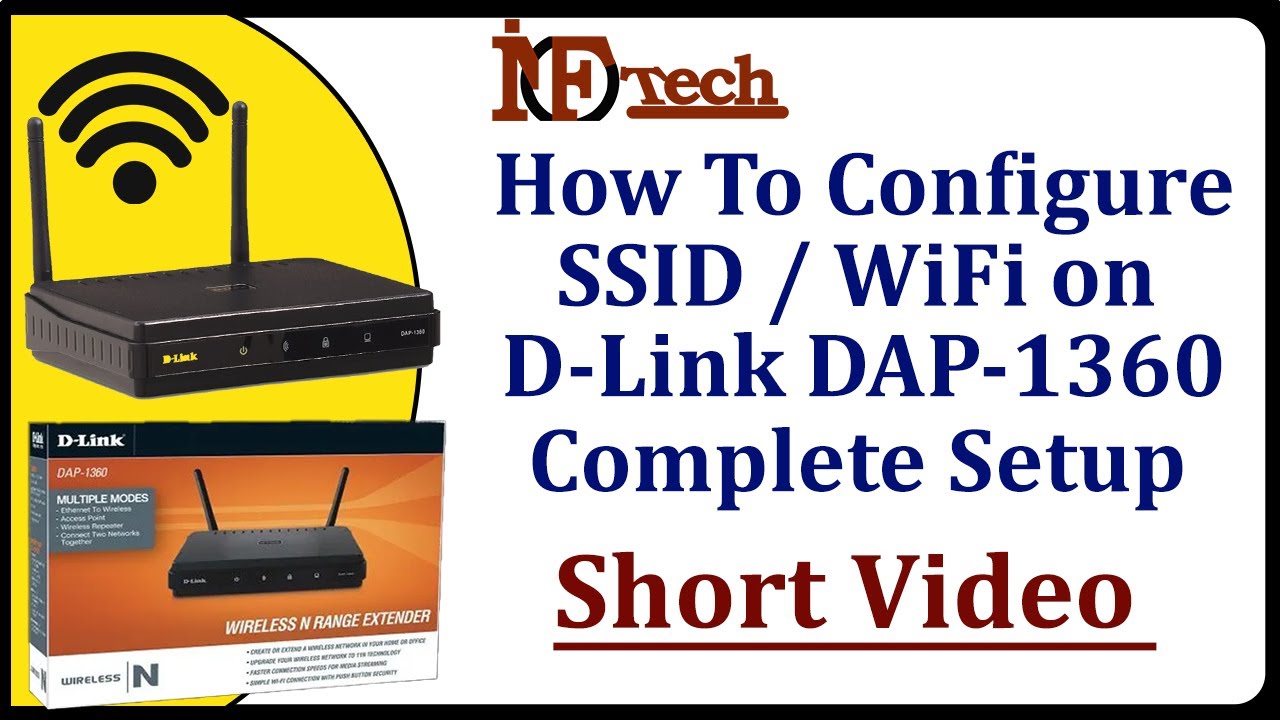
How to change Dlink router to access point (2025) I S M TECH
In this video, learn how to convert your D-Link router into an access point , step by step! This easy guide will help you turn your spare router into a powerful Wi-Fi extender for your home or office.