How to Replace Or Upgrade Power Supply
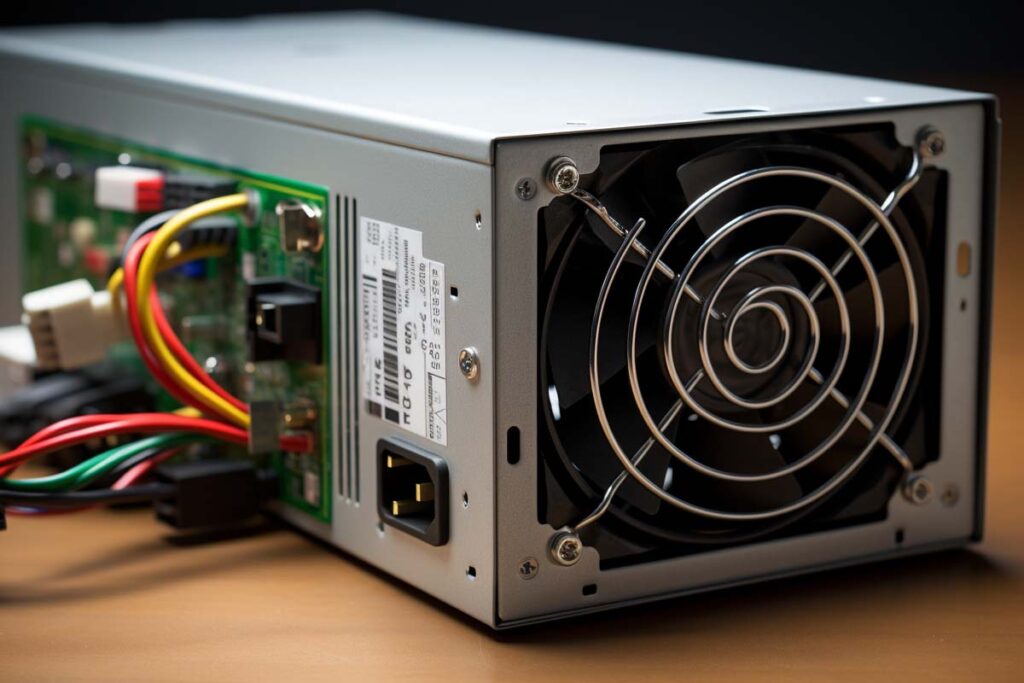
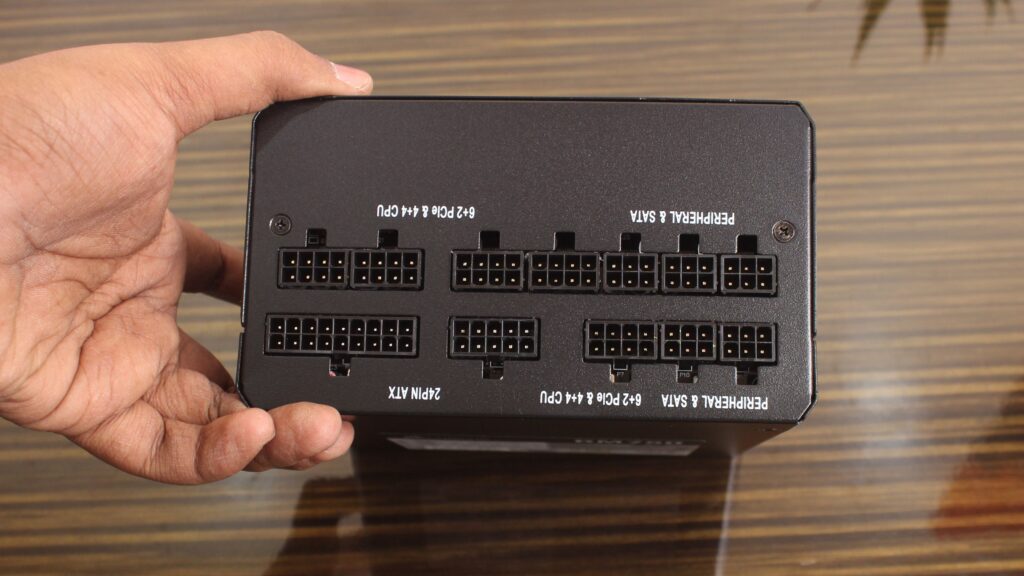
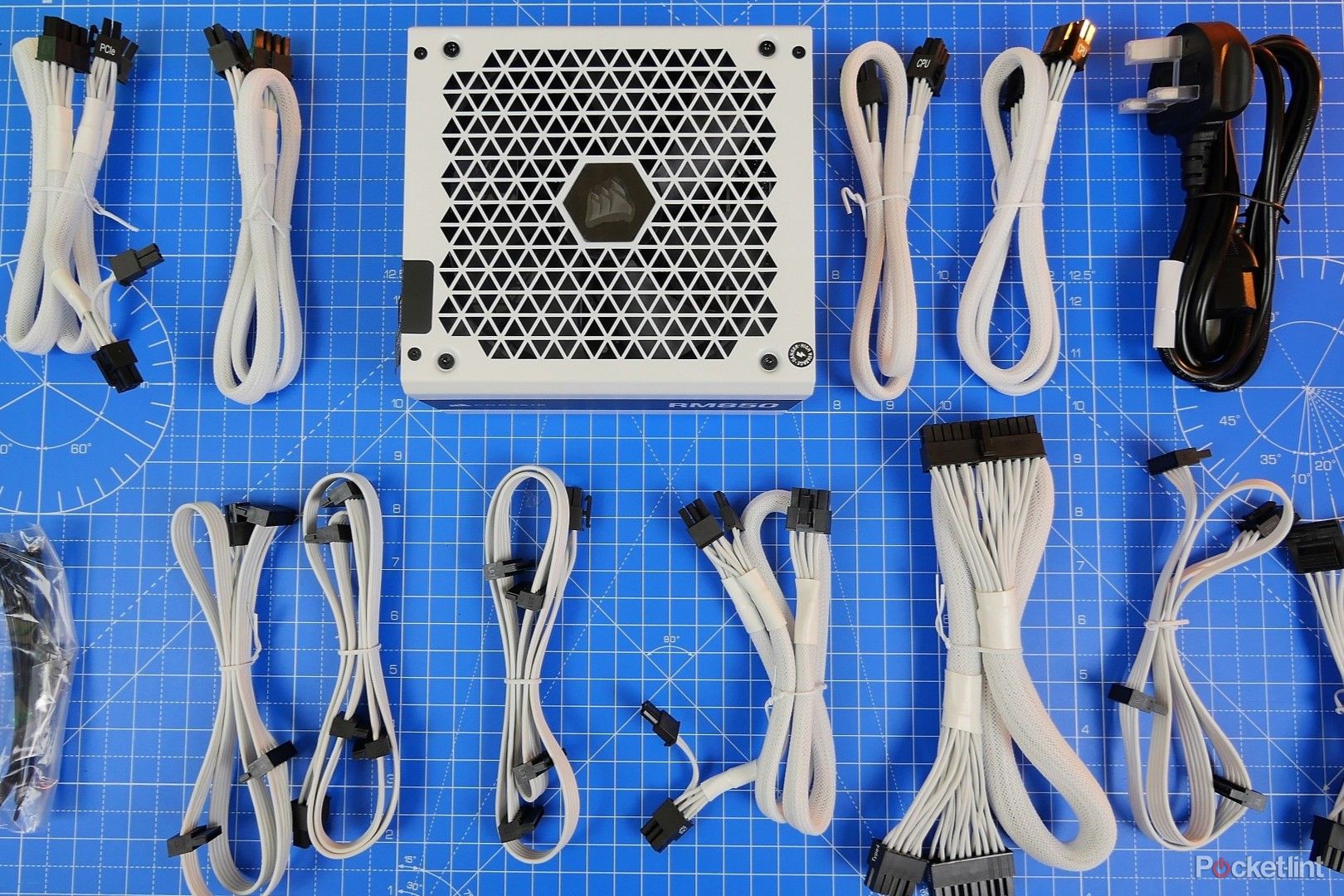
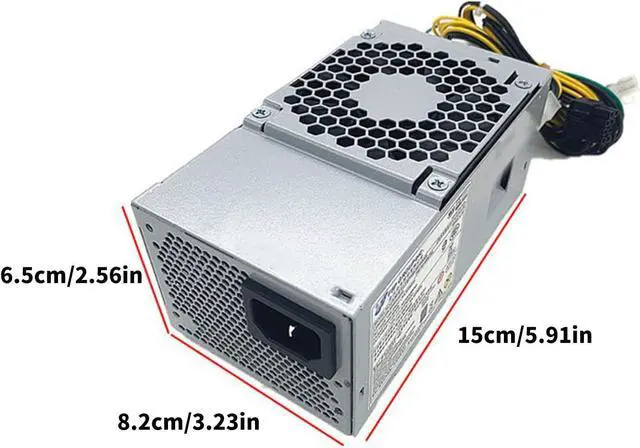
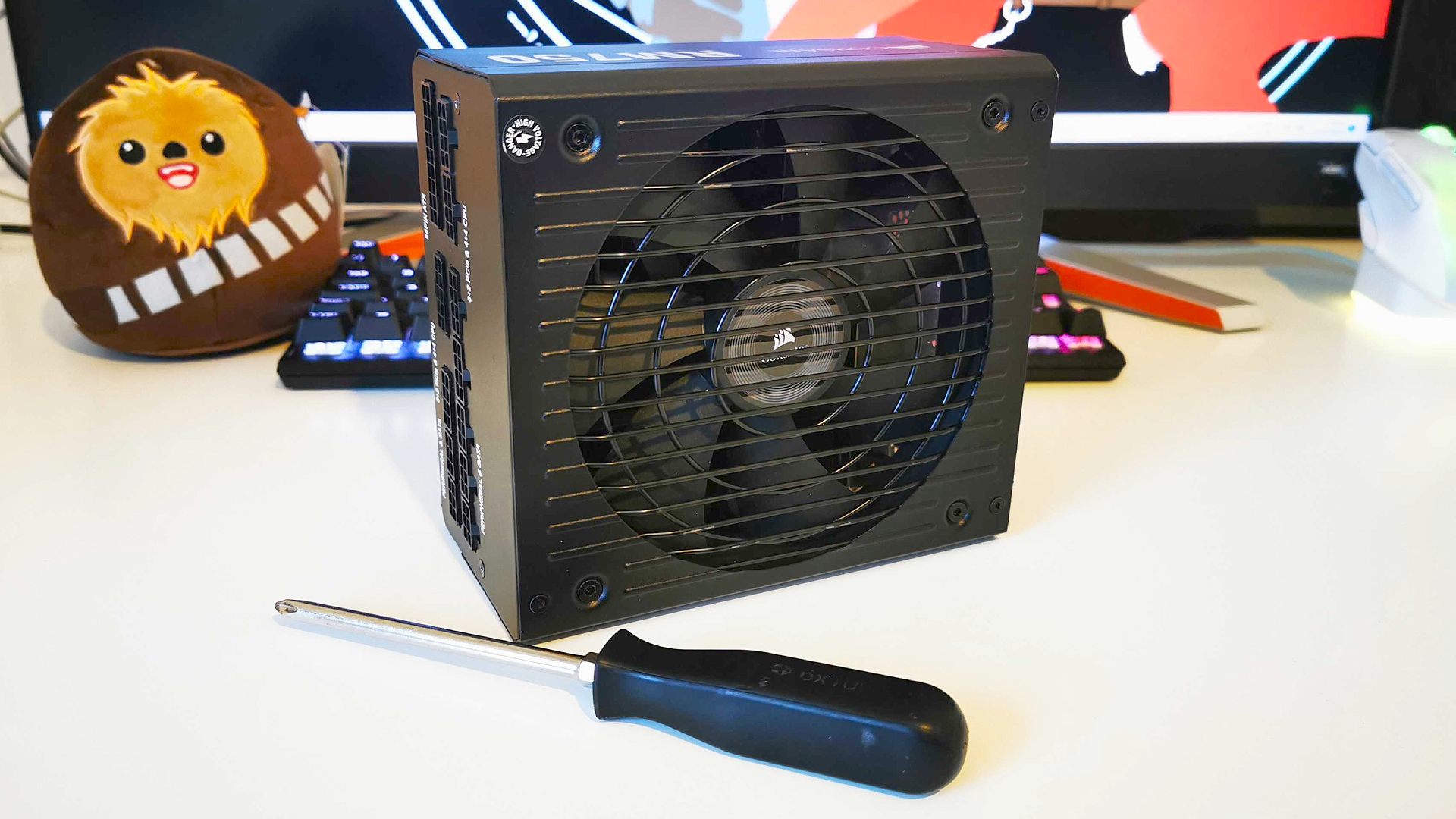
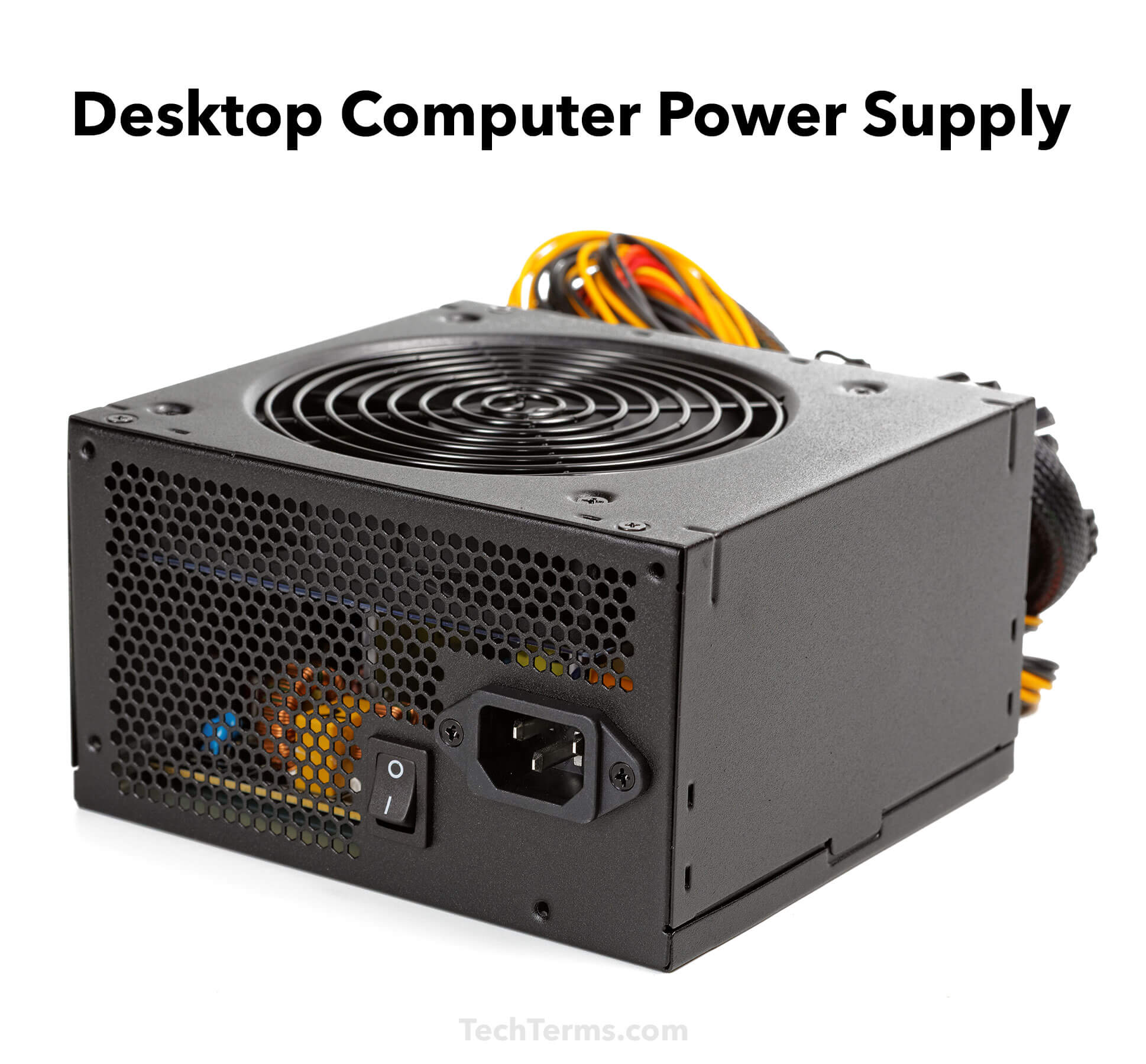
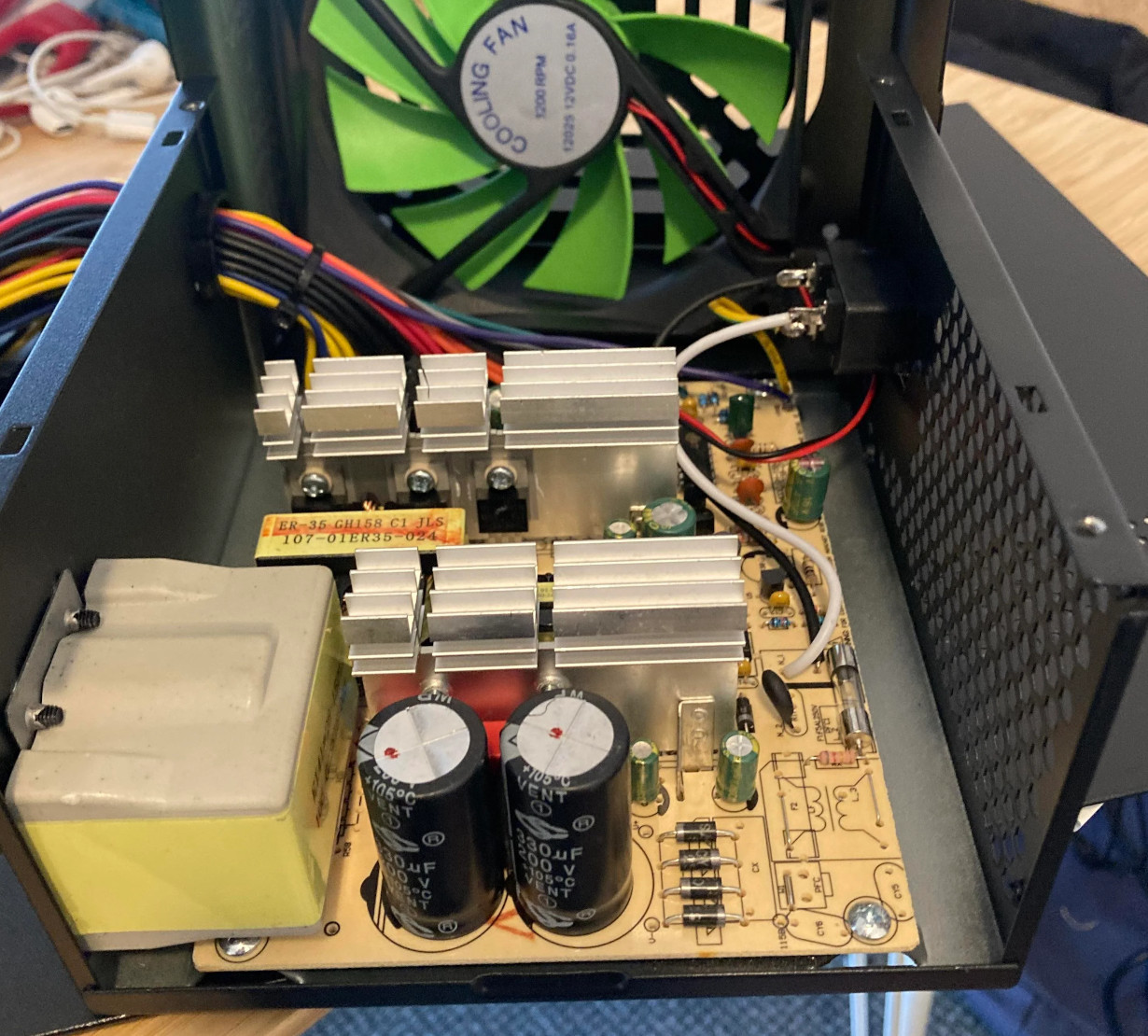
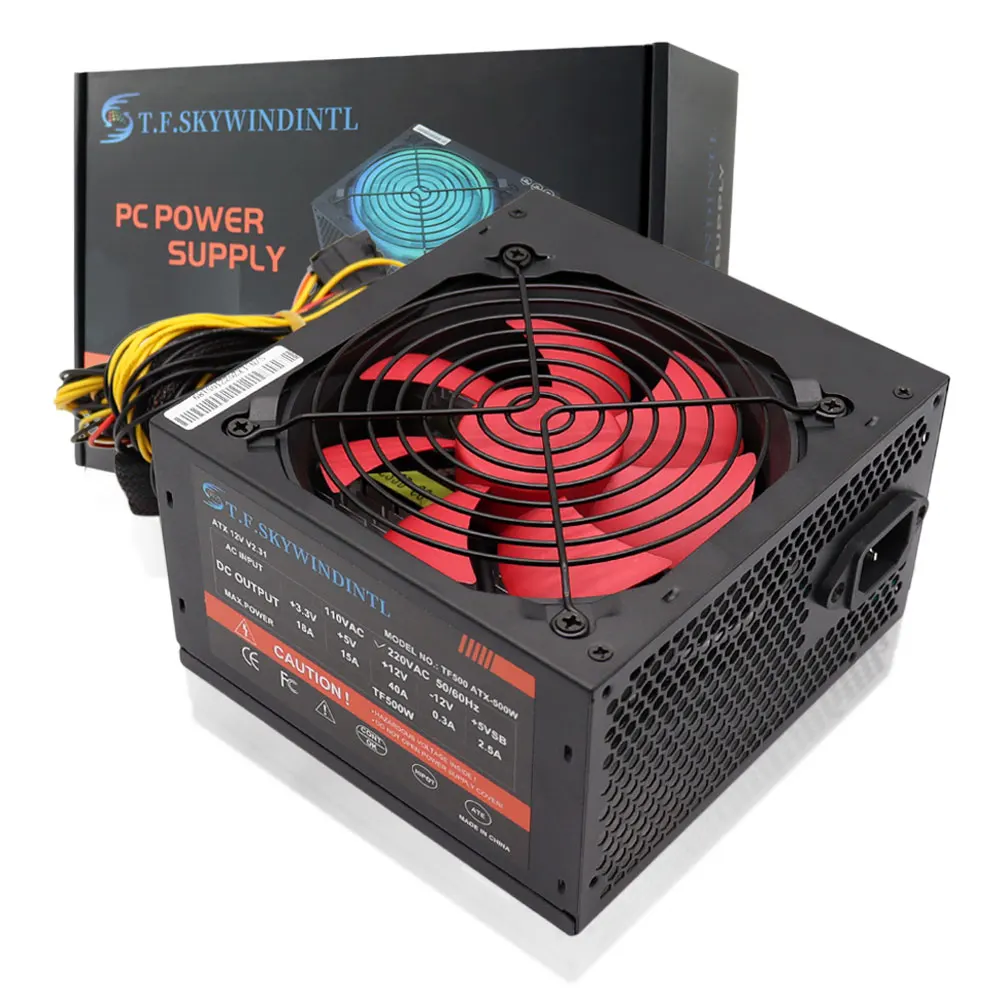
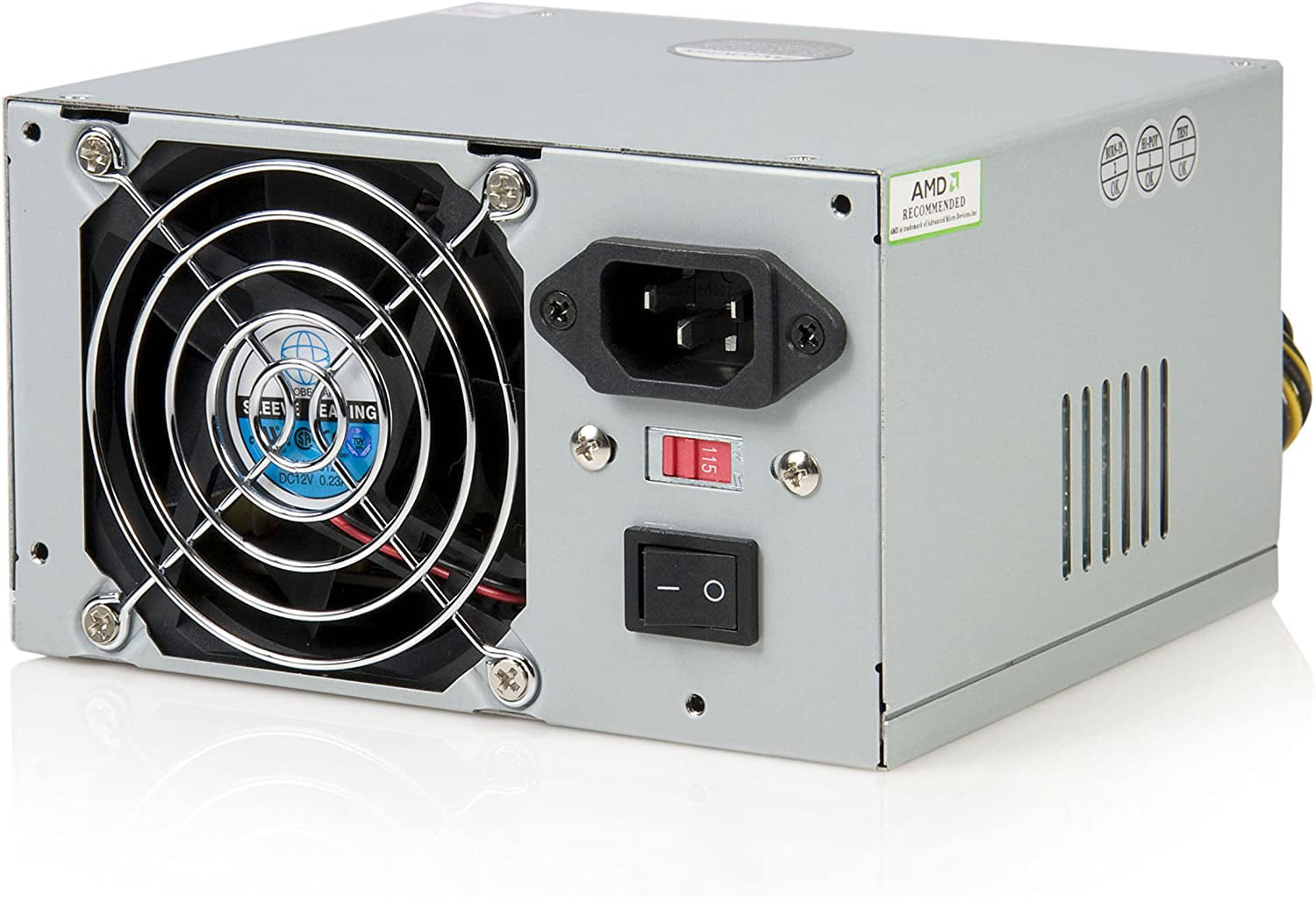
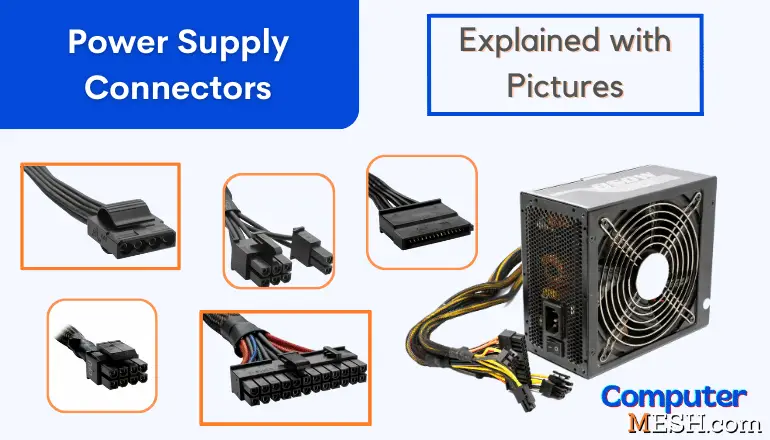
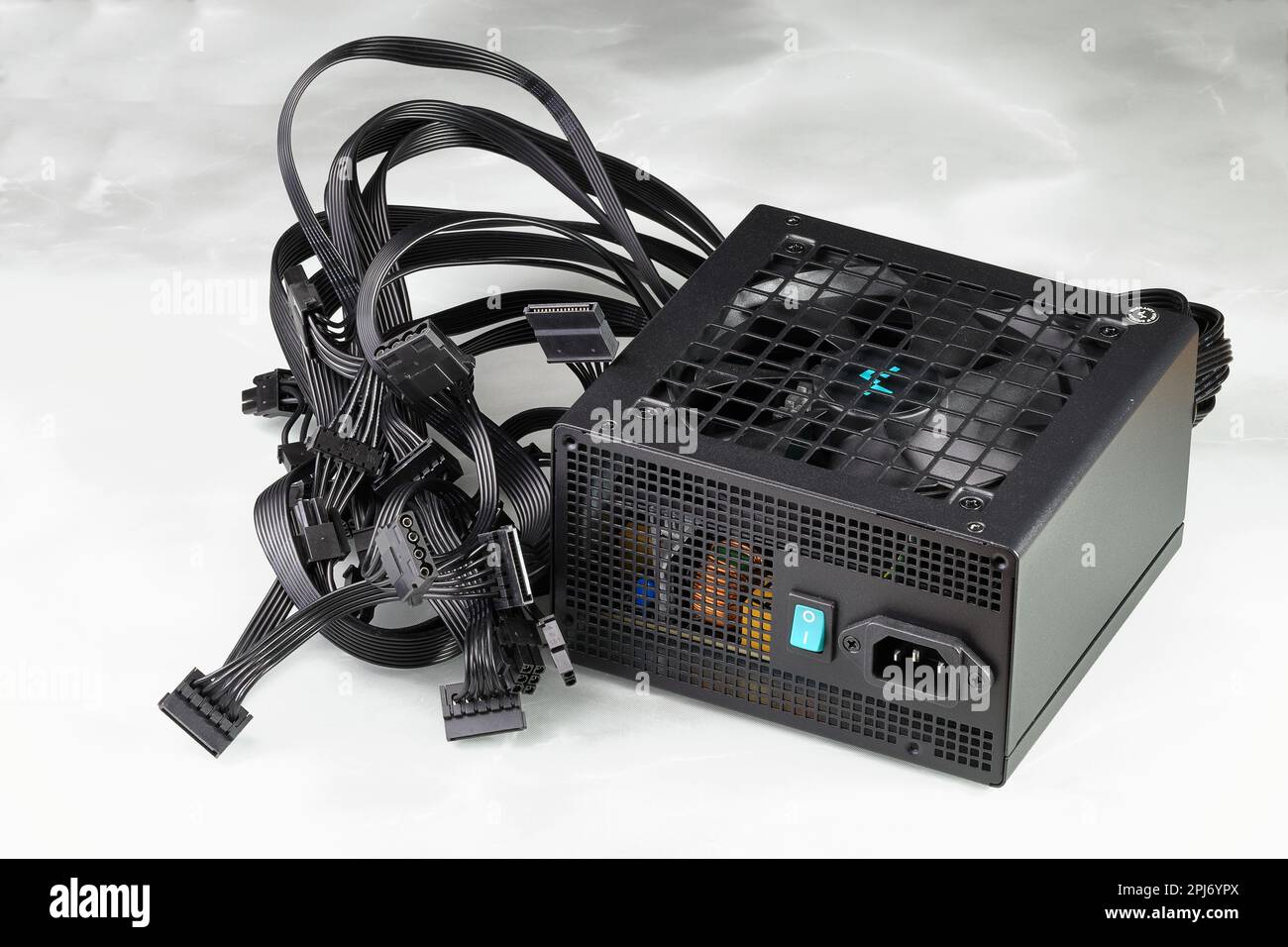
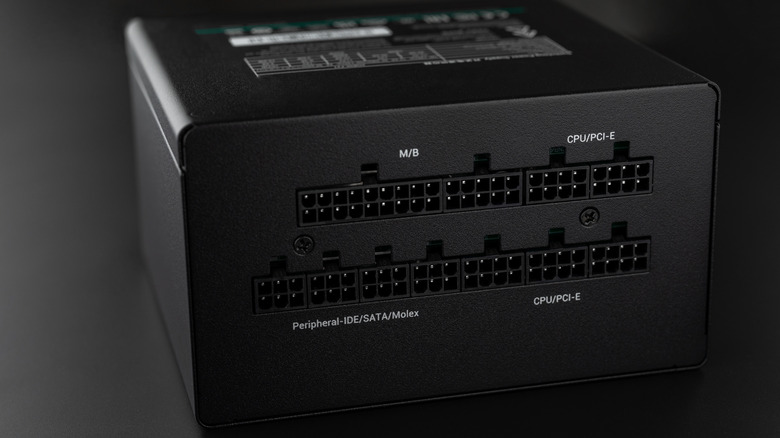
There's a proper way to pick a power supply according to the need of your computer . PSU here basically supplies power to all the components of your PC hardware, including the motherboard, processor, graphics card, RAM, and whatever expansion card your system has.

Step-by-Step Guide to Upgrading Your Power Supply Step 1: Prepare Your Workspace Turn Off Your PC: Ensure your computer is completely powered down and unplugged from the wall outlet. Ground Yourself : Use an anti-static wrist strap or touch a grounded metal object to prevent static electricity from damaging your components.
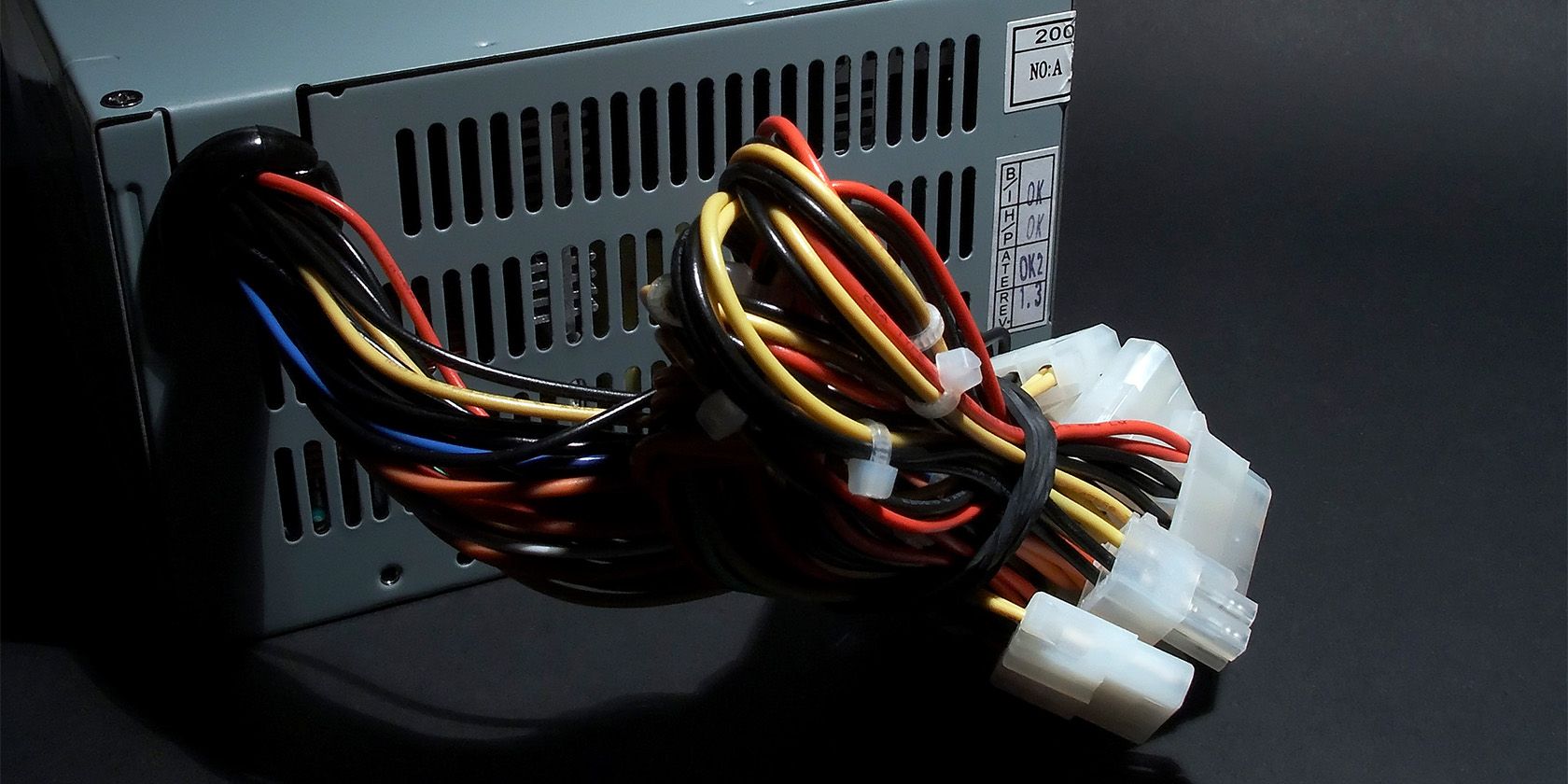
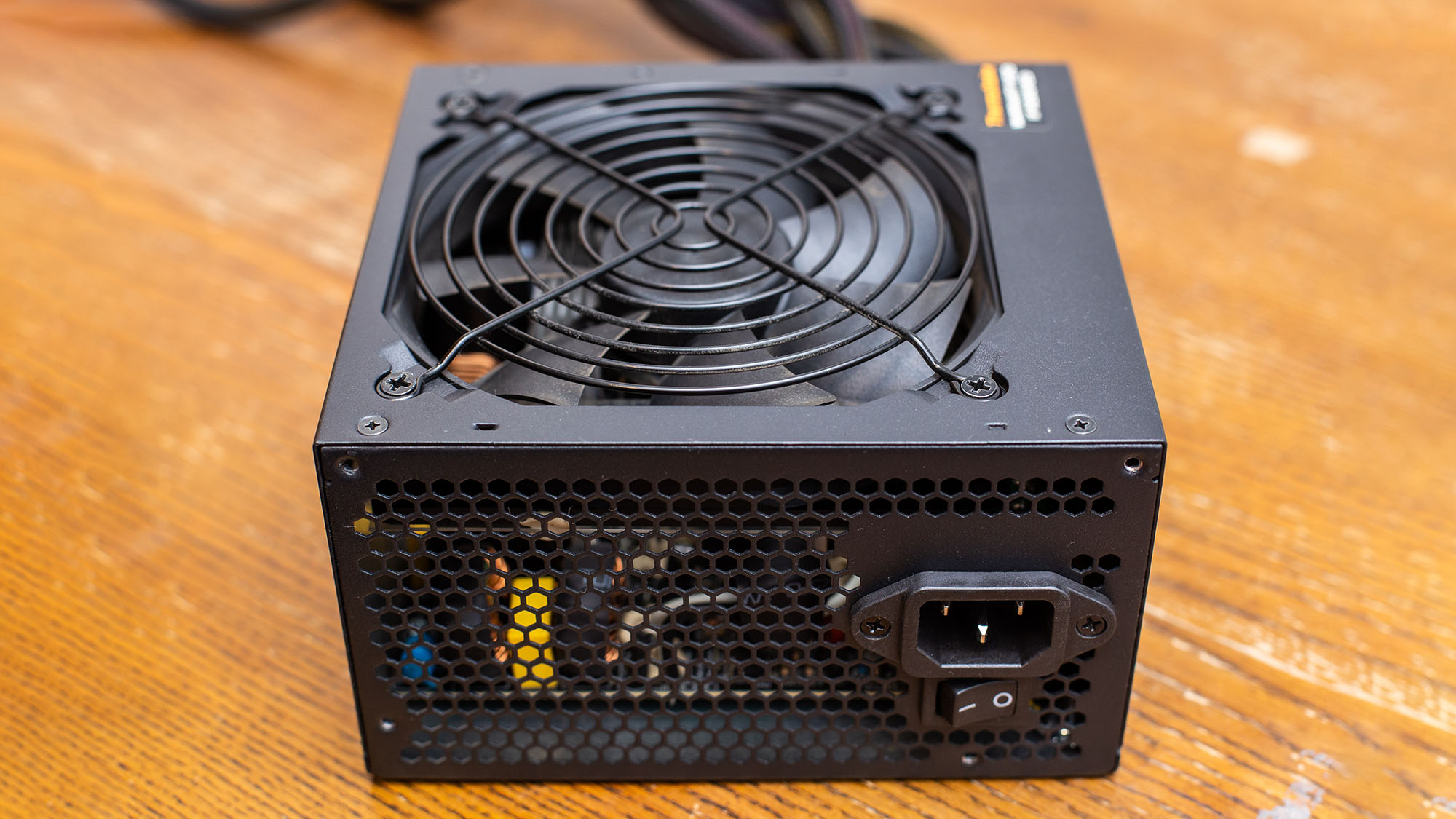
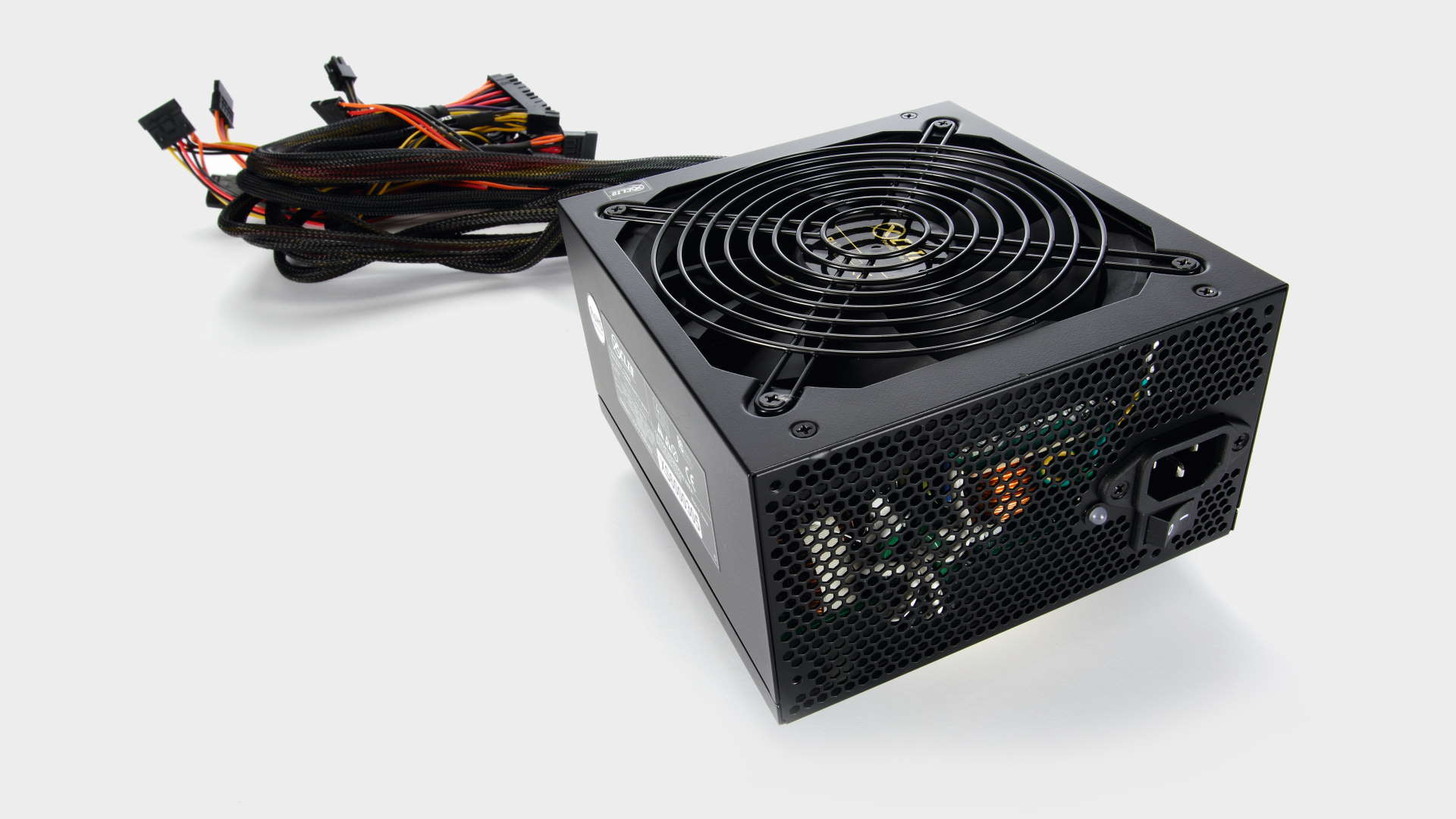
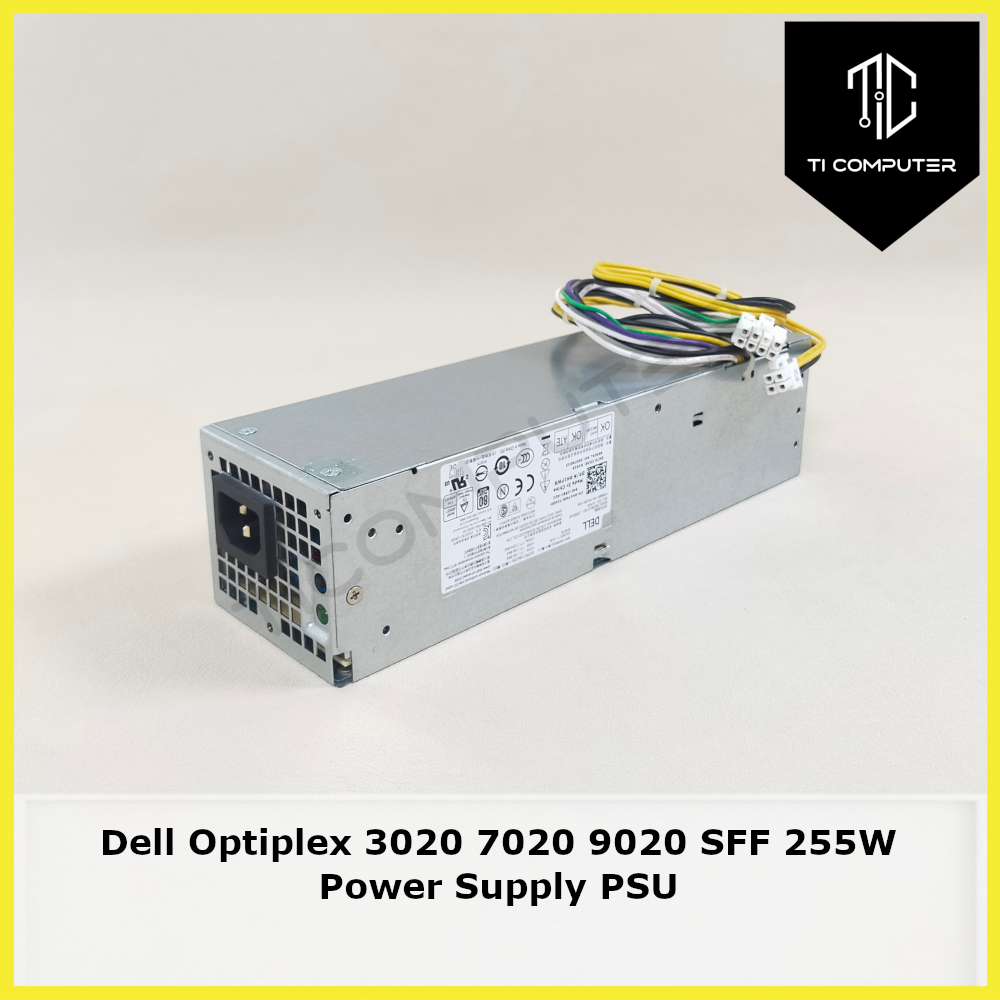
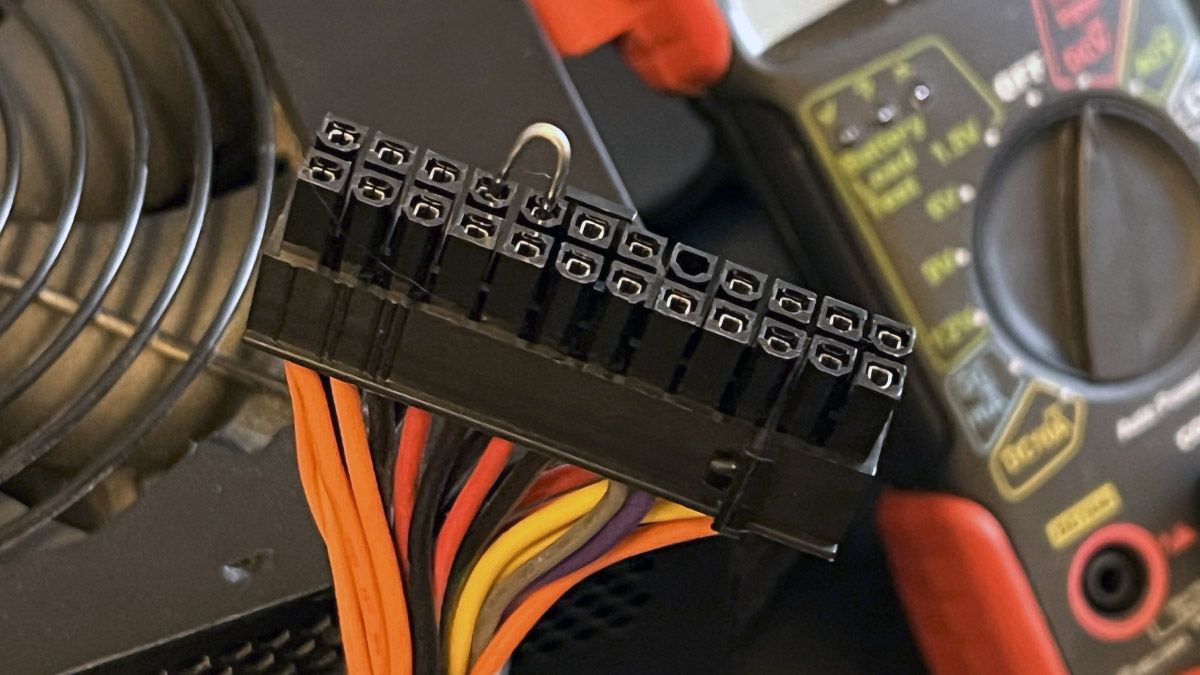
Moving forward, it's essential to keep these visual contexts in mind when discussing Do It Yourself Computer Upgrade Power Supplies.
The power supply or "PSU" is the electrical heart of your PC. And if yours has recently stopped beating, or you're upgrading your computer with more powerful components, you need a new one. Choosing a new power supply can be tricky, since you'll need to determine the required power draw, or wattage, of the rest of your components.

Furthermore, visual representations like the one above help us fully grasp the concept of Do It Yourself Computer Upgrade Power Supplies.
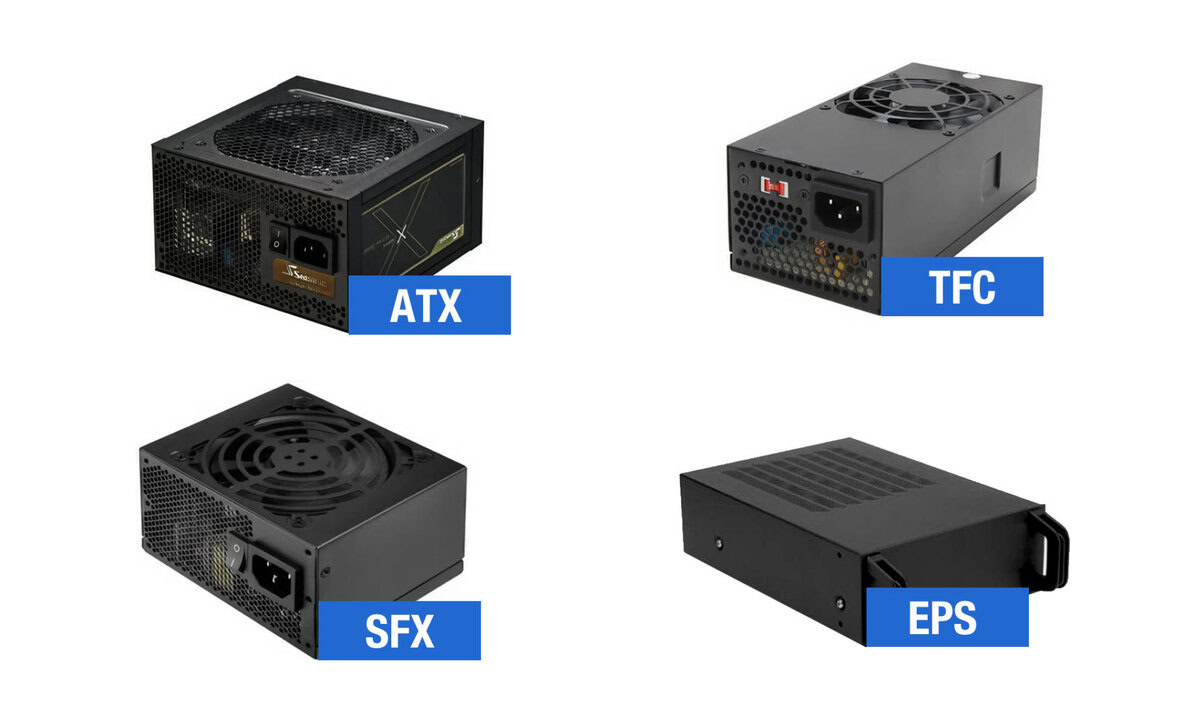
This guide will teach you how to replace/change the power supply unit in your computer , step by step. We'll also look at the main reasons why you would need to change or upgrade your computer's power supply, and things to look out for when choosing a replacement unit so that you can get one that's going to last.