10 Excel Conditional Formatting Tricks for Easier Data Analysis
Unlock the power of Excel conditional formatting ! Learn tips, tricks, and advanced techniques for smarter data visualization and analysis.
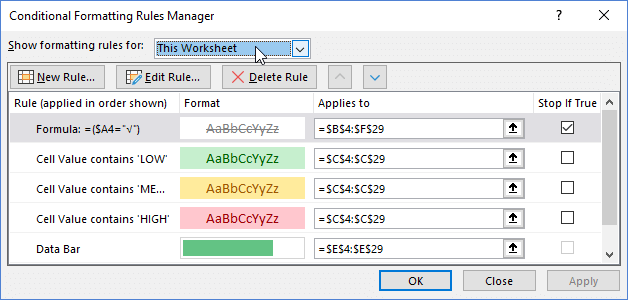
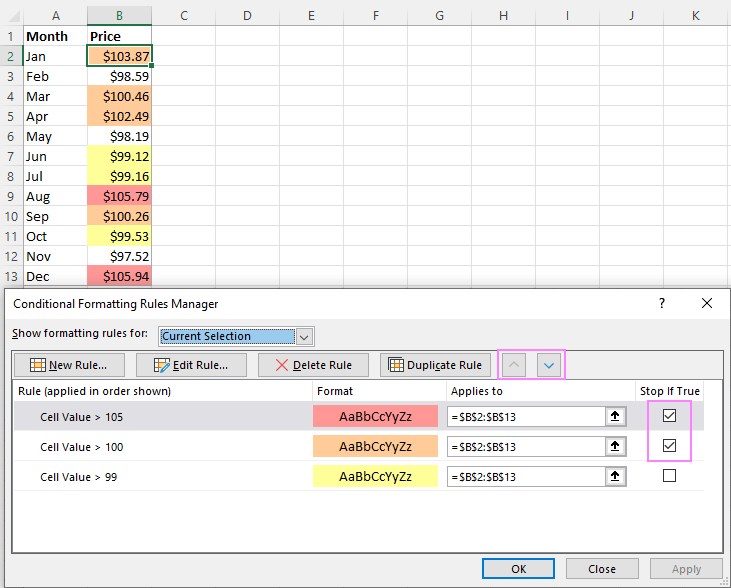
Conclusion Advanced conditional formatting in Excel is more than just coloring cells—it's about visualizing data intelligently and making insights pop out effortlessly. By mastering techniques like dynamic formulas, icon sets, and multiple rules, you'll be able to build cleaner, smarter spreadsheets tailored to your analytical needs.

How to Do Conditional Formatting in Excel (Ultimate Guide)
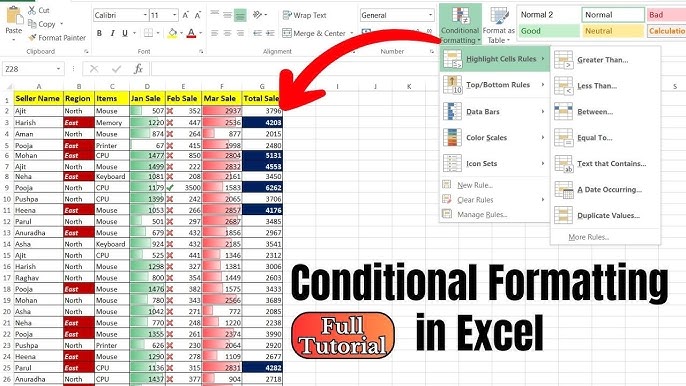
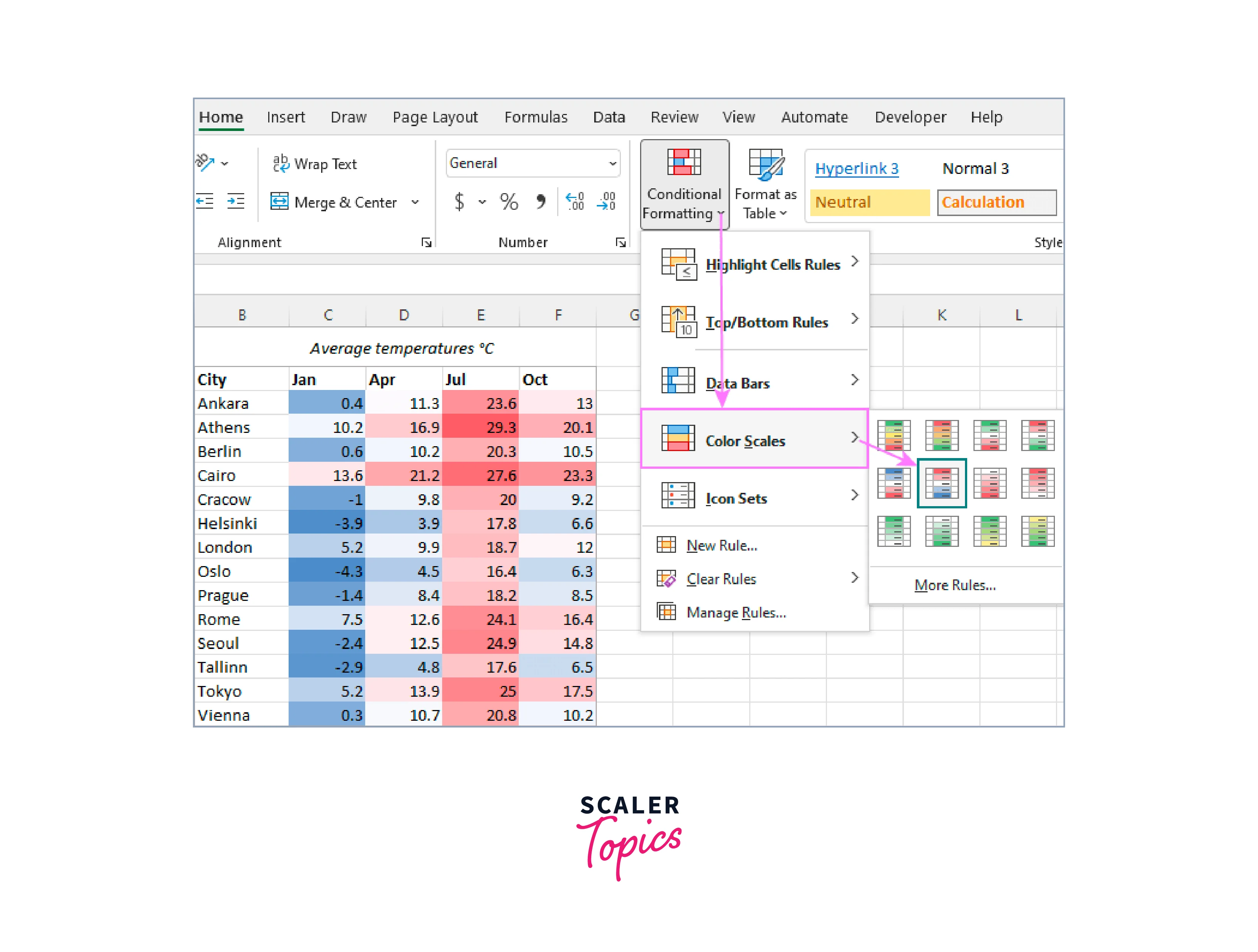
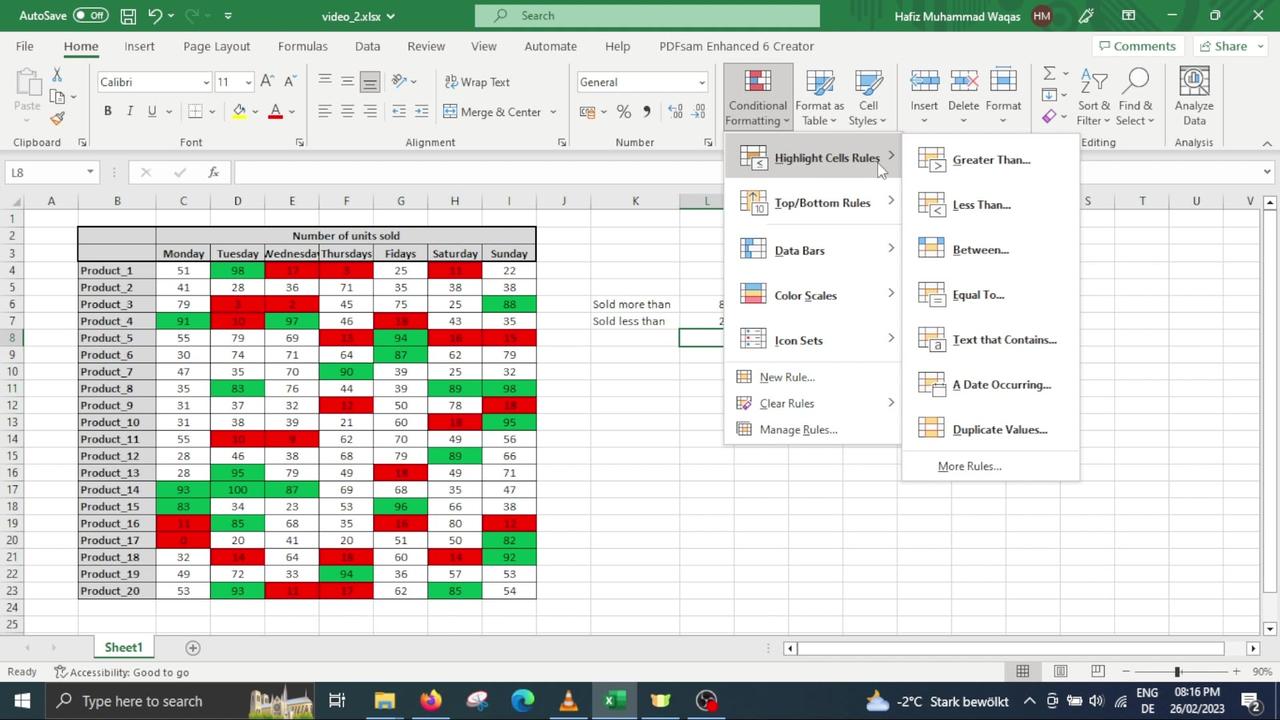
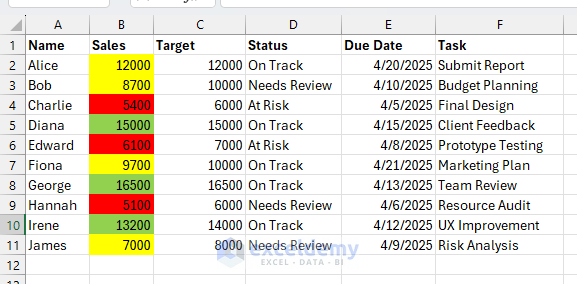
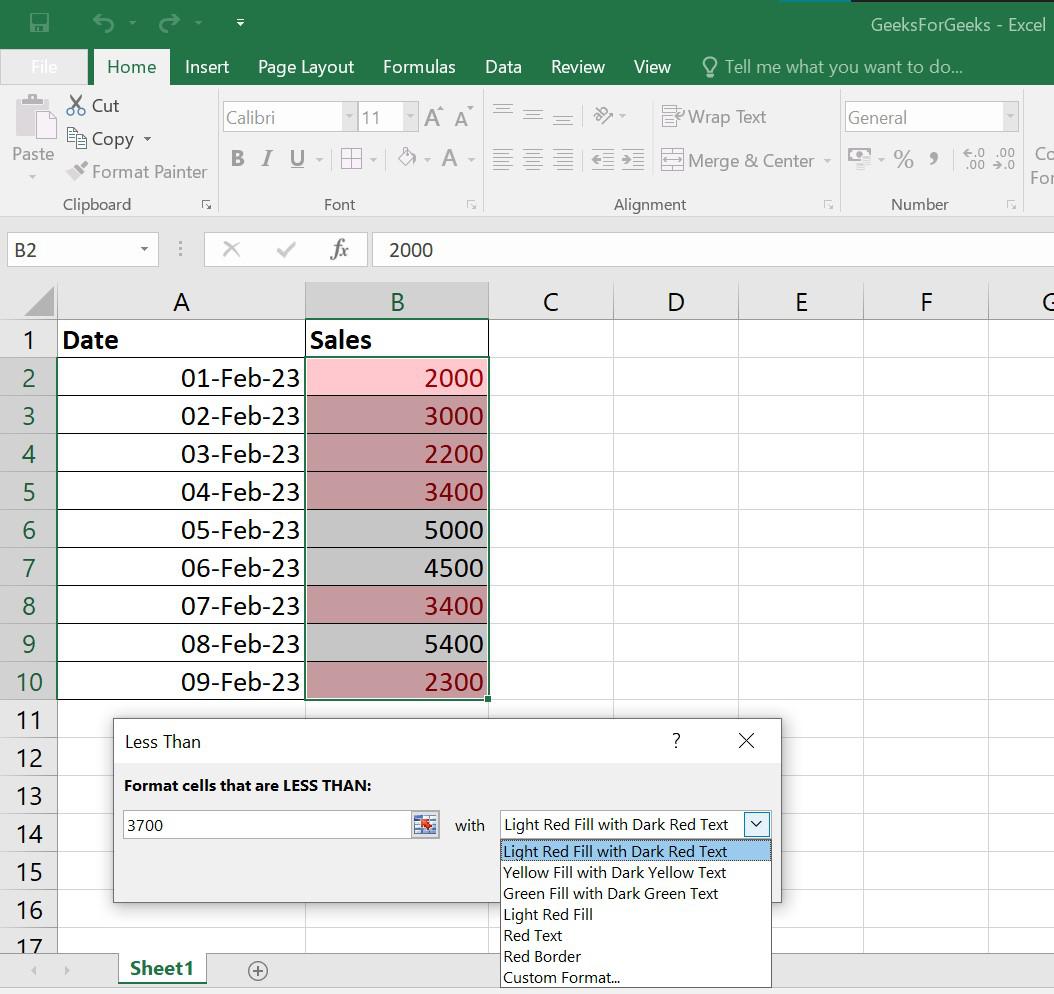
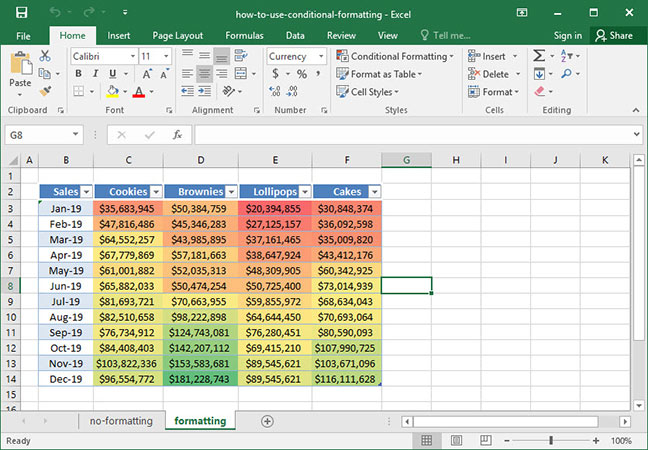
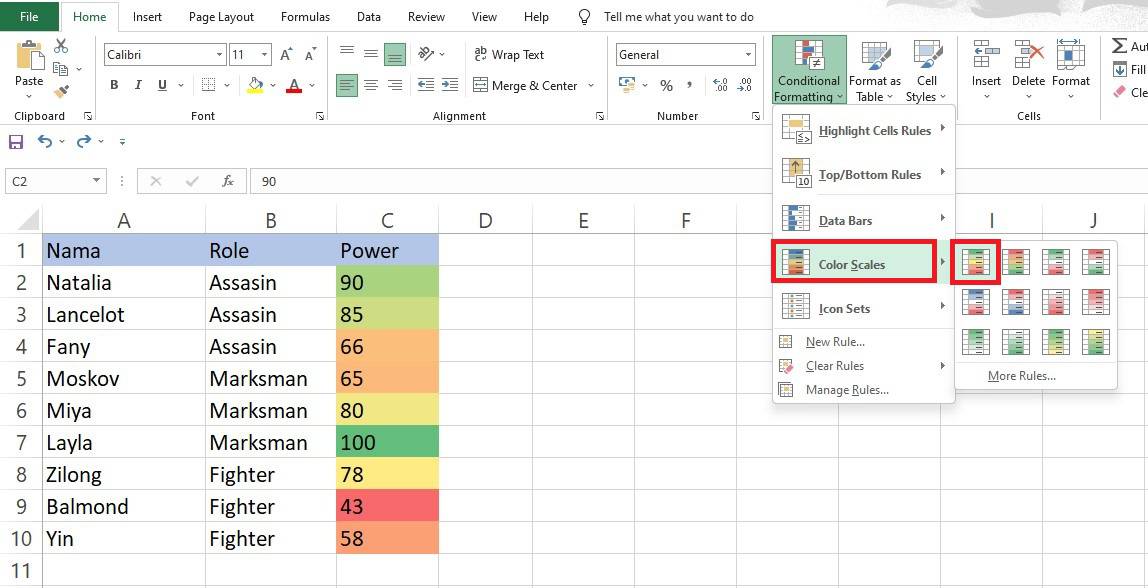
What Is Conditional Formatting in Excel ? Conditional formatting is a technique that allows you to modify cell formatting based on specific conditions. For instance, if you have an Excel worksheet with numerical values, you can apply formatting rules to highlight cells with values less than three thousand.

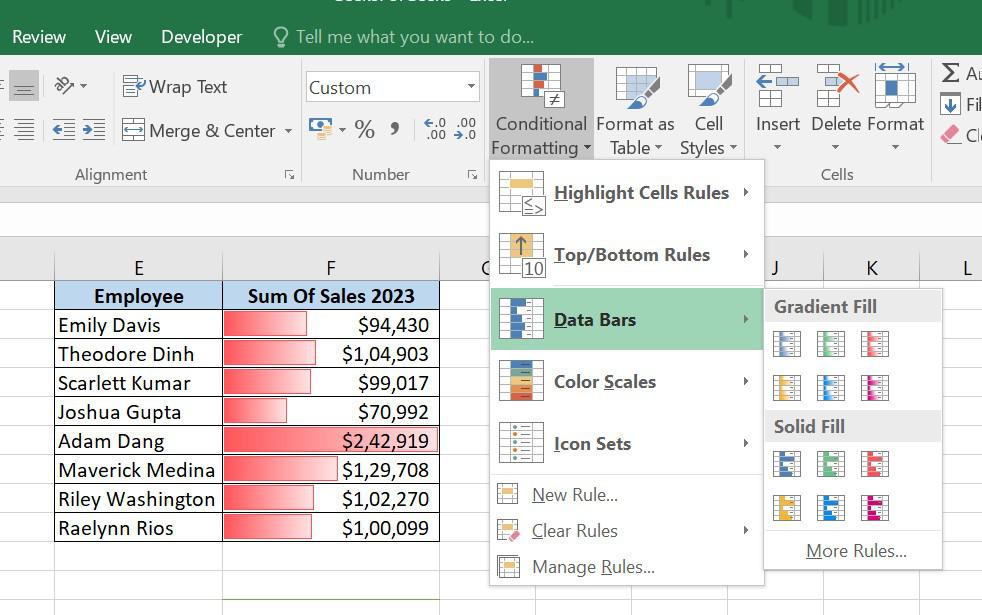
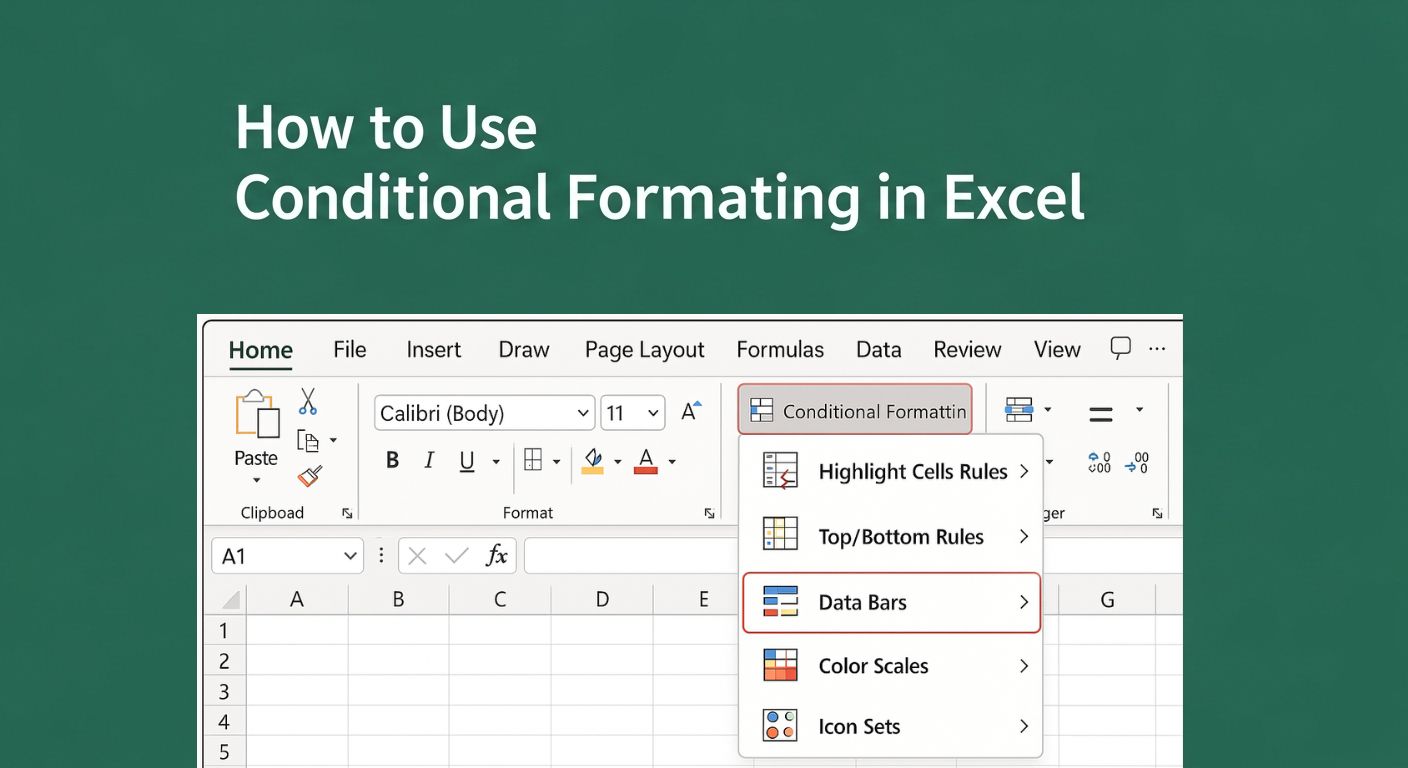
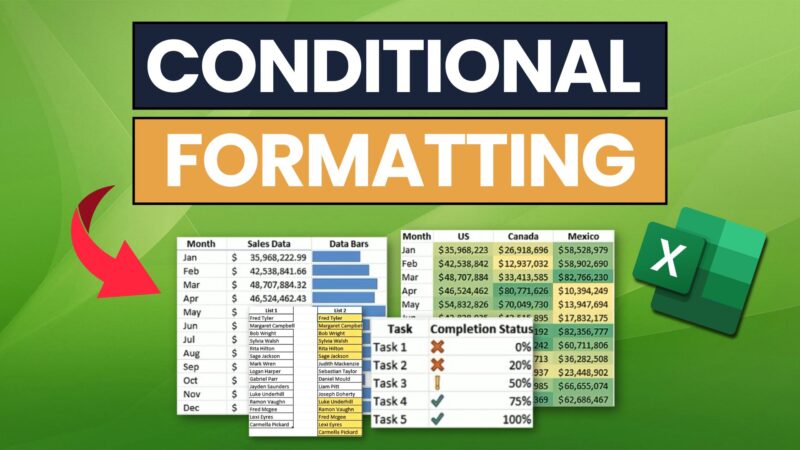
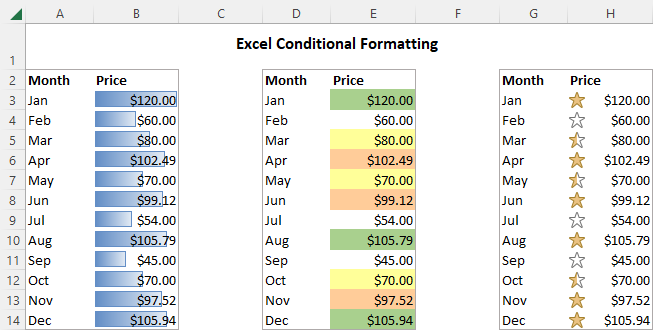
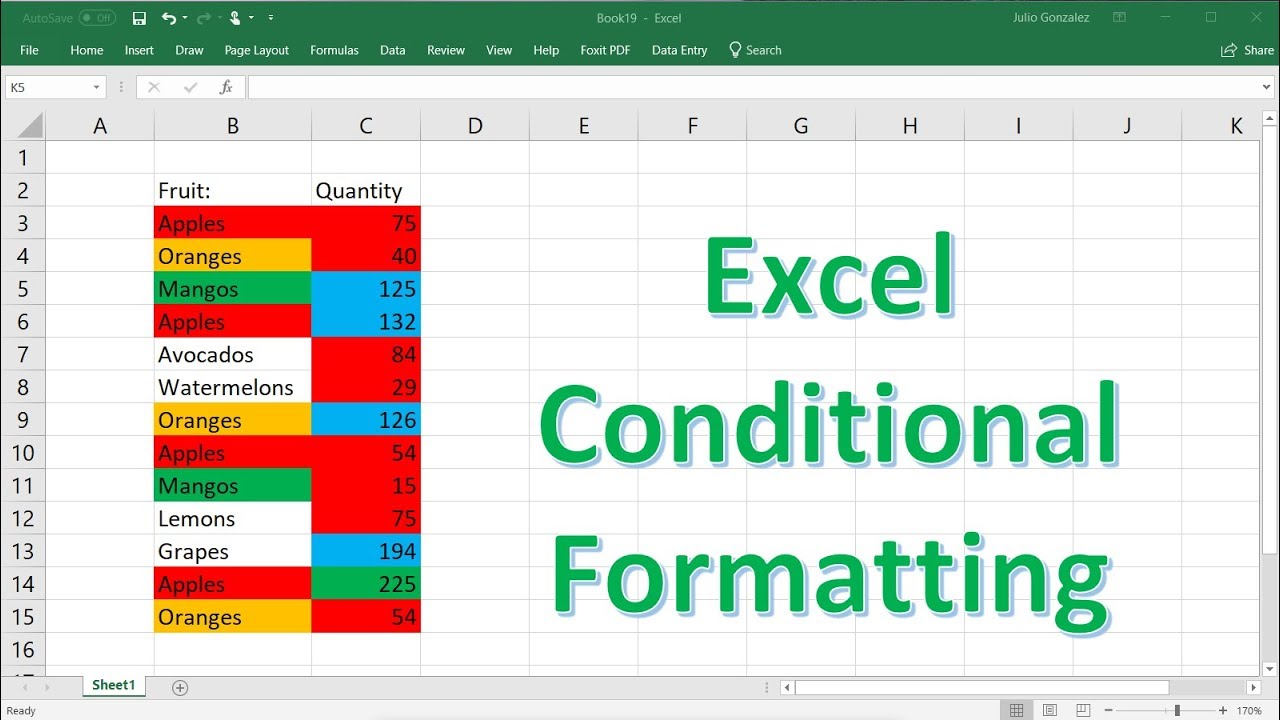
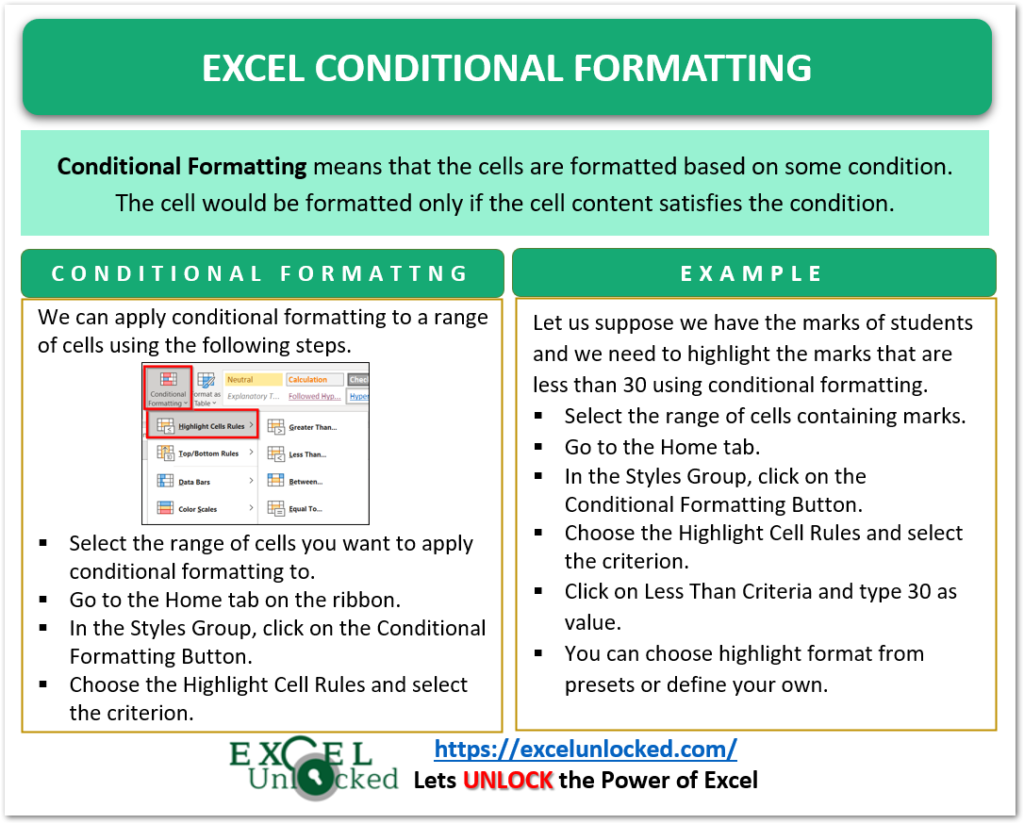
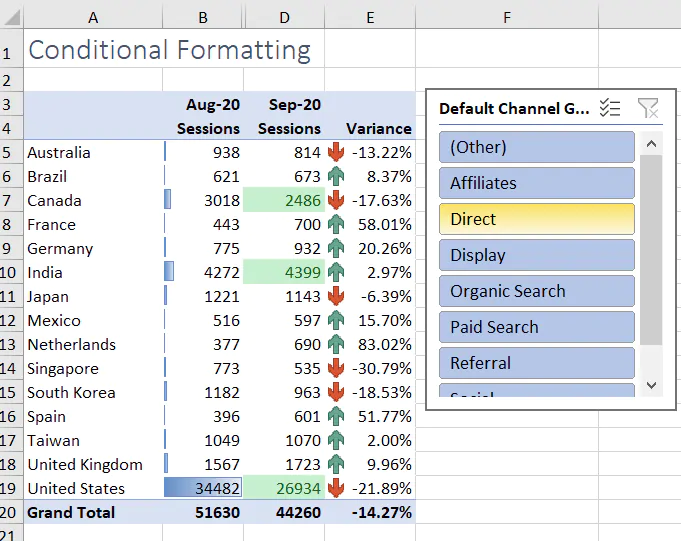
Furthermore, visual representations like the one above help us fully grasp the concept of Excel Conditional Formatting Techniques.
Advanced Conditional Formatting Tricks in Excel
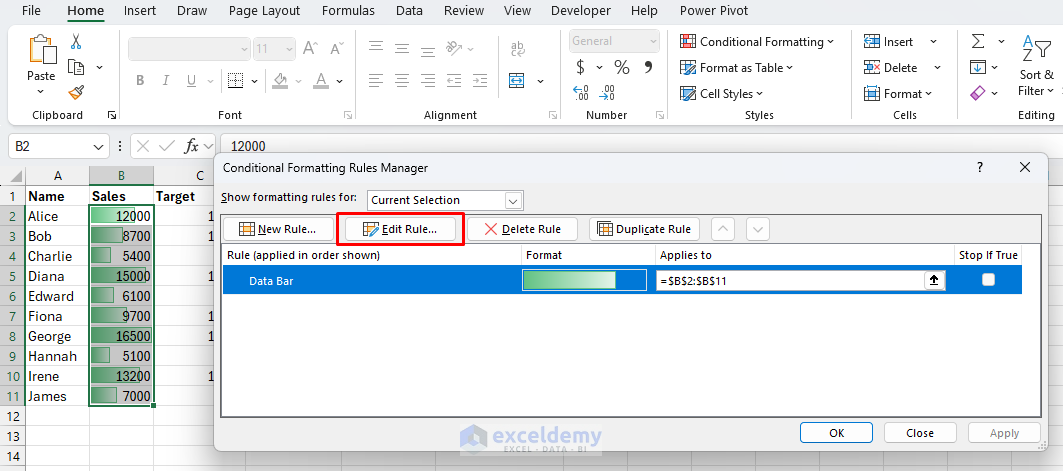
In this article, we will learn Advanced Conditional Formatting Tricks in Excel . Scenario: Microsoft Excel is having so many unbelievable capabilities that are not instantly perceived. In which Conditional Formatting is one of the options. Conditional Formatting is the tool that is used to format the cell or a range in the specific condition. We can use this option on the value of the cell or ...

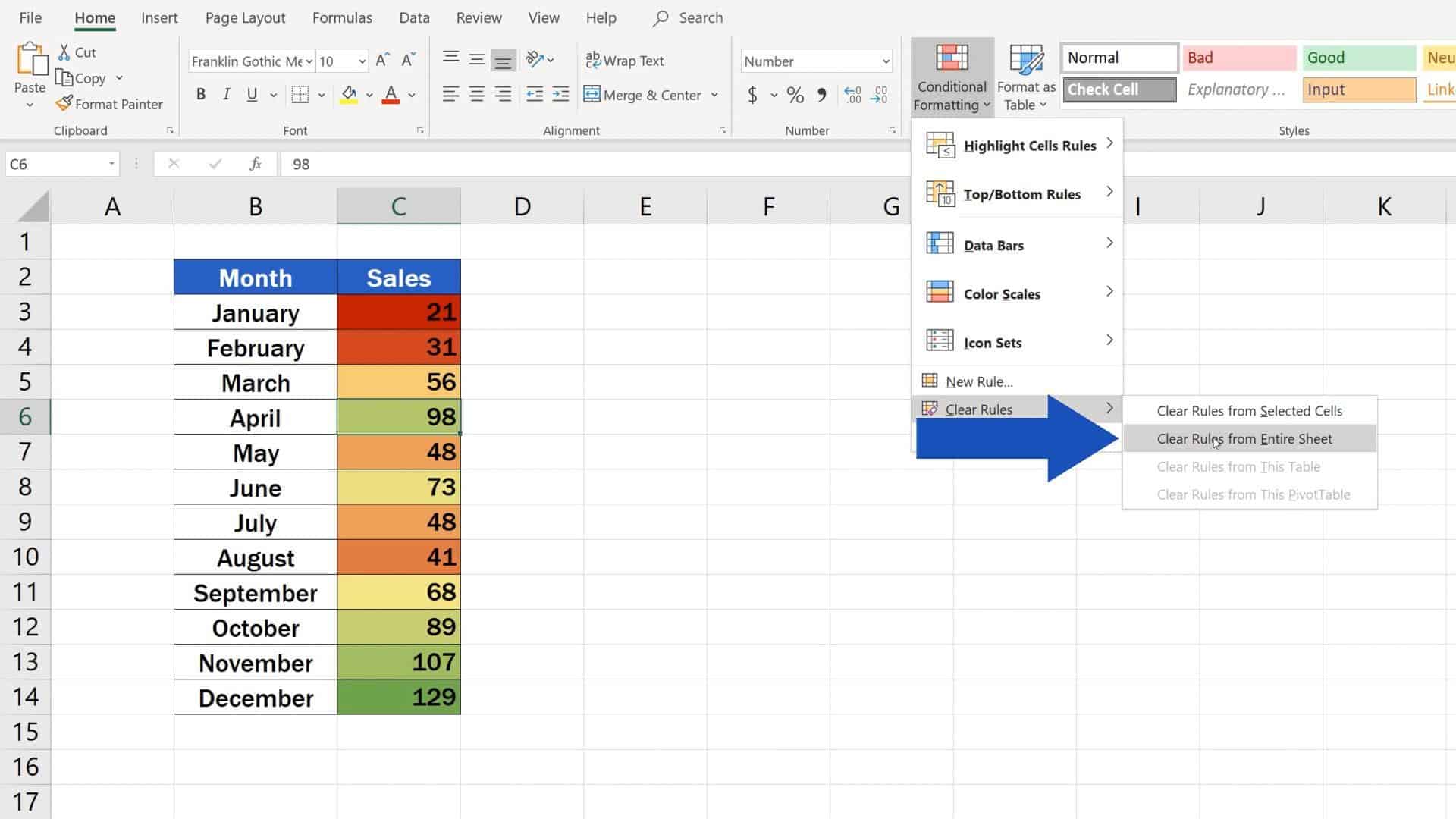
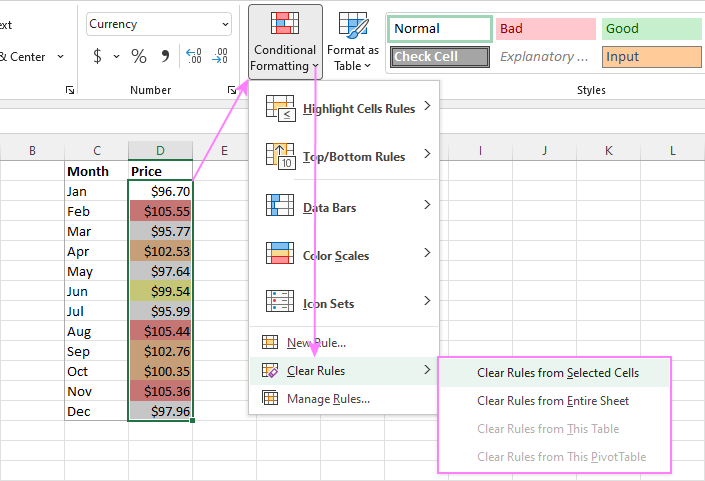
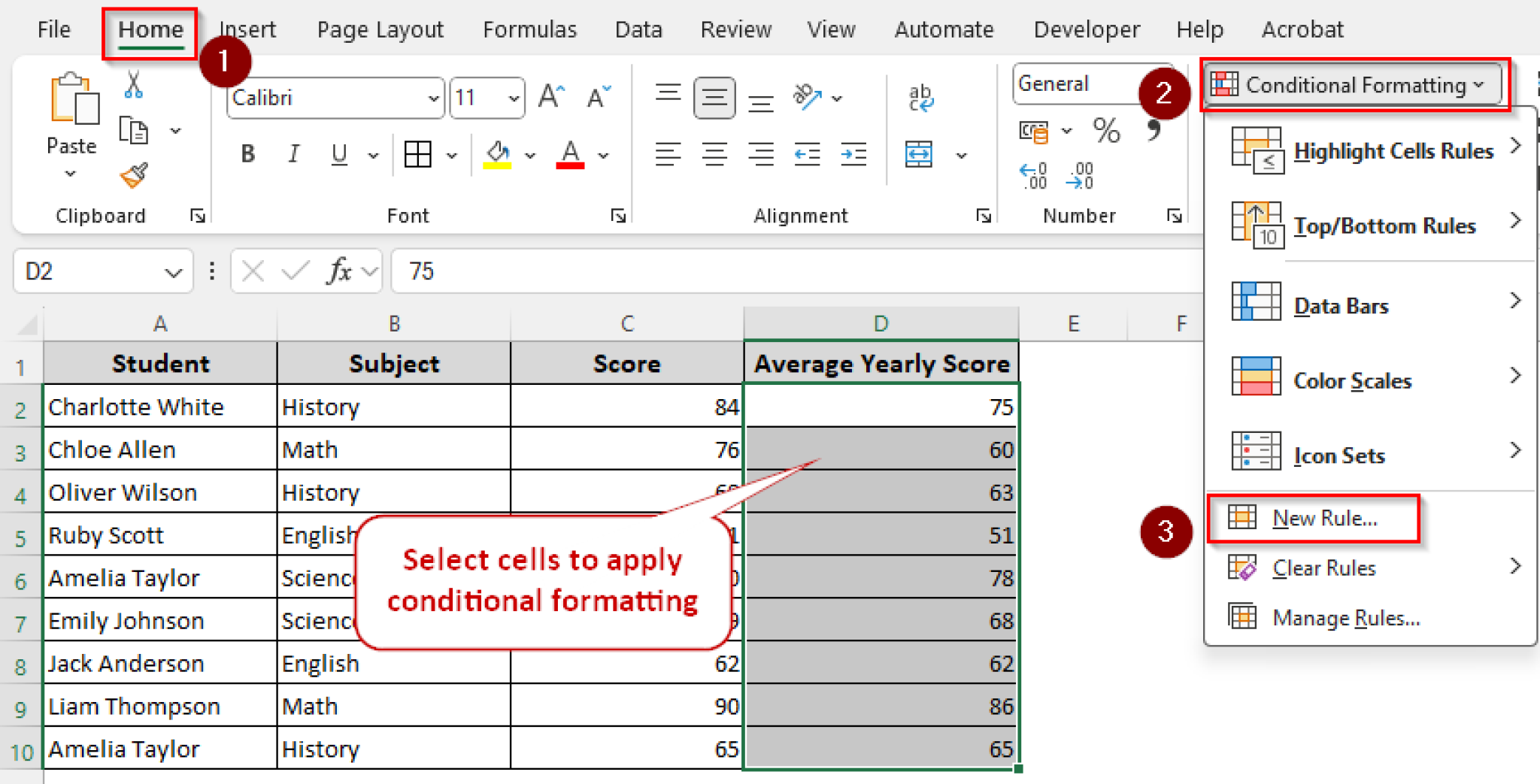
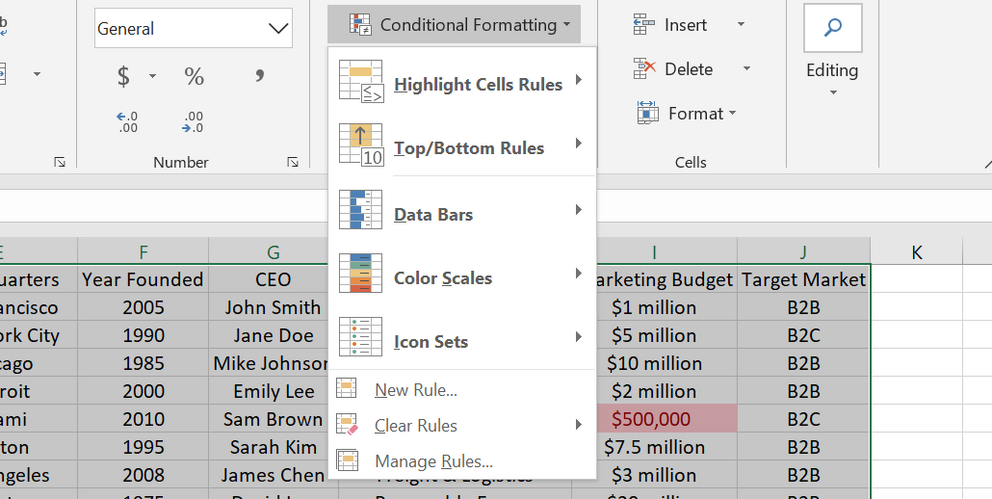
End-to-end tutorial will teach you how to use Conditional Formatting in Excel : apply preset rules and create new ones, copy existing formatting to other data, do conditional formatting based on another cell, and more.