Fascinating Details and Images of G Network Router Network Access Reporting
192.168.1.1 Login
192.168.1.1 is in the Class C private IP address range. Often miswritten as 192.168.l.l, this is a default IP address for home networking.
G Network Router Network Access Reporting
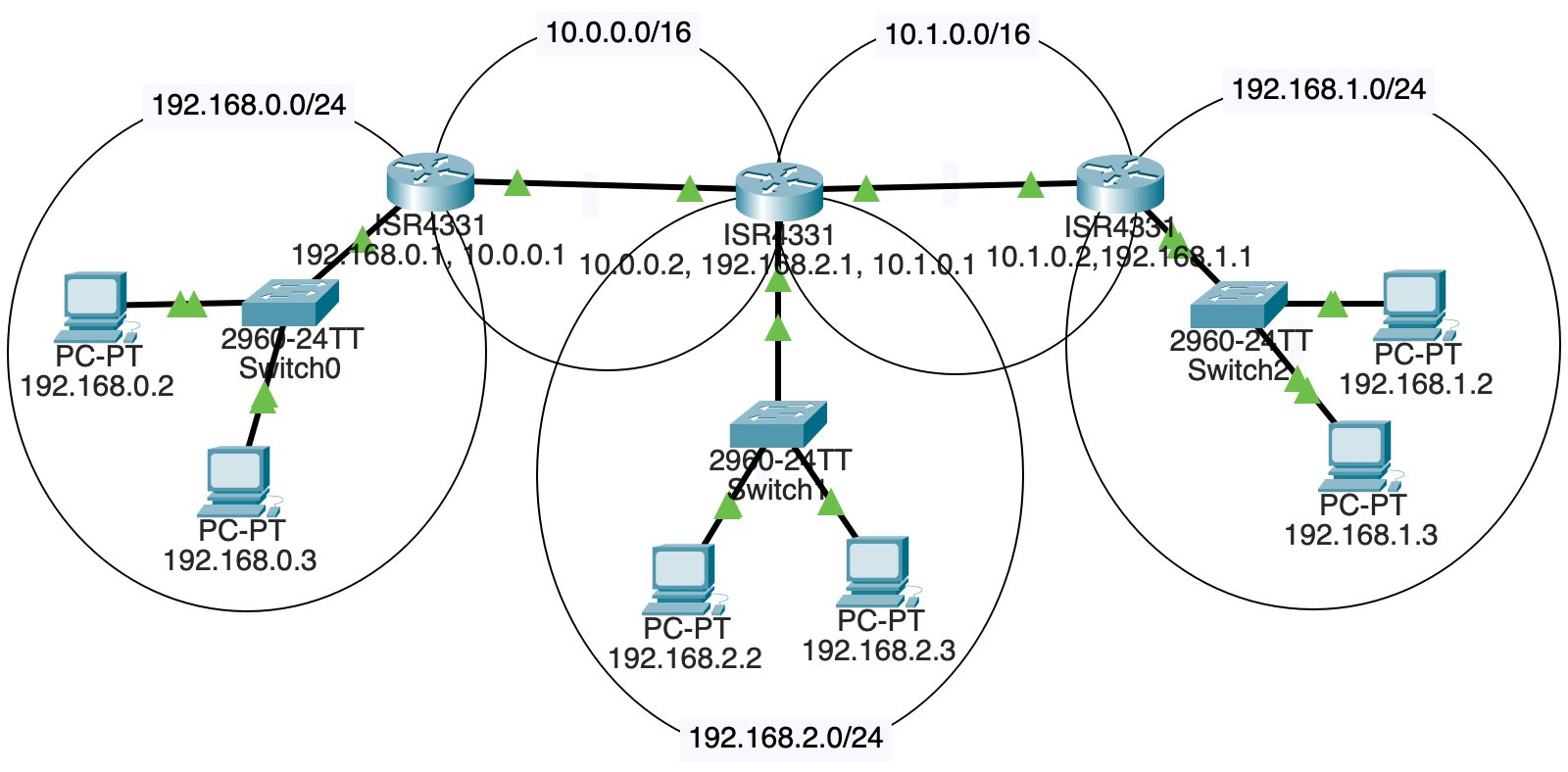
Since most routers have a default management address of 192.168.x.x, the most common ones being 192.168.1.1 or 192.168..1, this guide will walk you through how to access the 192.168 router's network management system using 192.168.1.1 as an example.
G Network Router Network Access Reporting
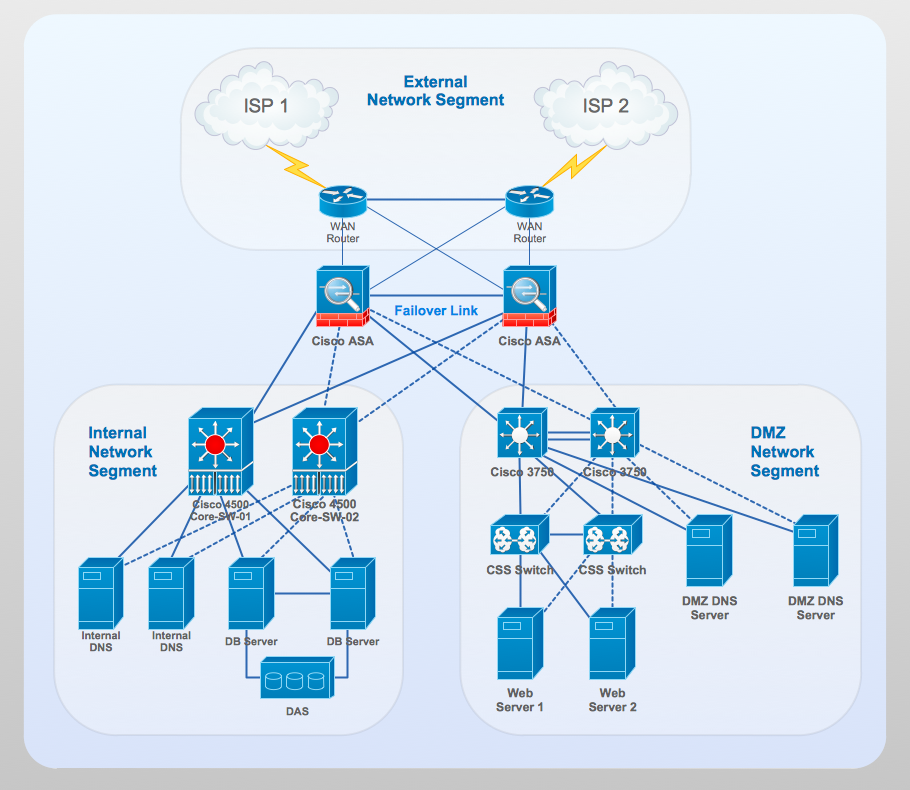
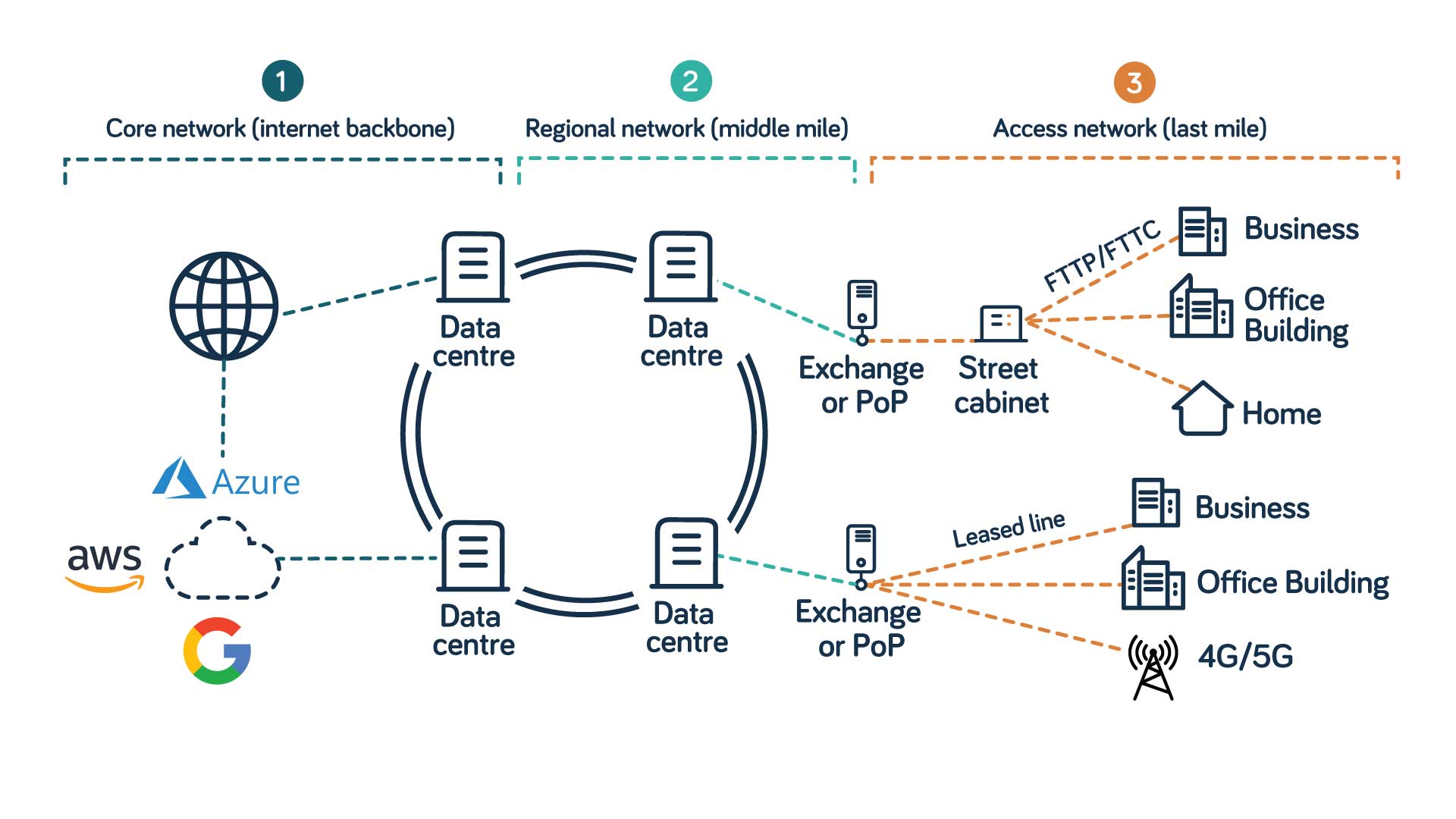
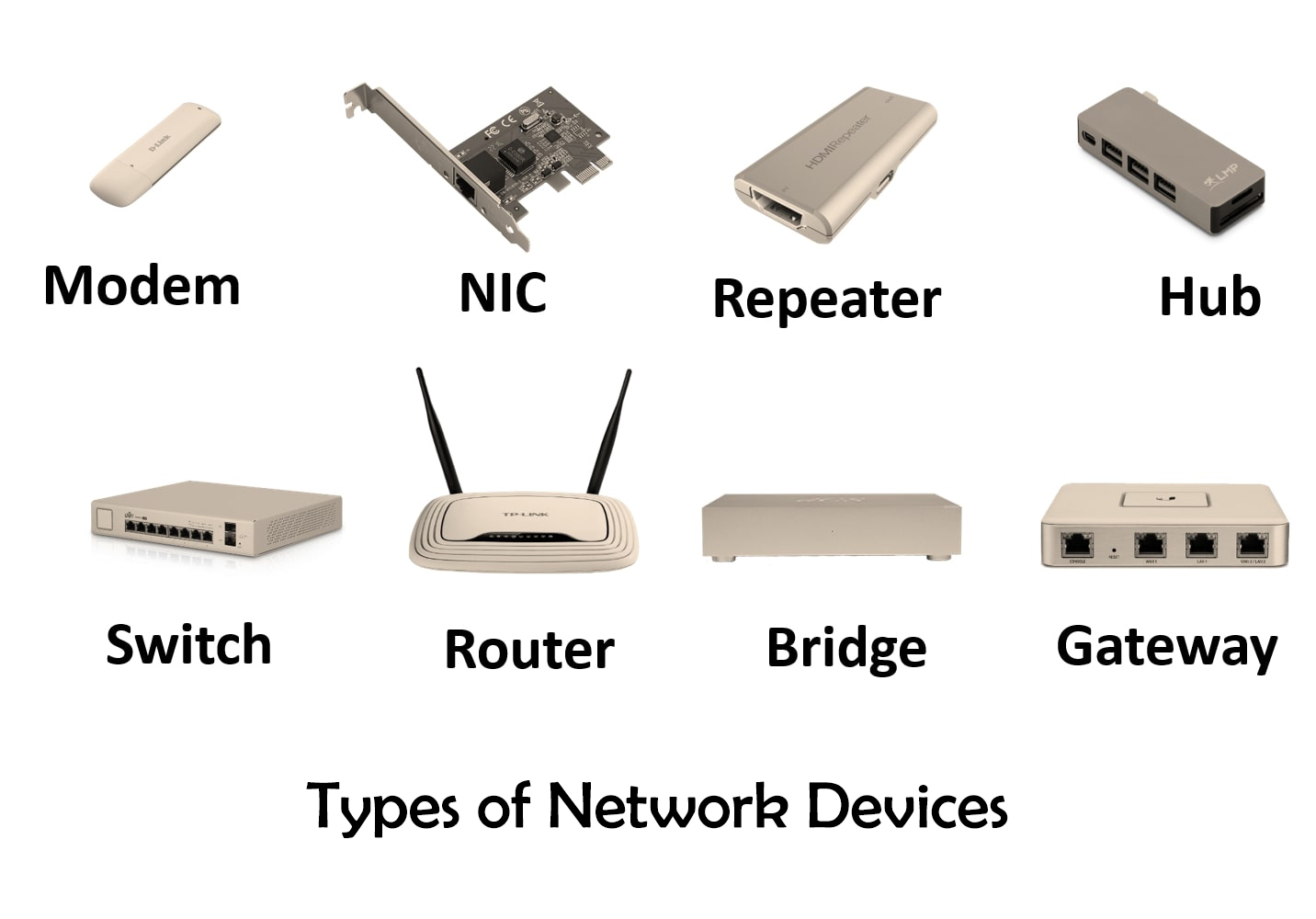
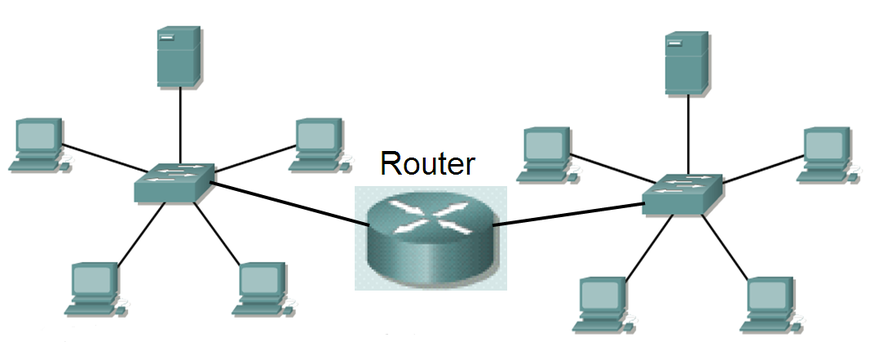
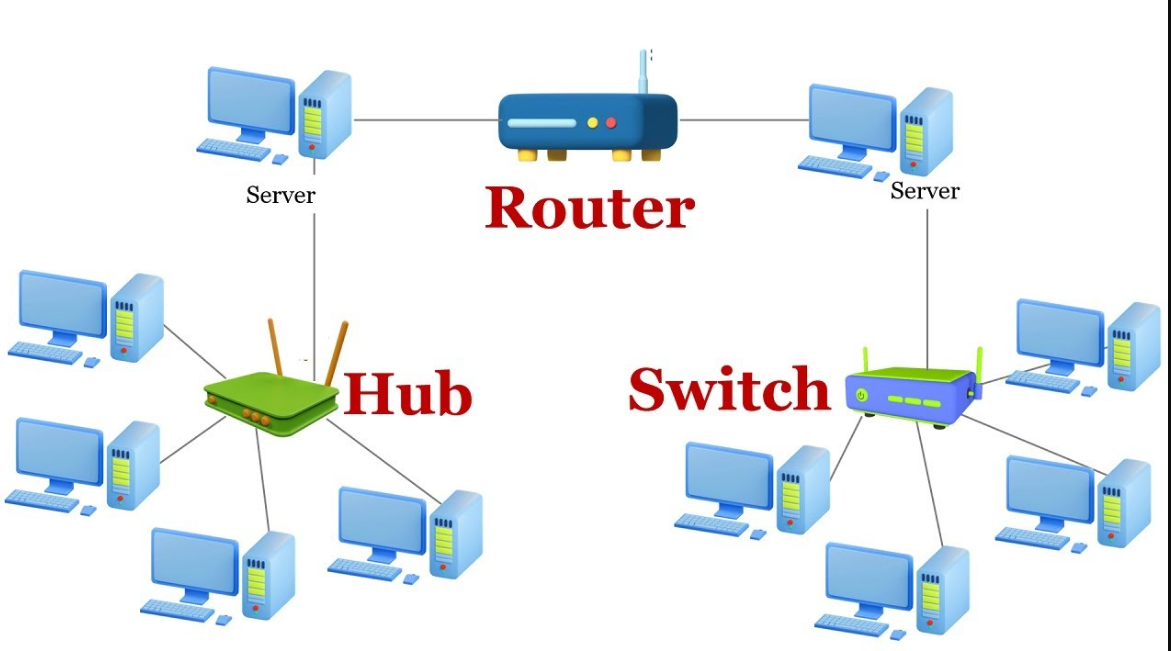
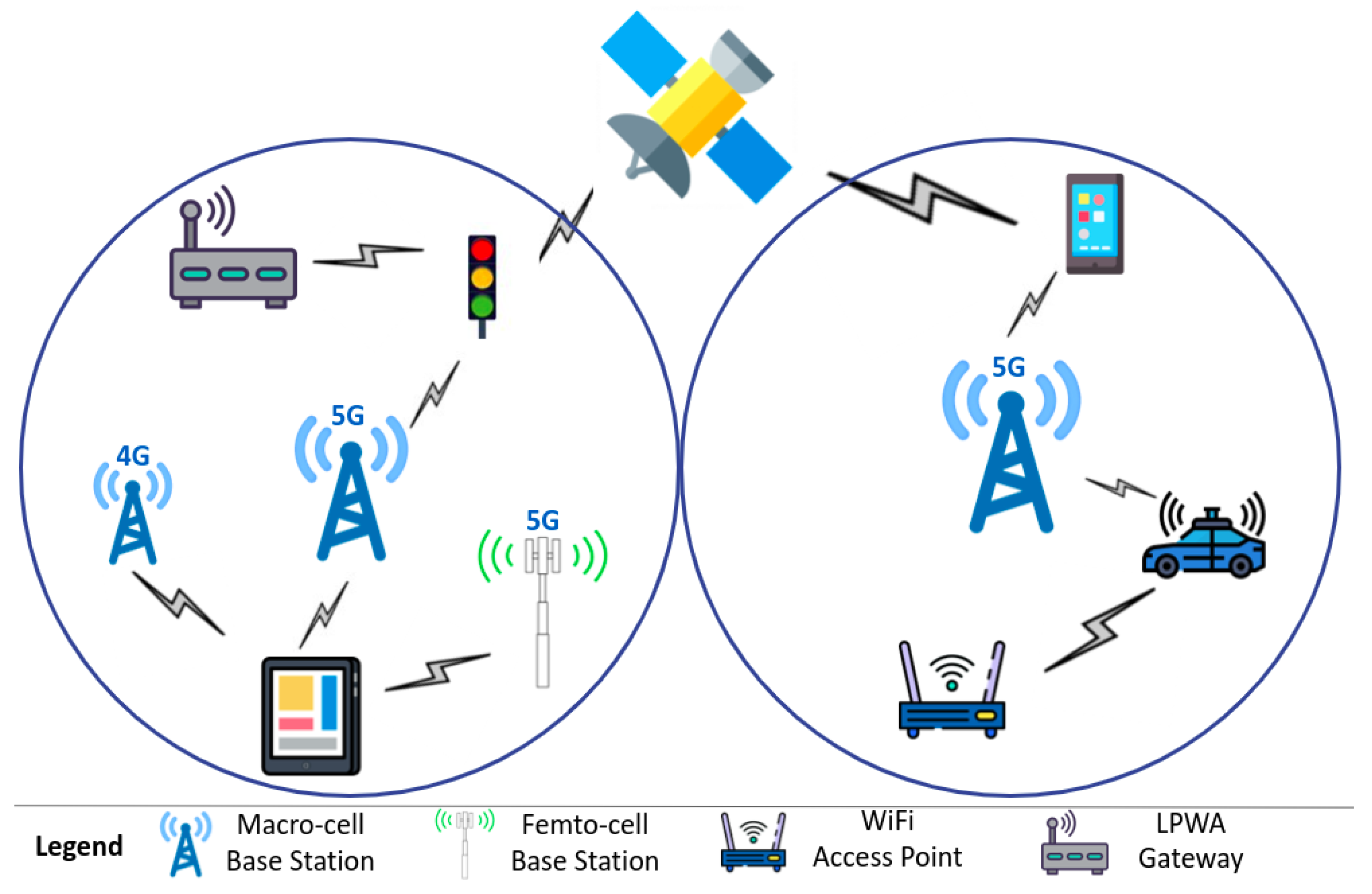
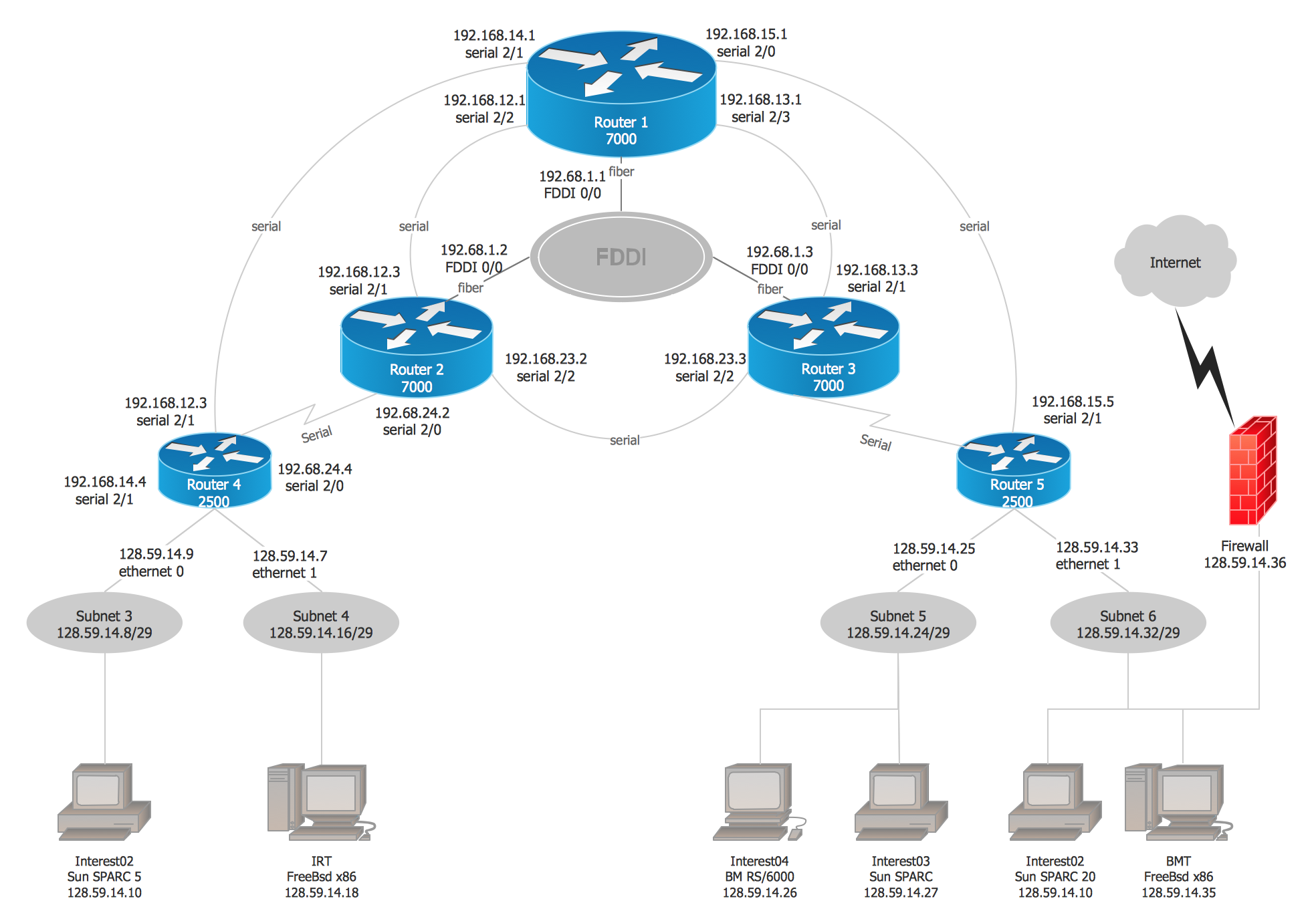
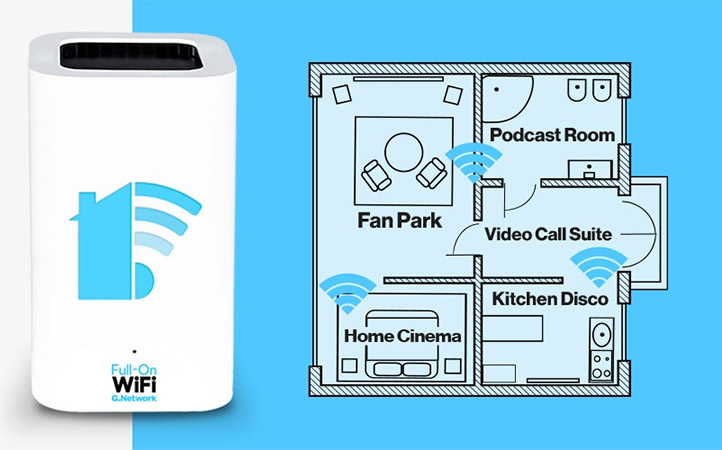
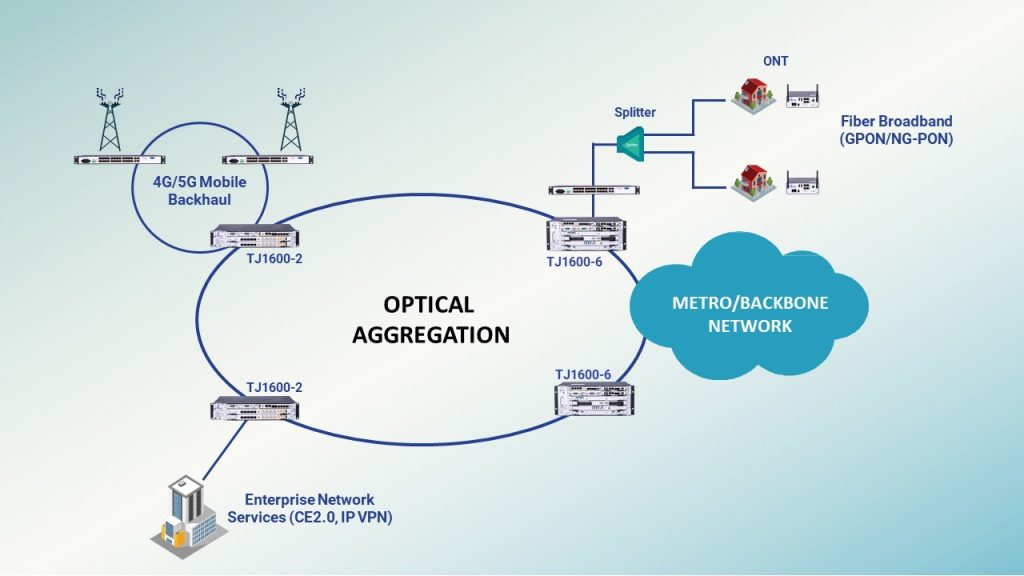
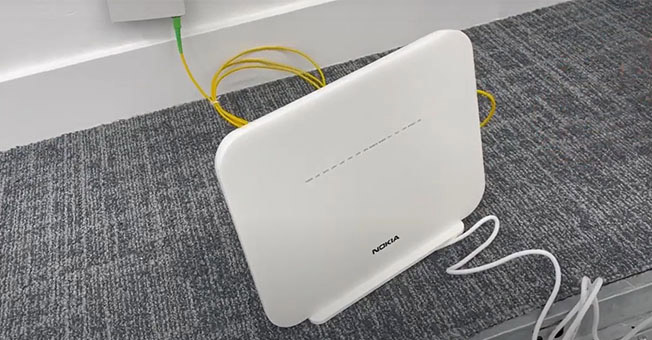
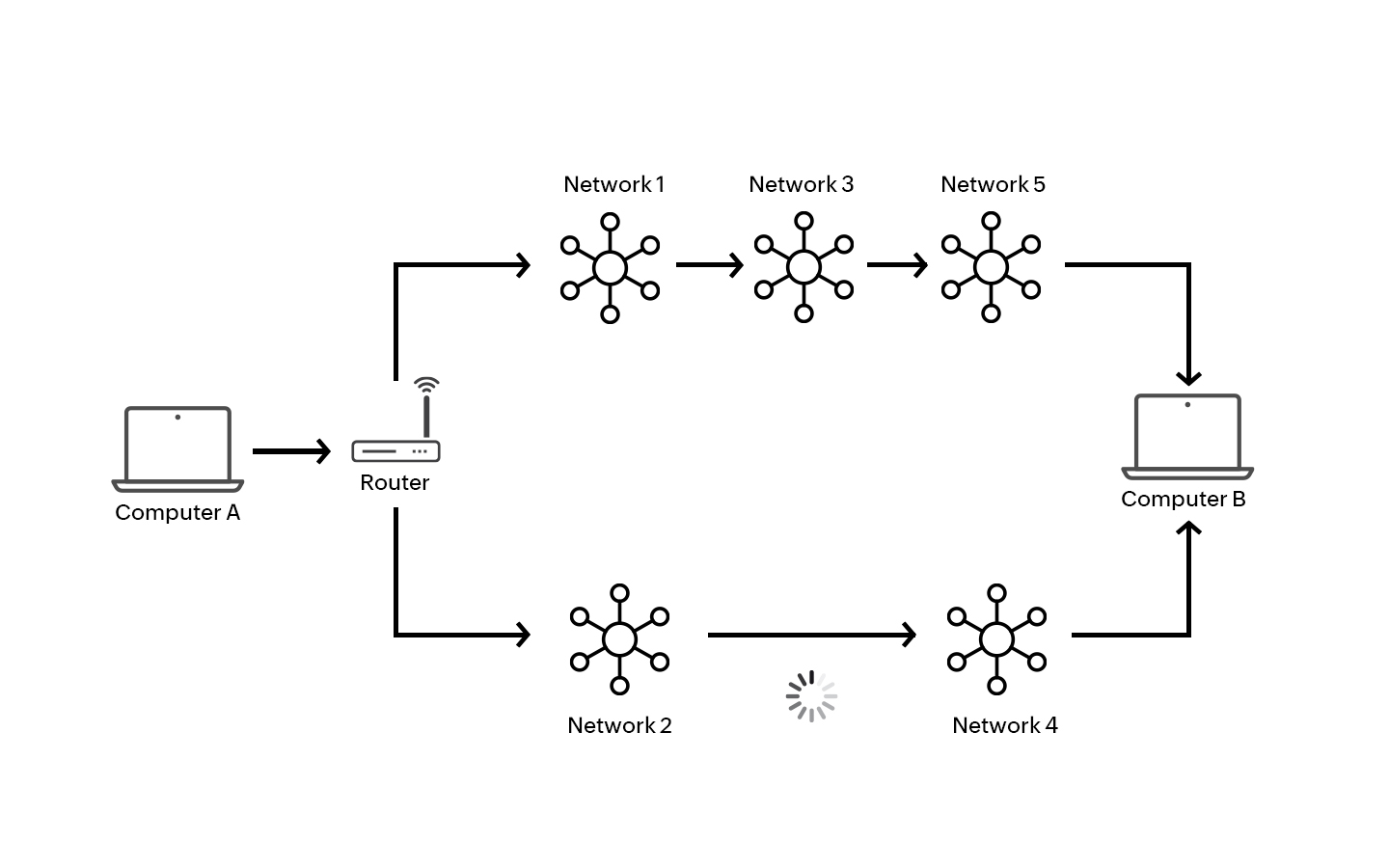
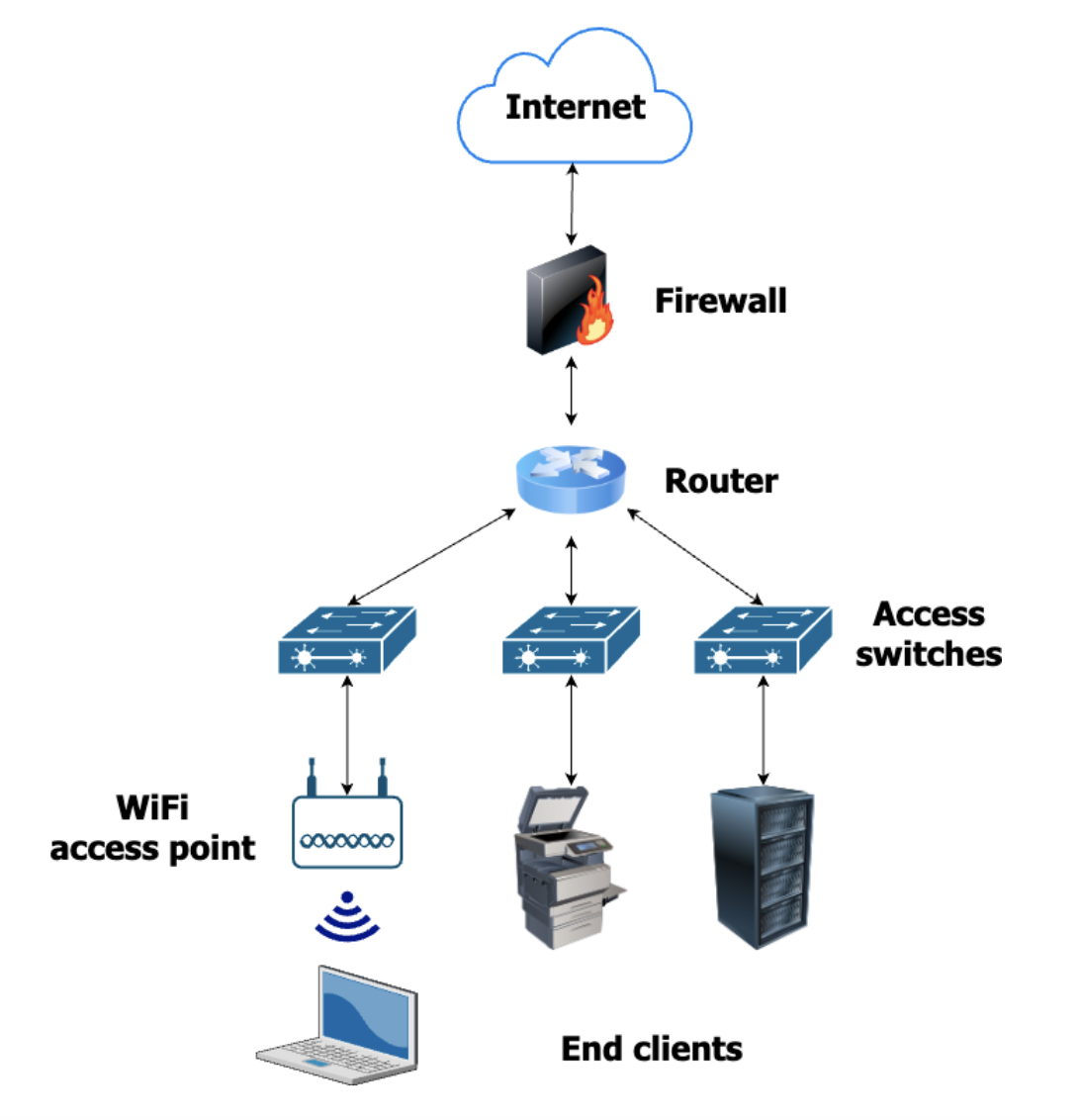
As we can see from the illustration, G Network Router Network Access Reporting has many fascinating aspects to explore.
To access a router on a Windows computer, you'll first need to find the router address. Make sure your computer is connected to the internet, then open Start, click Settings, and choose Network & Internet.
If this doesn't work for you, then view the Default Gateway IP from your Network Status and use that to access the router . Input the password to access your router .