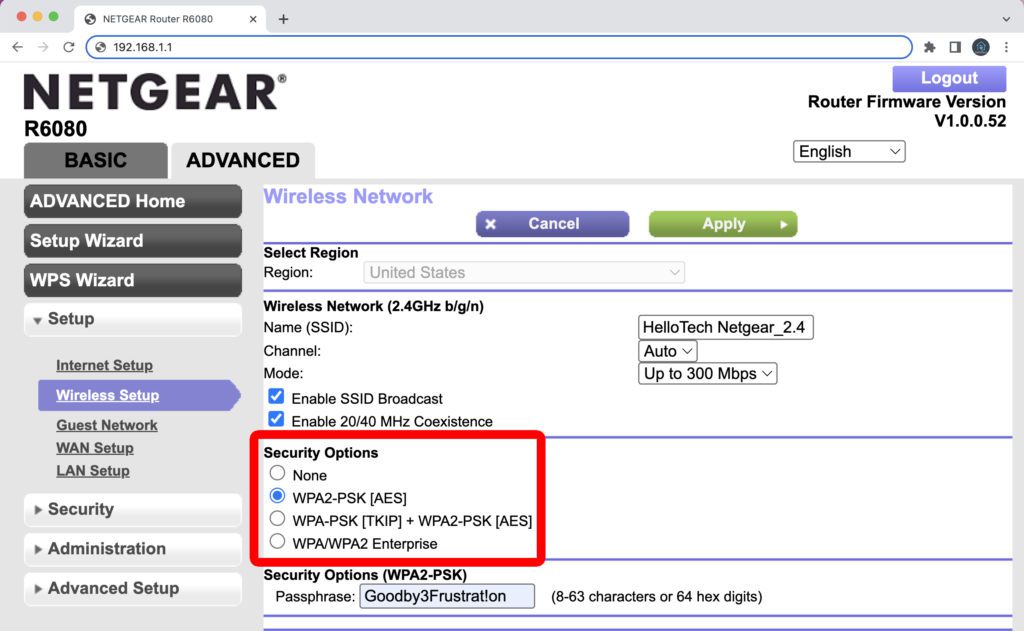
How to Secure Your Home Wireless Network Router
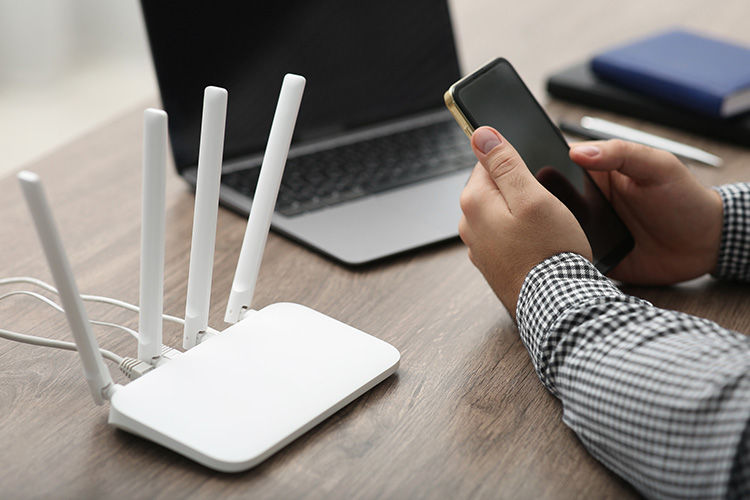
Enhance your home wireless network security with tips to safeguard against unauthorized access and potential threats by configuring your router settings .
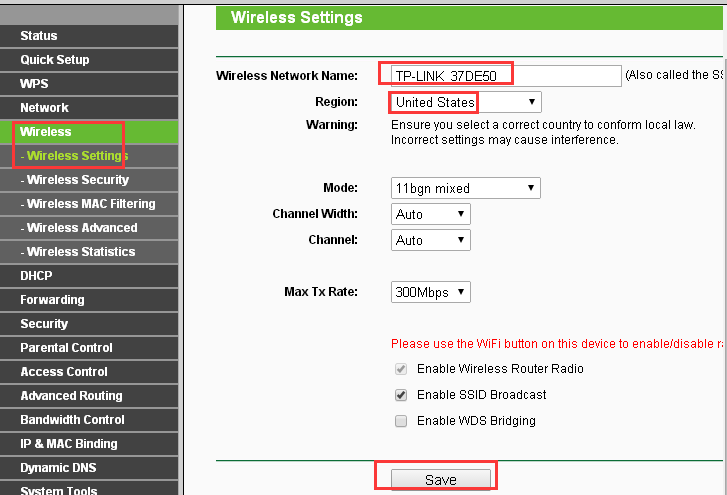
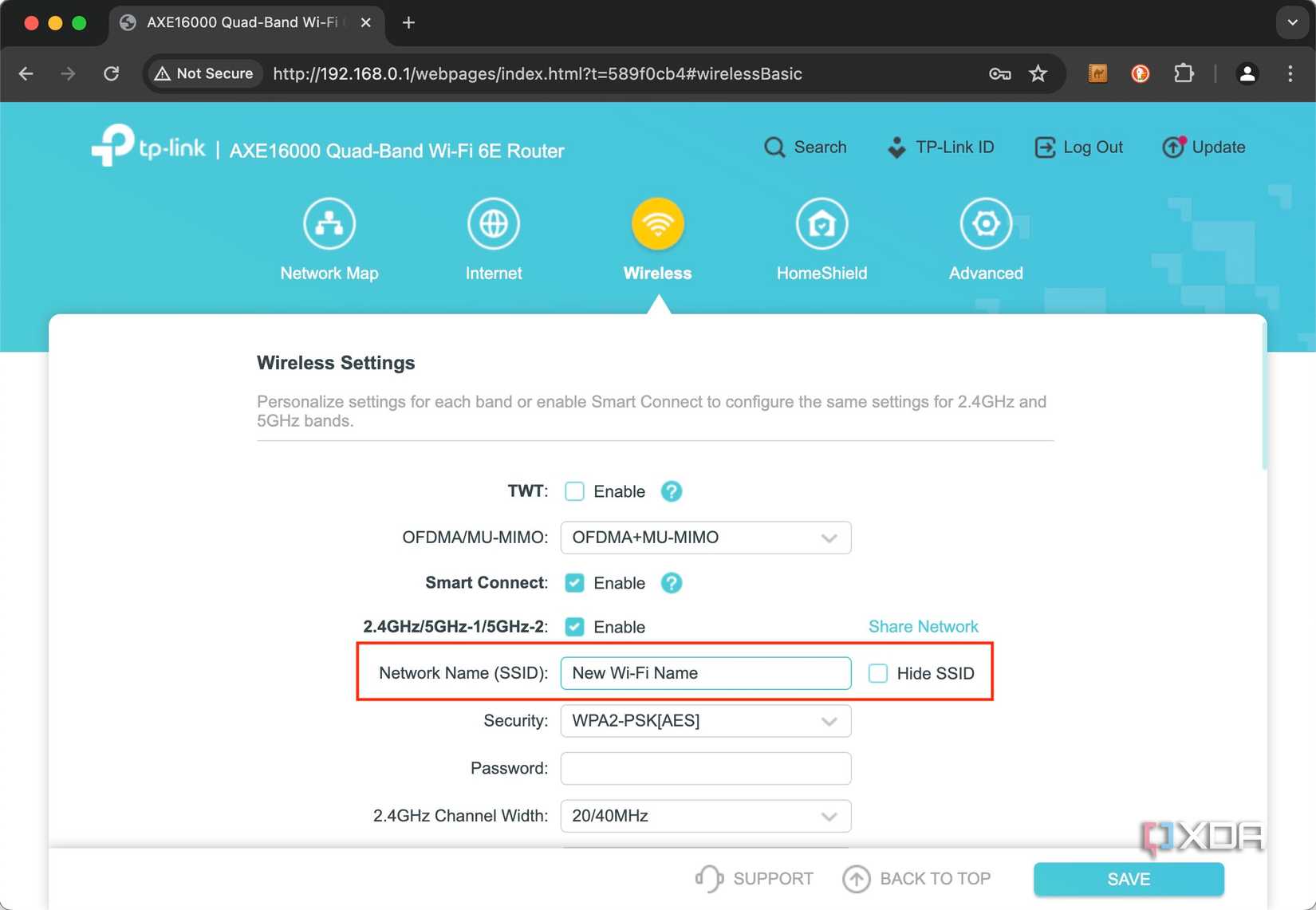
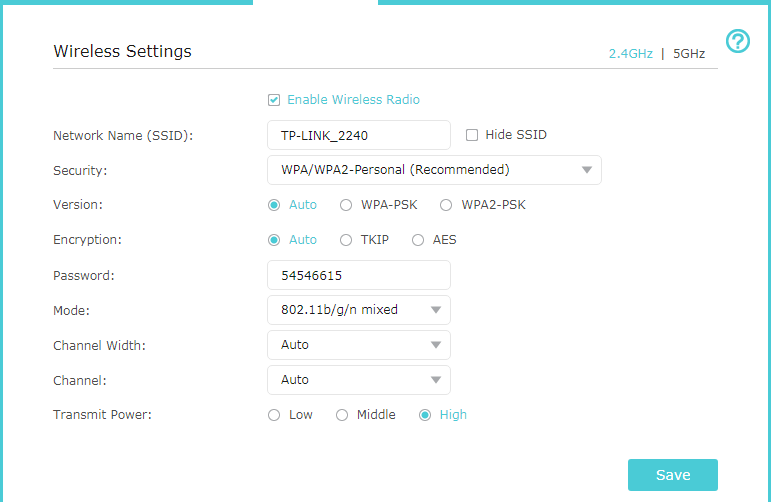
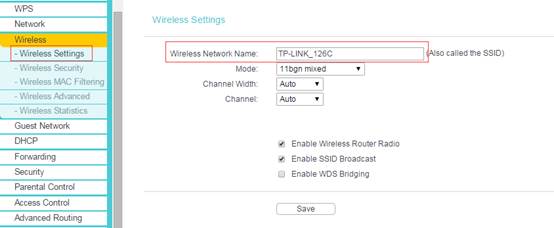
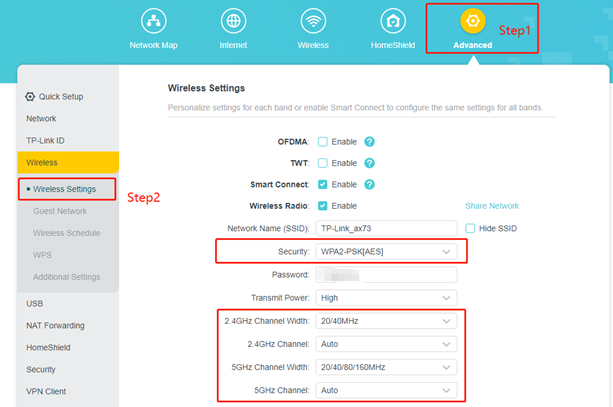
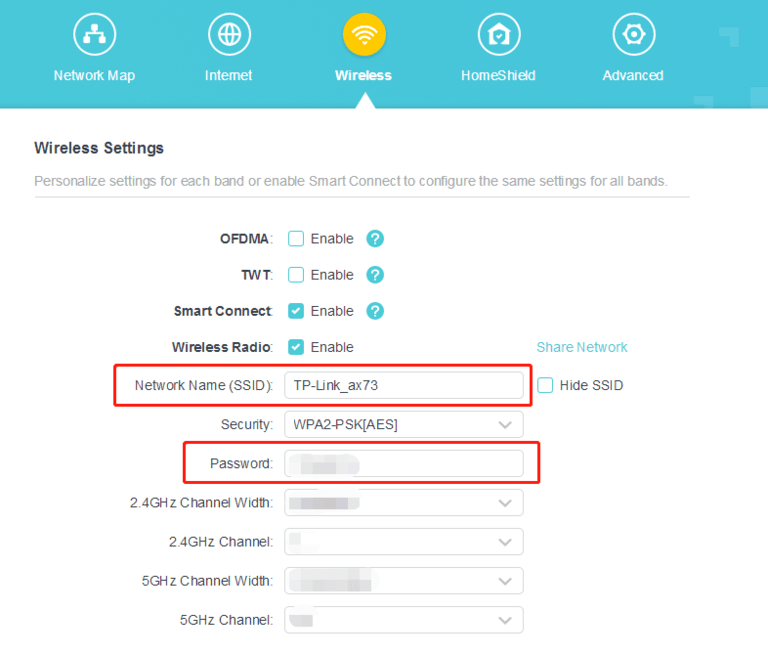
G Router Wireless Security Settings For Home Business How to change wireless settings on TP G Router Wireless Security Settings For Home Business This article provides clear, step-by-step instructions for adjusting the TP-Link Wireless Router's wireless settings (SSID, password, channel, etc.), helping you secure your network and optimize Wi-Fi performance with verified configurations.
G Router Wireless Security Settings For Home Business Such details provide a deeper understanding and appreciation for G Router Wireless Security Settings For Home Business.
[Wireless Router] How to enter the Access Point(AP) mode settings page ...
How to Secure My WiFi Router at Home : Best Router With Maximum ...
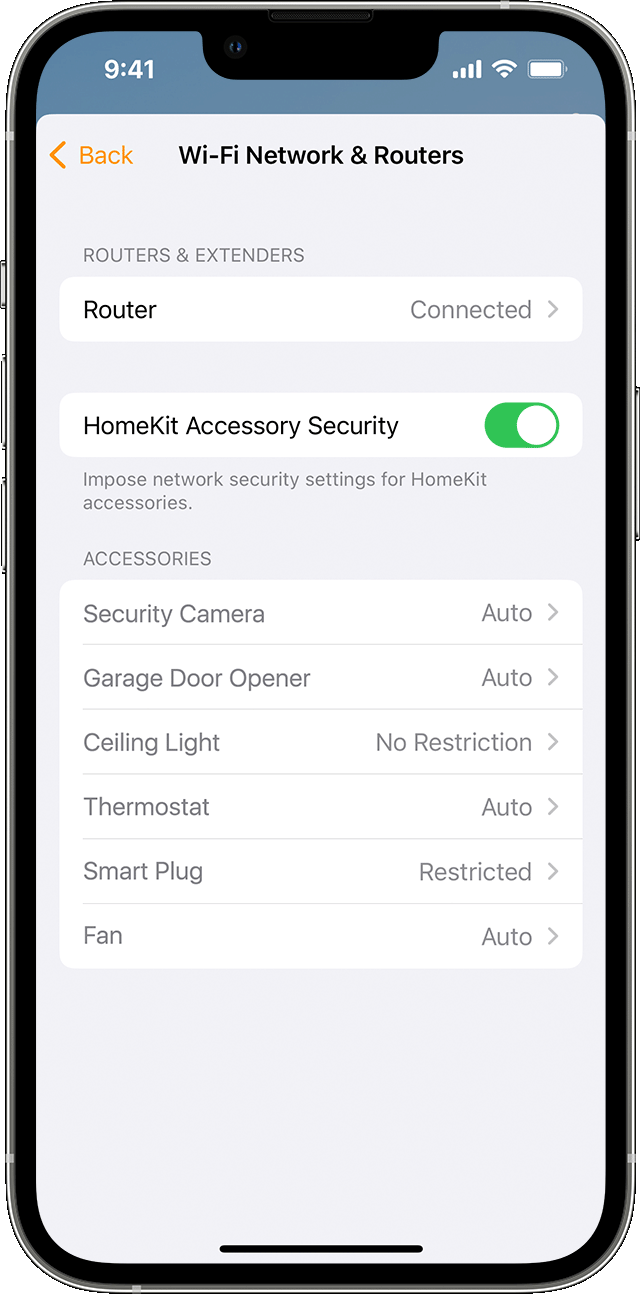
Router Security Settings for Smart Devices in 2025 | Full Security ...
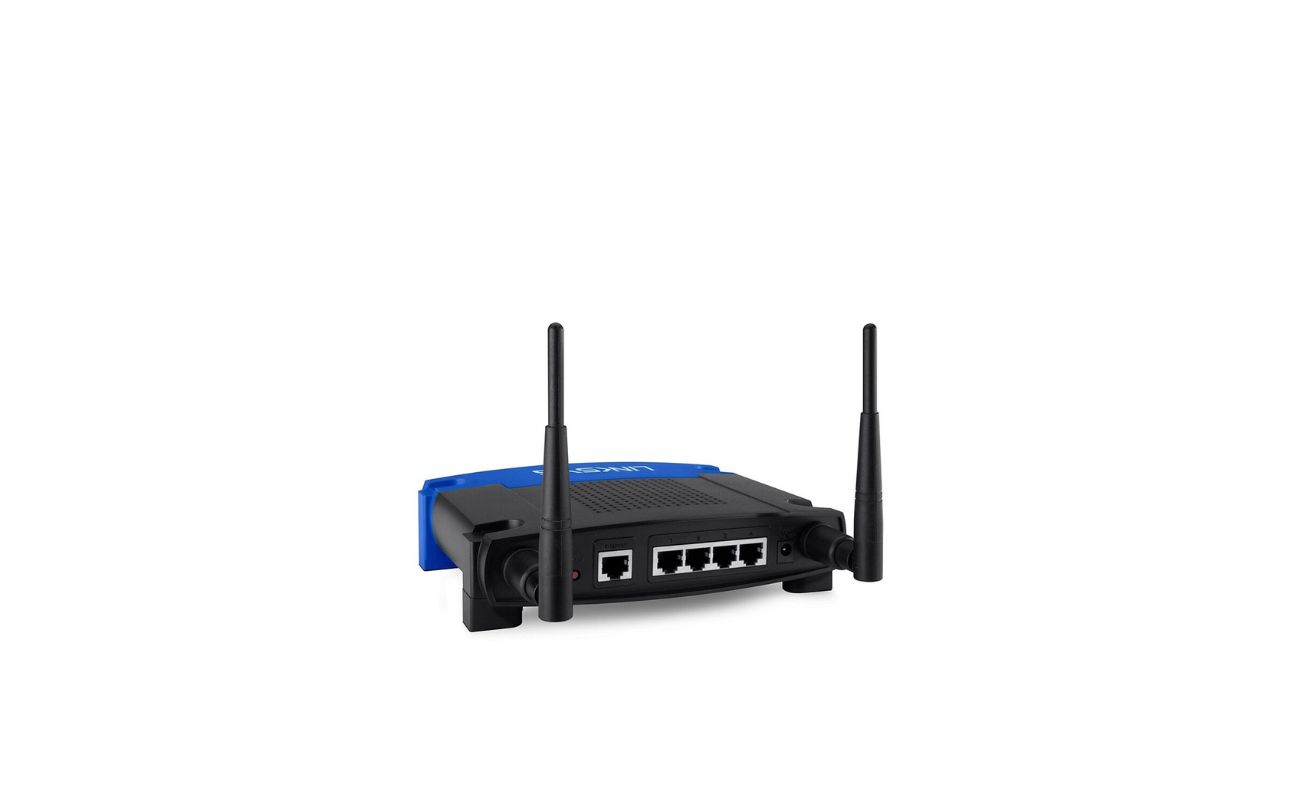
Router Linksys Wireless-G 2.4 Ghz at Sophia Hoff blog
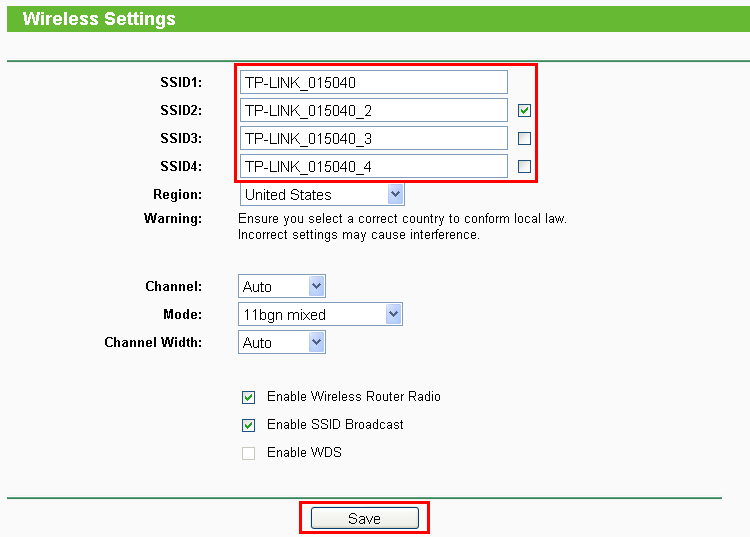
How do I configure Multi-SSID on Wireless Router? | TP-Link
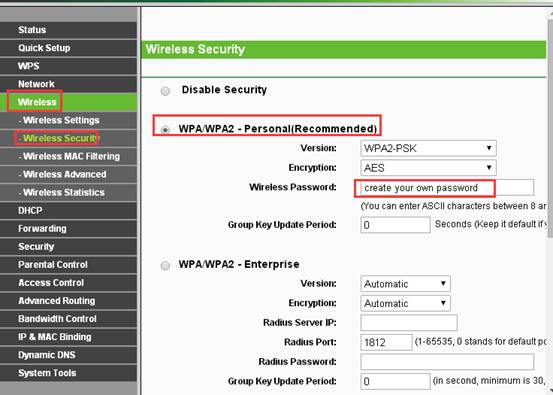
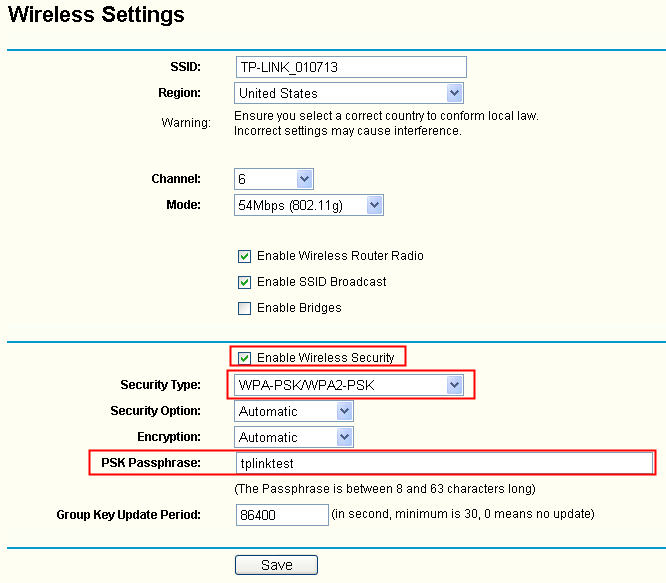
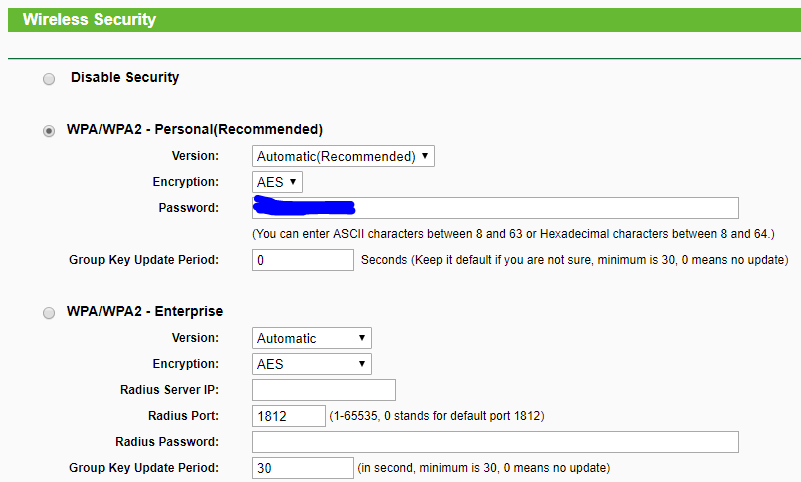
How do I secure my wireless network by using WPA PSK on TP-Link ...
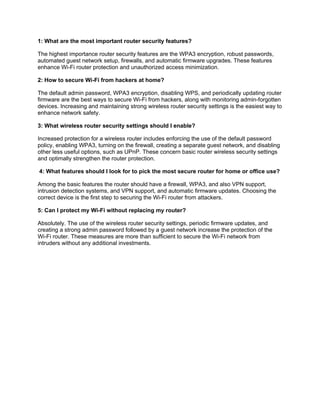
Ultimate Router Security Features for Safer Wi-Fi in 2026 | DOCX
Linksys - Wikipedia
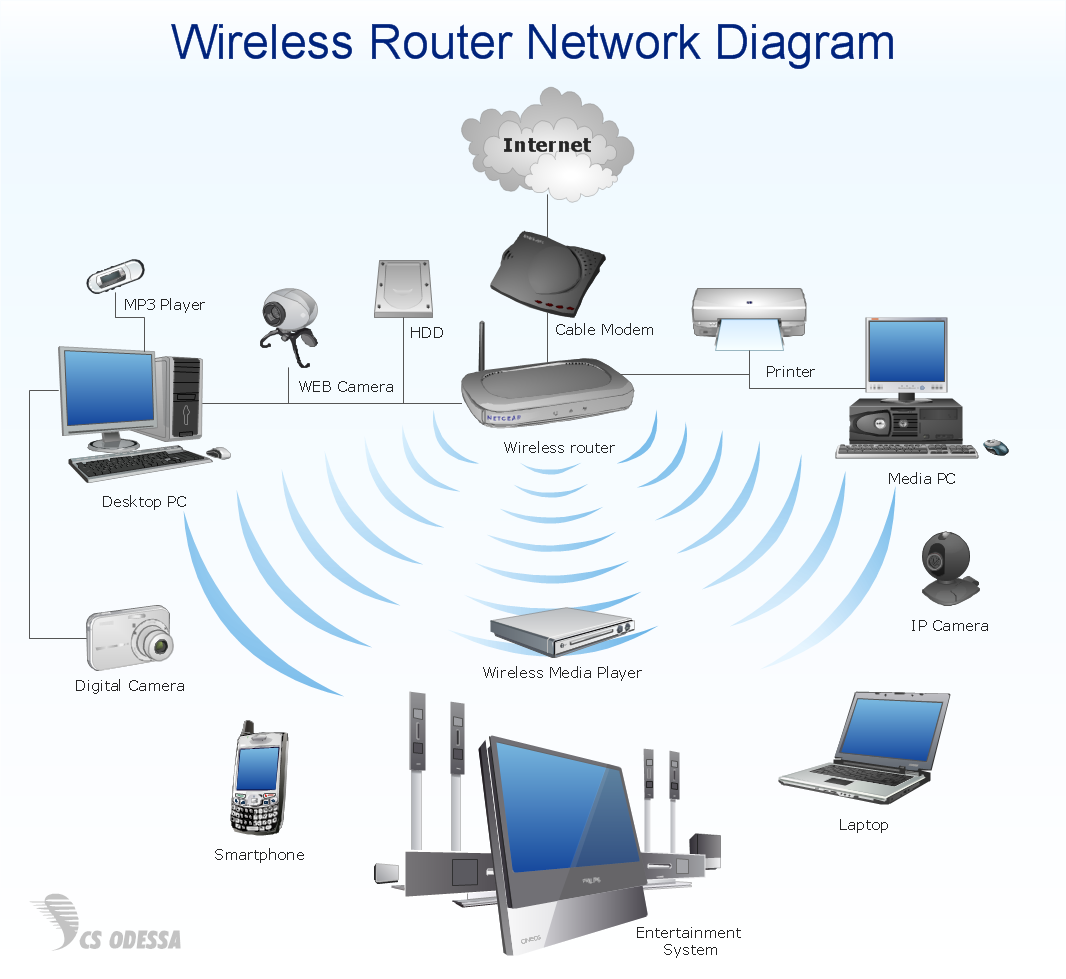
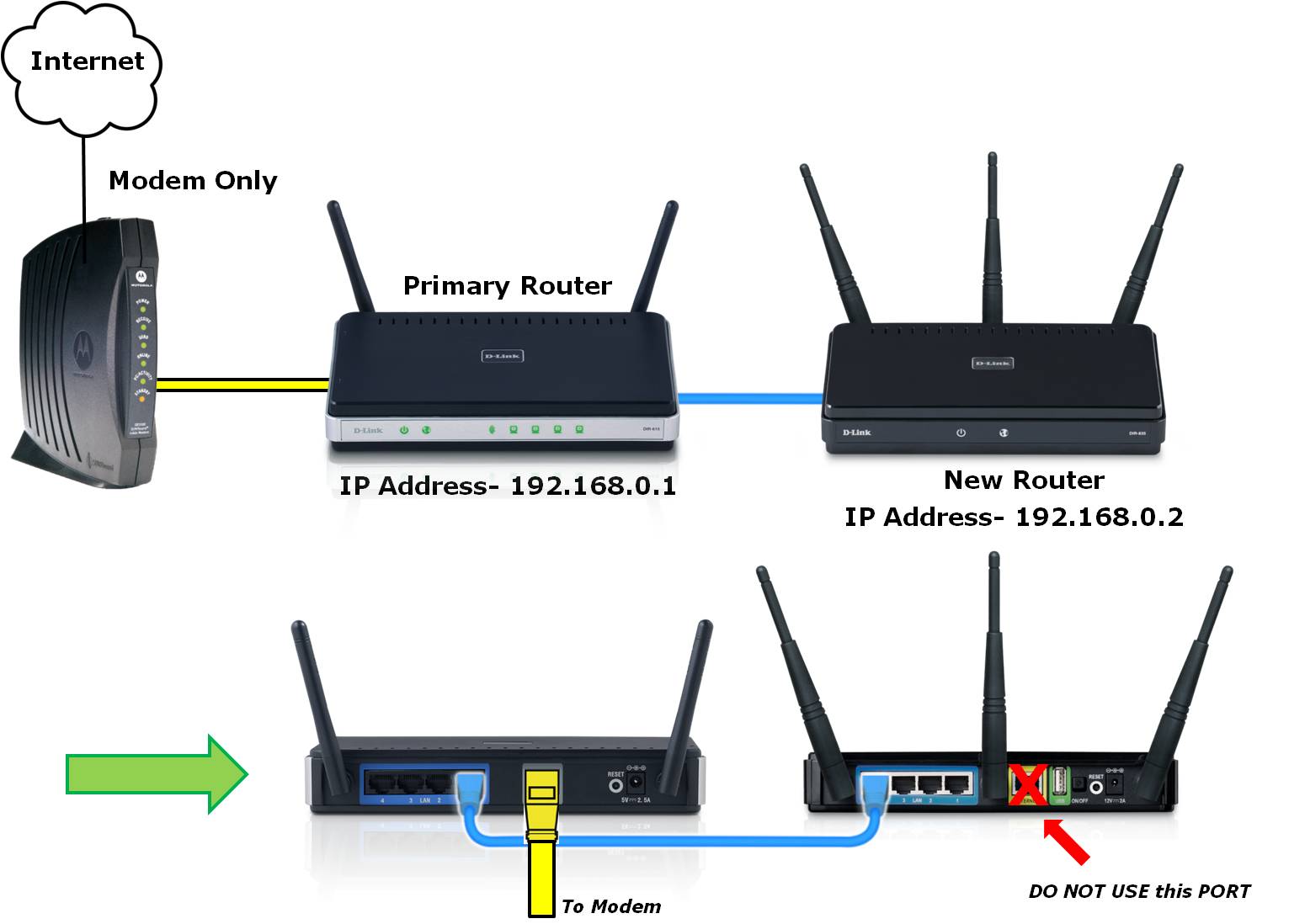
Setting Up Your Modem Router: A Simple Diagram Guide
Your First Smart Home: A Step-by-Step Guide
How do I configure the basic wireless settings for my TP-Link 11N ...
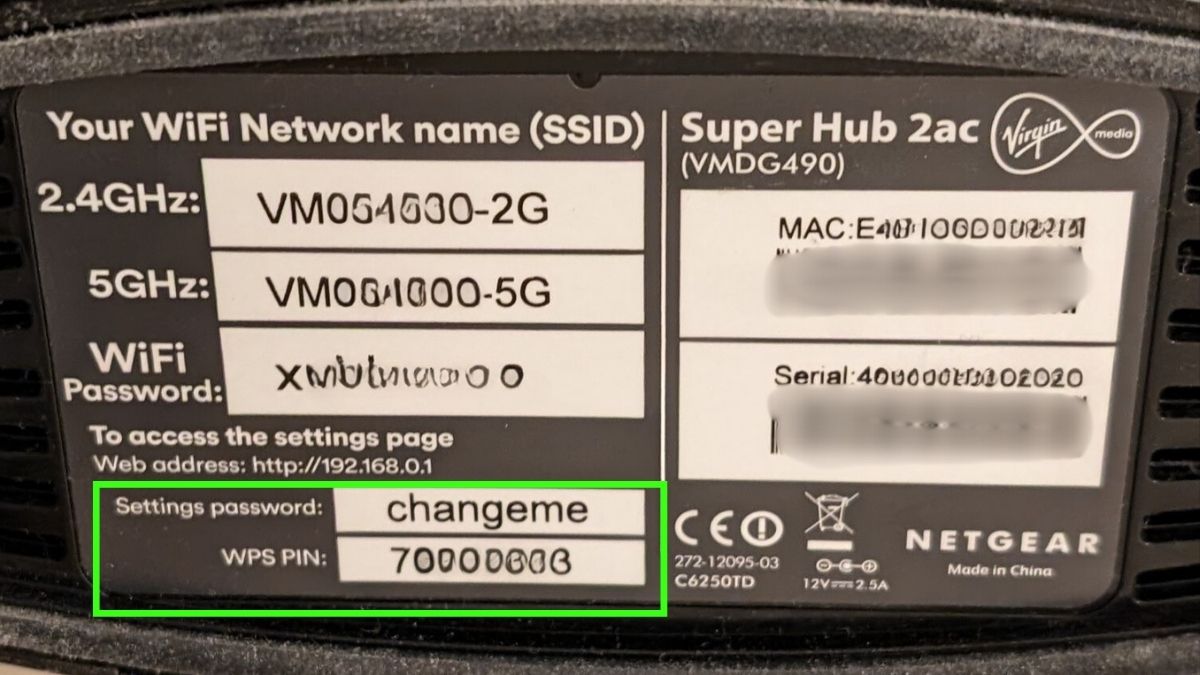
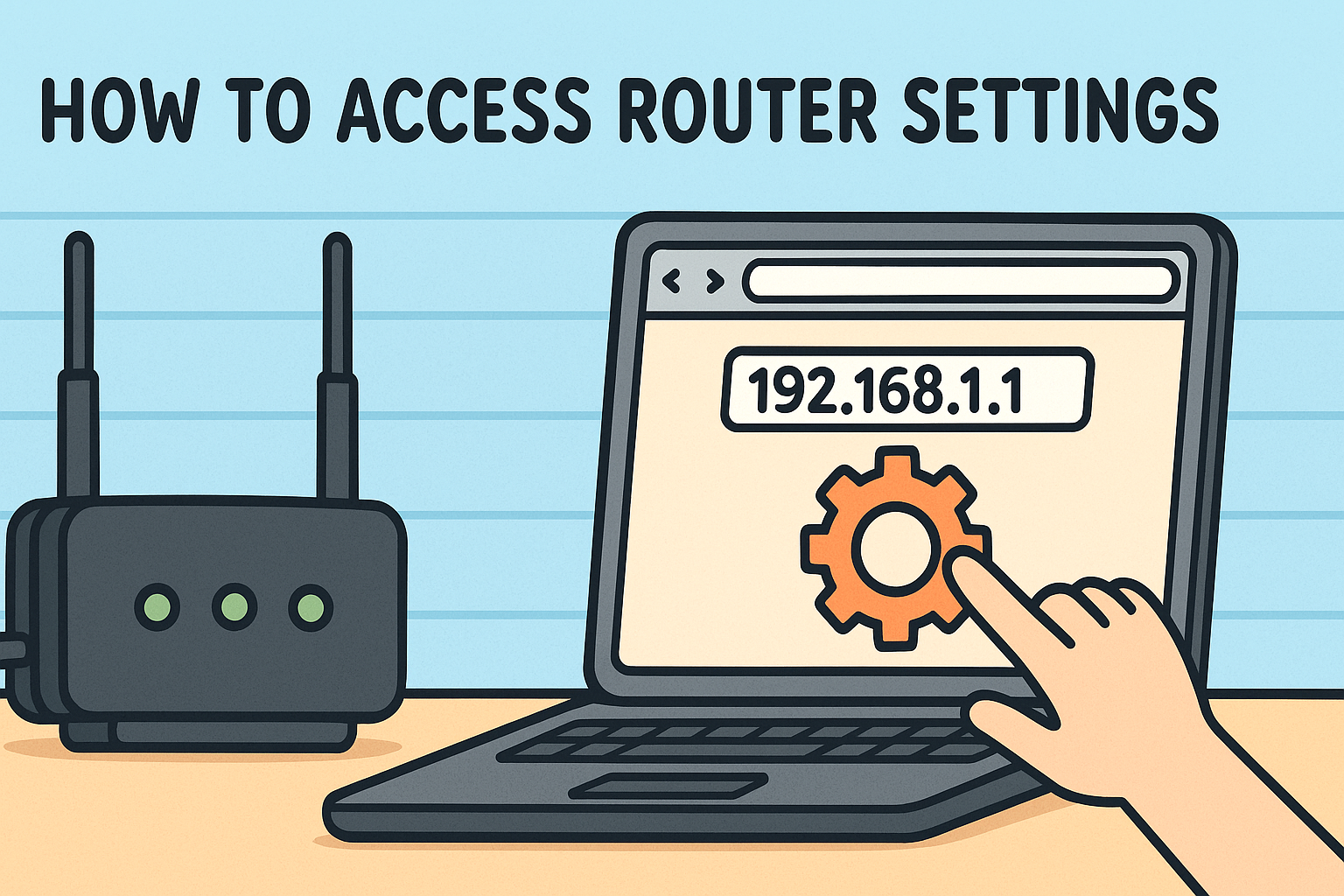
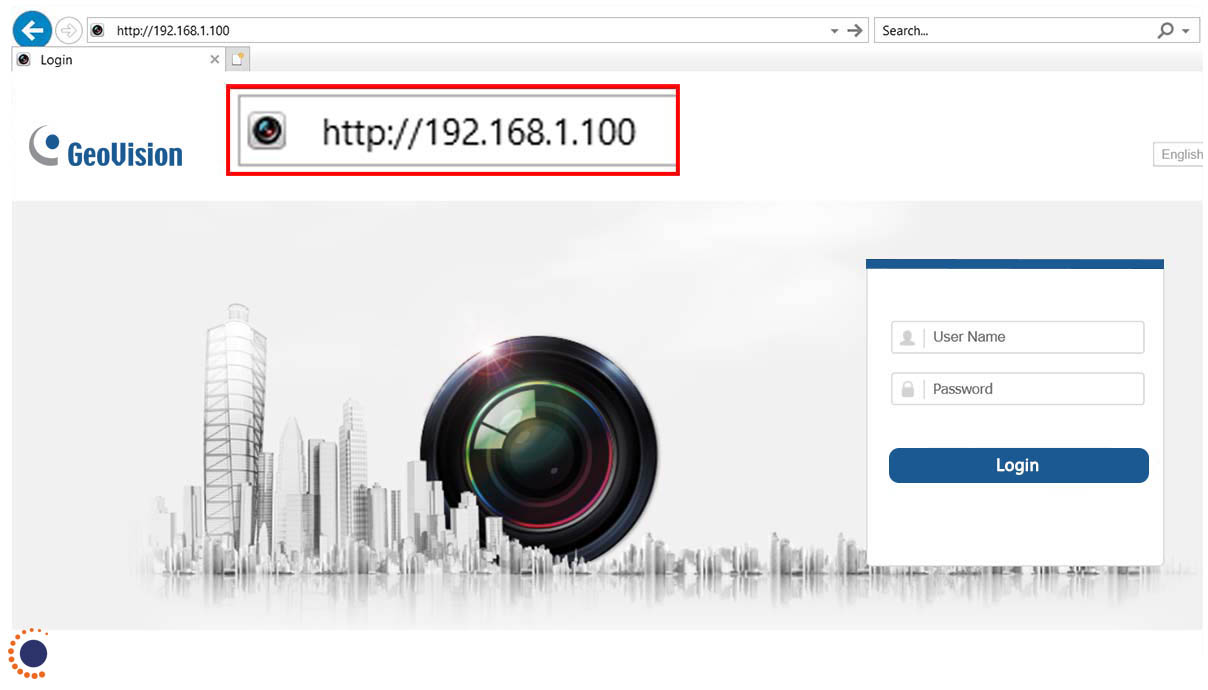
How to access router settings | TechRadar
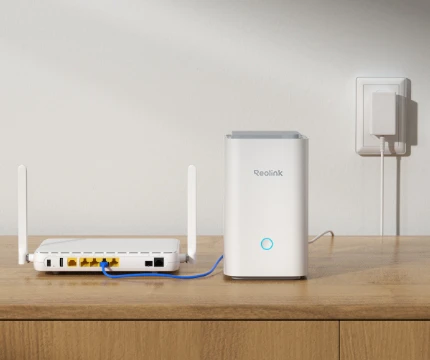
Reolink Home Hub - Wireless Security Center With Encrypted Local ...
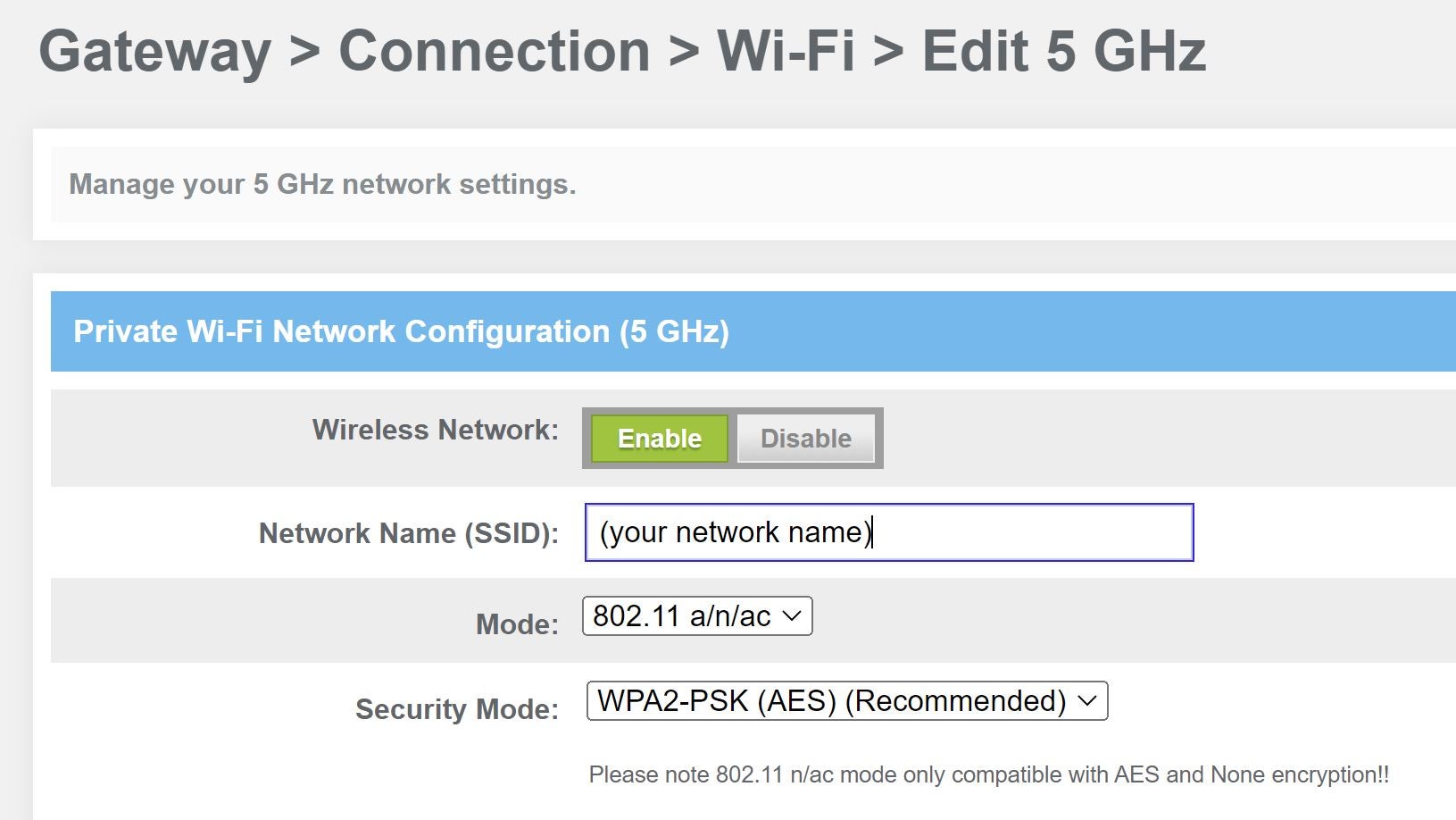
Wireless security settings on your modem | Brightspeed
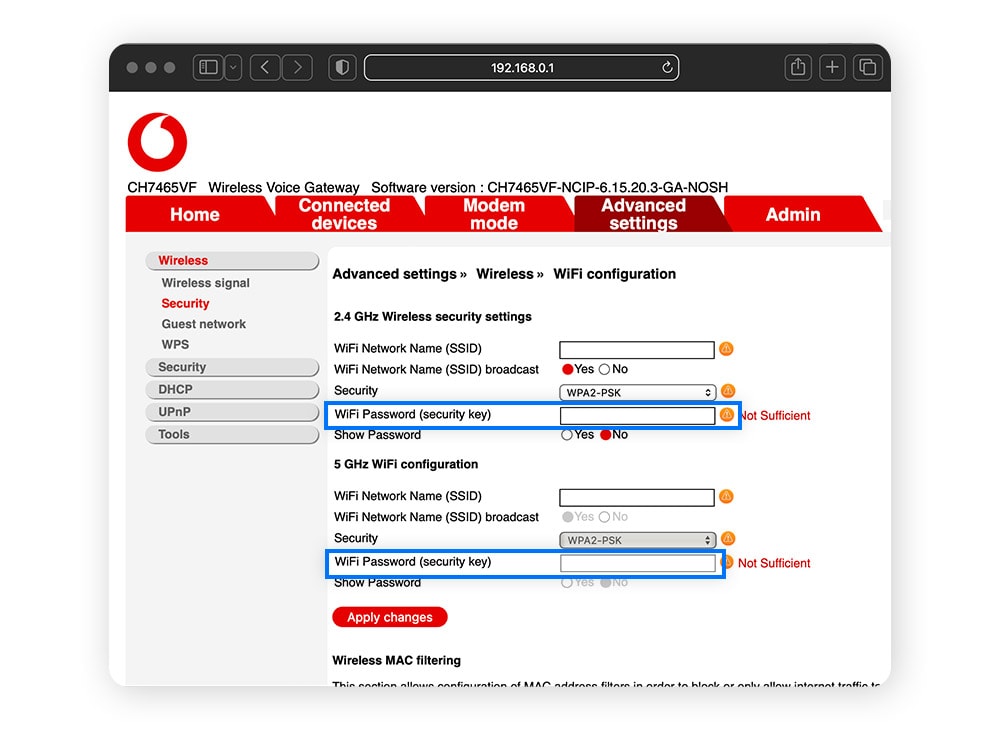
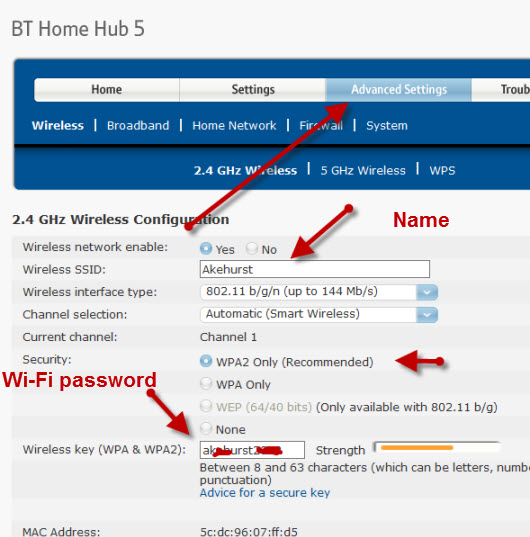
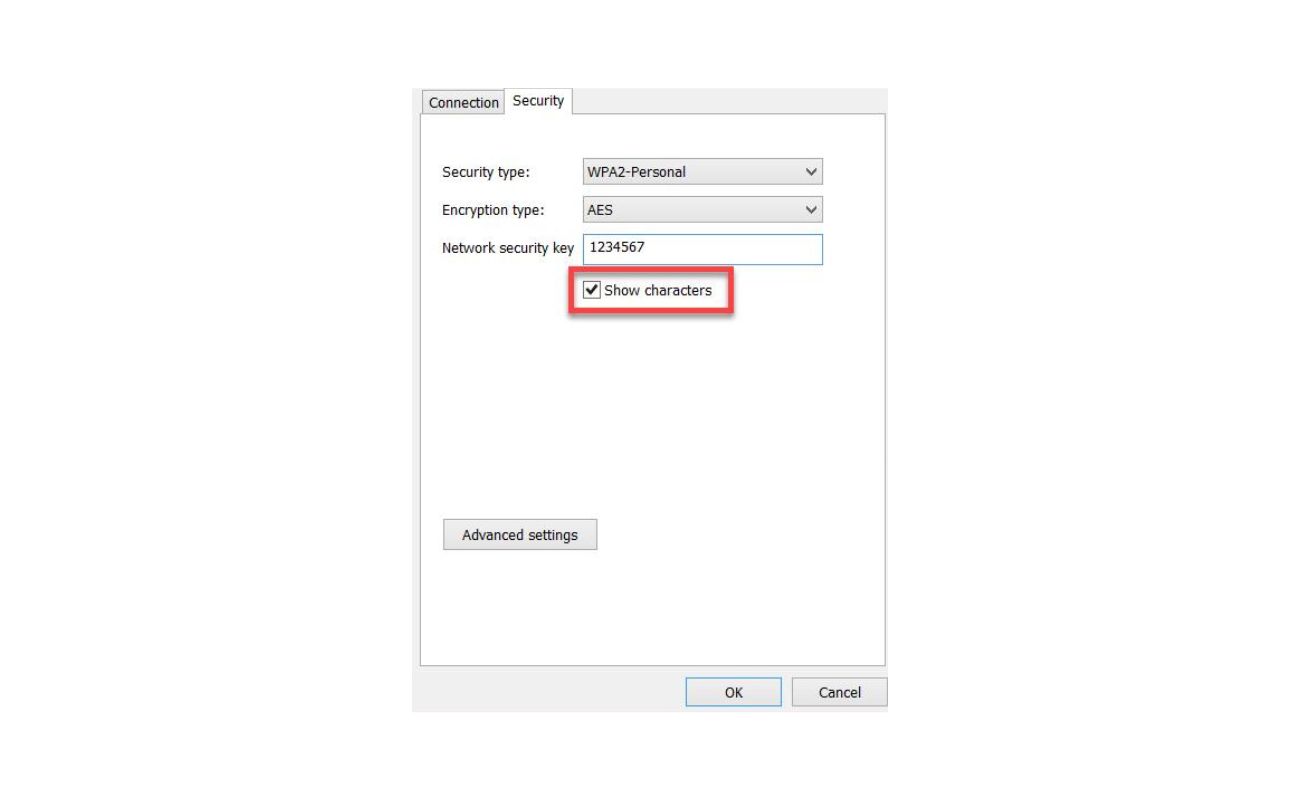
What is a network security key and where can you find it?
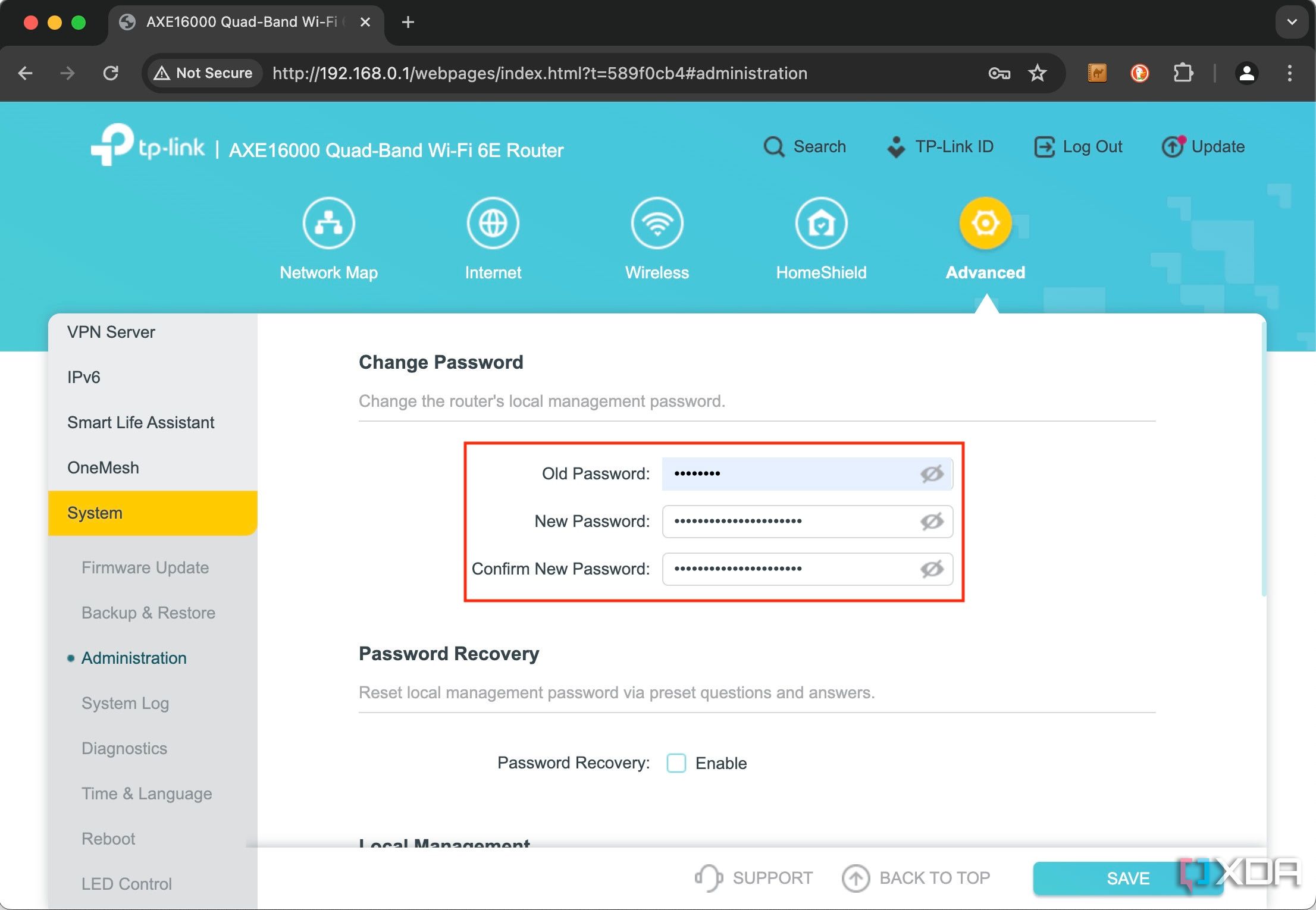
How Do I Change My Router's Wireless Security Settings? | Storables
Router Encryption Explained at Douglas Byrd blog
How Do I Change My Router's Wireless Security Settings? | Storables
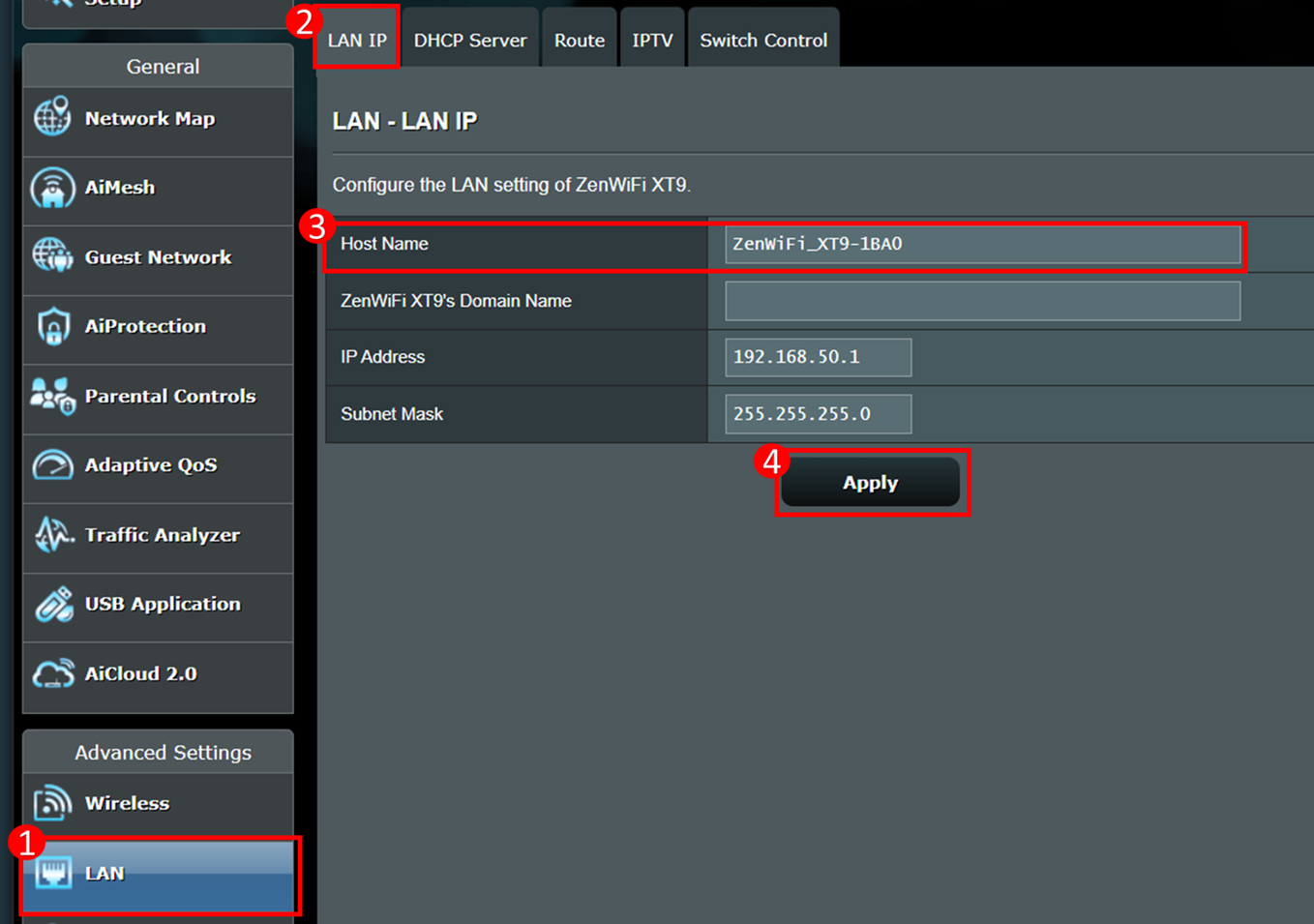
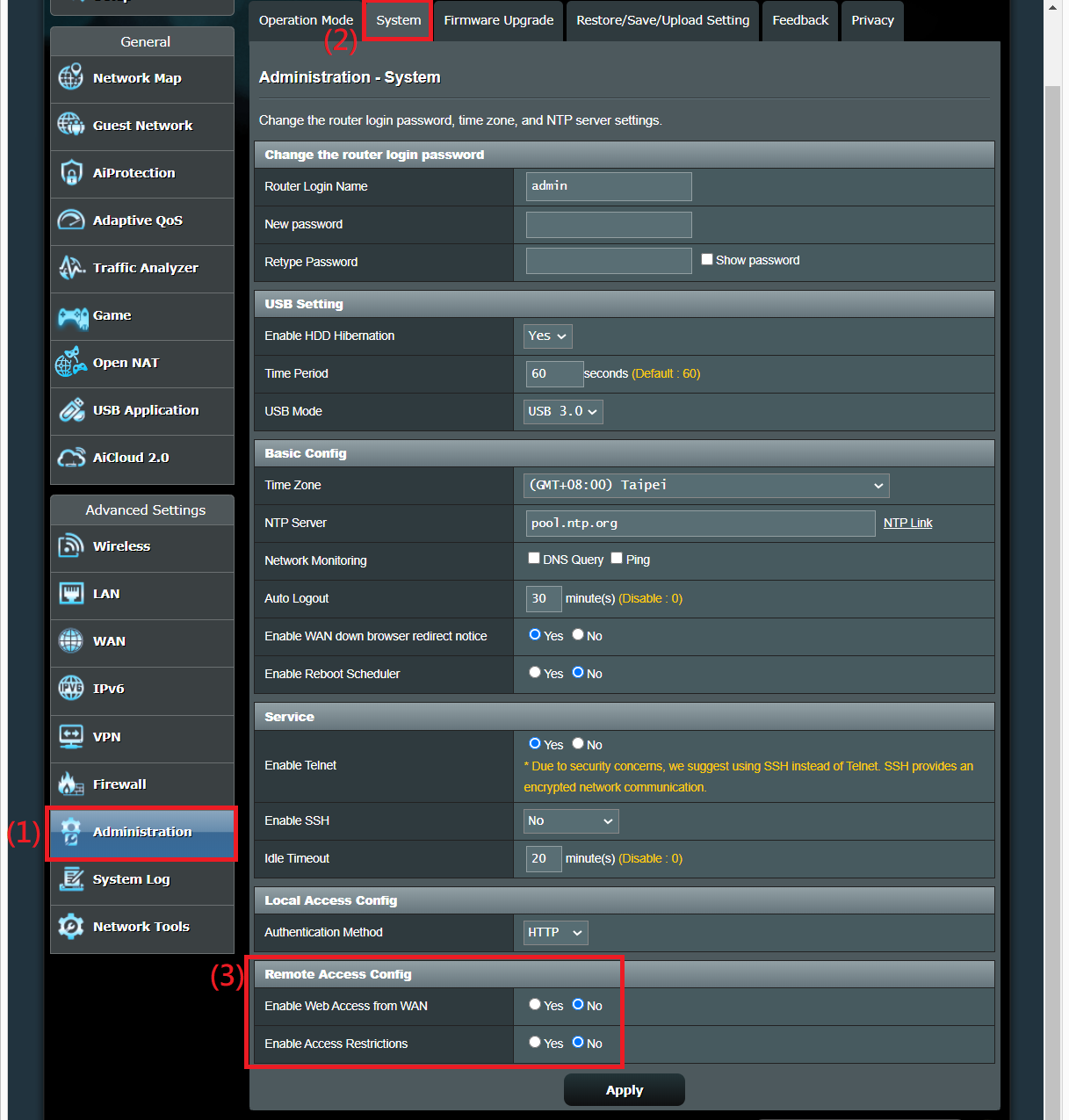
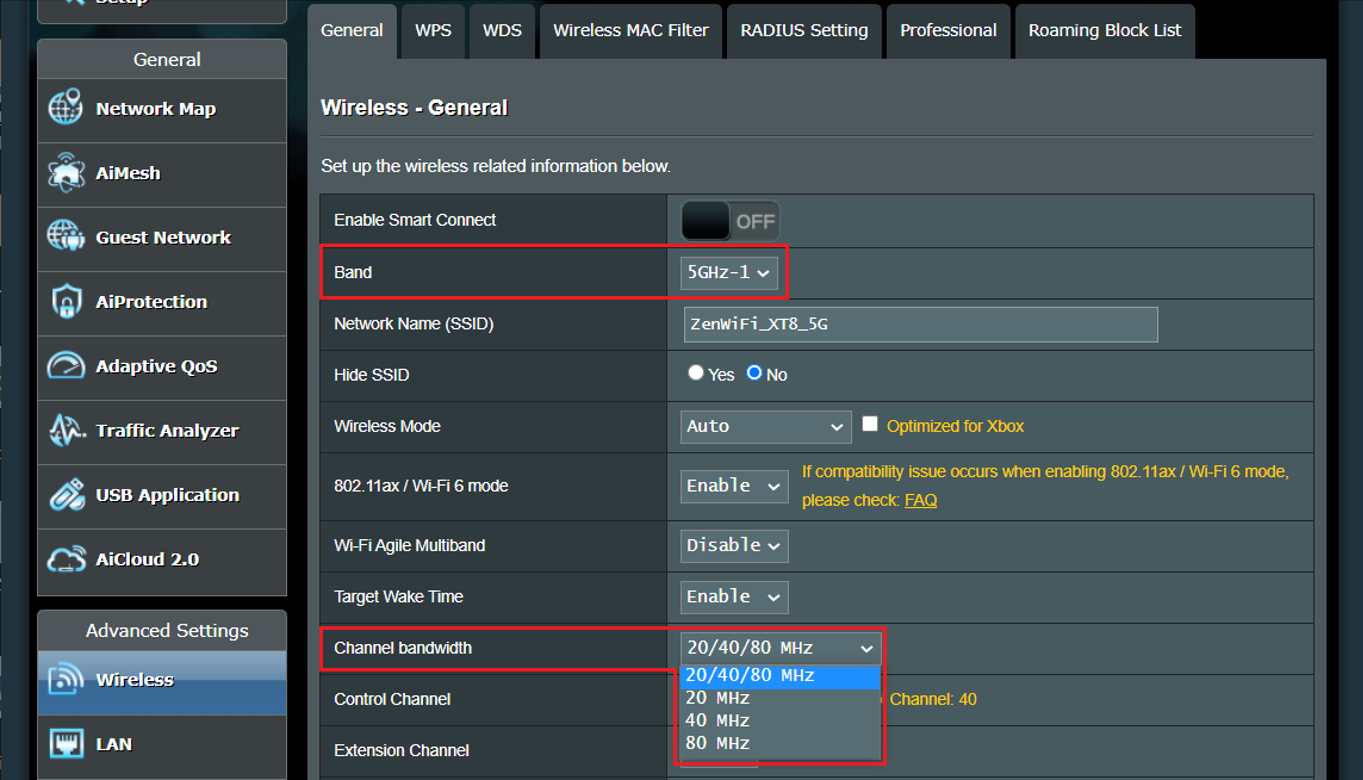
[Wireless Router] How to set up ASUS wireless rout... - Republic of ...
What Is Slack? | Features, Benefits & Security Insights
Essential Settings for Home Network Routers
7 ways to optimize your home network for gaming
Wi-Fi Security Settings: 10 Steps to Secure Your WiFi Router | TP-Link ...
Best WiFi Routers for Small Business: My Real-World Picks
Router Circuit Diagram
Quick tip: Secure your TP-Link router's wifi - Roy Tanck
How to Setup and Configure your Home Router
[Wireless Router] How to improve wireless speed by... - ASUS - ZenTalk ...
10 Cara Setting Router WiFi Agar Cepat, Ikuti Tips Ini!
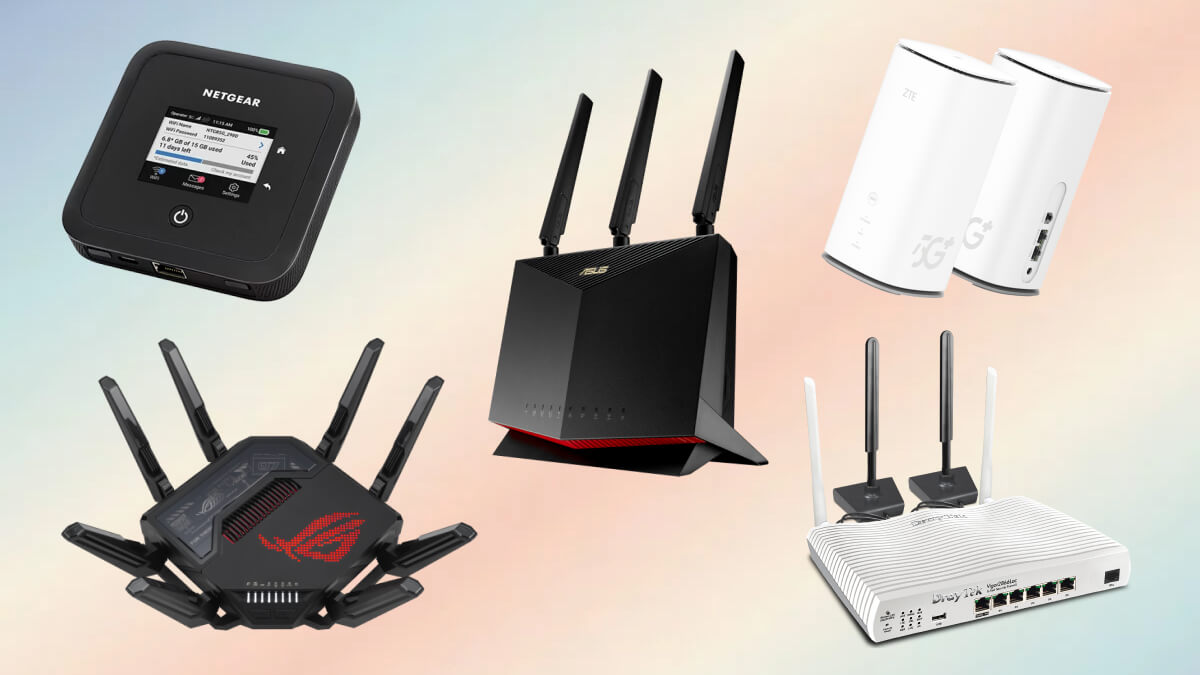
15 Best 5G WiFi Routers for Different Uses (Home, Gaming, Office & More)
Verizon Router Setup: A Comprehensive Guide for Optimal Connectivity ...
How to configure the routers wireless settings - Home Network Community
How do I configure the basic wireless settings for my TP-Link 11N ...
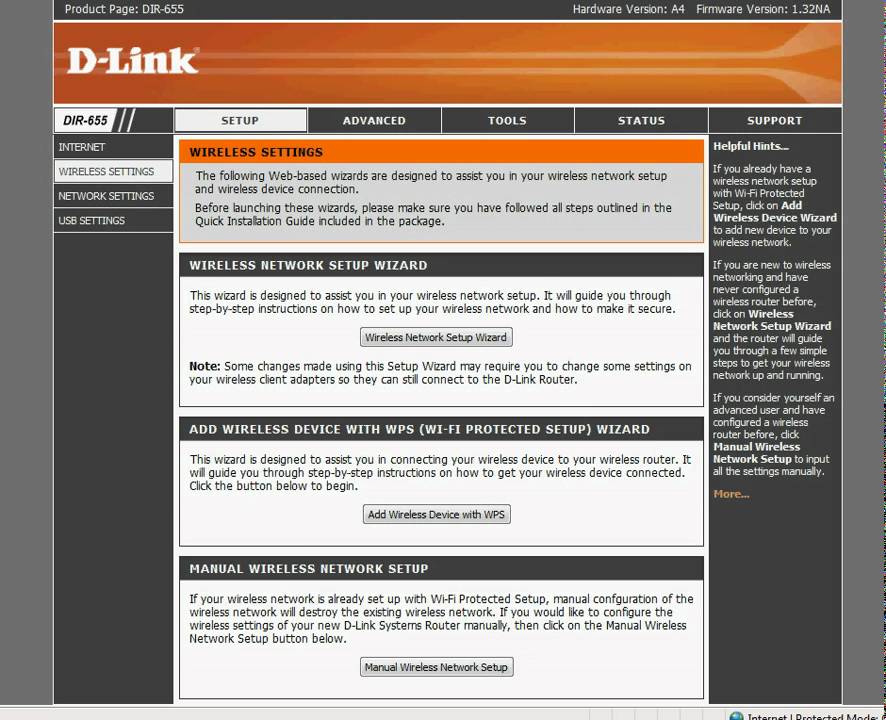
Fast D-Link Wireless Router Security Setup - YouTube
How to configure the TP-Link wireless router as Access Point
How Do I Change My Router's Wireless Security Settings? | Storables
How Do I Change My Router's Wireless Security Settings? | Storables
9 Tips to Secure Your Router & Wi-Fi Network in Minutes
Use routers secured with HomeKit - Apple Support
How to Change your Security Settings on your TP-Link Router (new UI)
How Do I Change My Router's Wireless Security Settings? | Storables
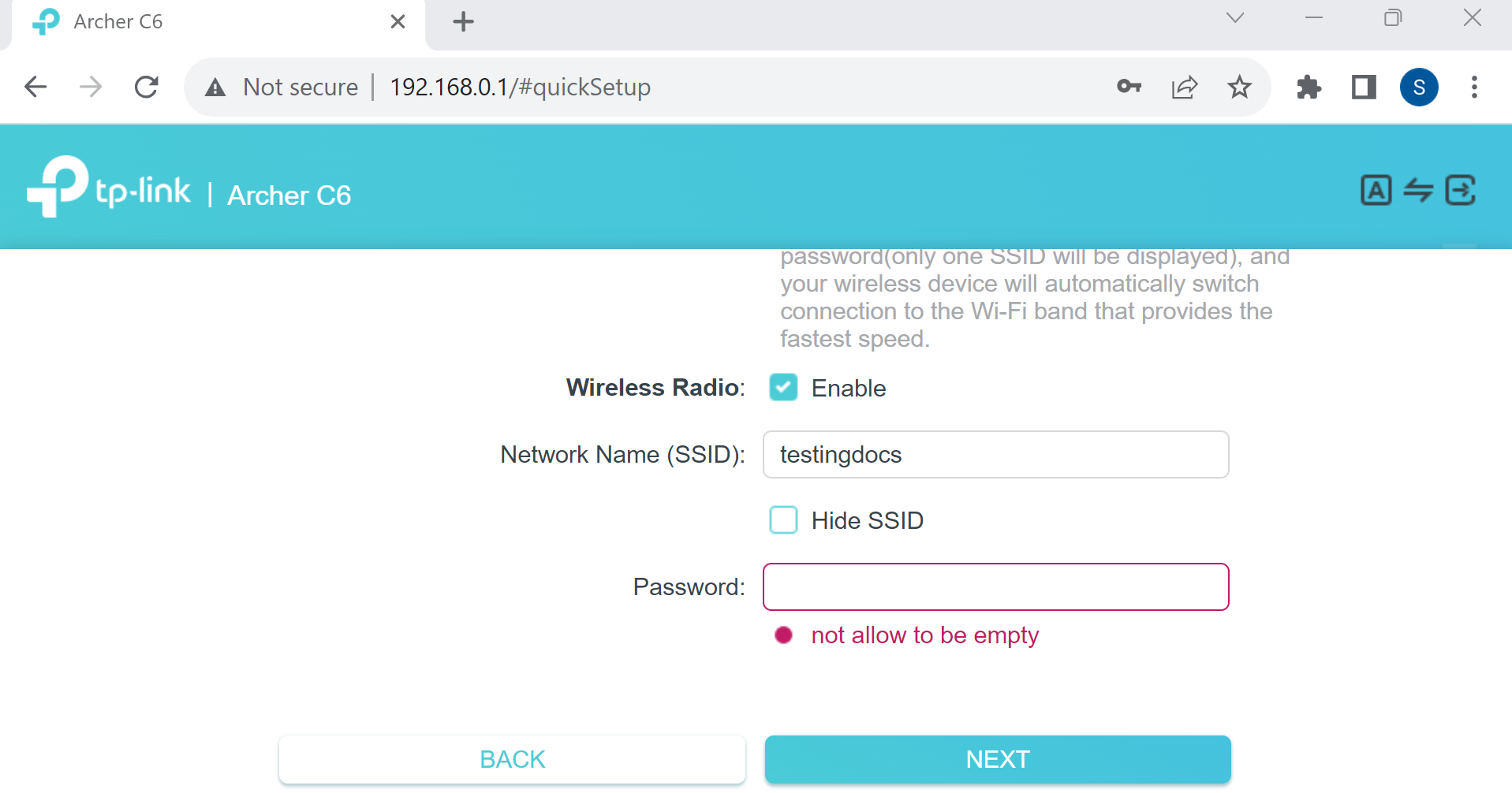
Broadband Router Setup | TestingDocs
[ TUTORIAL ] Cara Setting Router TP-LINK WR840N Menjadi Akses Poin ...
Important WiFi Router Settings for Your Home Network
10 Easy Steps to Setup WiFi Router at Home • DataFeature
How do I configure the basic wireless settings for my TP-Link 11N ...
How to configure a router: Your guide to the most important settings
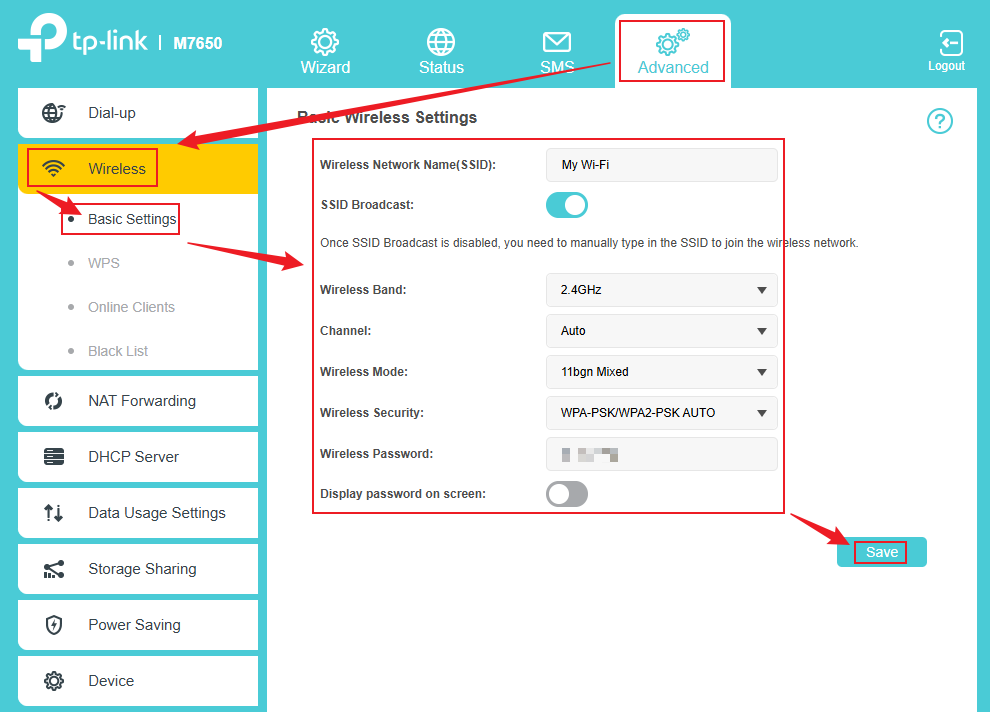
How to change the wireless settings of the TP-Link Mobile Wi-Fi Routers
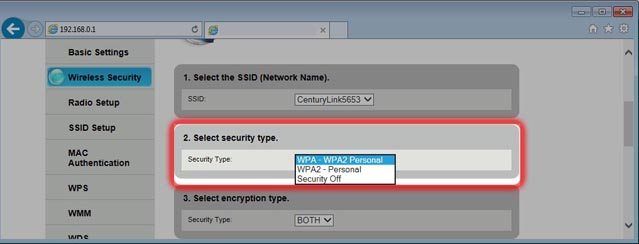
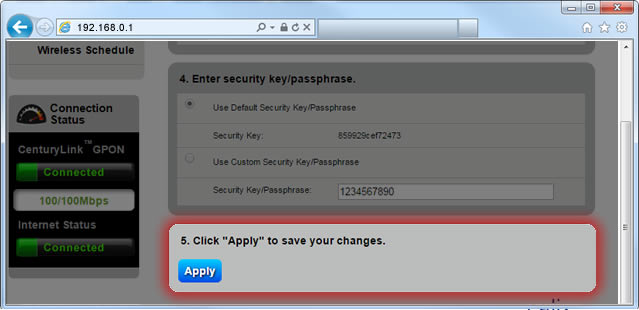
Wireless Security Settings on Your Modem | CenturyLink
Choosing the Best Router Security Protocols for Your Protection