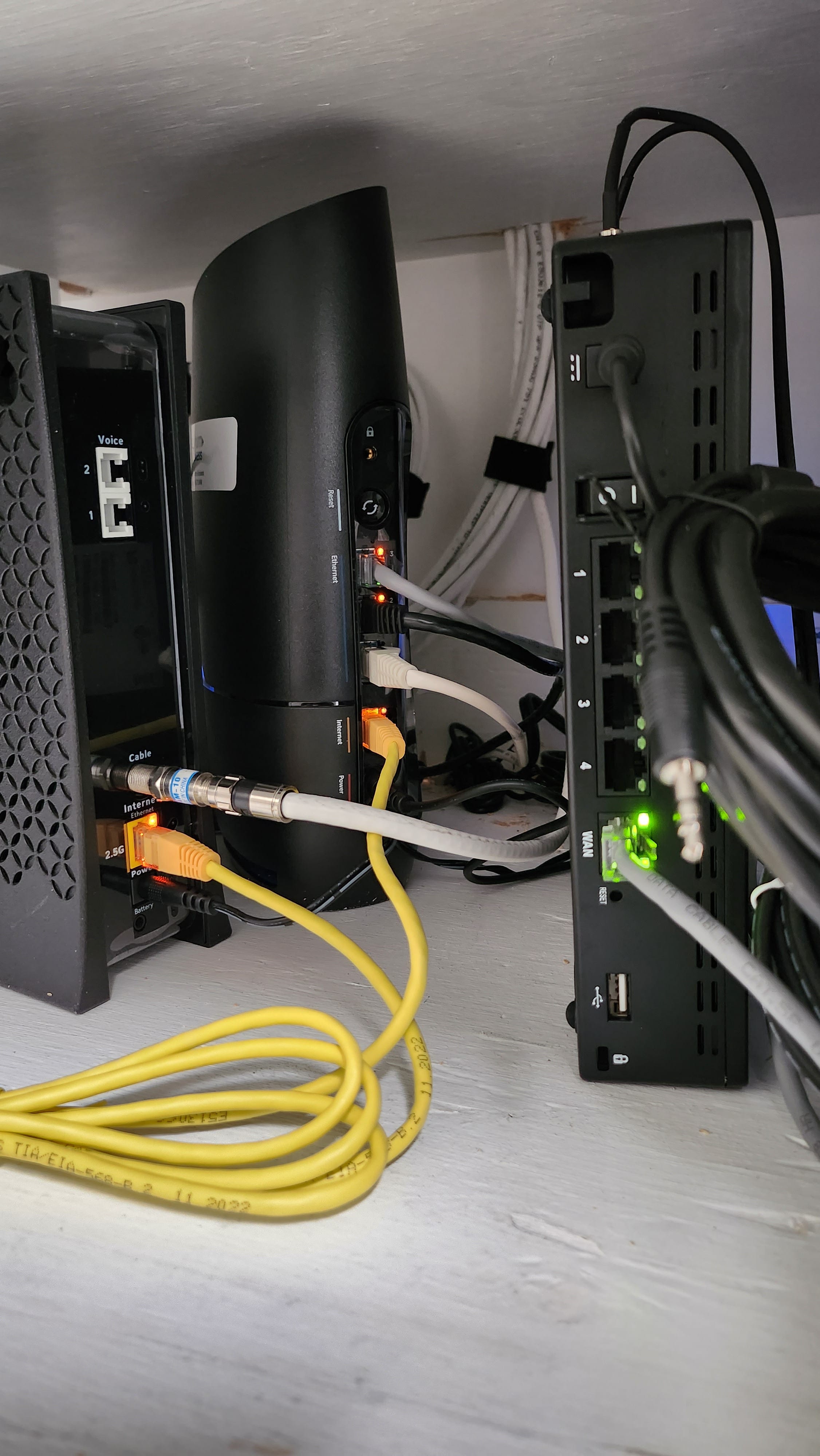
Deco Internet Backup Feature Guide
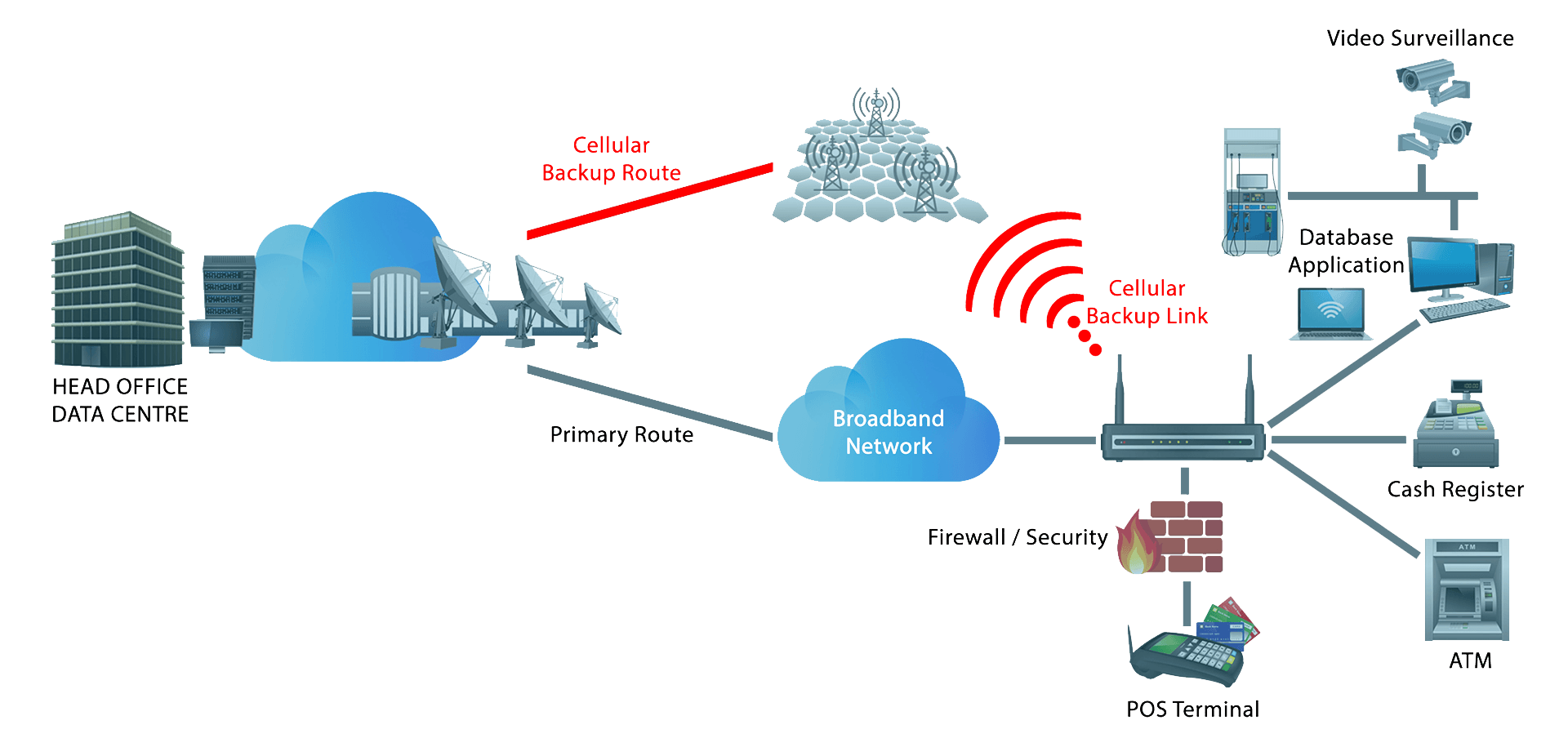
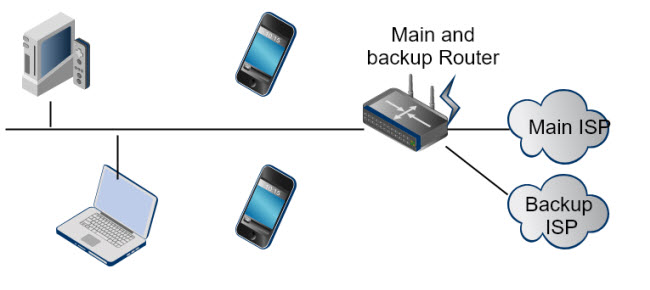
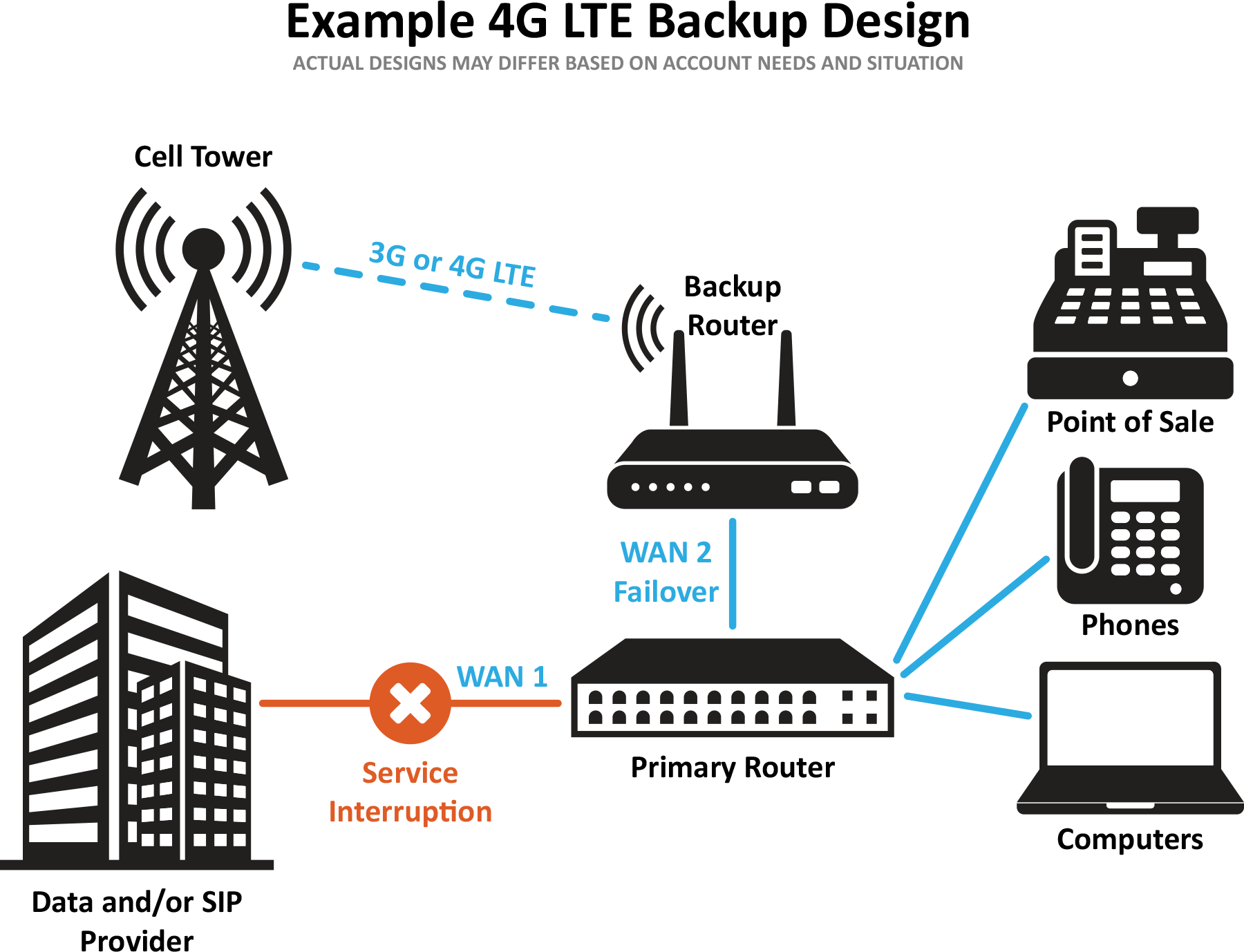
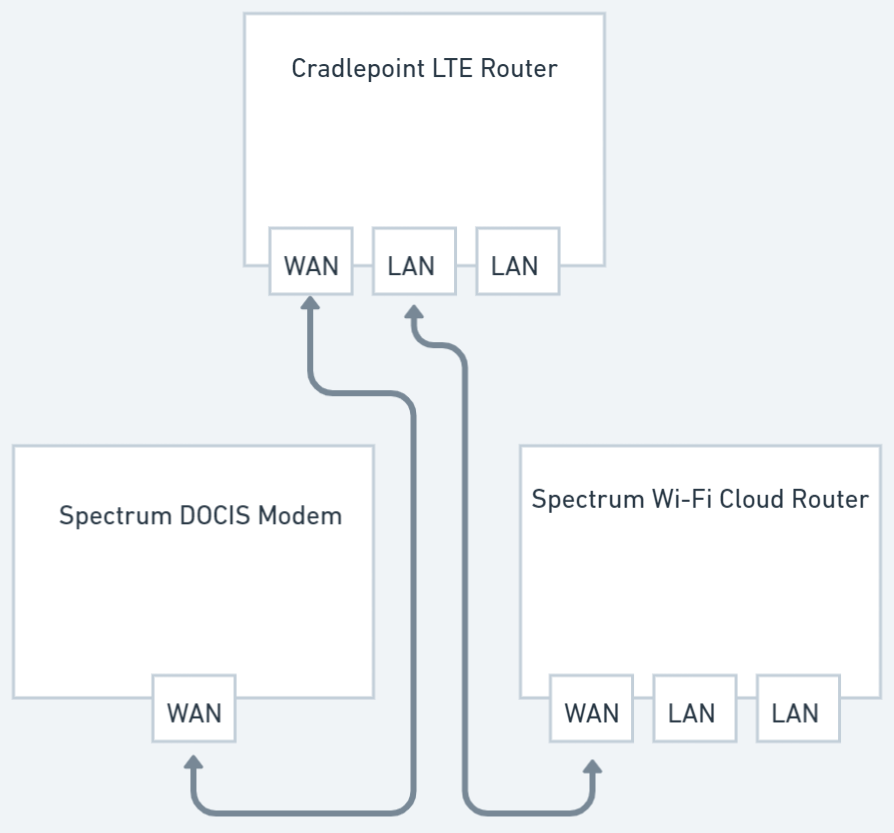
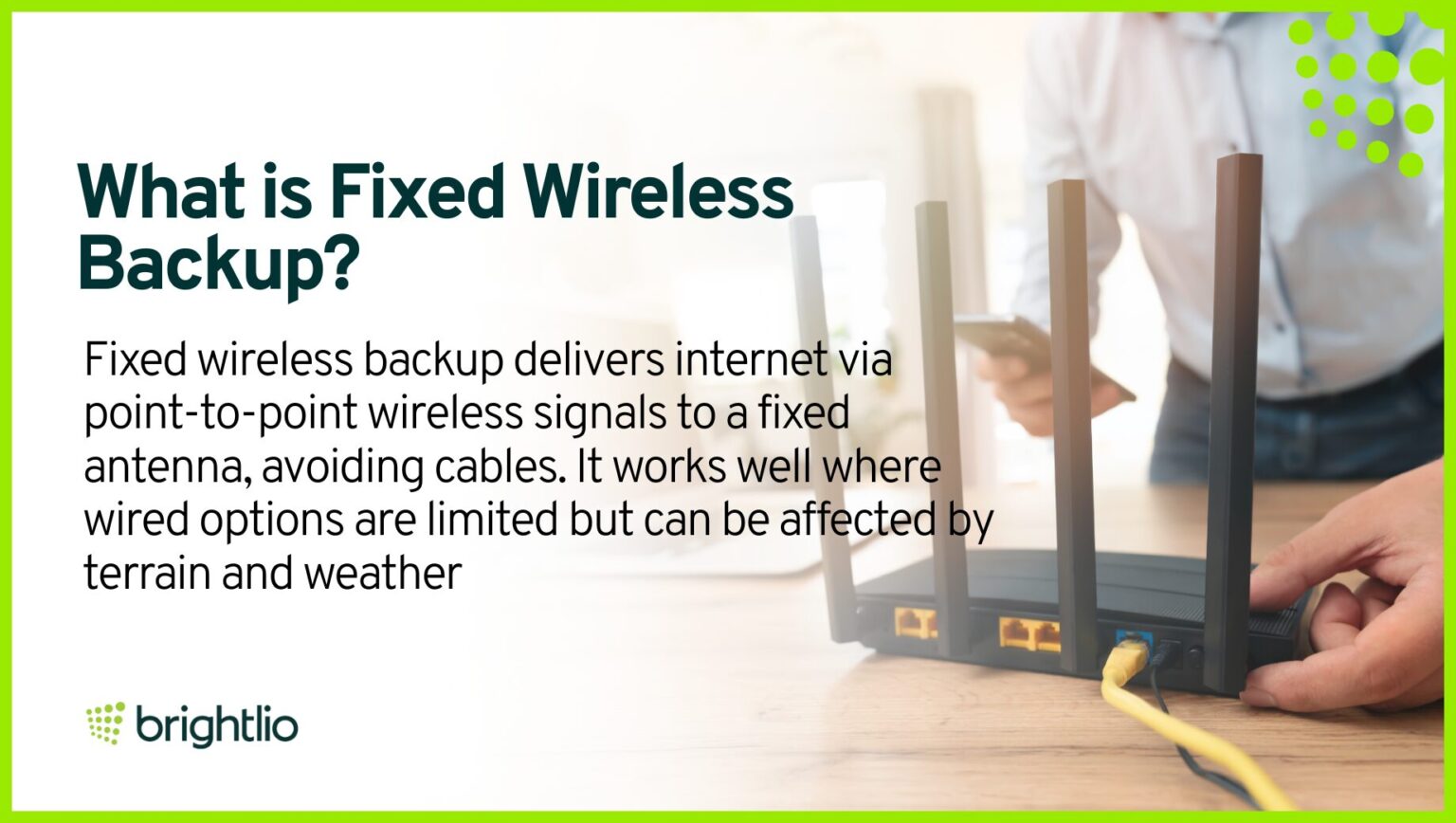
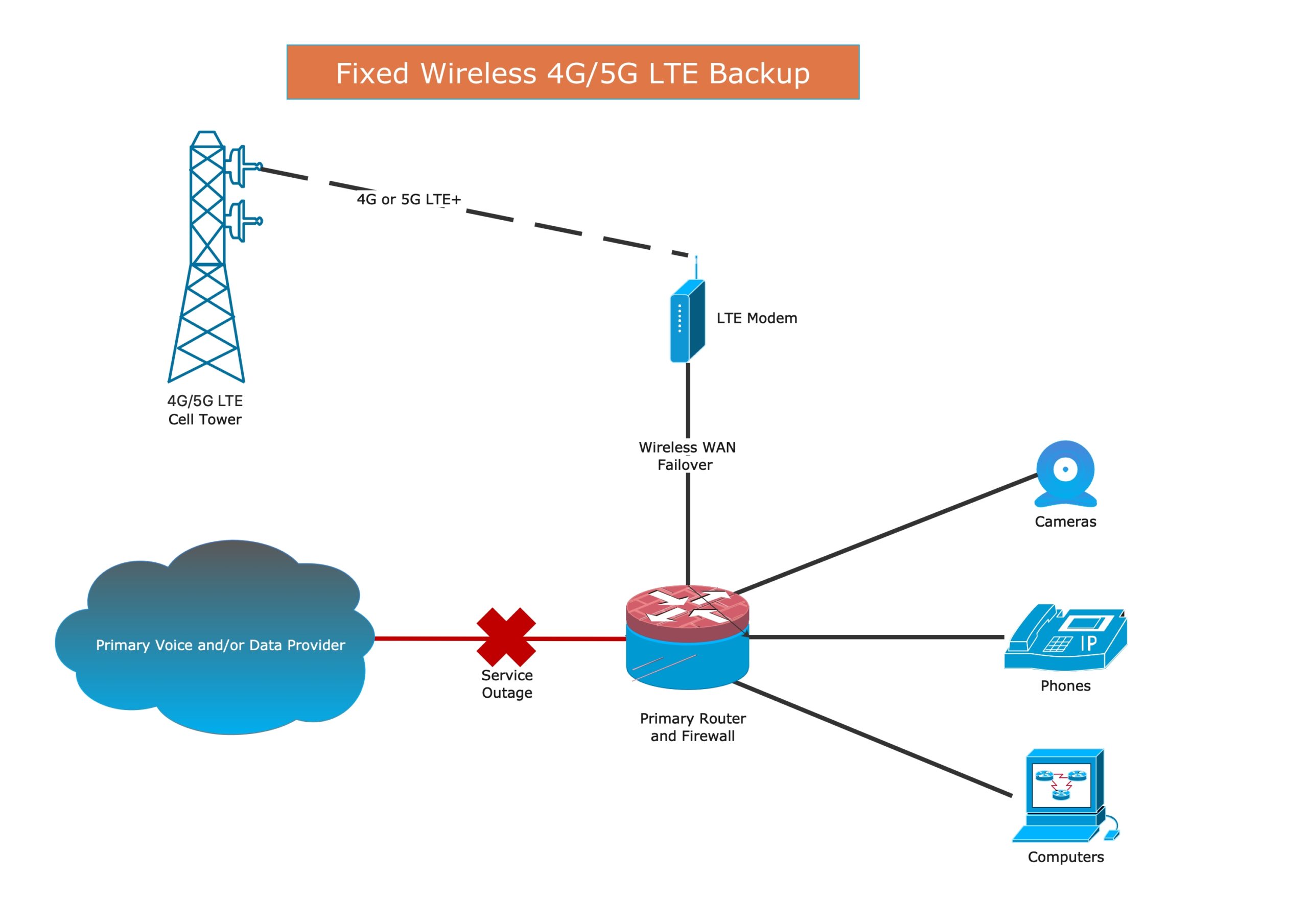
Currently, I have a 5G modem, and if I want to use it as a backup modem, I'd have to rely on using hotspot backup mode by setting up my Deco to wirelessly connect to my 5G modem's Wi-Fi network using up access point airtime and adding unnecessary interference.
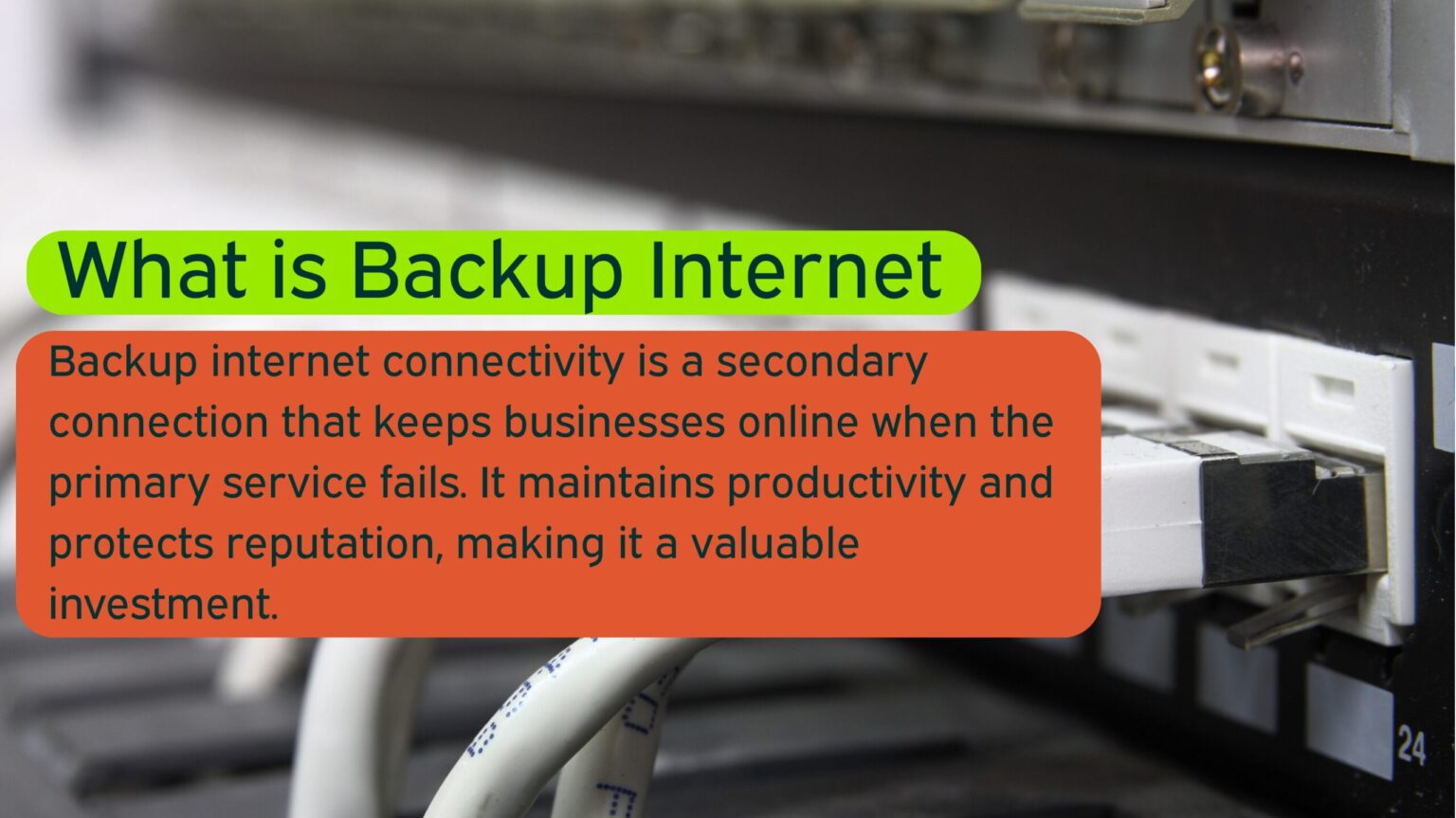
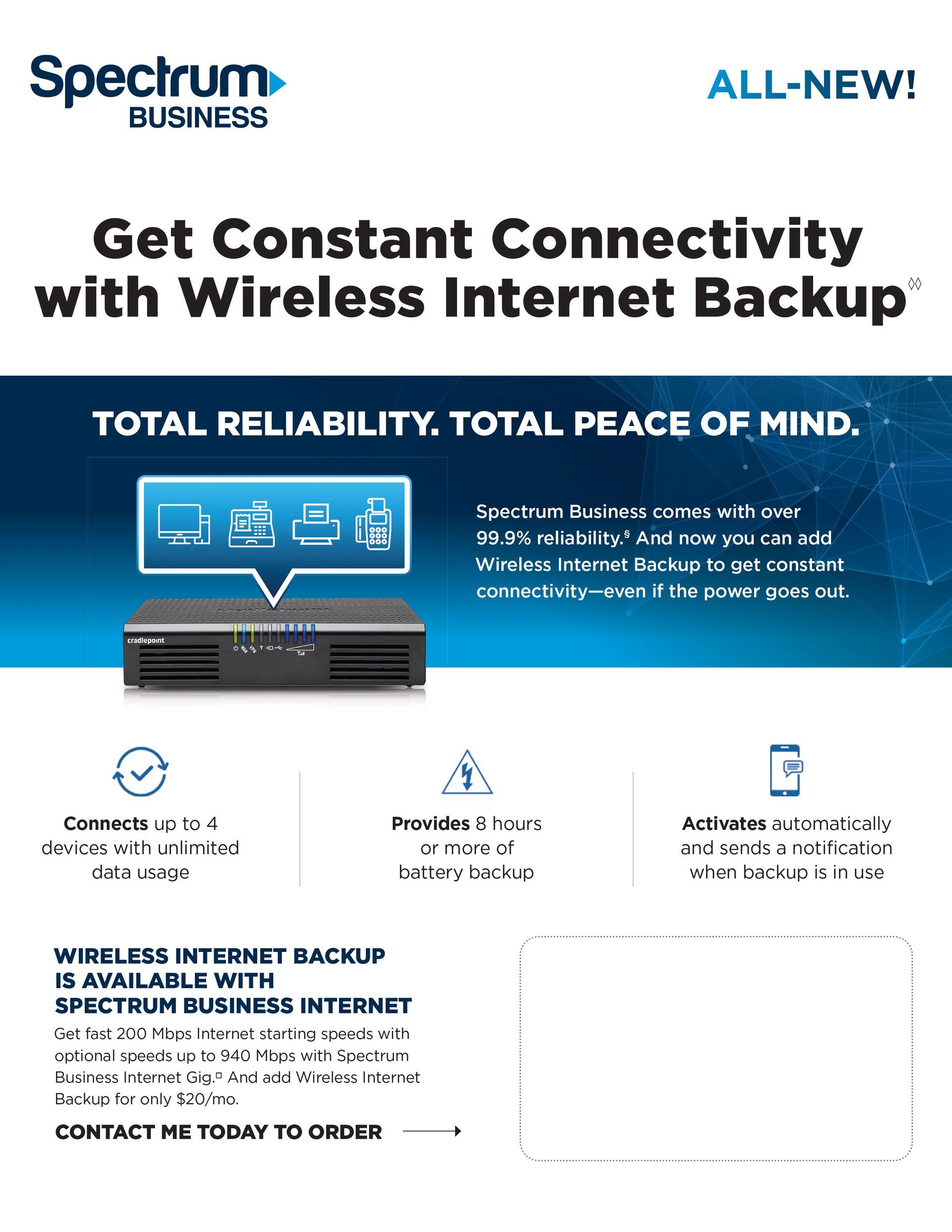
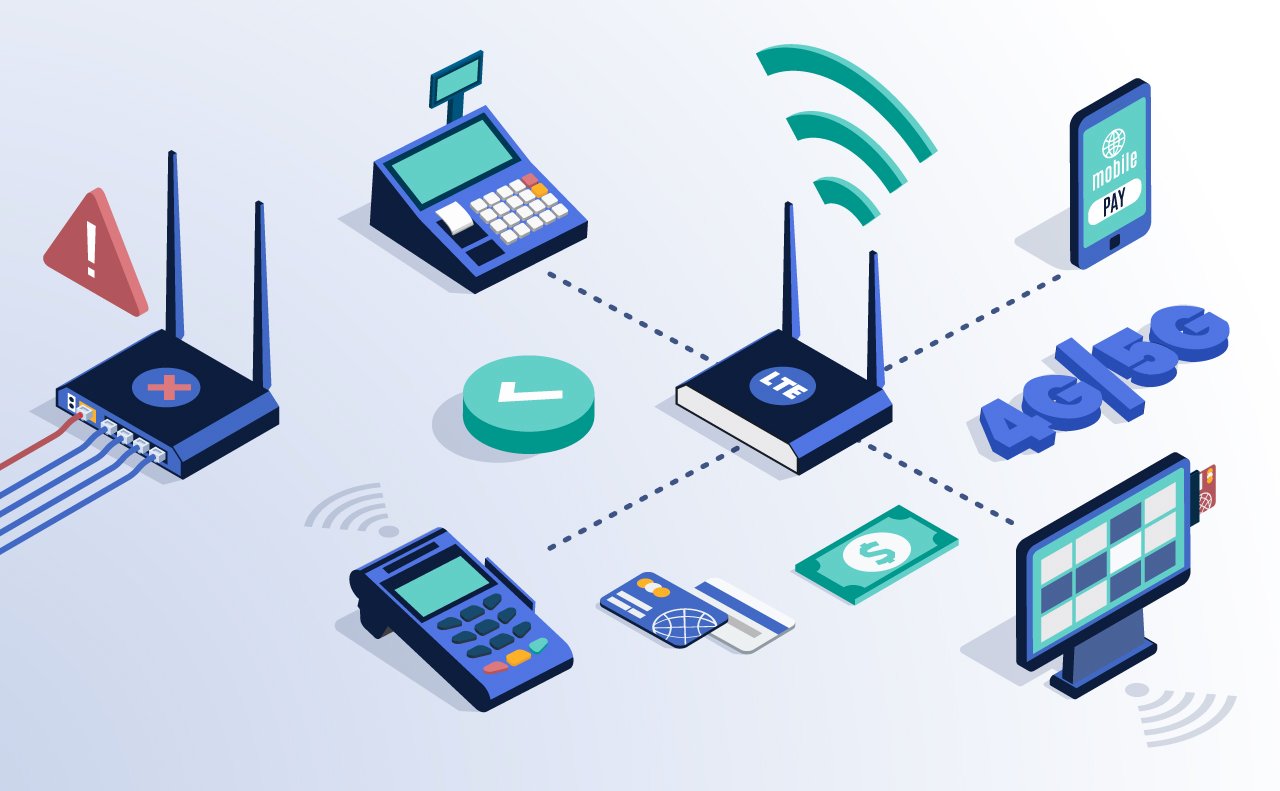
Do you work from home or are considering your internet backup solutions ? Explore all the ways that Verizon's Wi-Fi Backup provides a wireless internet connection in case your primary internet is down.
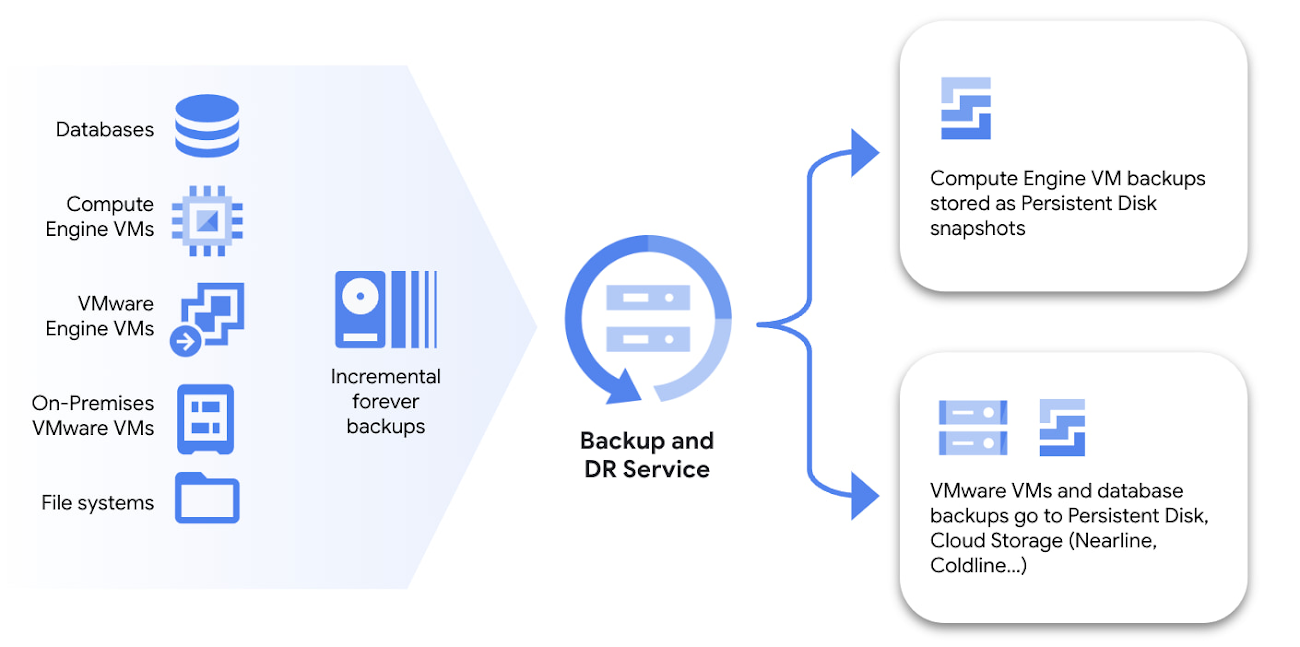
Moving forward, it's essential to keep these visual contexts in mind when discussing G Wireless Network Settings For Online Backup Solutions.
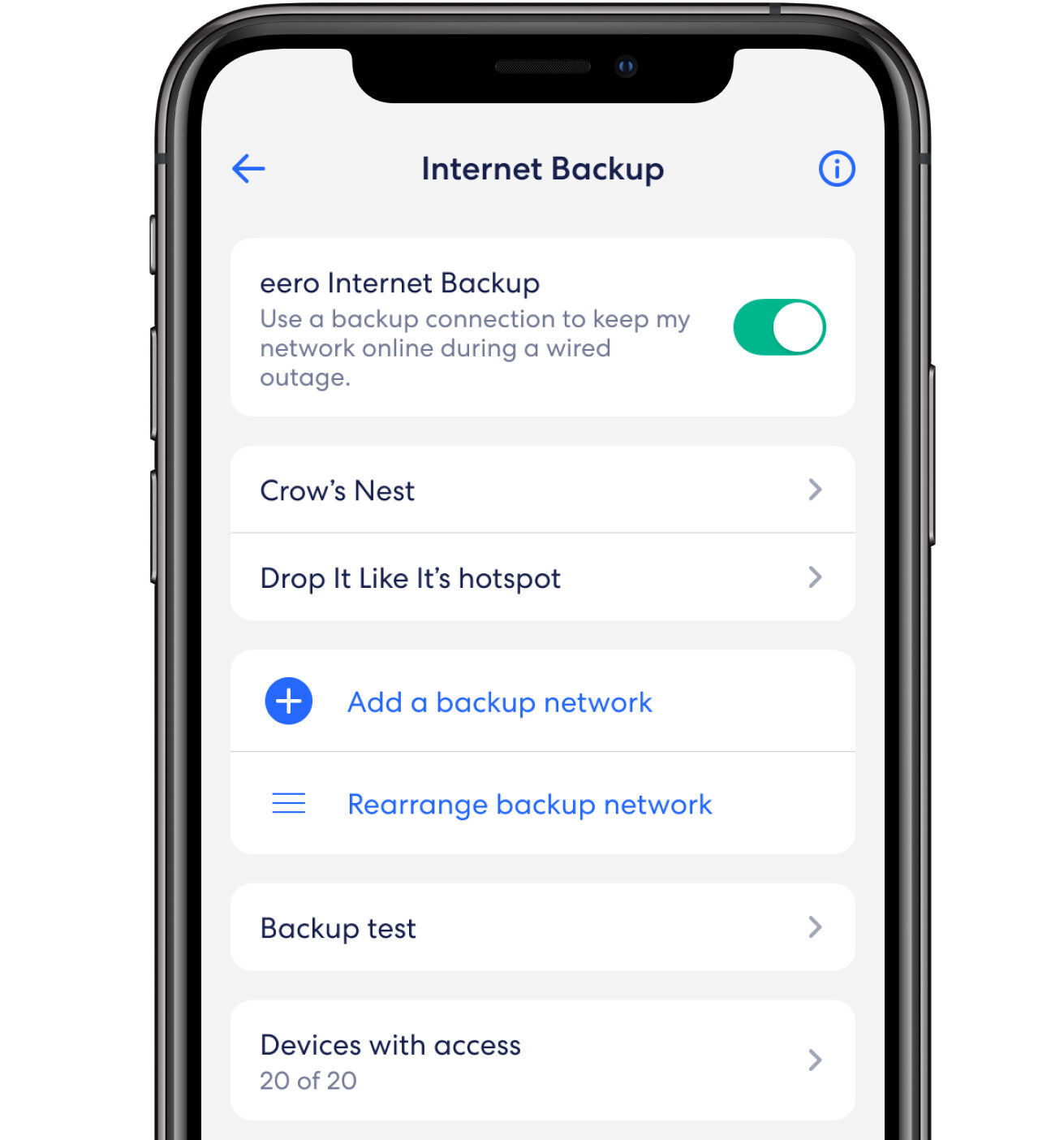
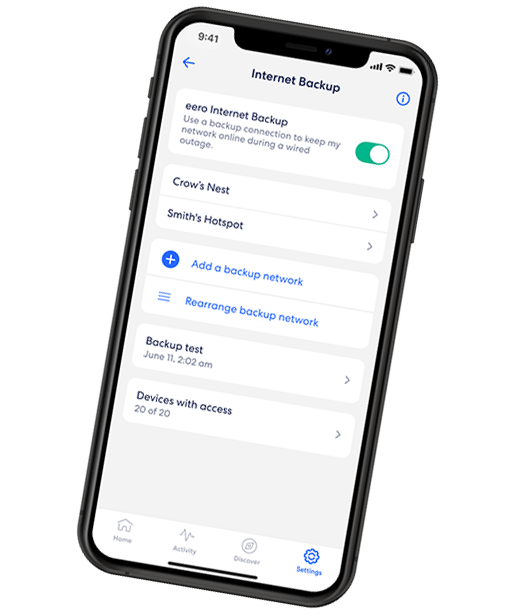
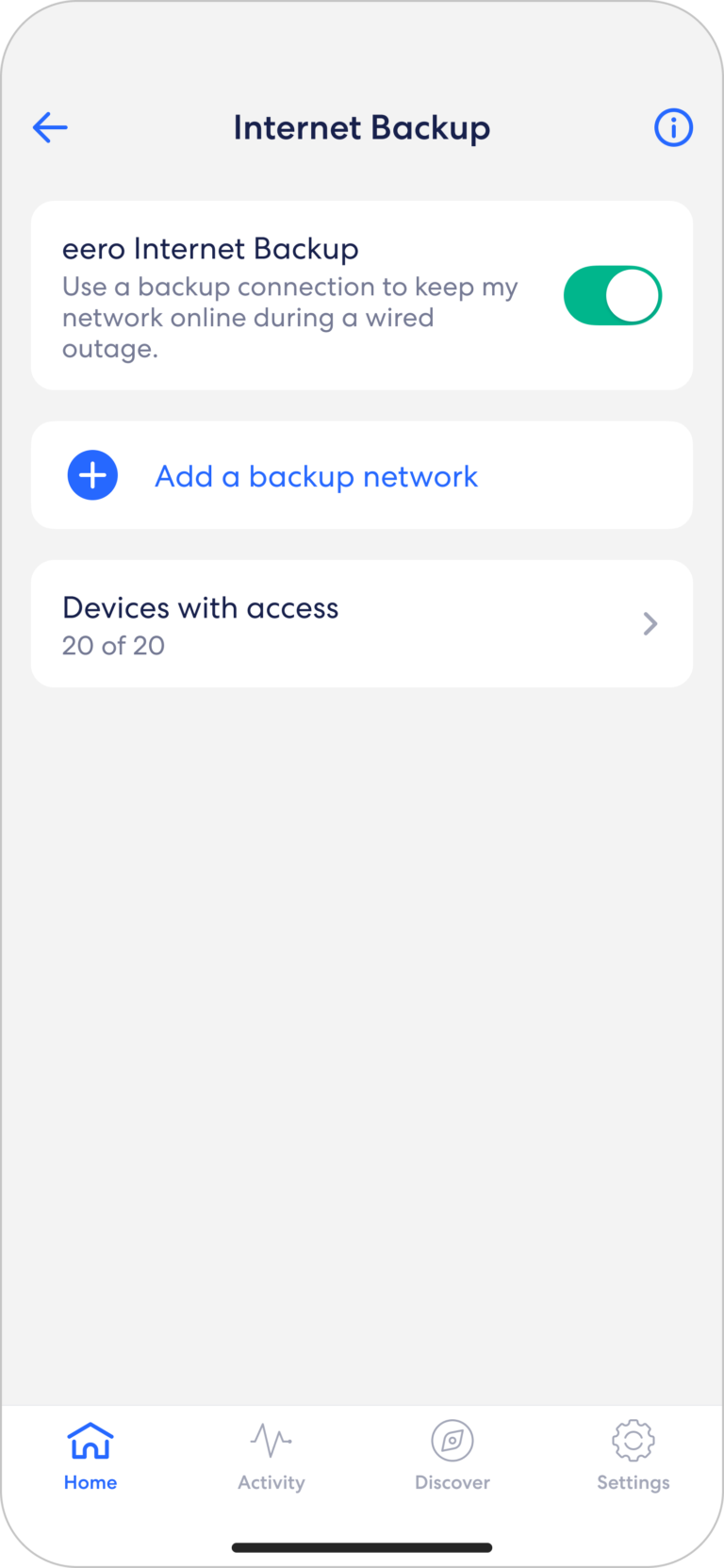
We've got your back (up) with eero Internet Backup
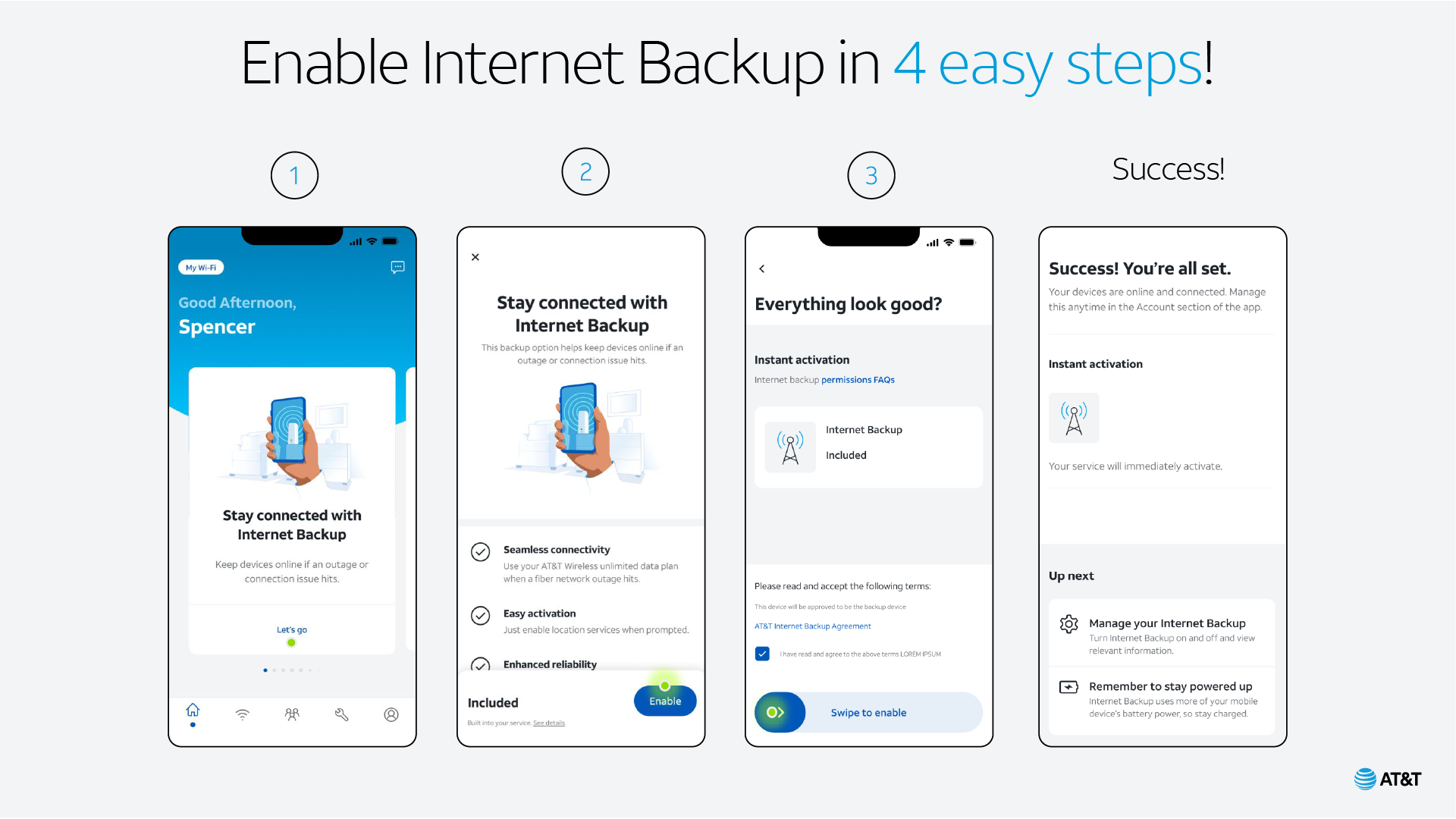
eero Internet Backup allows you to set up a nearby mobile hotspot or wifi network as a backup when your wired internet goes down. Once enabled, eero Internet Backup will look for and connect to the available and compatible backup source you've set, keeping you online to focus on what matters most.
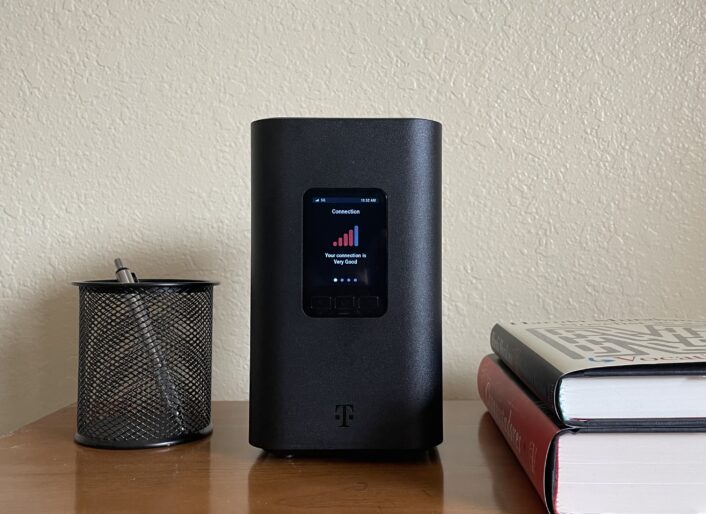
This particular example perfectly highlights why G Wireless Network Settings For Online Backup Solutions is so captivating.
Restoring a backed up wireless network profile can be much easier than to manually set up and connect to a wireless network again. This tutorial will show you how to backup and restore a specific or all wireless network profiles in Windows 10.
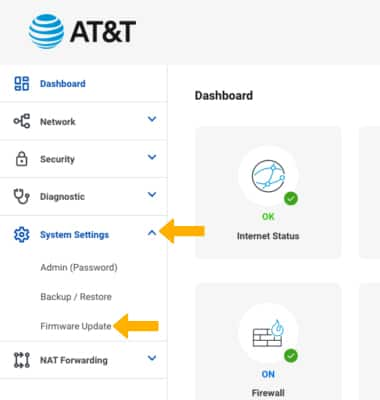
Firstly, log in to your router, check how to Open Admin Page. Then go to Router Settings or Maintenance. Here find the Backup section. Now press on Save file to get a file with your router configuration. At last, find a safe place on your computer to secure your router configuration file. Great work! You successfully backup your GOOGLE router data.