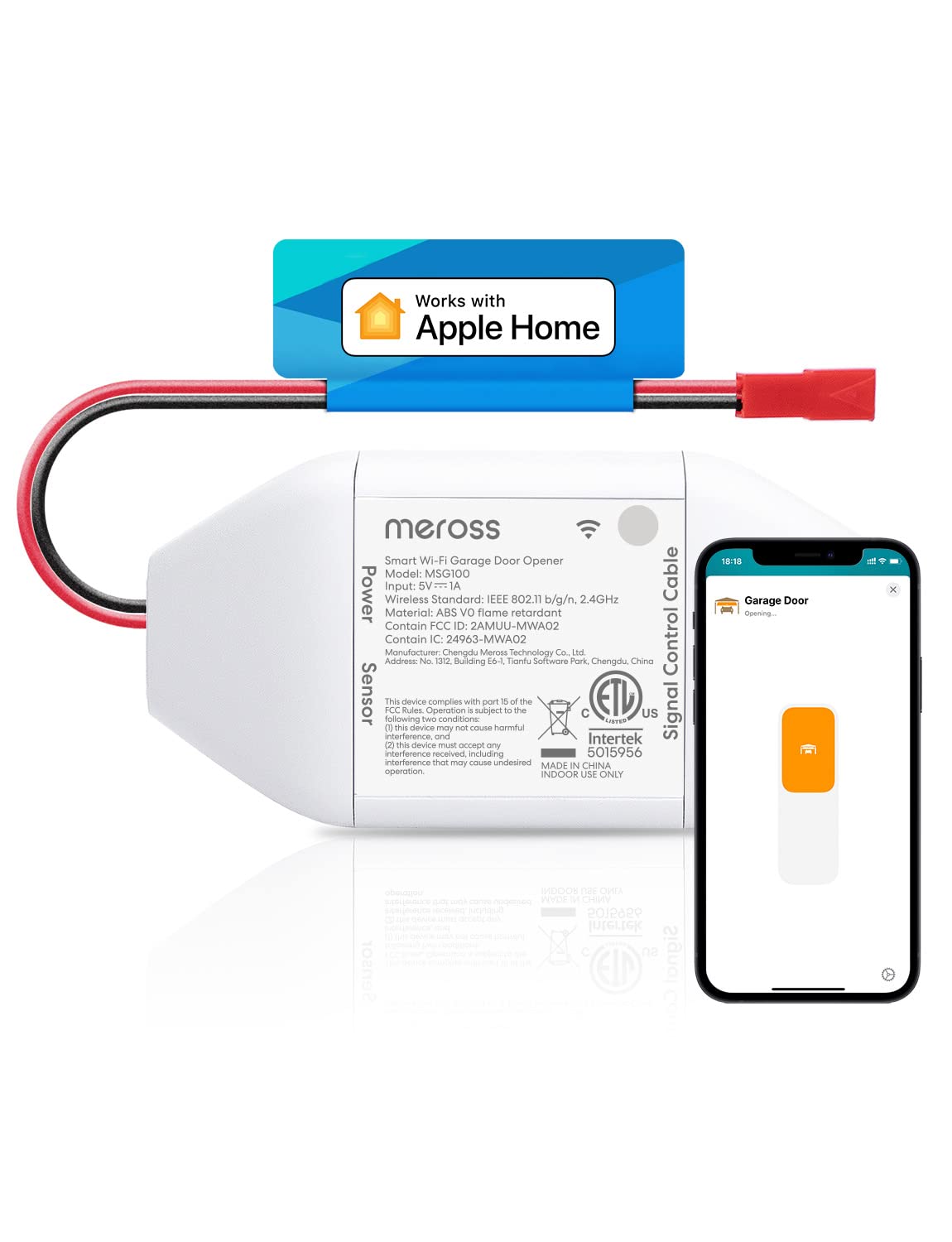
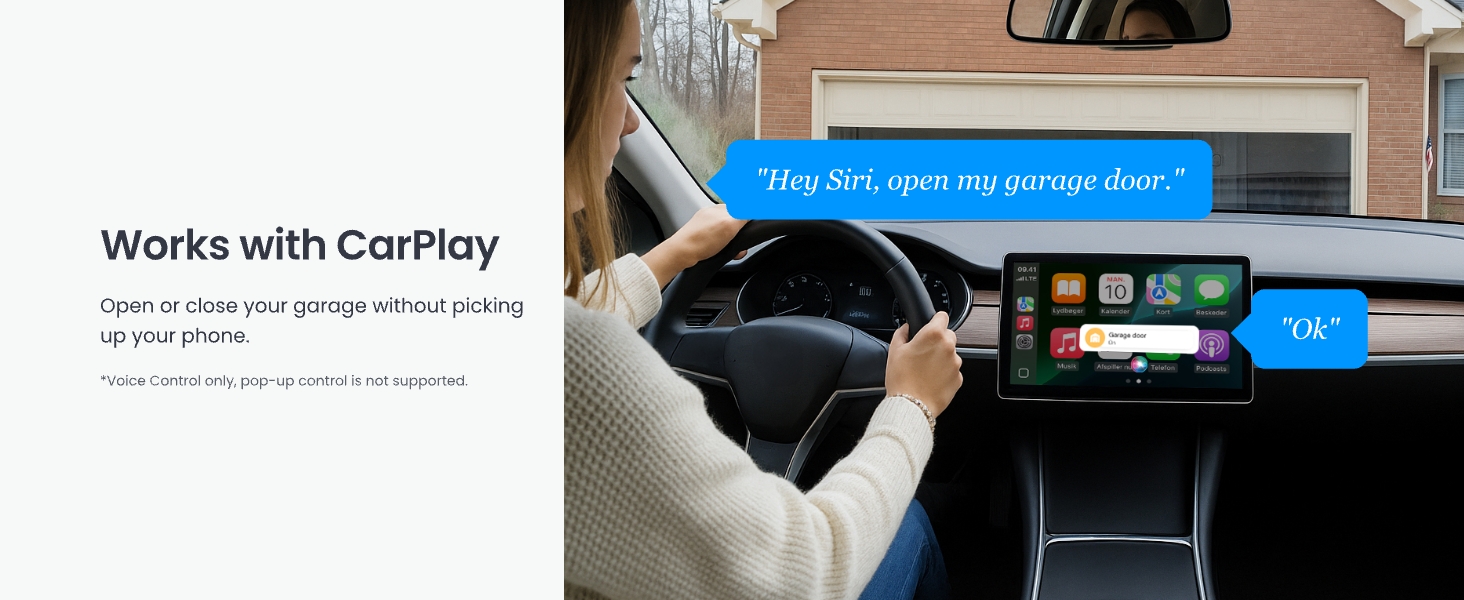
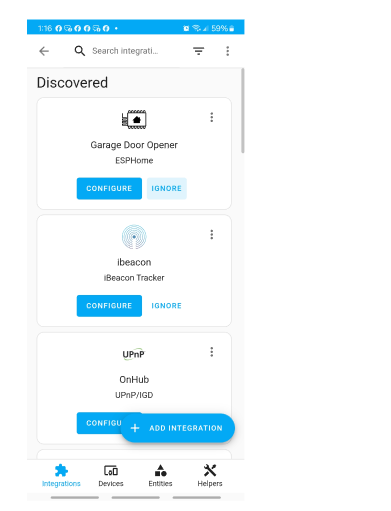
Meross Smart Wi
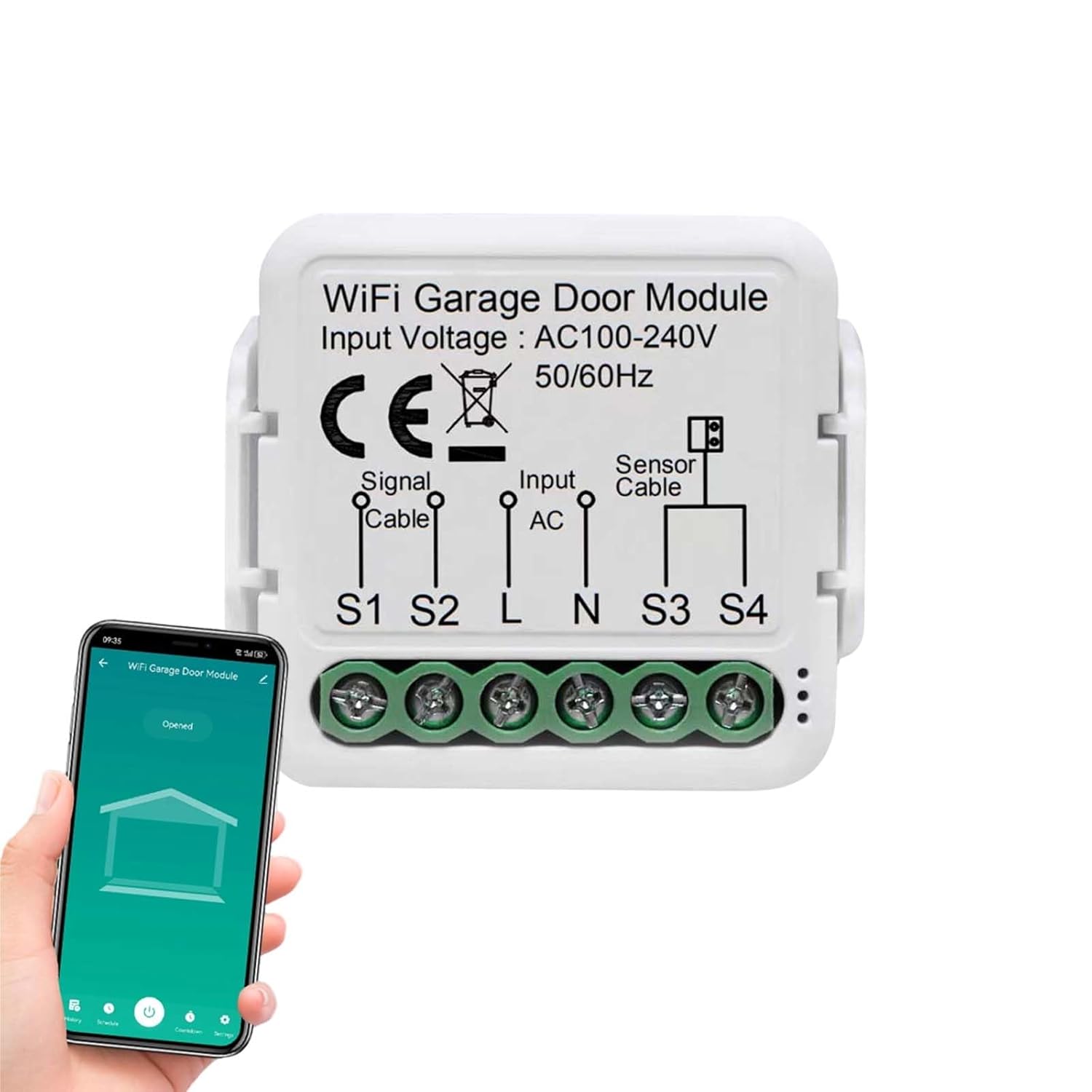
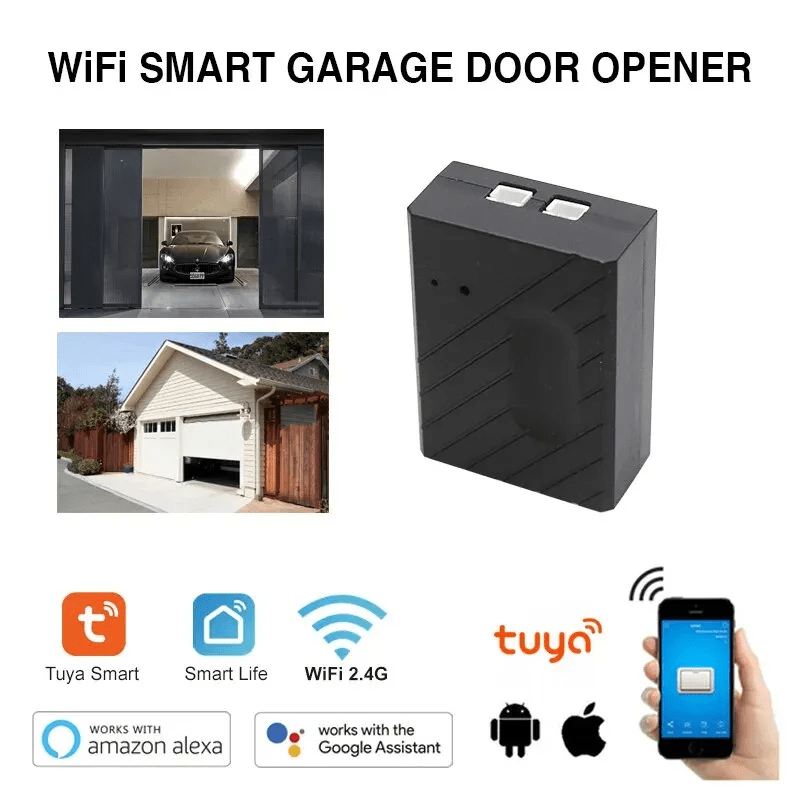
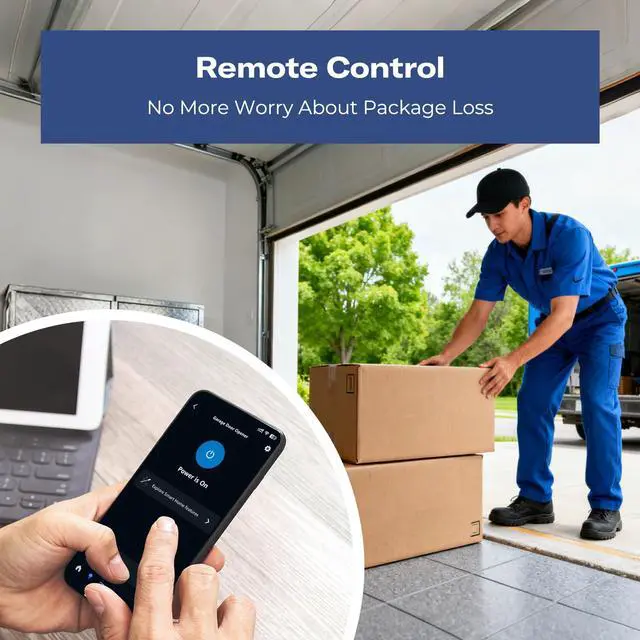
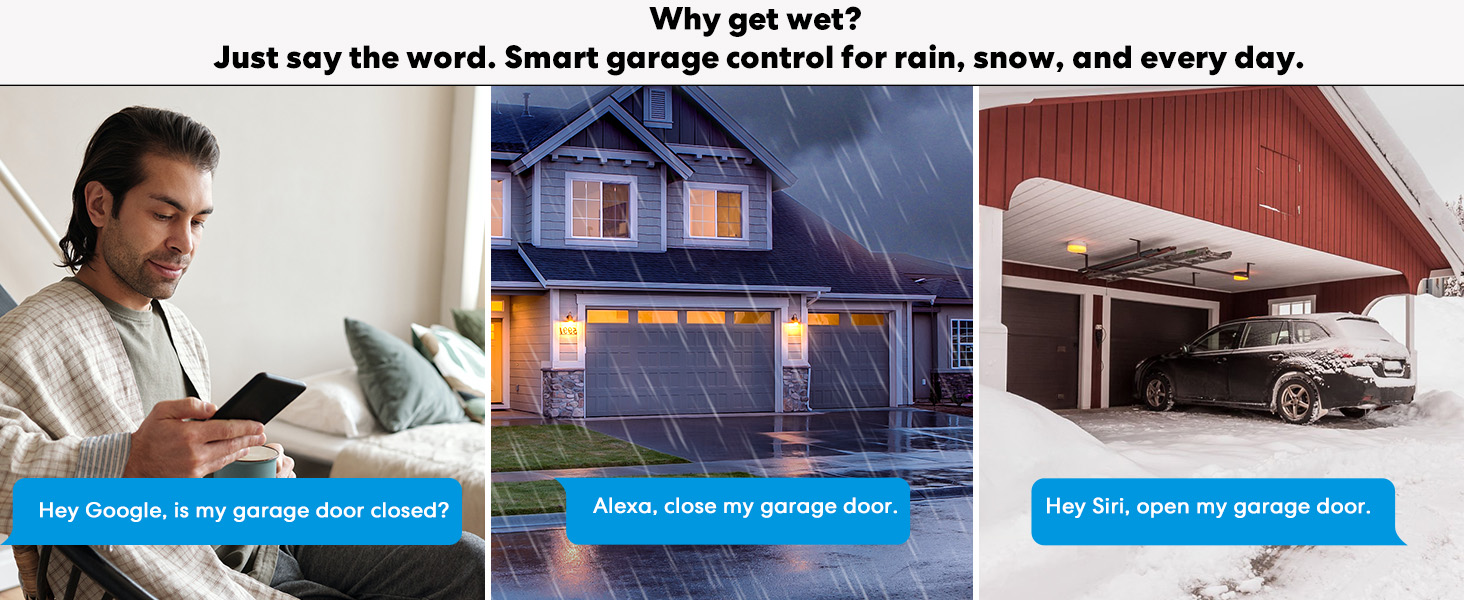
Make your existing garage door motor smart. App and Voice Control from anywhere via Apple HomeKit, Alexa, Google Assistant or SmartThings . Easy DIY setup .
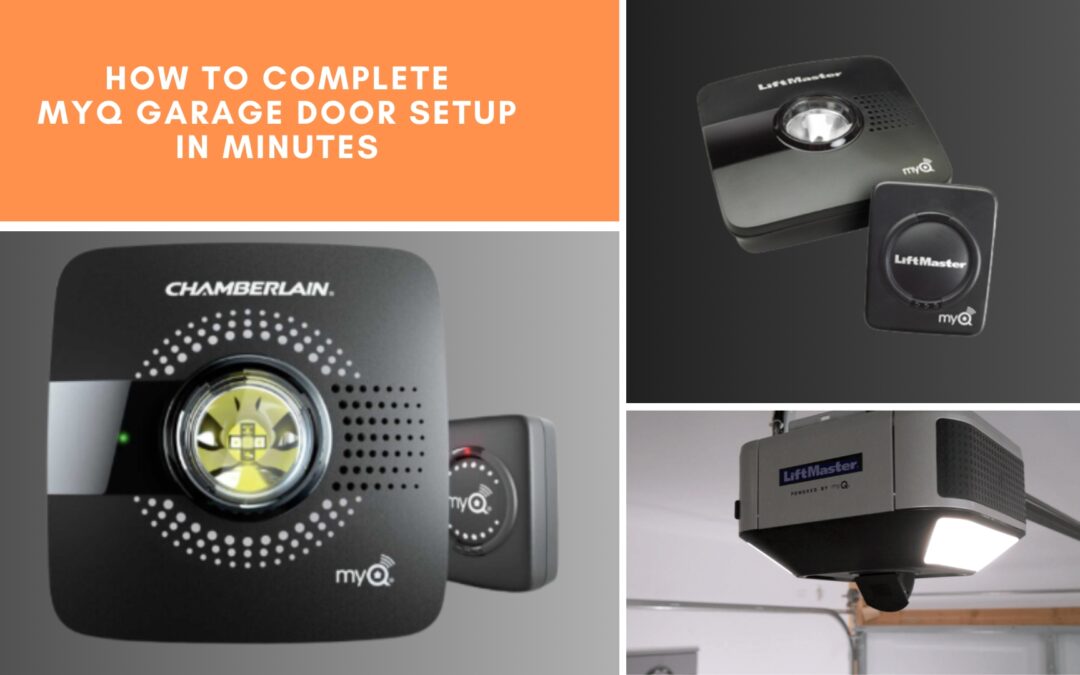
While the MyQ garage door opener does not natively support direct Google Home voice commands, integrations via IFTTT or SmartThings make it possible. By following the steps above, you can enjoy hands-free, smart home convenience while maintaining security and control over your garage .
Google Home Compatible Garage Door Openers
Discover which garage door openers are compatible with Google Home in this insightful article. Learn about the integration process, benefits, setup steps, and compatibility with top brands like Chamberlain, Genie, and LiftMaster. Uncover troubleshooting tips and compare features and prices to make an informed decision based on your budget and smart home requirements.
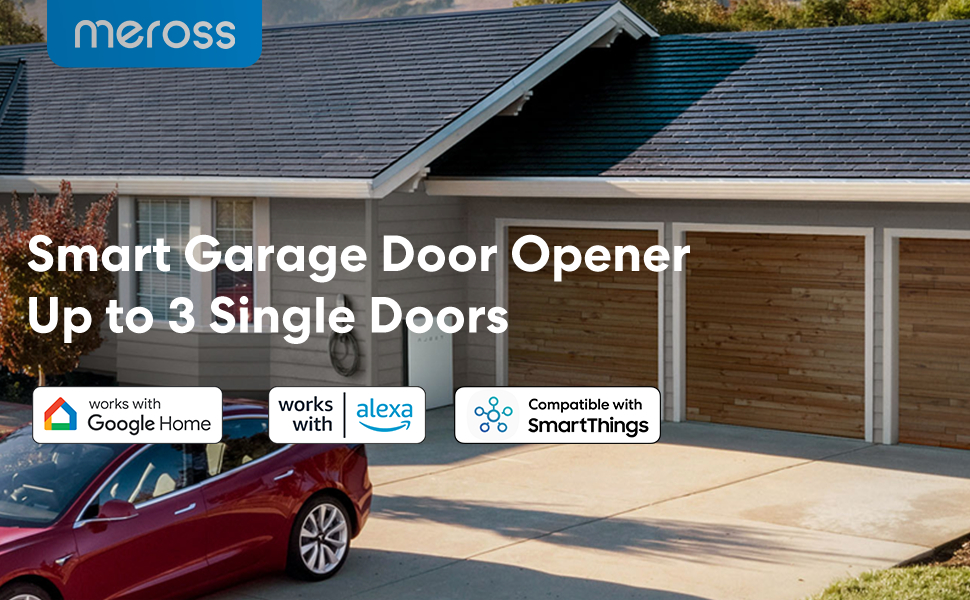
Such details provide a deeper understanding and appreciation for Google Home And Smartthings Garage Door Opener Setup.
In this video, we will show you how to add your myQ garage door opener to Google Home , allowing you to control your garage door with just your voice.
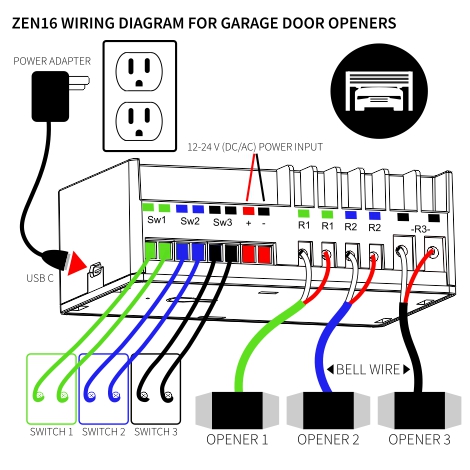
I recently upgraded my garage door system with a Linear GD00Z-7 opener and integrated it with my SmartThings hub. The goal was to enable voice control via Alexa and Google Assistant.

Furthermore, visual representations like the one above help us fully grasp the concept of Google Home And Smartthings Garage Door Opener Setup.
Step 1: Add the meross smart garage door opener in the Meross app first. Step 2: Go to the " Home " section of your Google Home , and tap the "Add" button. Step 3: Choose " Set up device". Step 4: Choose "Works with google ". Step 5: Search and choose "Meross". Step 6: Google Home will redirect to the meross app, please click "Agree and link" to ...