The Hidden Details of How To Access Admin Page On Usg Router Revealed
How to Access Router Admin Page (Easy Method)
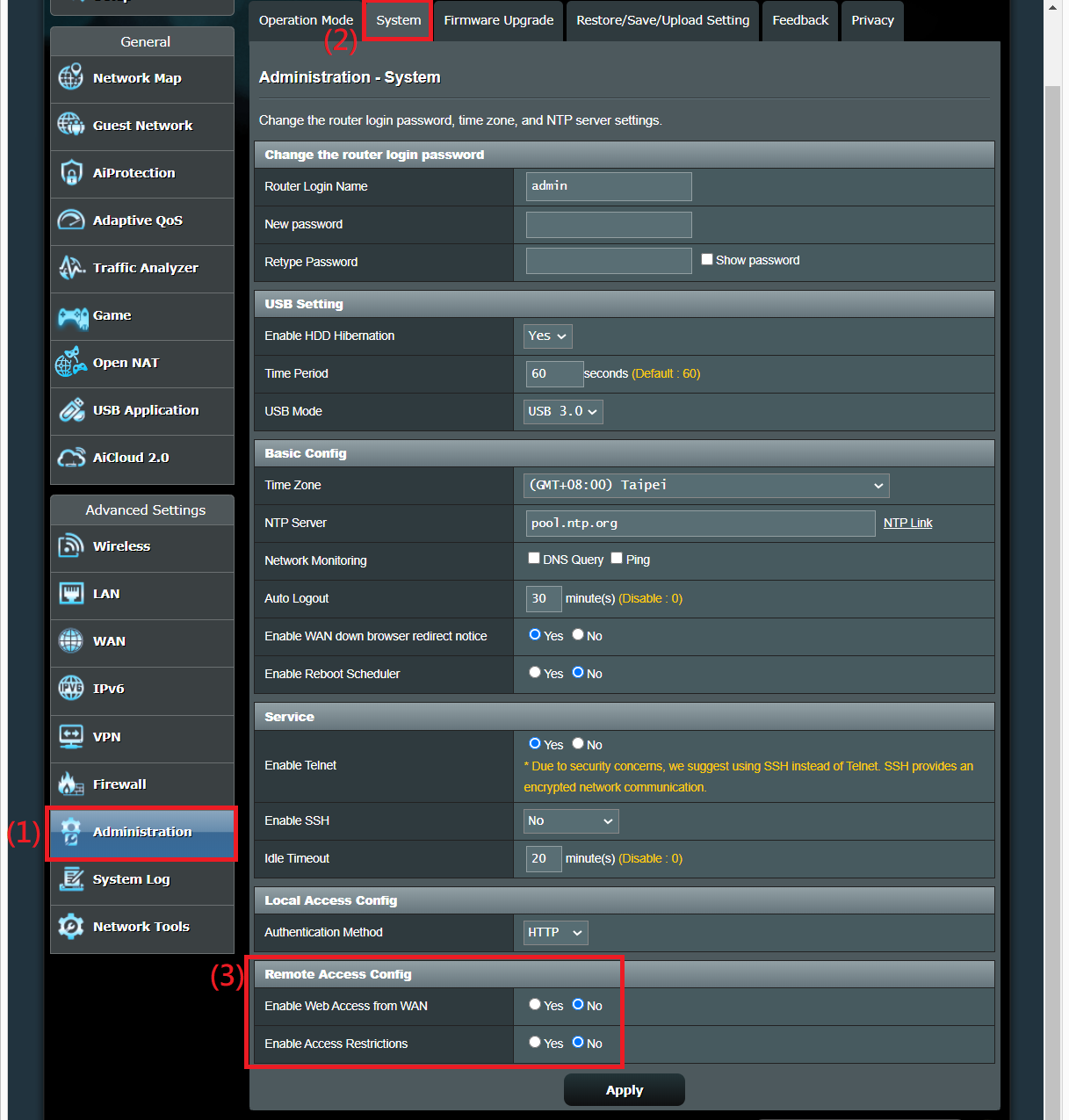
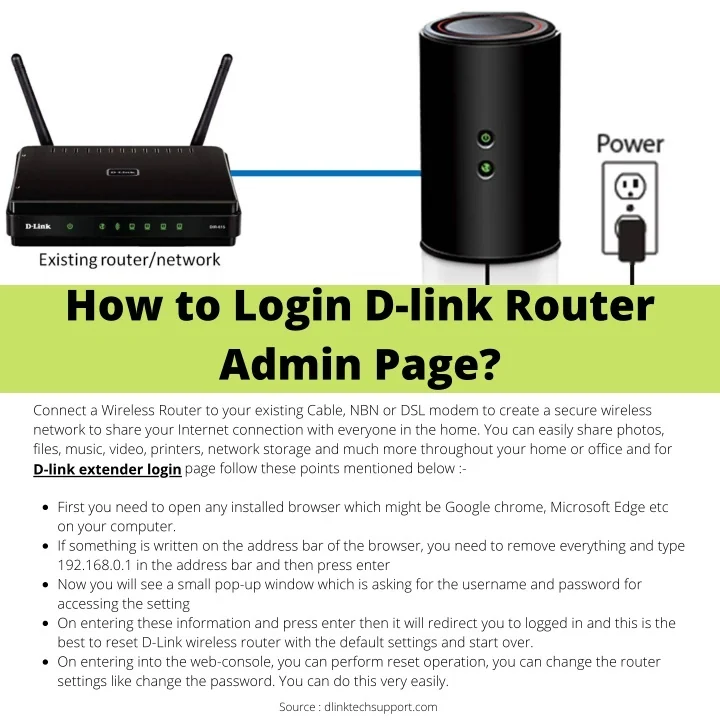
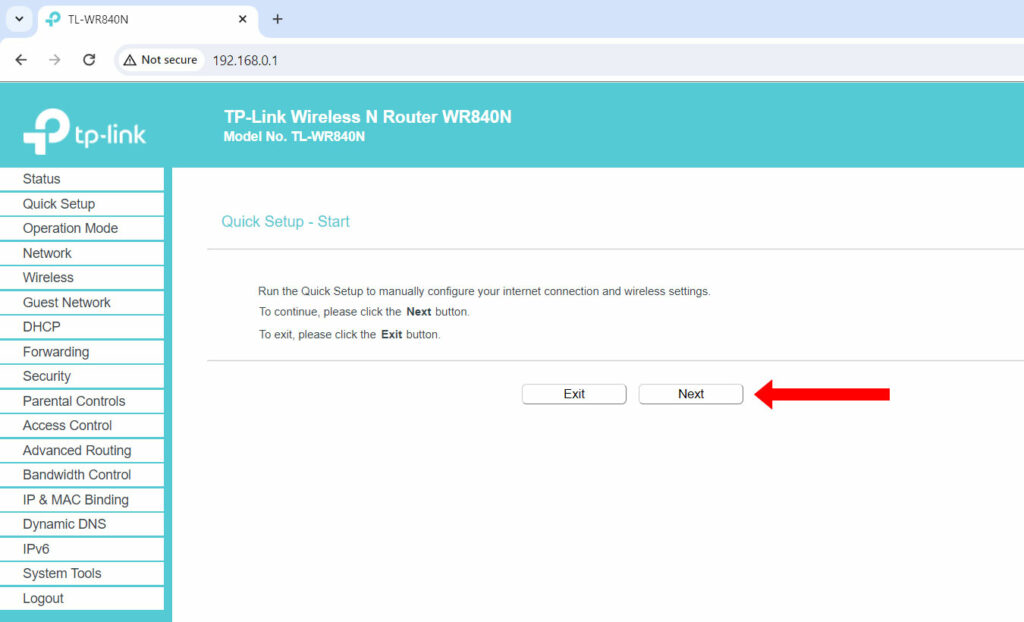
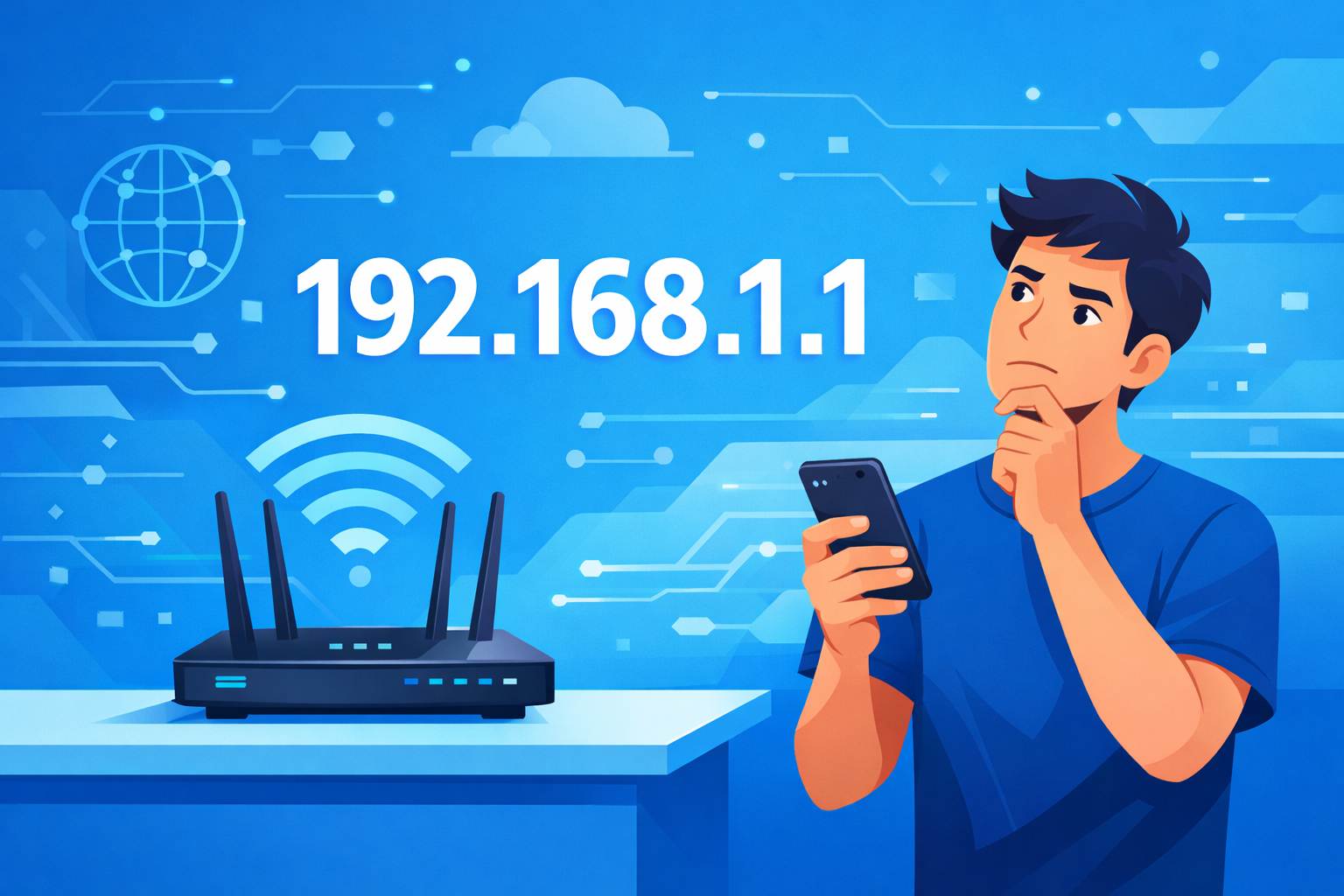
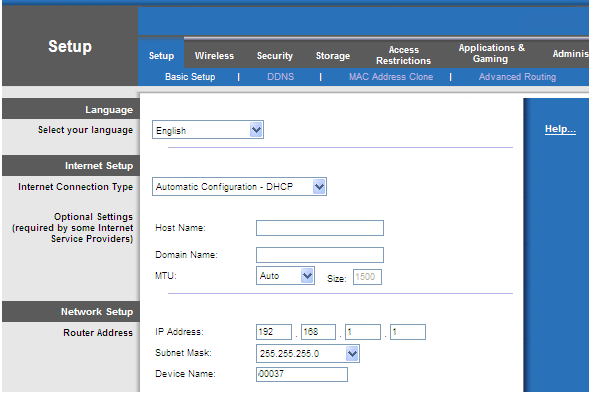
A router admin page , sometimes called a router login page , gateway page , or web interface, is a private settings page hosted by your router . You do not need the public internet to open it. As long as your phone or computer is connected to the router's network, you can usually access the page through a local address such as: 192.168.1.1 192 ...
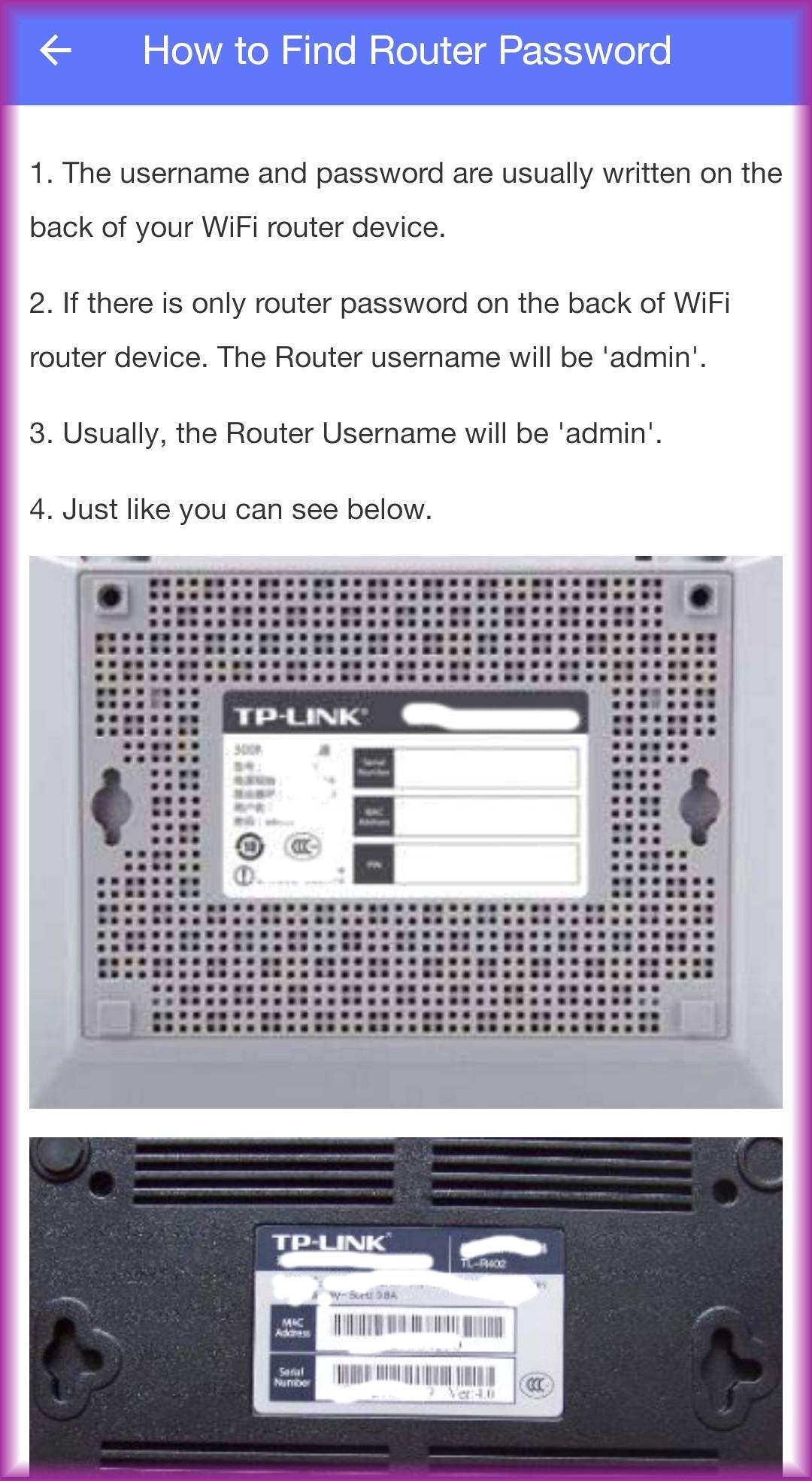
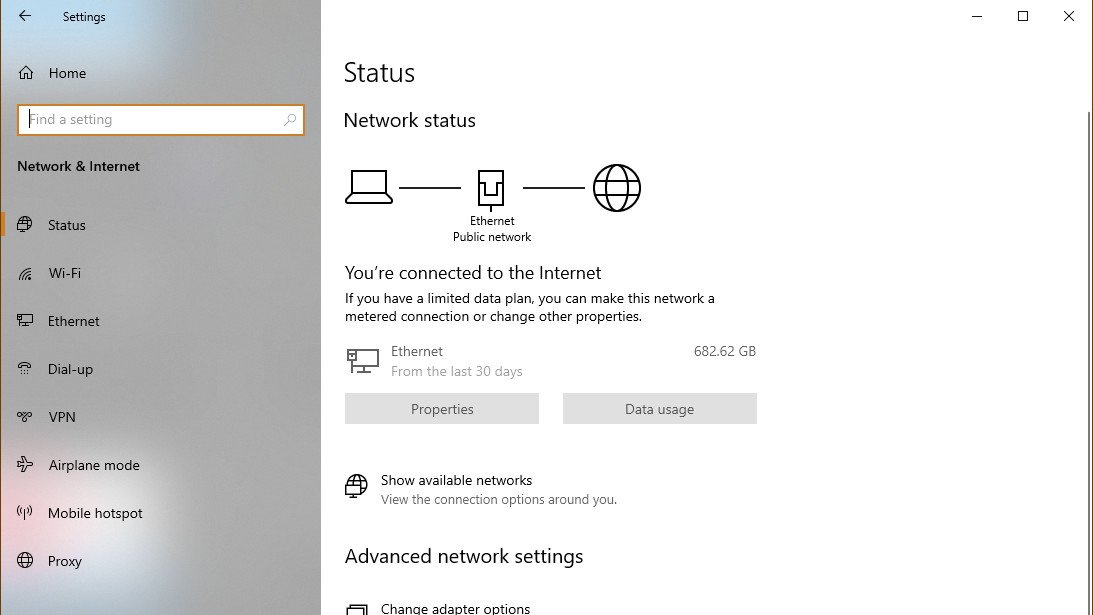
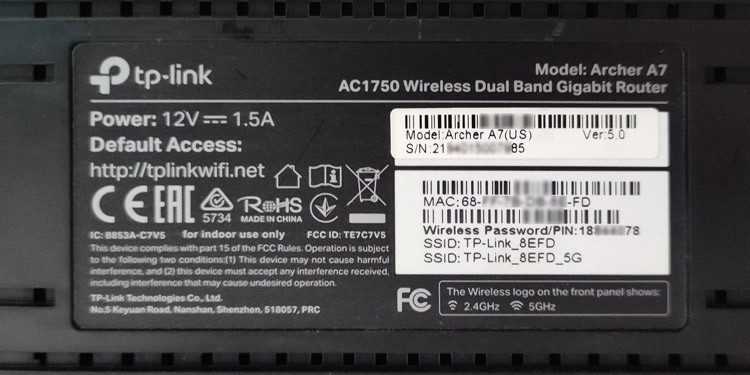
To find the router's IP on Windows, type "ipconfig /all" into Command Prompt and find the address next to "Default gateway." On a Mac, go to System Settings > Wi-Fi, click "Details" on your connection, and find the address next to " Router ." Look for a sticker on your router with the default admin login info, or try " admin " as both the username and password.
How To Access Admin Page On Usg Router
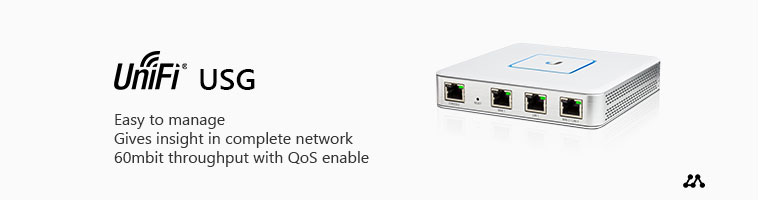
Ubiquiti Unifi USG Pro
The default IP of USG Pro-4 is 192.168.1.1. Step4: Access Secure Gateway Access the secure gateway by https://192.168.1.1. Click "Proceed", to enter into the USG configuration page . The above step will take us directly to the next page . In case it asks for a username and password use the Ubiquiti Unifi default username and password.
How To Access Admin Page On Usg Router
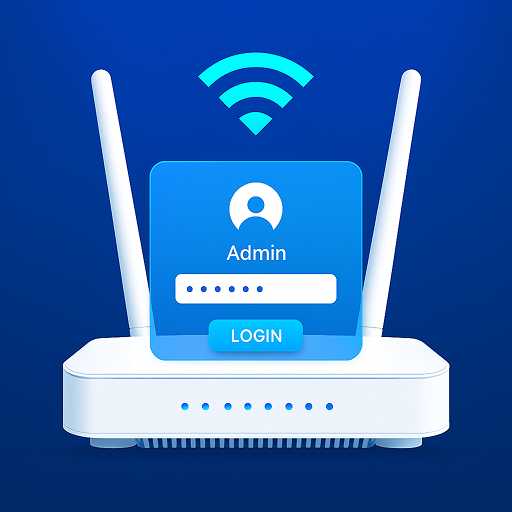
Need to change your Wi-Fi password or settings? Learn how to find your router's IP address and log in to the admin panel with this step-by-step guide.