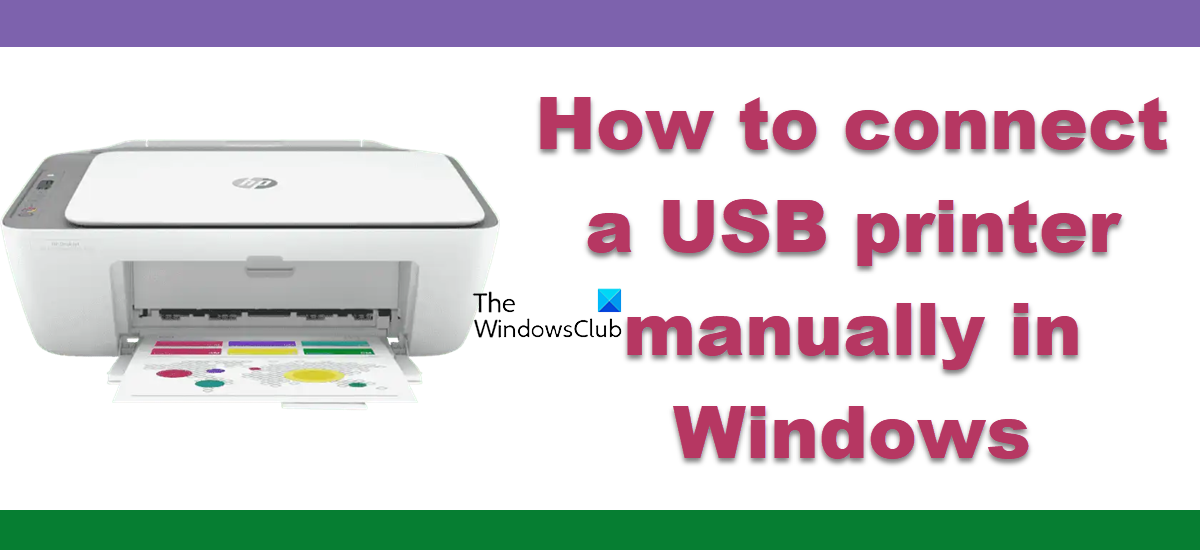
Fascinating Details and Images of How To Connect Hp Printer To Laptop Via Usb
HP printer setup (USB cable)
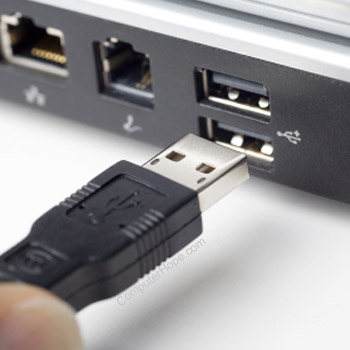
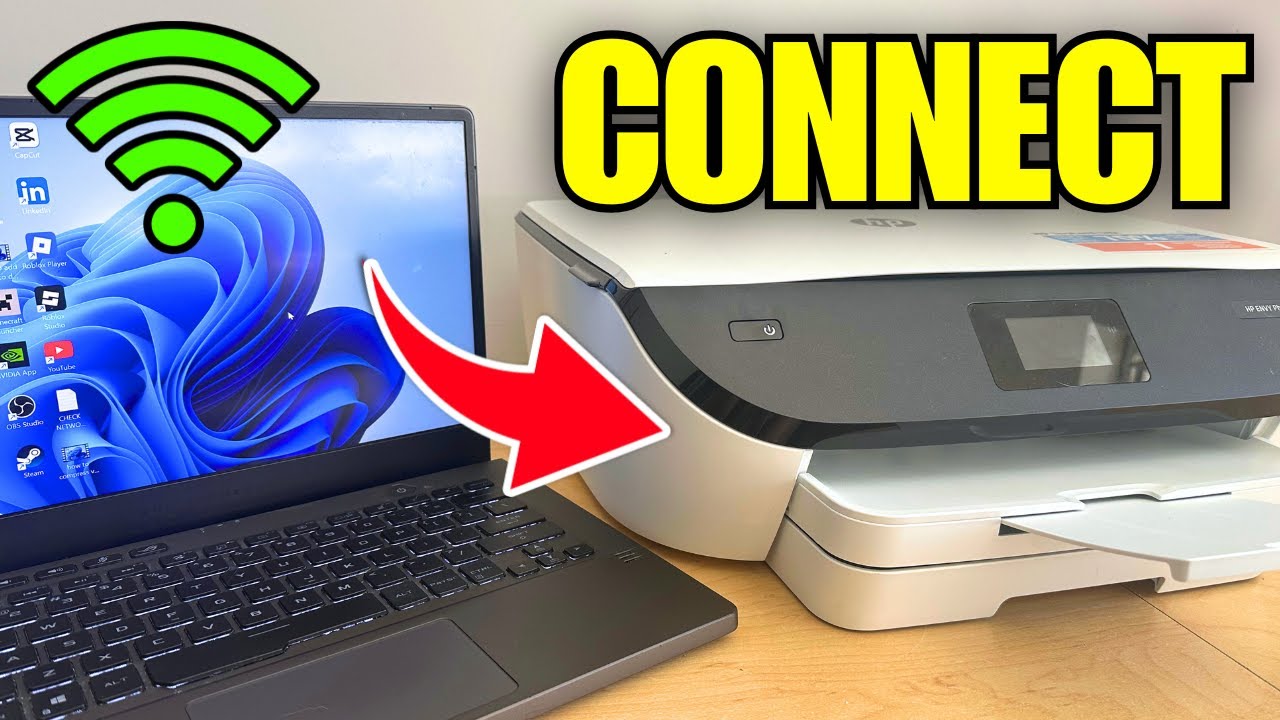
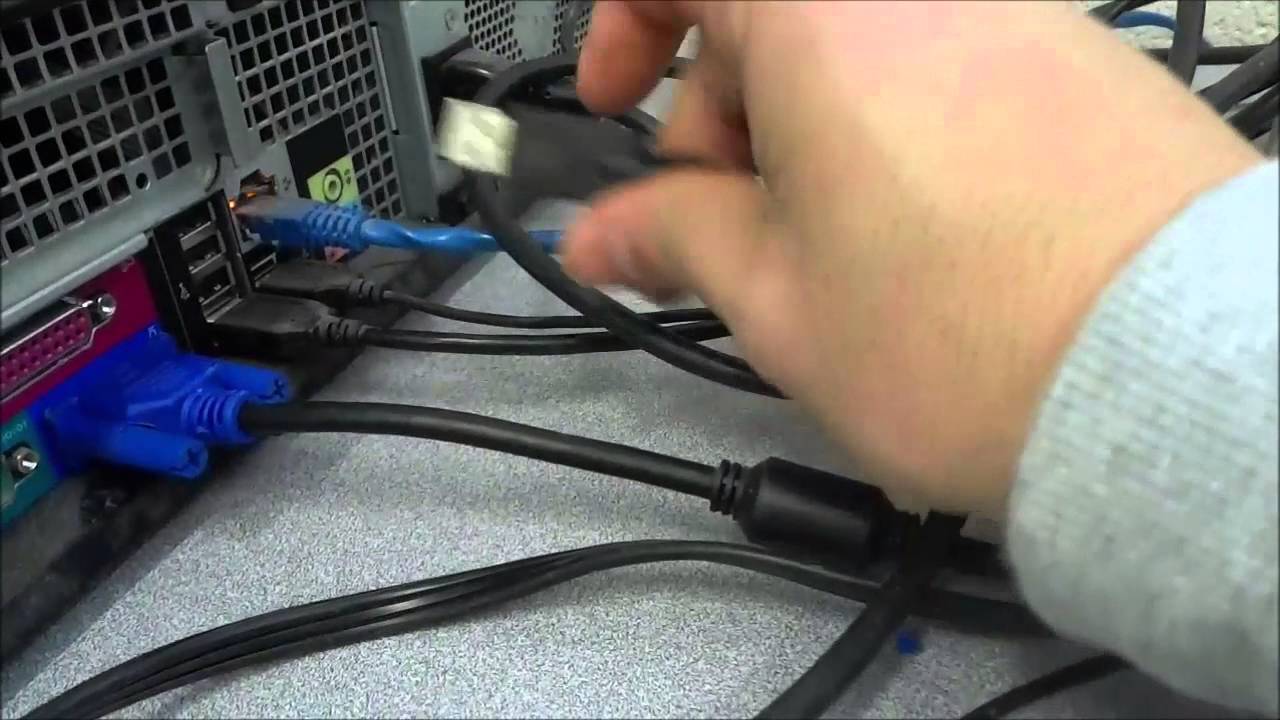
Set up a USB printer connection (Windows) Download the HP app for Windows, and then follow the instructions to set up a USB connection. If you already connected the printer USB cable to your computer, disconnect it, and then remove the printer from your computer.
How To Connect Hp Printer To Laptop Via Usb
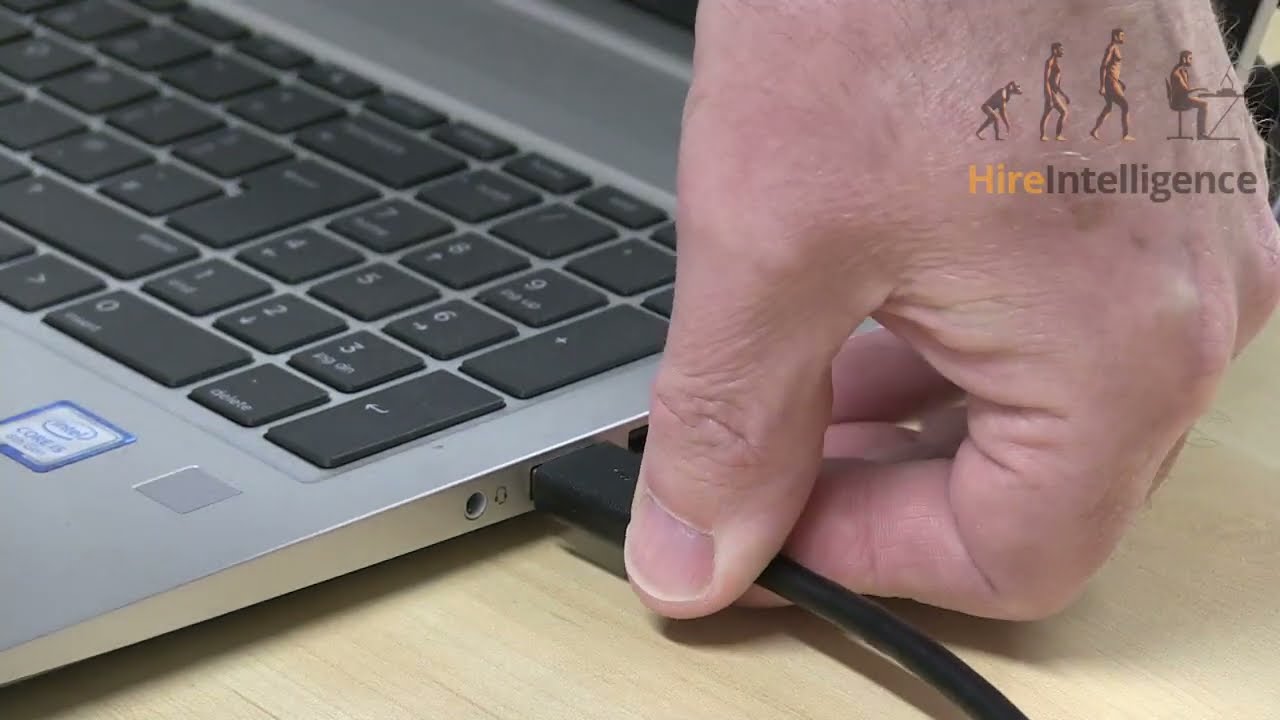
Connecting Your HP Printer to a USB Cable
How To Connect Hp Printer To Laptop Via Usb
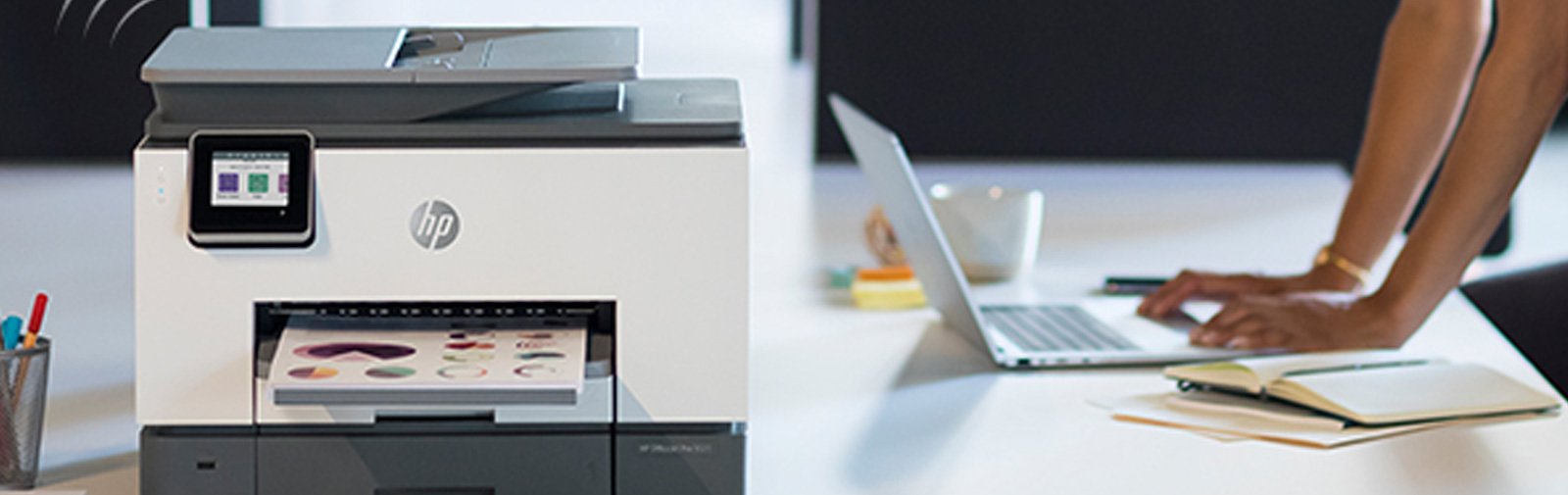
As we can see from the illustration, How To Connect Hp Printer To Laptop Via Usb has many fascinating aspects to explore.
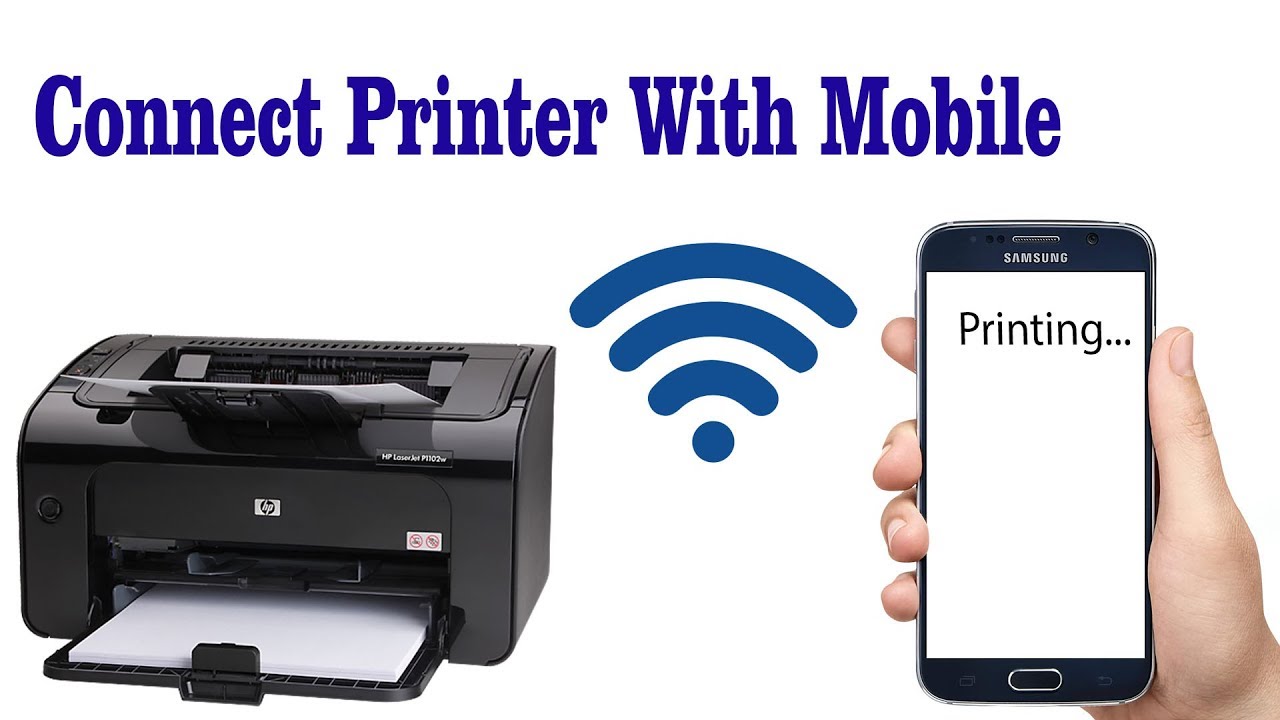
One of the most common methods of connecting an HP printer is through a USB cable. In this article, we will provide a step-by-step guide on how to connect your HP printer to a USB cable, troubleshooting tips, and essential information to ensure a seamless printing experience.
How To Connect Hp Printer To Laptop Via Usb
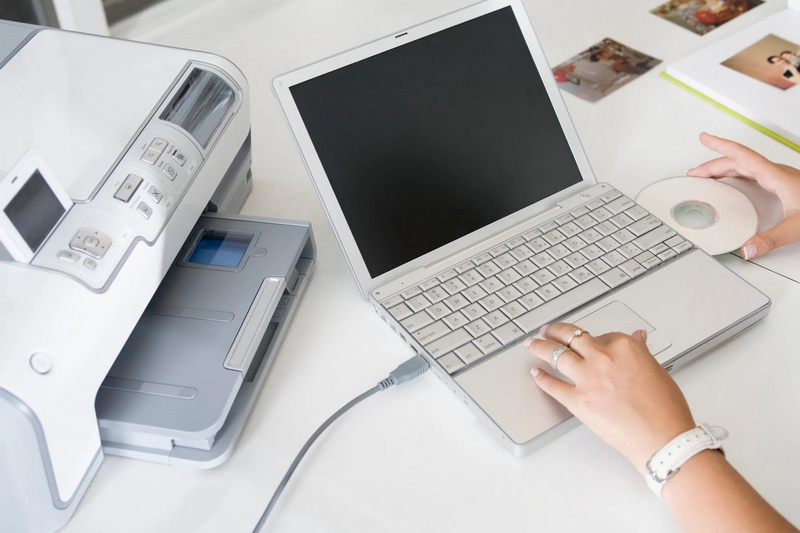
Furthermore, visual representations like the one above help us fully grasp the concept of How To Connect Hp Printer To Laptop Via Usb.
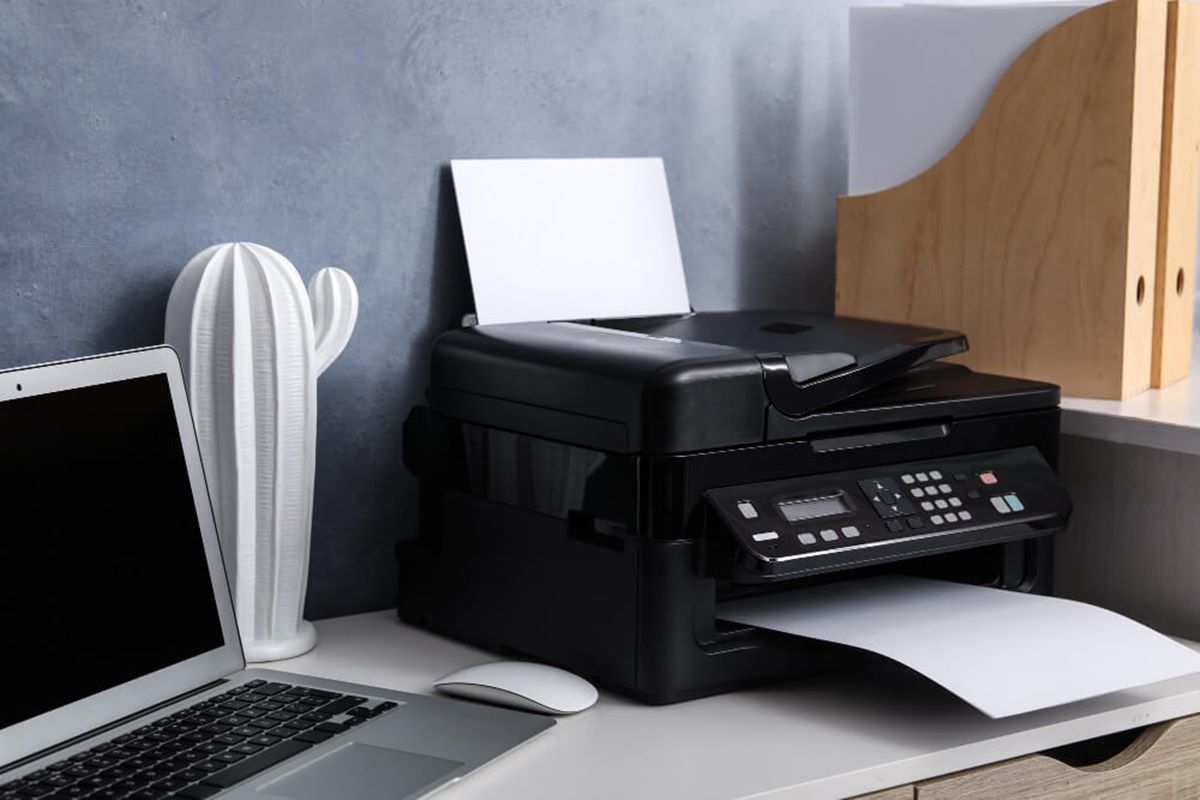
The most common way to install a computer printer near you is by using a USB cable. If you do not know how to do it, this guide is for you: we show how to set up a local printer near you on any Windows computer using a USB connection.
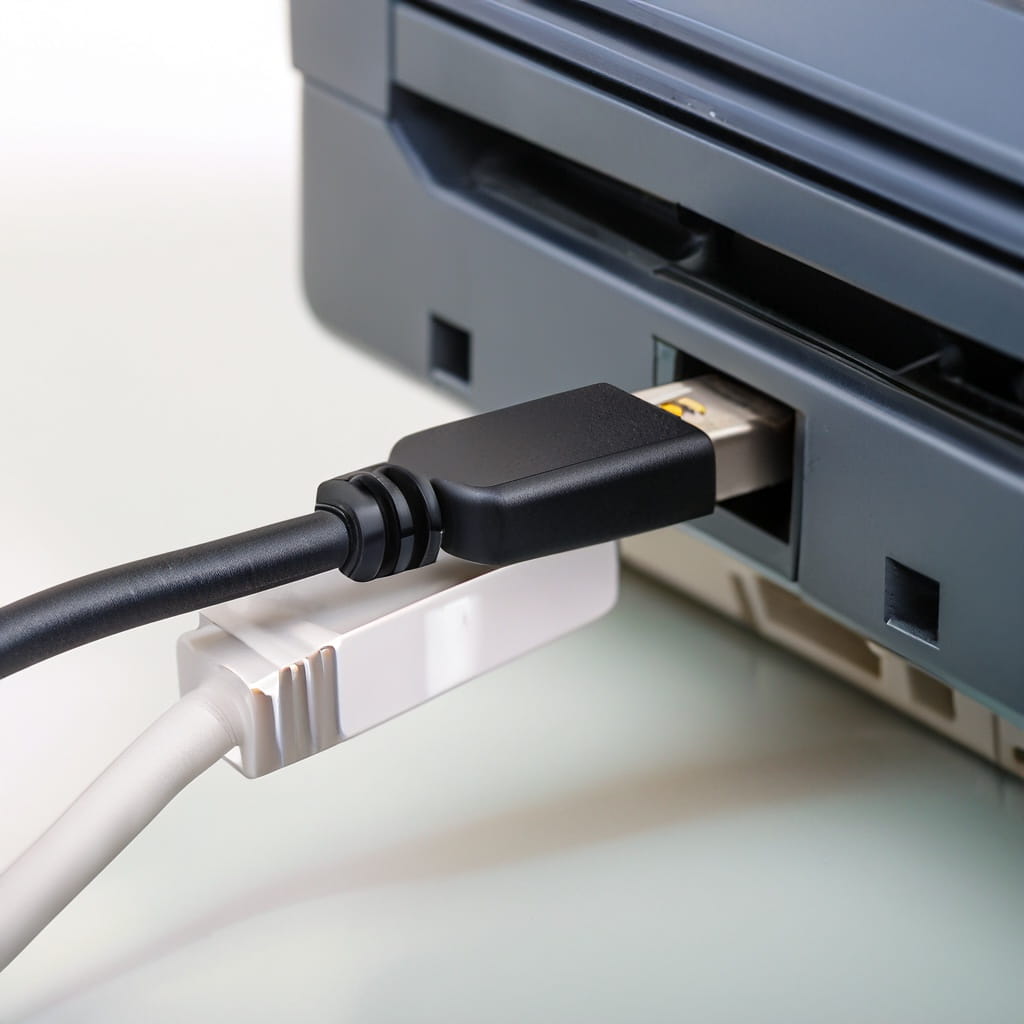
HP Printer Setup with USBEthernet
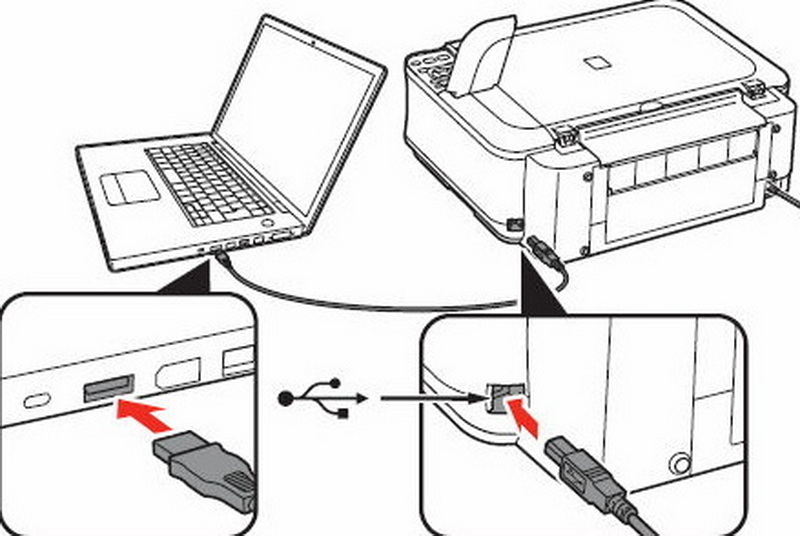
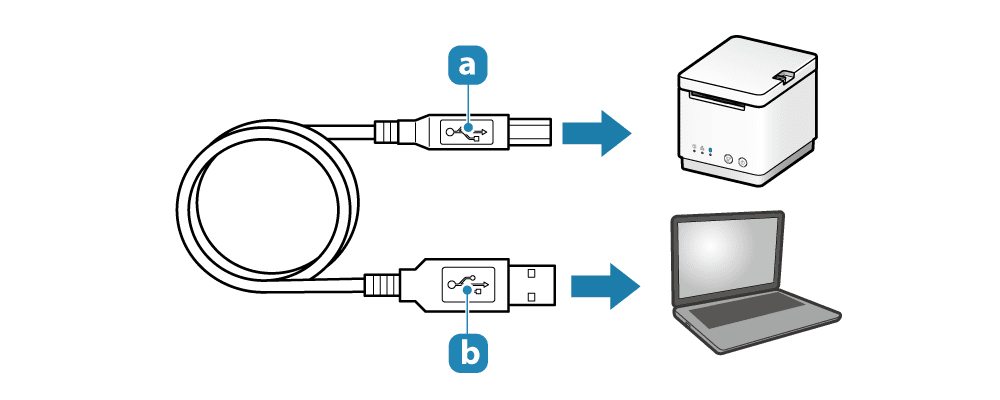
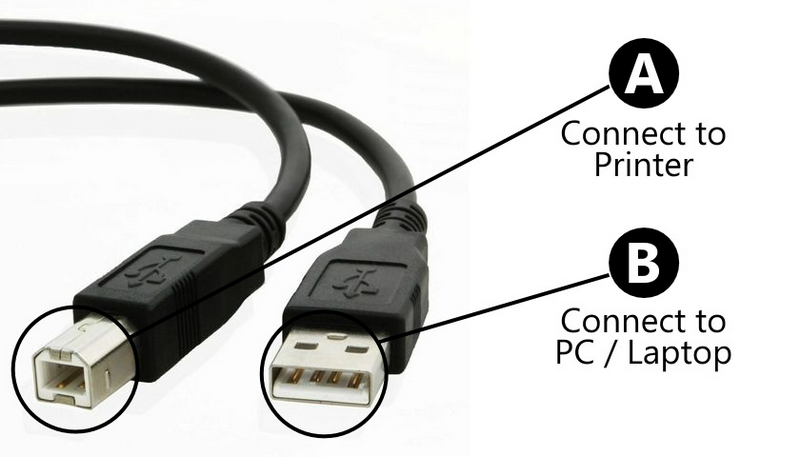
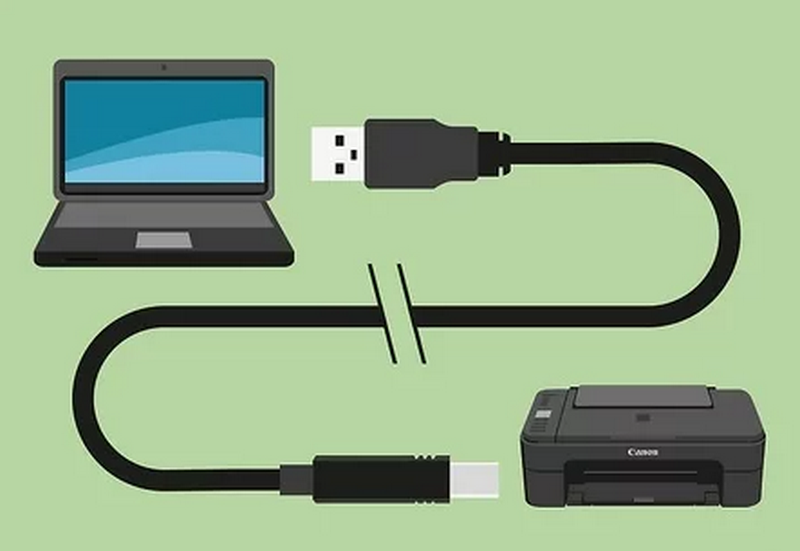
The physical connections vary from printer to printer . For example, your printer might only support a USB type-B connection on the printer and Type-A connectivity on the PC.