How To Set Up Slack Workspace For Analytics And Reporting
Why How To Set Up Slack Workspace For Analytics And Reporting Continues to Amaze Us
How To View Slack Analytics and Key Metrics (Messages ...
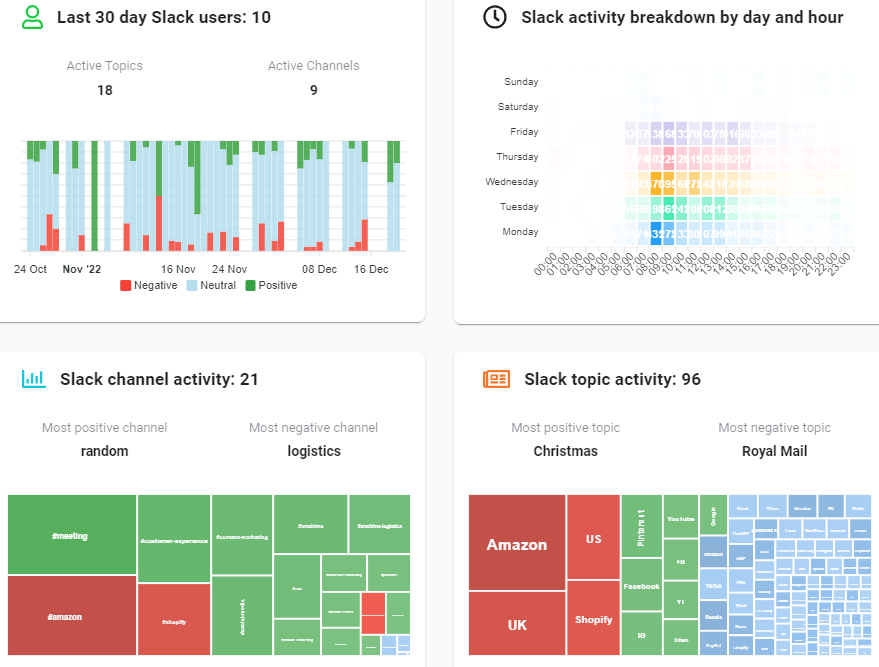
Slack analytics is Slack's built-in reporting view that helps you understand how people are actually using your workspace—think Slack stats/ Slack statistics you can use to spot trends, adoption, and engagement over time.
How To Set Up Slack Workspace For Analytics And Reporting
View your Slack analytics dashboard
How To Set Up Slack Workspace For Analytics And Reporting
Moving forward, it's essential to keep these visual contexts in mind when discussing How To Set Up Slack Workspace For Analytics And Reporting.
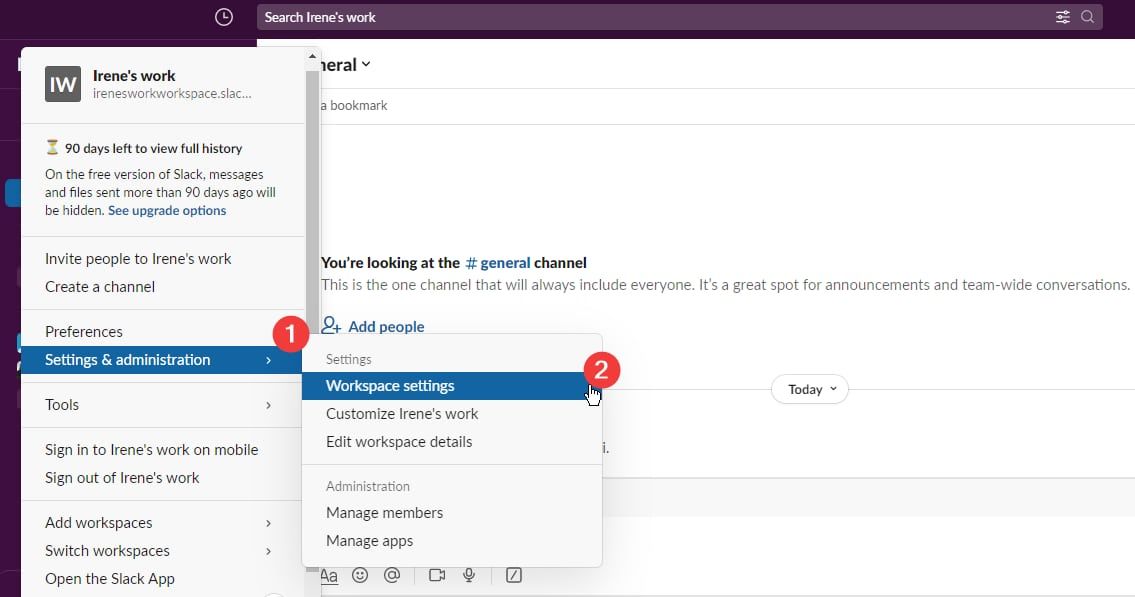
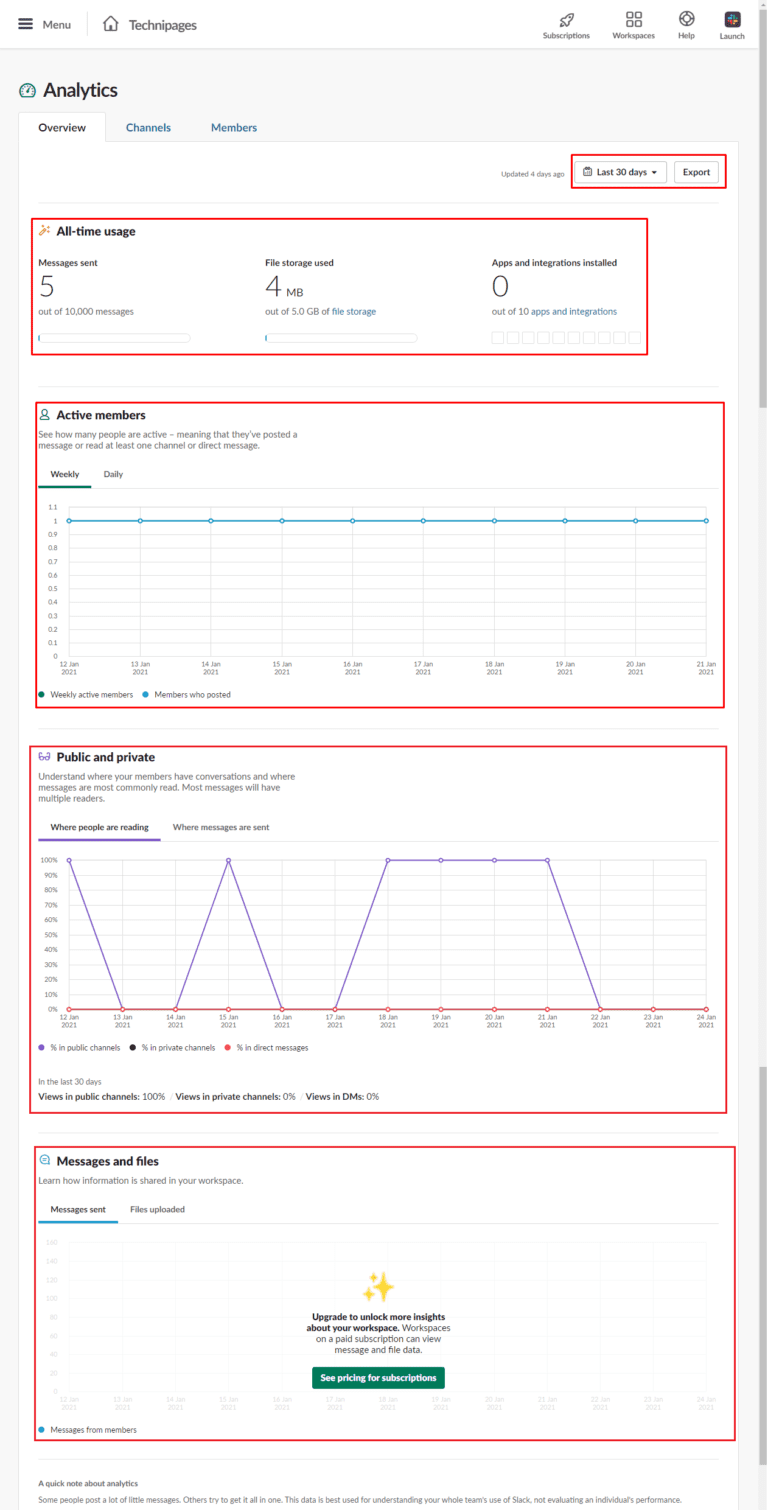
The Slack analytics dashboard allows you to gain insight into how your organization uses Slack . From the dashboard, you can easily find and sort information to understand more about the activity in your workspace or Enterprise organization. What to expect The views and metrics available to you depend on your plan. On the free version of Slack , you can view basic metrics; on paid plans, you can ...
How To Set Up Slack Workspace For Analytics And Reporting
Furthermore, visual representations like the one above help us fully grasp the concept of How To Set Up Slack Workspace For Analytics And Reporting.
Discover how to effectively access and utilize Slack usage data with our comprehensive guide. Learn to navigate the workspace and organization analytics dashboards