Identity Theft Protection On Microsoft Outlook Online
A Complete Visual Reference for Identity Theft Protection On Microsoft Outlook Online
Protecting yourself from identity theft online
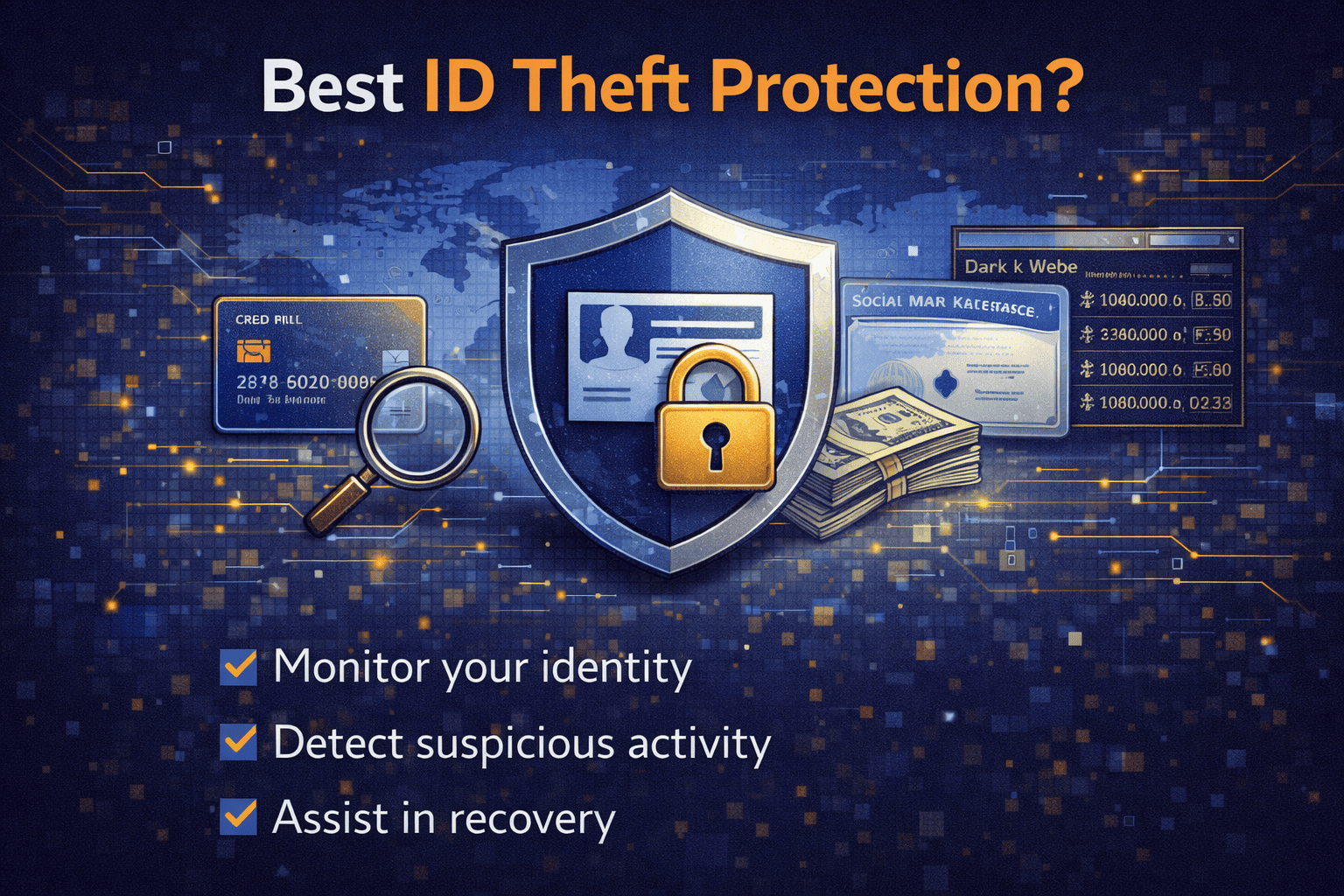
Identity theft monitoring solutions (sometimes called identity theft protection ) help you keep track of your data and alert you when your personal details are exposed in a breach, allowing you to take action as soon as possible.
Identity Theft Protection On Microsoft Outlook Online
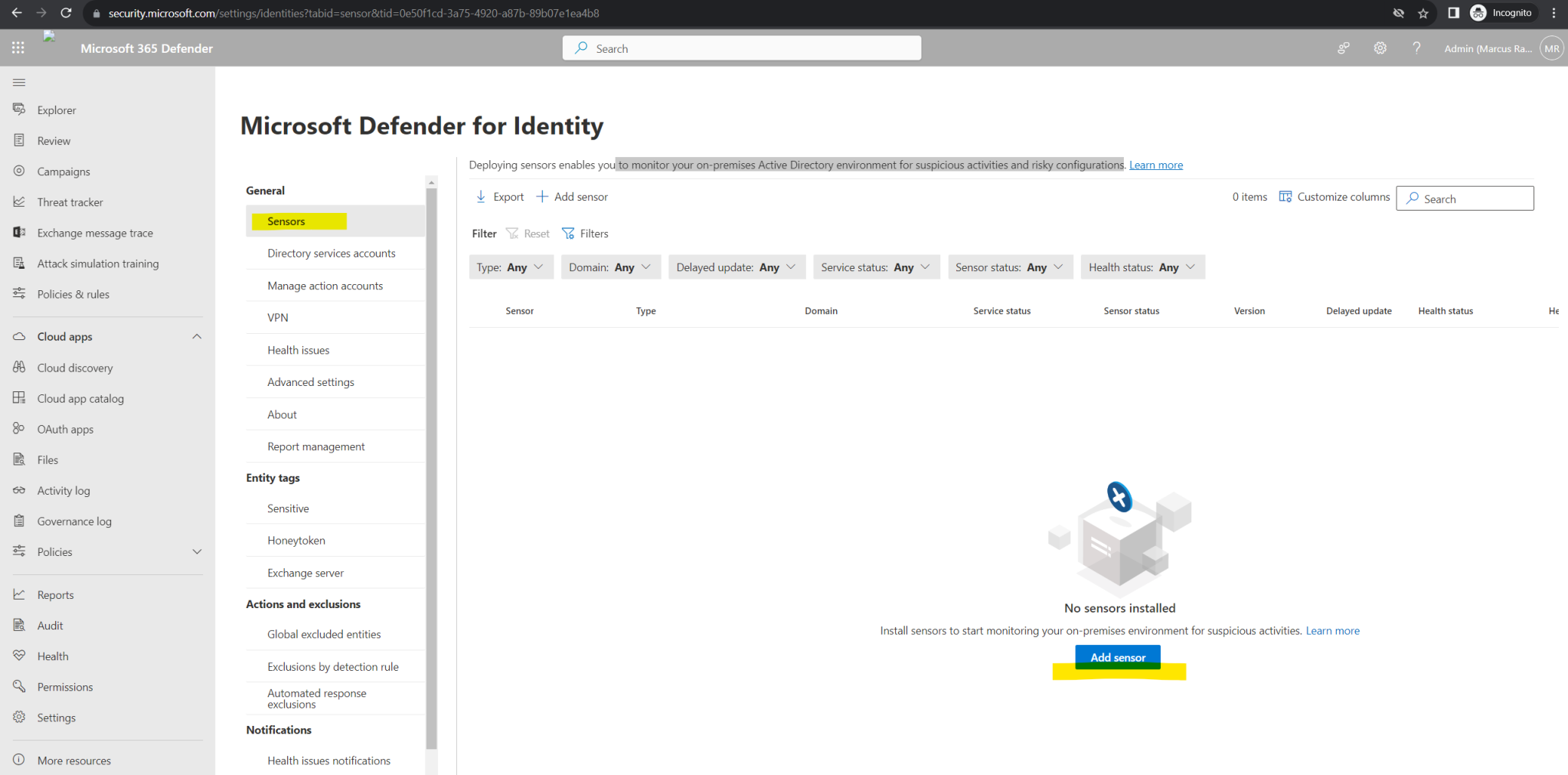
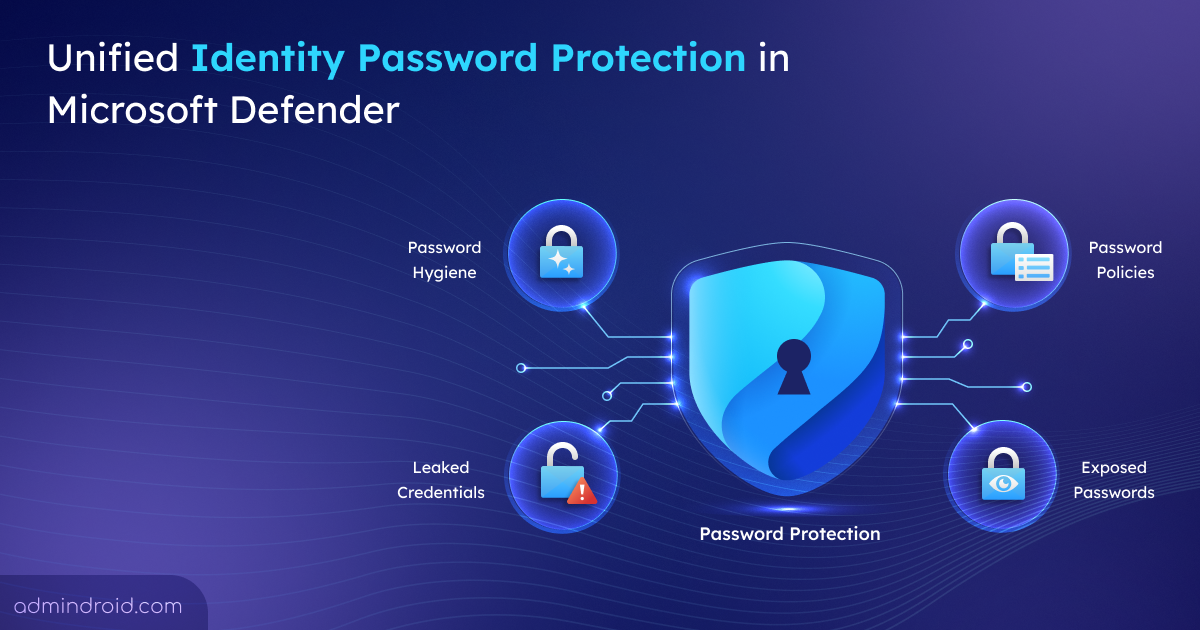
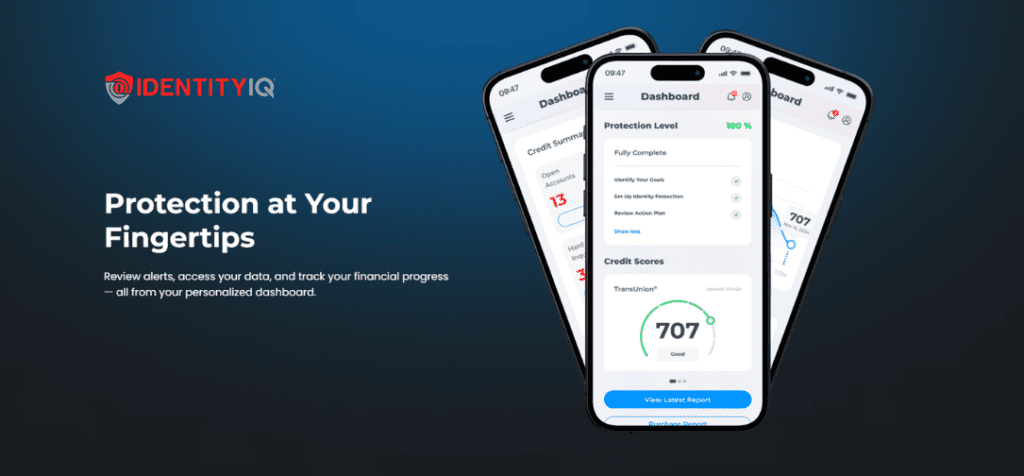
To get started, you will need to open the Microsoft Defender app or head to the My Defender portal and log in with your personal Microsoft Account. Click the Get started button available on the...
Identity Theft Protection On Microsoft Outlook Online
Microsoft Adds Identity Theft Monitoring Service to 365 Suite
Identity Theft Protection On Microsoft Outlook Online
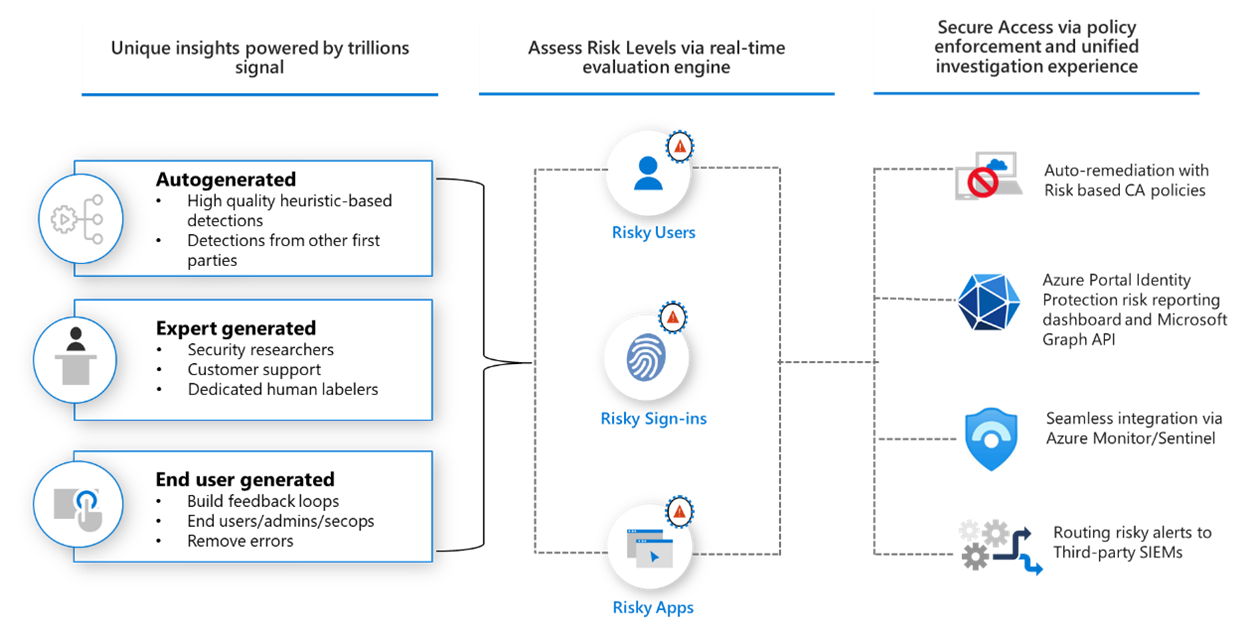
Furthermore, visual representations like the one above help us fully grasp the concept of Identity Theft Protection On Microsoft Outlook Online.
This week Microsoft added identity theft protection to Defender, a security app that informs users of security threats in real time. Microsoft originally introduced Defender back in 2006.
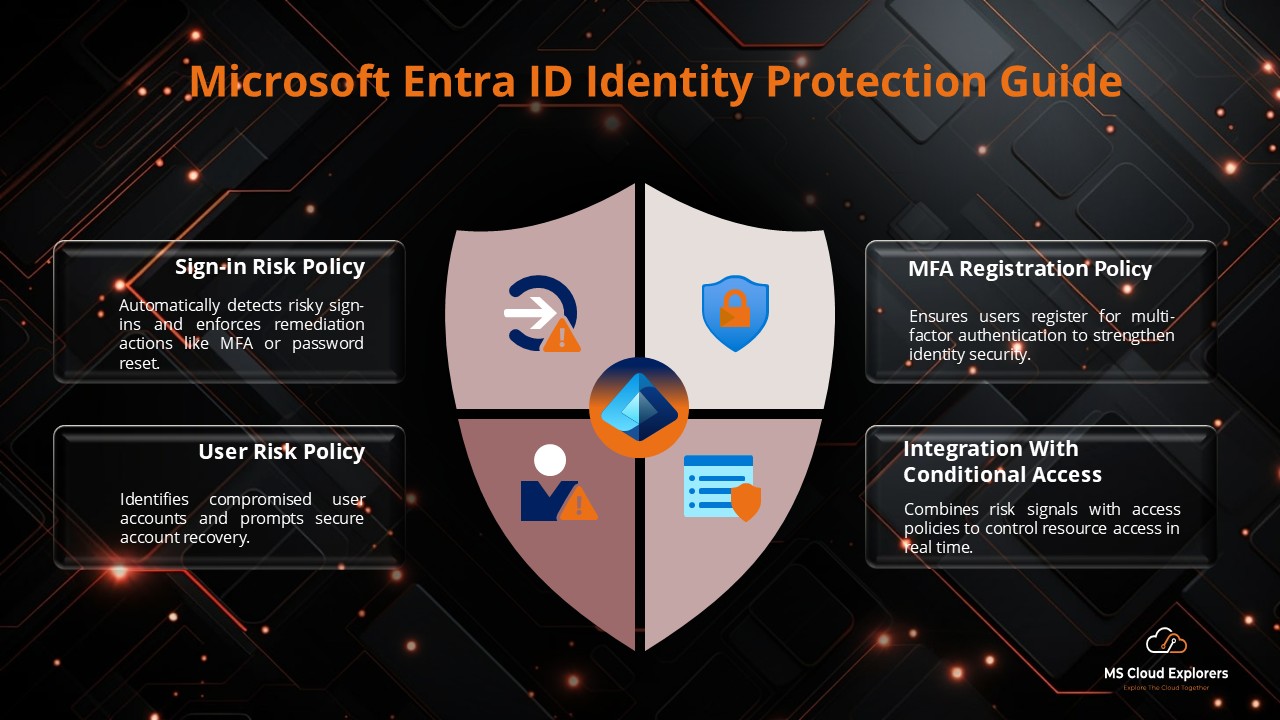
12 quick tips to secure your identities in Microsoft 365
In the post here, I will share 10 tips on how to strengthen your security posture in Microsoft 365, where we specifically look at identity protection . This is a littel "repost" from my old blog, but a bit updated on some parts. Tip 1 - Block the legacy authentication protocols!