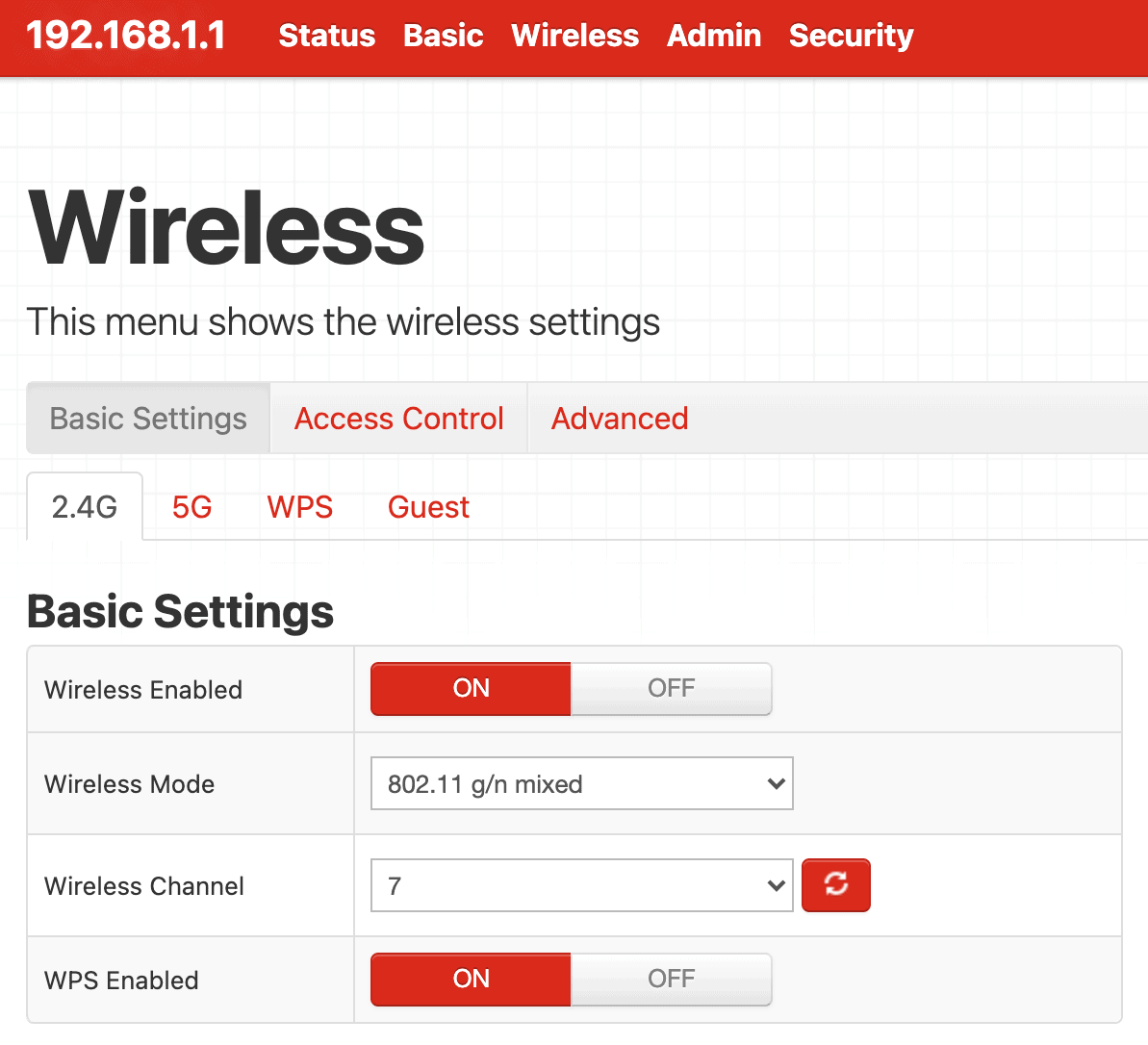
192.168.1.1 is in the Class C private IP address range. Often miswritten as 192.168.l.l, this is a default IP address for home networking.
Access router settings with ease by logging in at 192.168.l.l - the gateway to your home network's admin panel.
L.L Admin Login
192.168.1.1 Admin Login
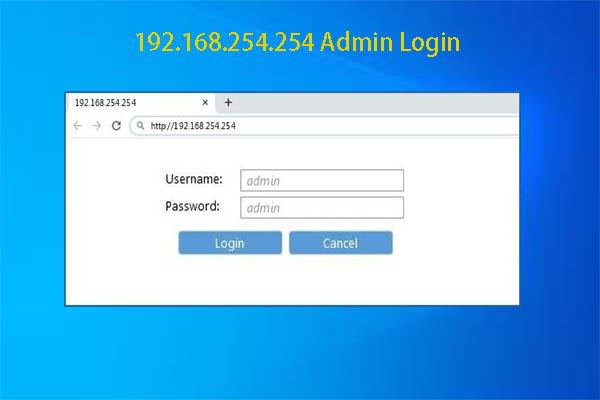
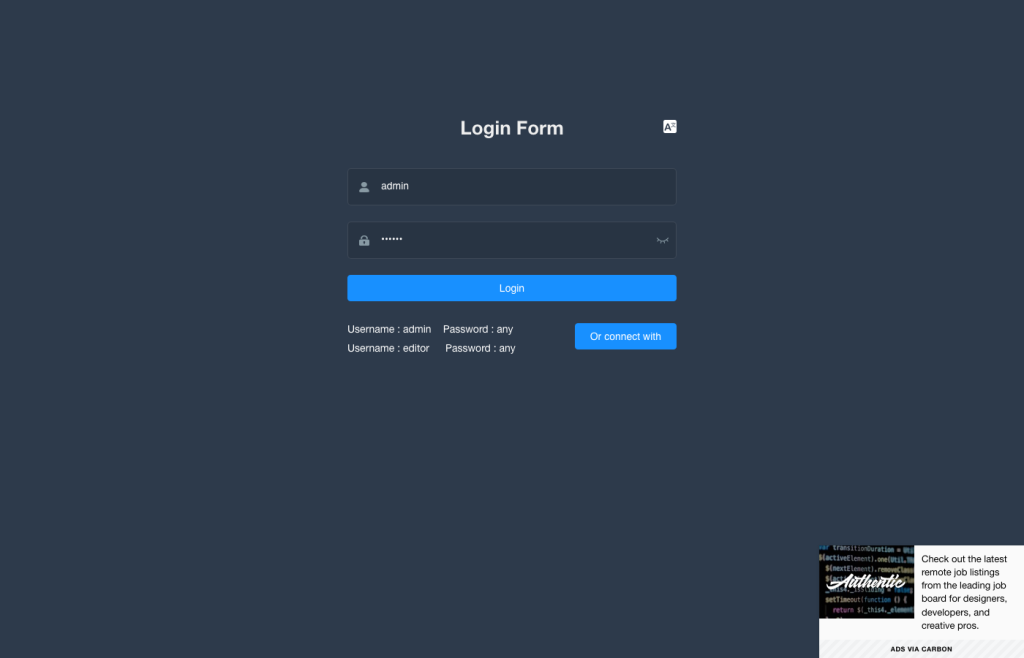
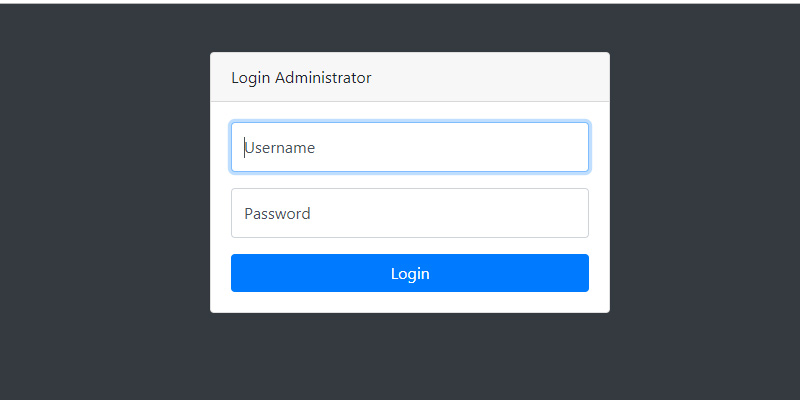
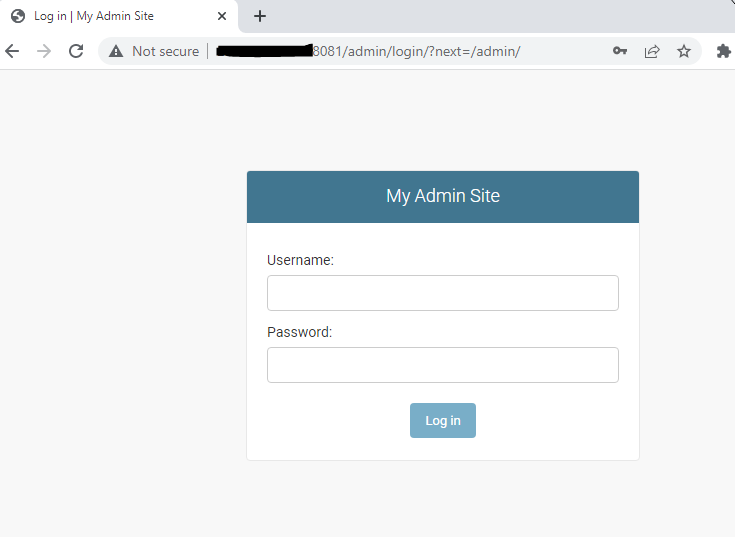
Enter the IP 192.168.1.1 into your browser and pressing enter. Enter your router username. Enter your router password. Press Enter, or click the login button. If you get a login error, try finding the correct default login info for your router and try again.
L.L Admin Login
Not sure 192.168.1.1 is your Router? Test it in seconds, then find default admin Username/Password by Brand & Model. Simple Step-by-Step guide.
If you have changed the admin credentials, use the updated password to log in. If you've forgotten it, look for a "Forgot Password" or "Reset" option on the login page to reset it.
Find the default 192.168.l.l admin login and password to easily access your router settings for security and management.