Optimize Google Network Settings For High-Definition Video Streaming
The Hidden Details of Optimize Google Network Settings For High-Definition Video Streaming Revealed
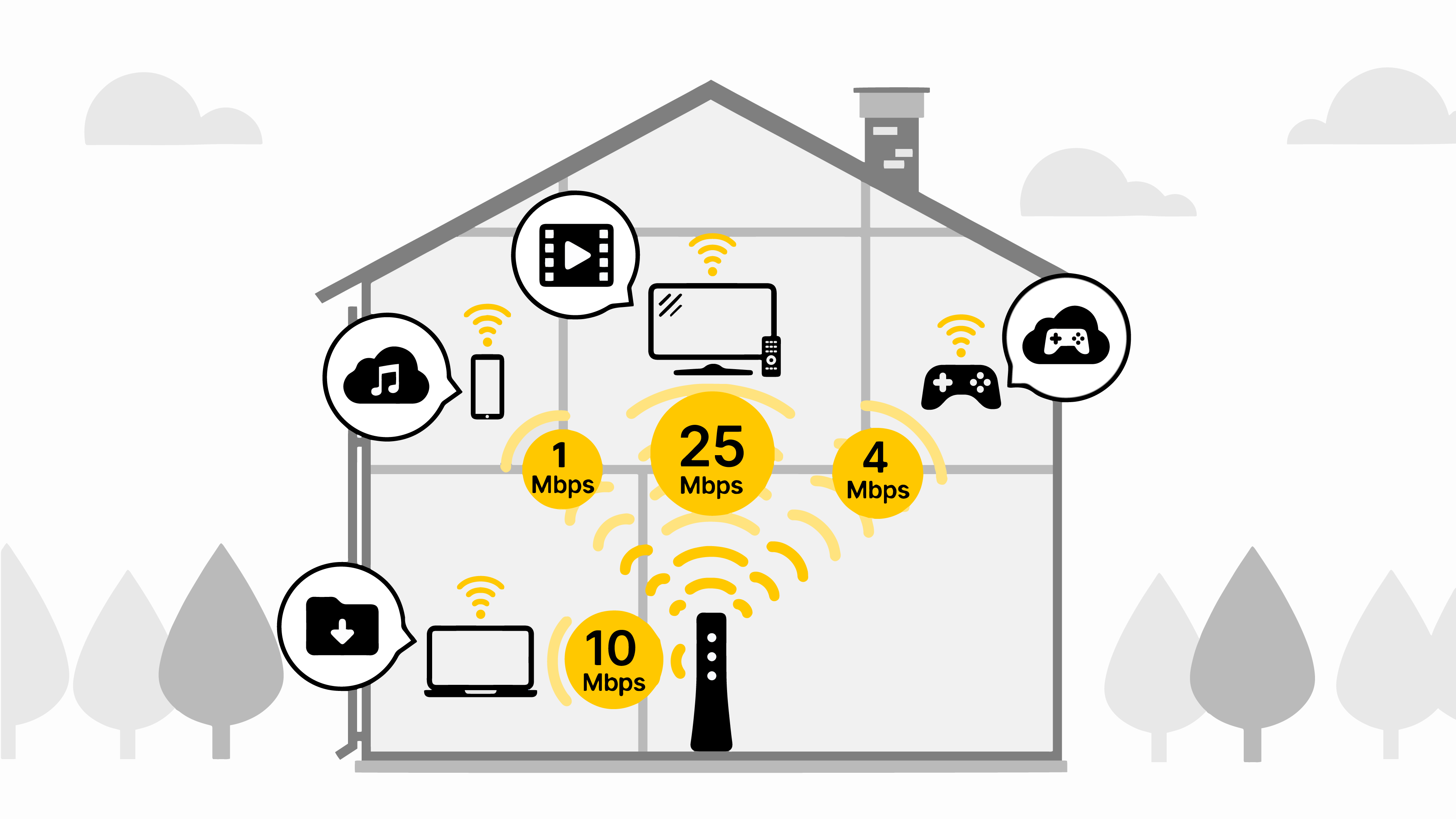
5 tips to optimize your home network for video streaming
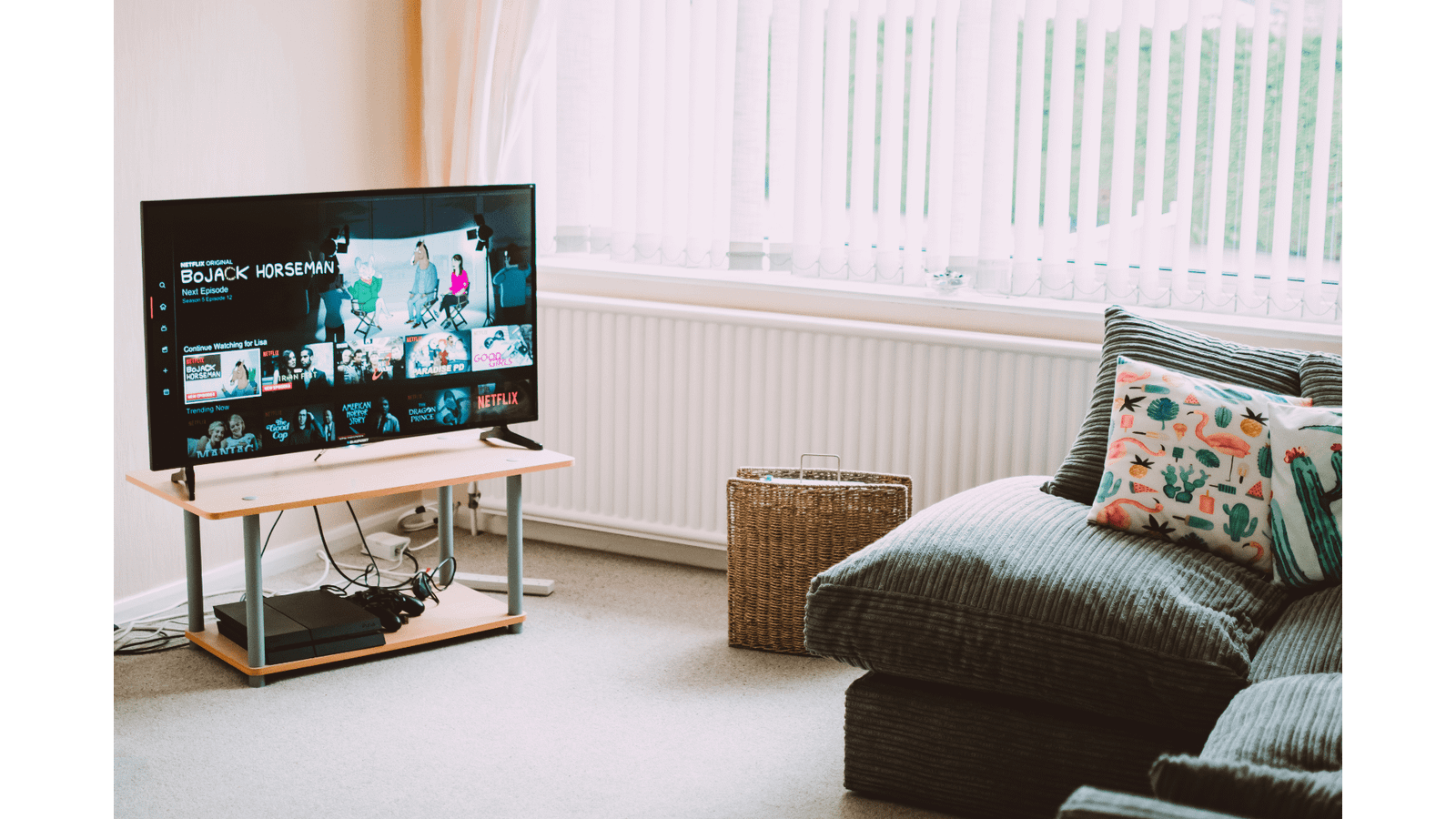
Enjoy movie night again with these tips for optimizing your home network for streaming
Optimize Google Network Settings For High-Definition Video Streaming
As we can see from the illustration, Optimize Google Network Settings For High-Definition Video Streaming has many fascinating aspects to explore.
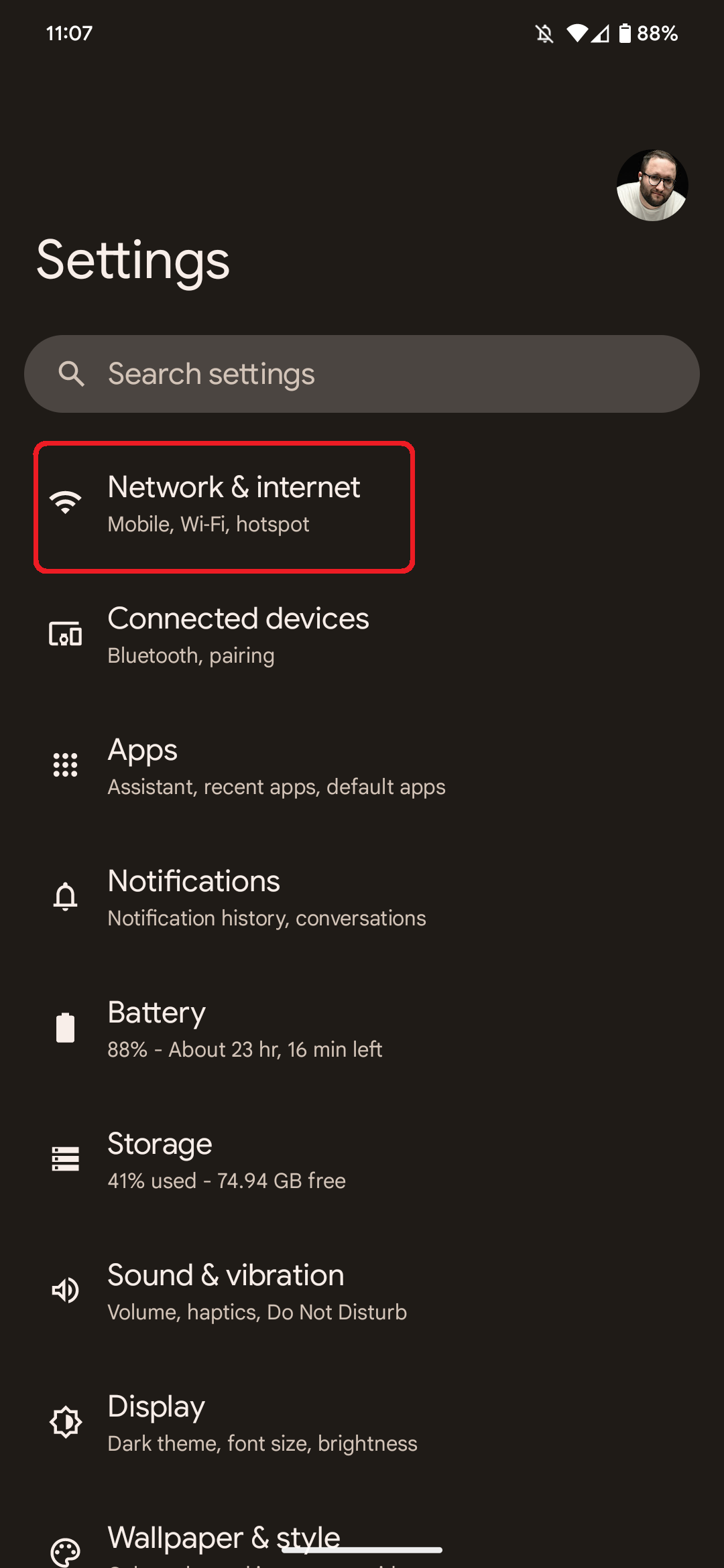
By optimizing your Wi-Fi network , using a high -quality HDMI cable, using the Google Home app, updating your firmware, and using the correct power supply, you can ensure that your Chromecast is operating at its best.
Optimize Google Network Settings For High-Definition Video Streaming
How to Optimize Chromecast for Better Streaming Quality
Optimize Google Network Settings For High-Definition Video Streaming
Moving forward, it's essential to keep these visual contexts in mind when discussing Optimize Google Network Settings For High-Definition Video Streaming.
Lower the Video Quality You can also speed up Chromecast casting by reducing the amount of data the device has to transfer from the internet. You'll optimize Chromecast by reducing the selected video quality in the streaming service you're casting from.
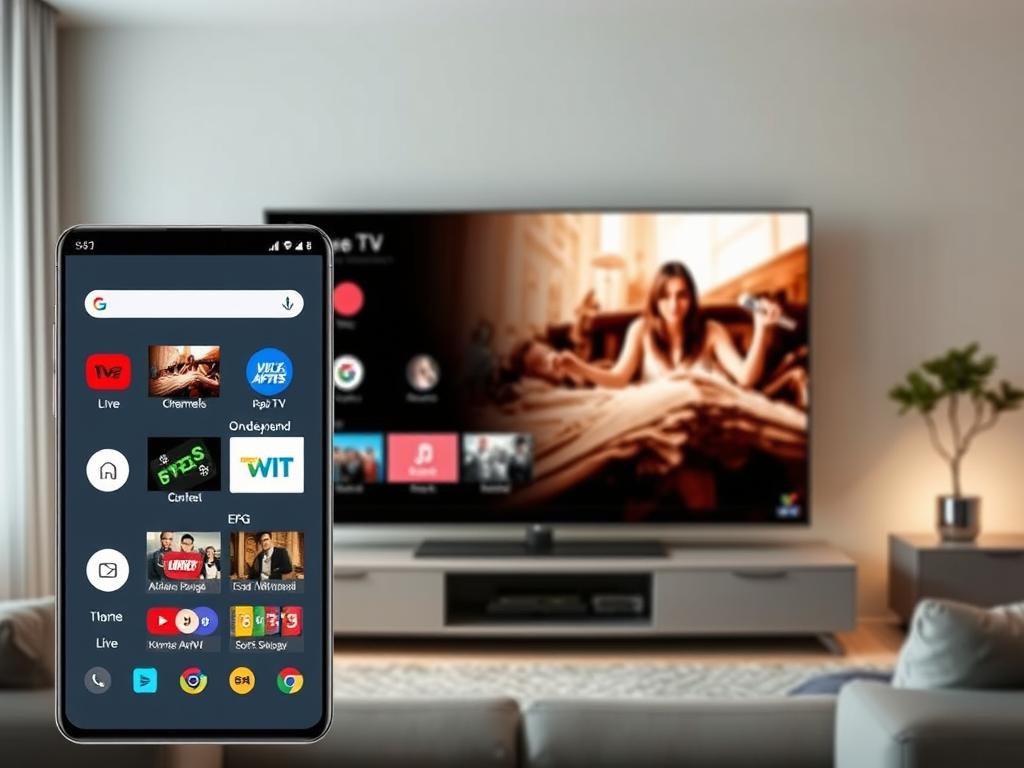
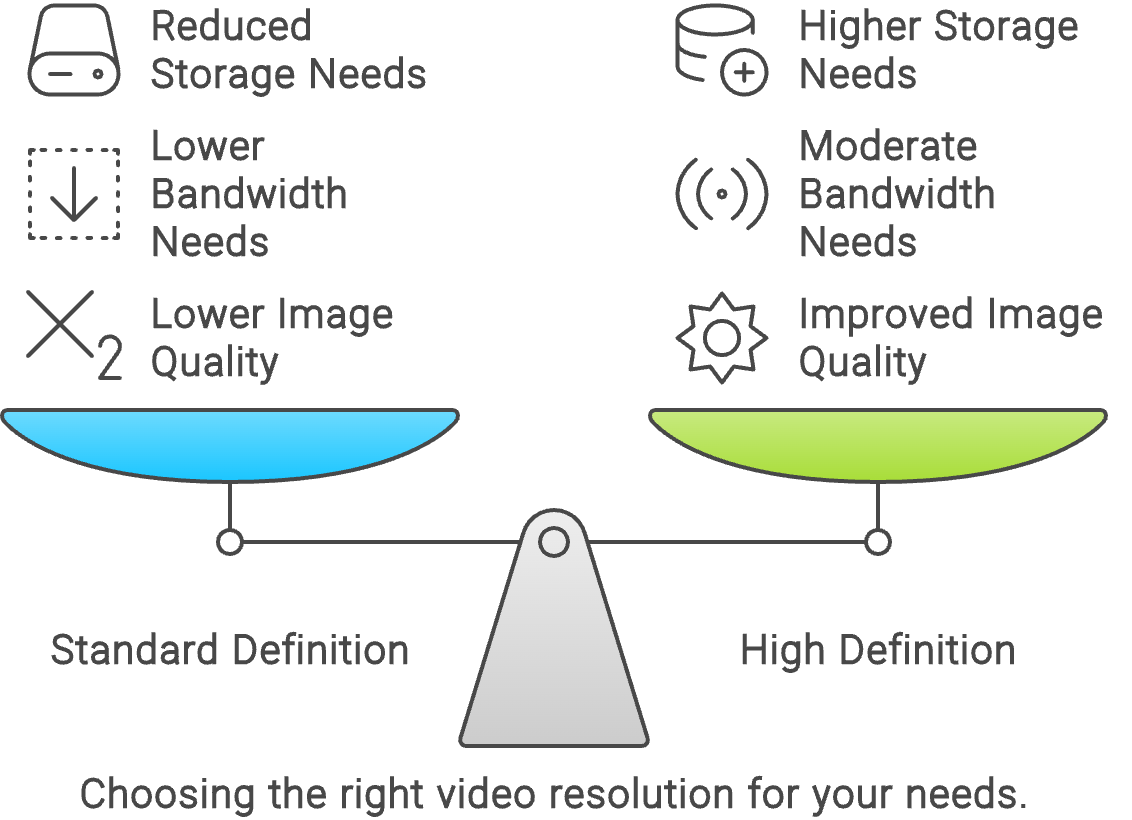
Whether you want to enjoy ultra- high - definition content or need to adjust the resolution for compatibility, this guide will help you make the most of your GOOGLE TV Streamer.
Here are 11 proven ways to improve video streaming and resolve buffering issues: 1. Check for Network Overload. Many consumers don't know just how easily home internet bandwidth can become overwhelmed.