Exploring the Wonders of Qos Setup On G Router For Video Conferencing Through Photography
How To Get A Router With Qos To Prioritize Video Apps Like Zoom Or ...
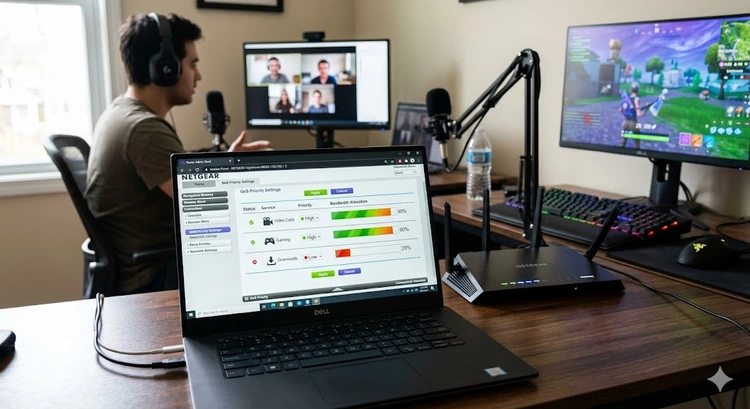
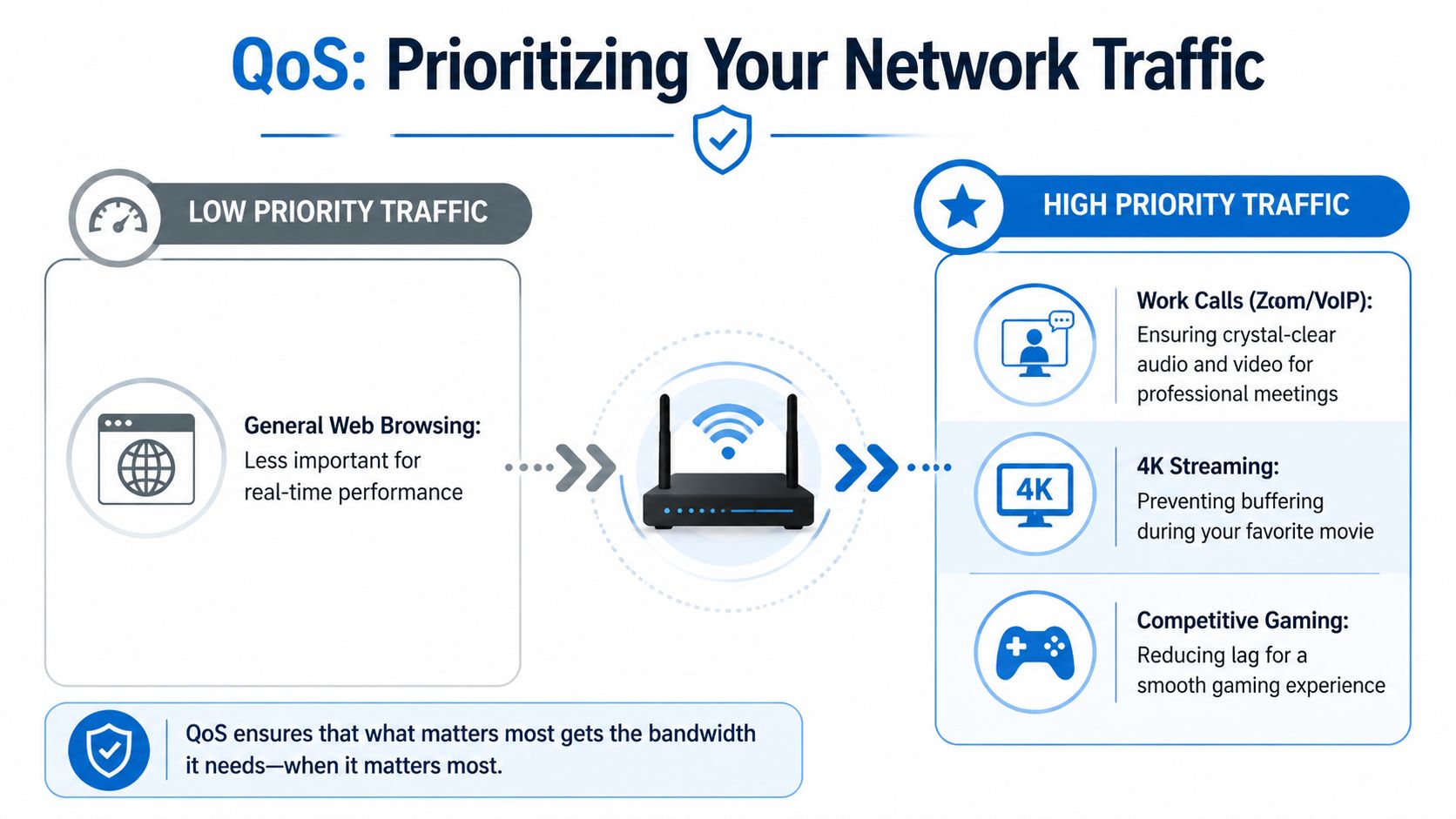
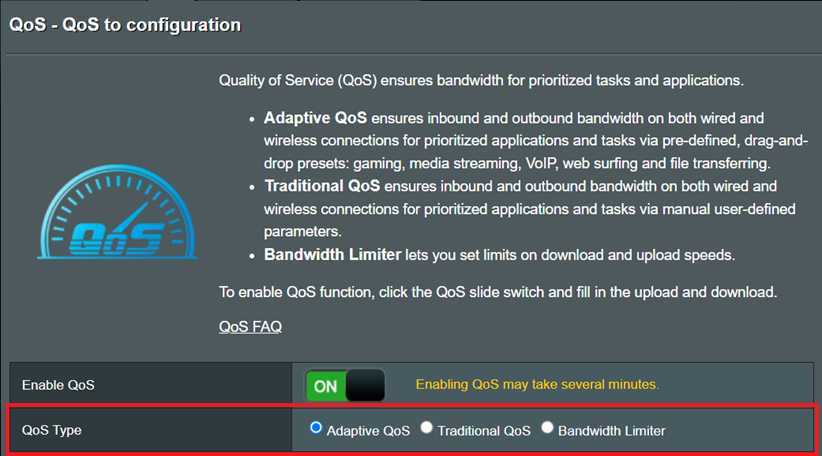
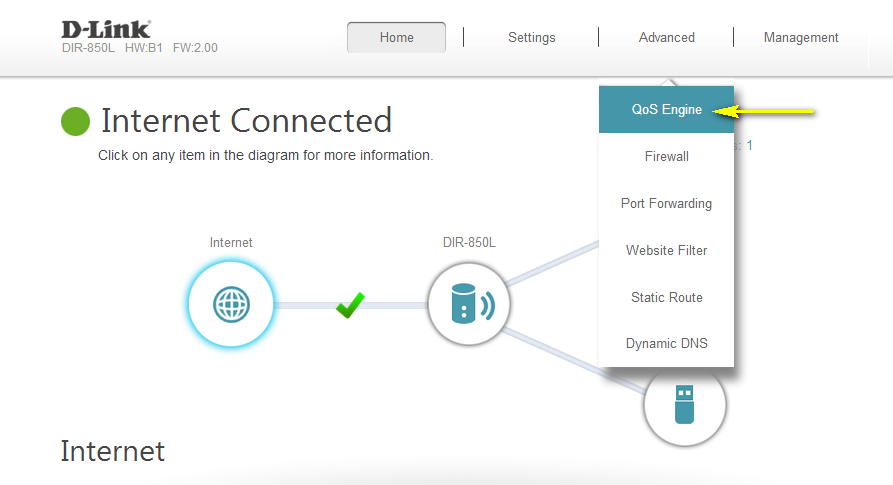
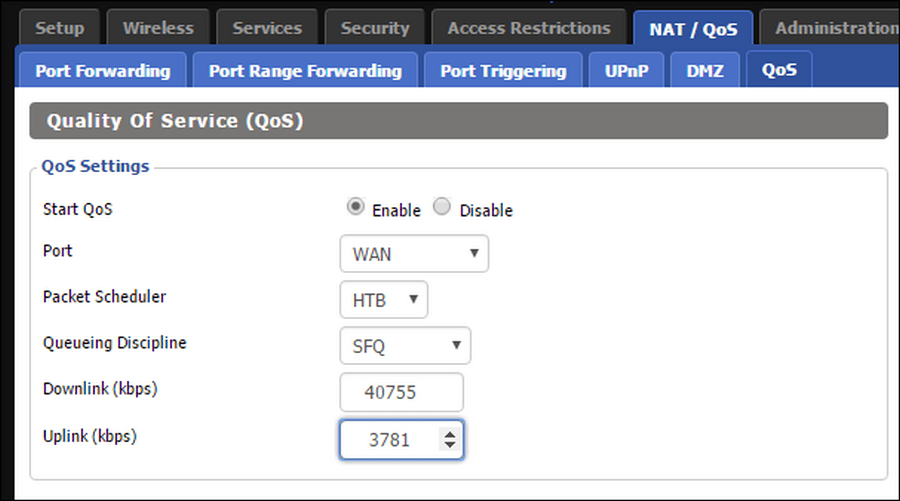
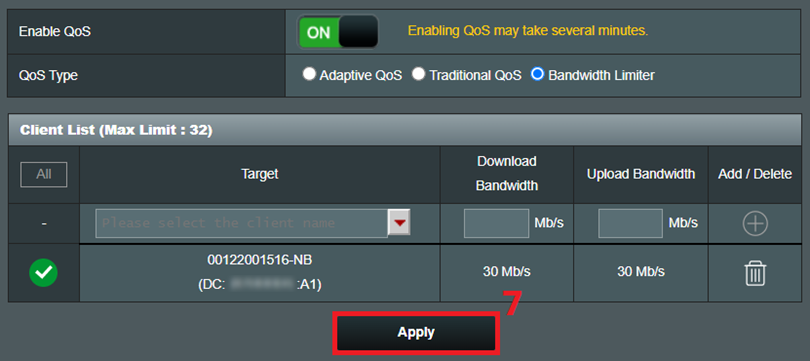
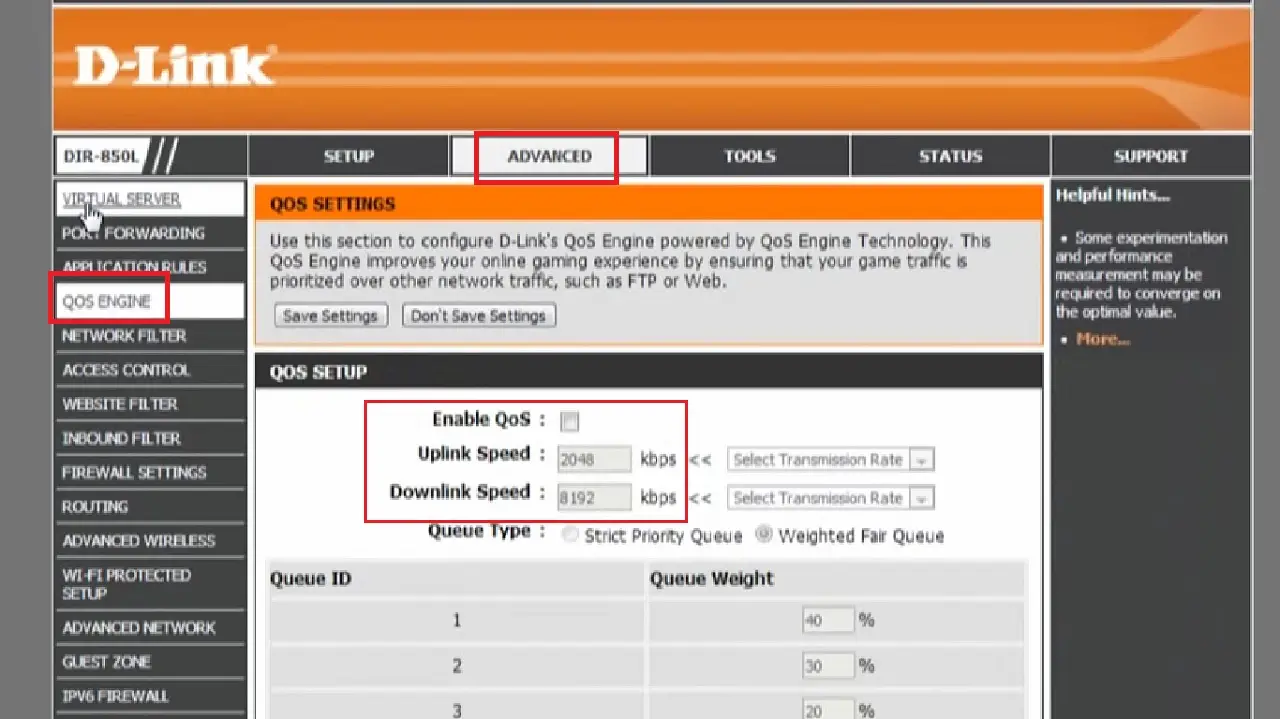
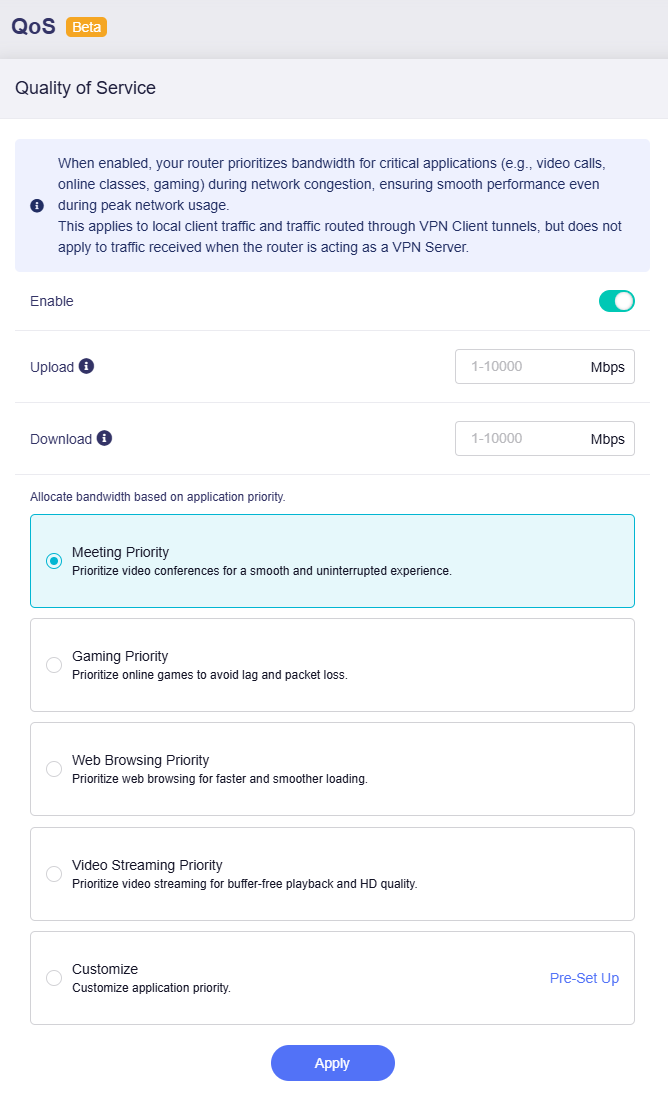
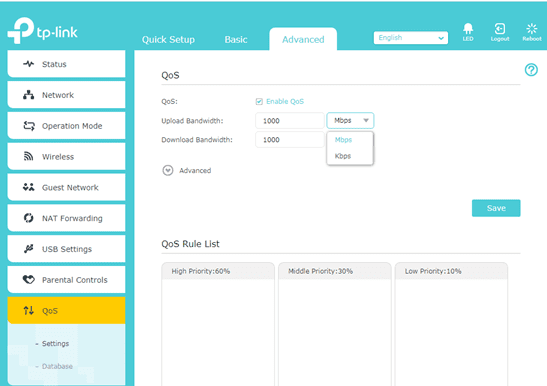
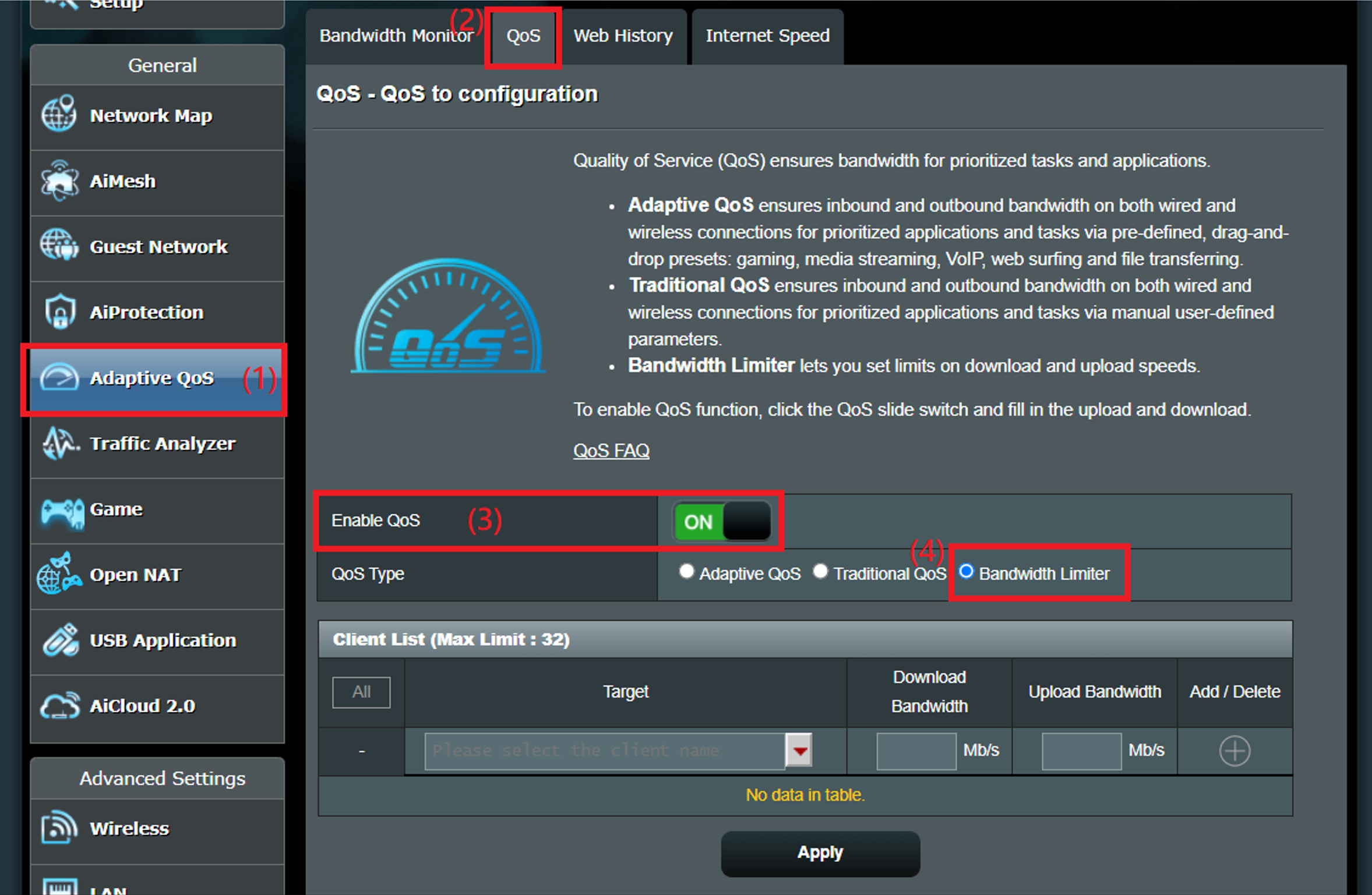
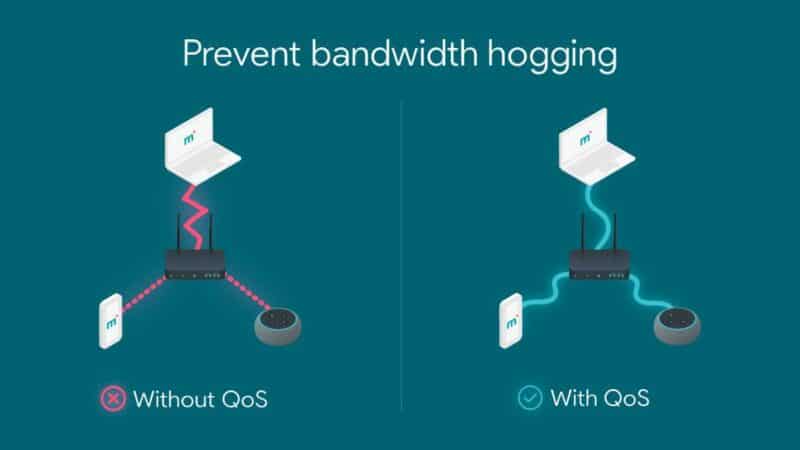
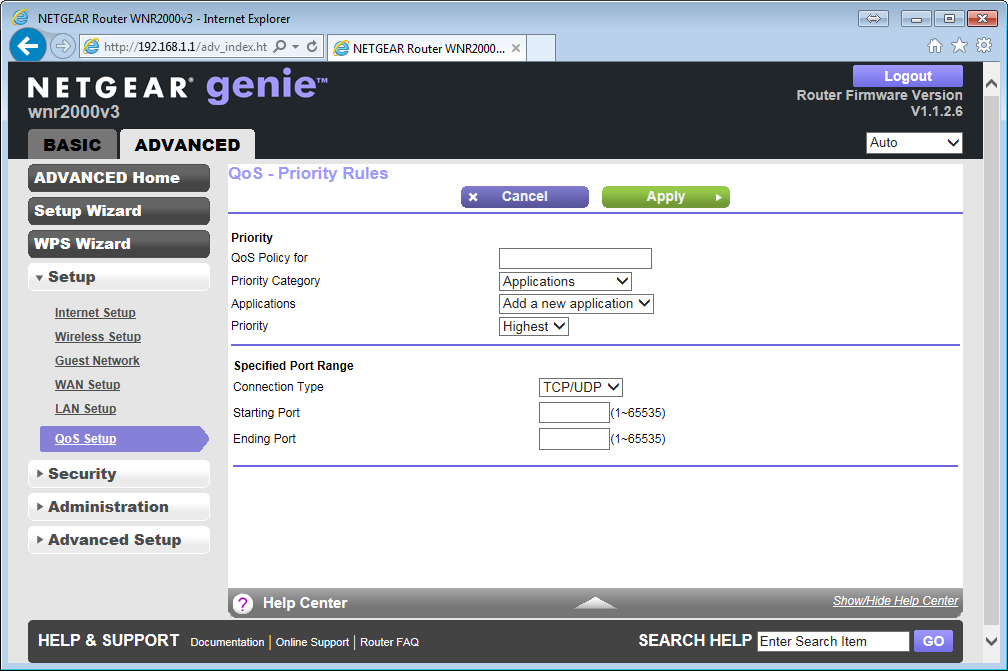
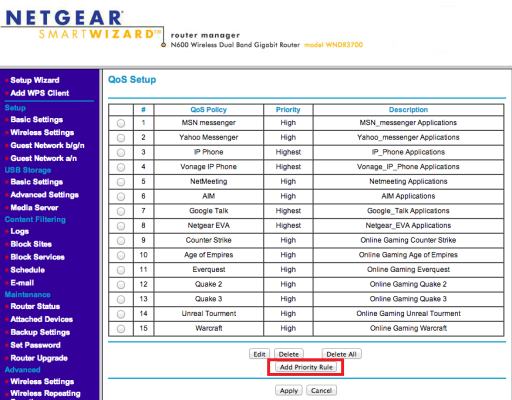
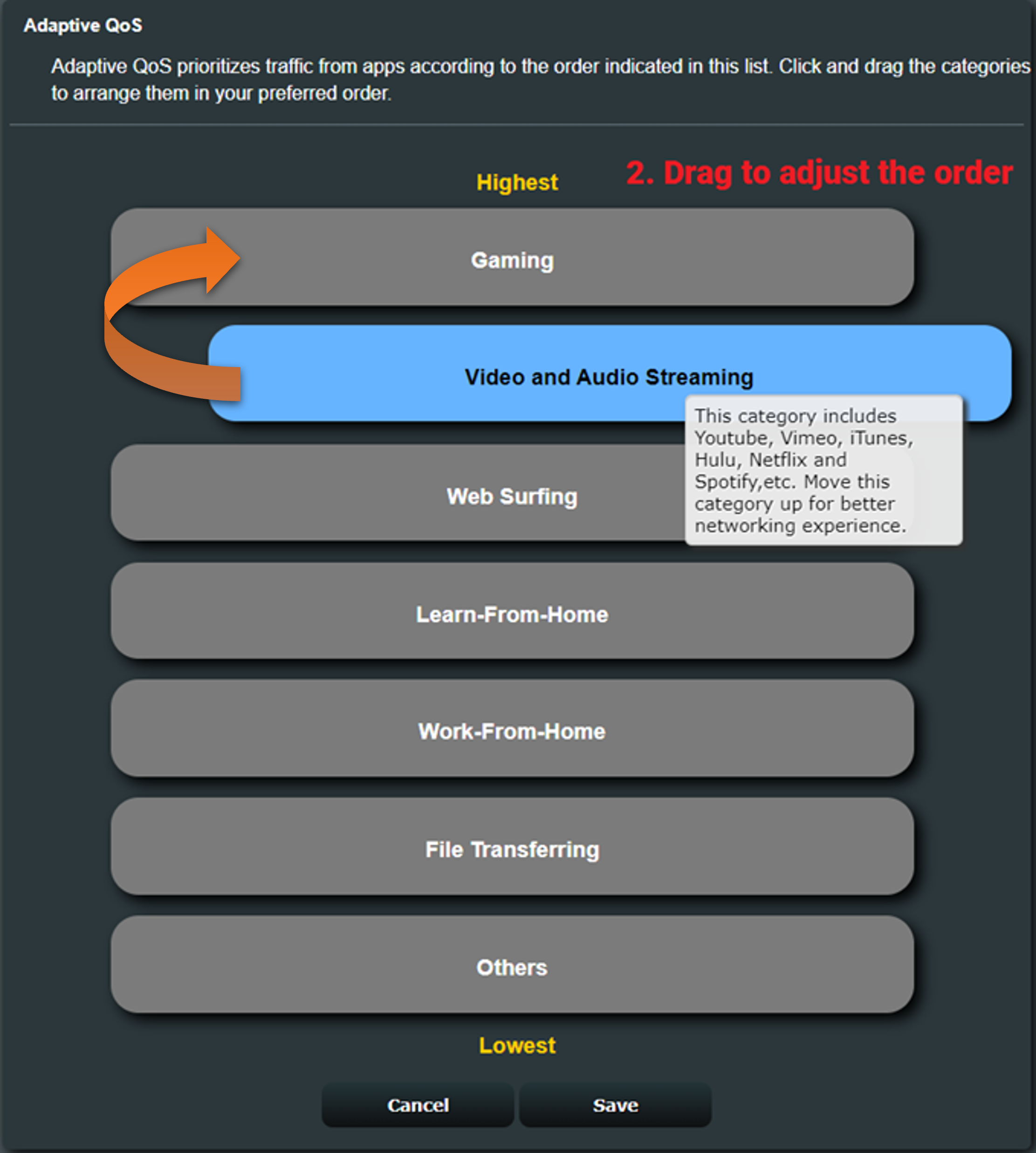
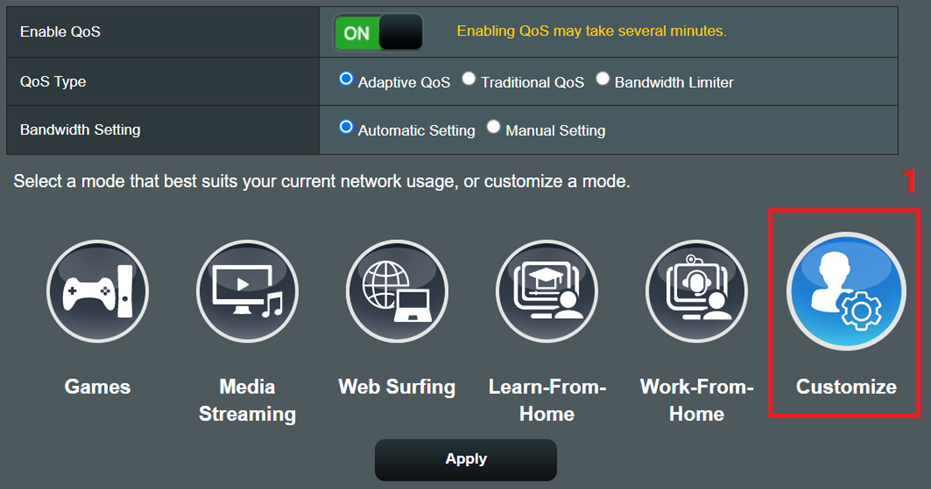
A router with QoS (Quality of Service) helps prioritize bandwidth for specific applications like Zoom or Teams, ensuring smooth video calls. To do this, enable QoS in your router settings and configure rules to prioritize your video conferencing apps.
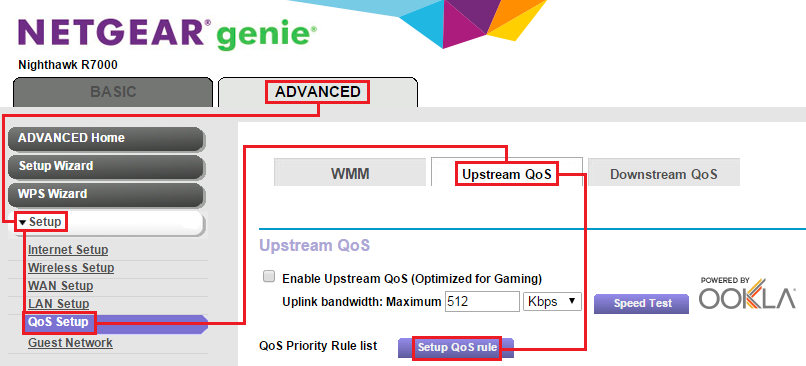
This guide covers exactly how to set up QoS for home AV—what it does, why it matters, how to configure it on different routers , prioritization strategies for streaming and conferencing , and troubleshooting when it doesn't work as expected.
Qos Setup On G Router For Video Conferencing
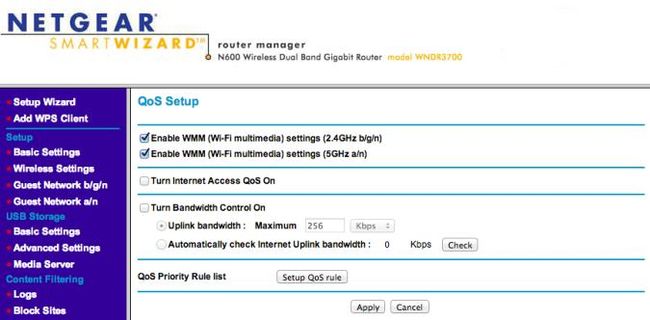
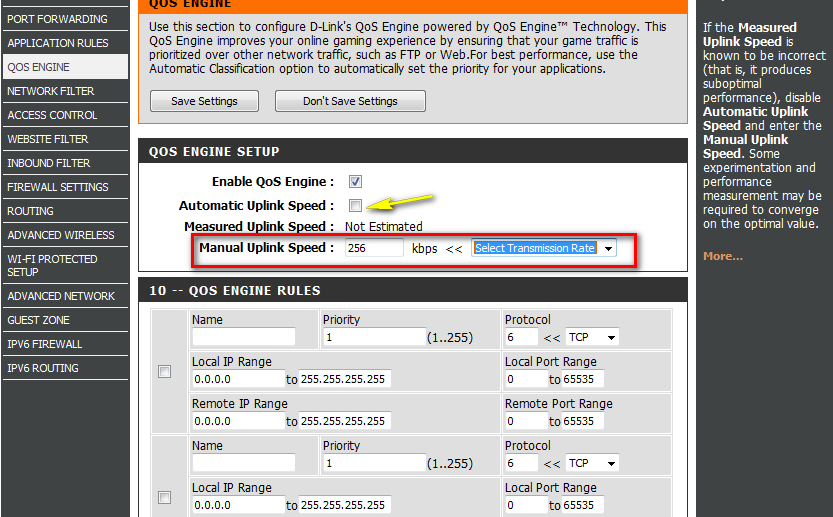
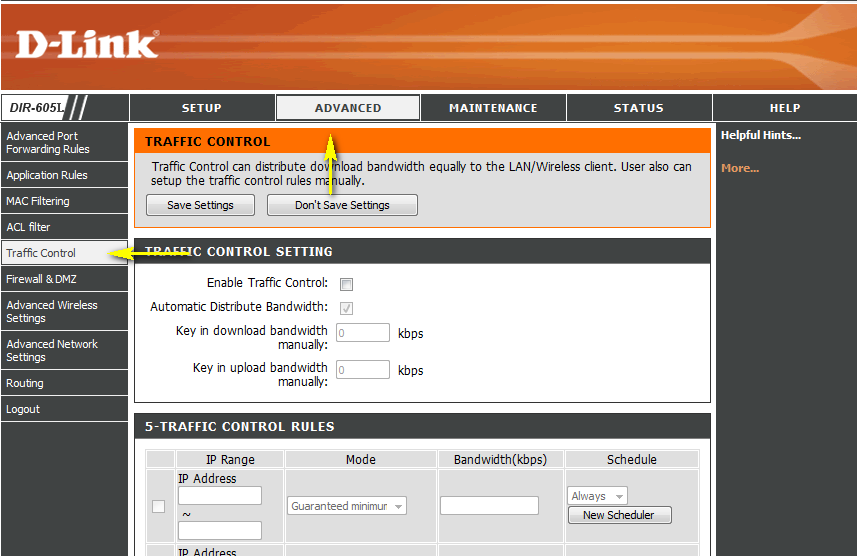
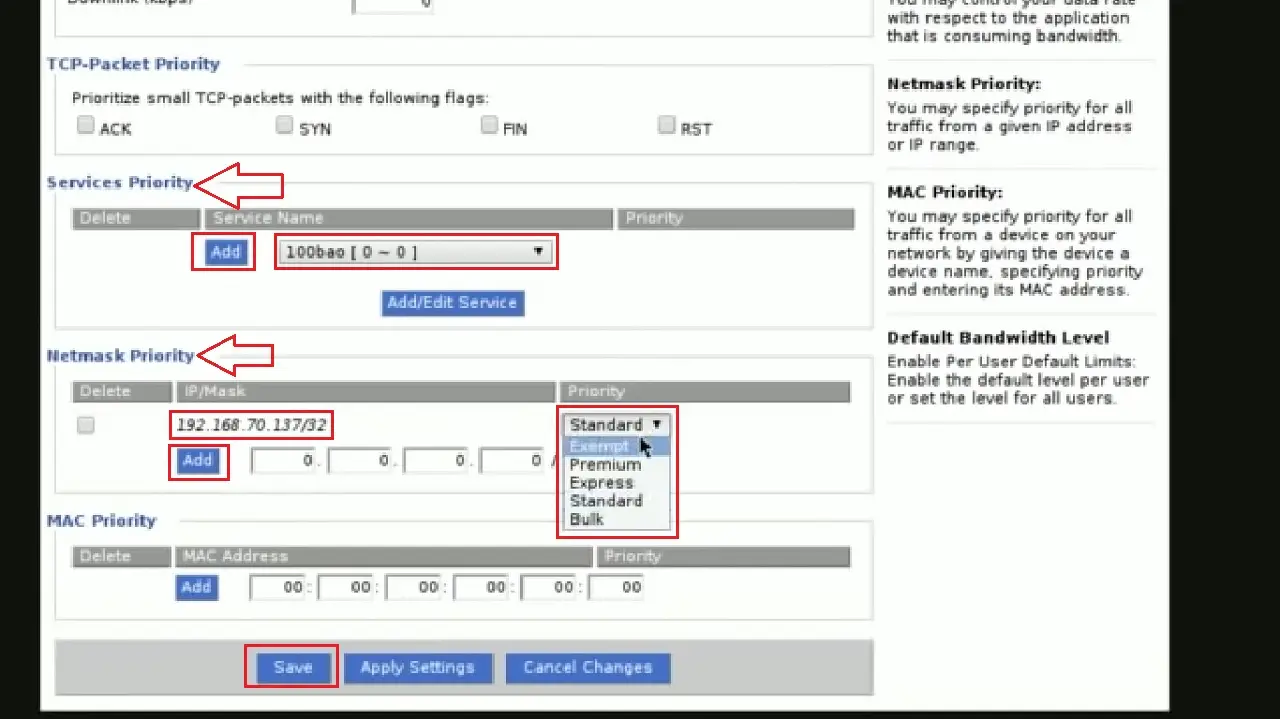
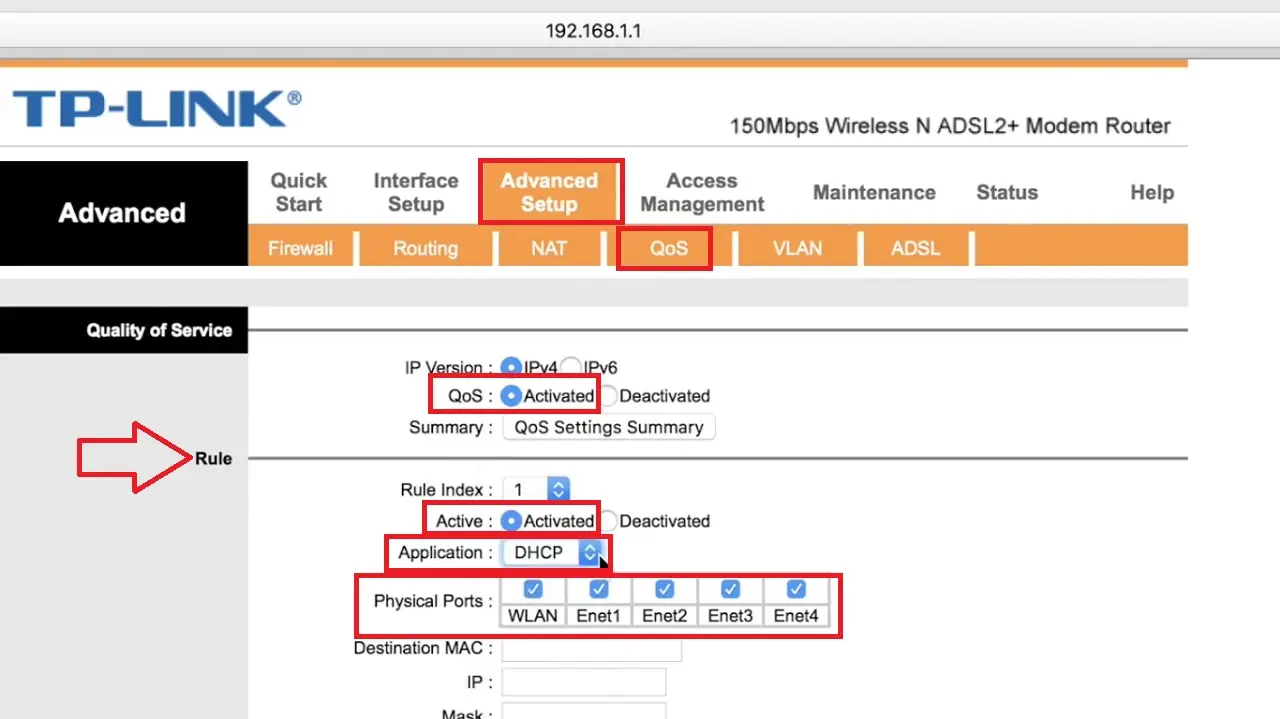
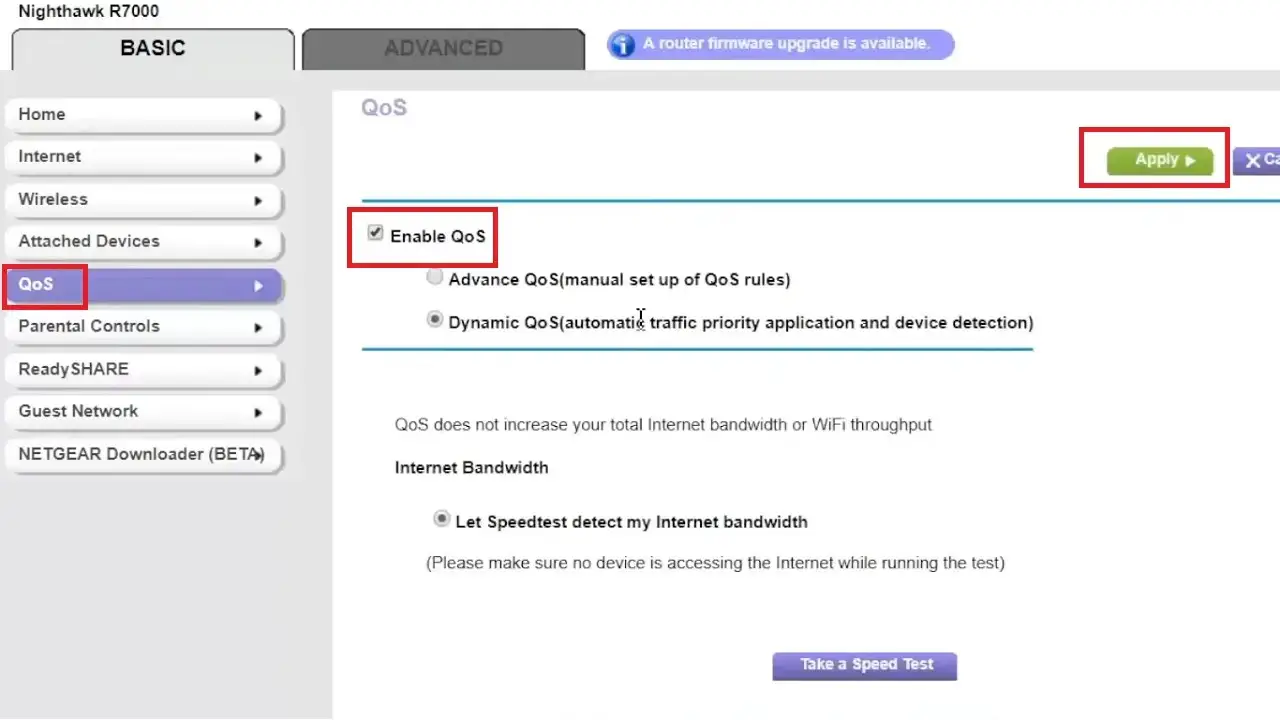
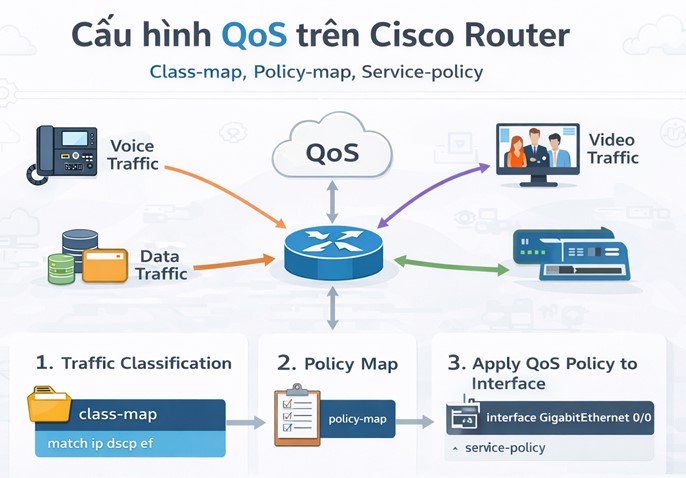
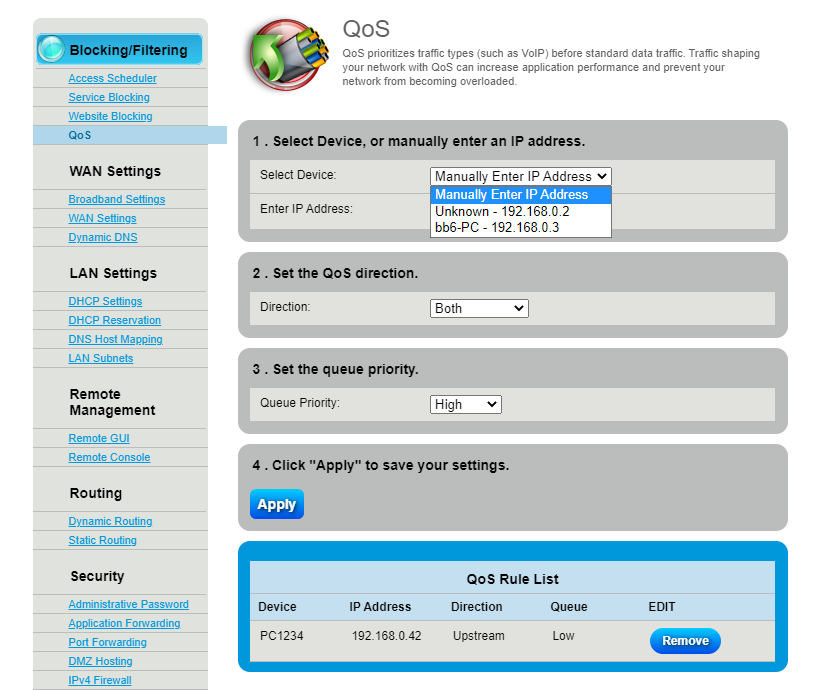
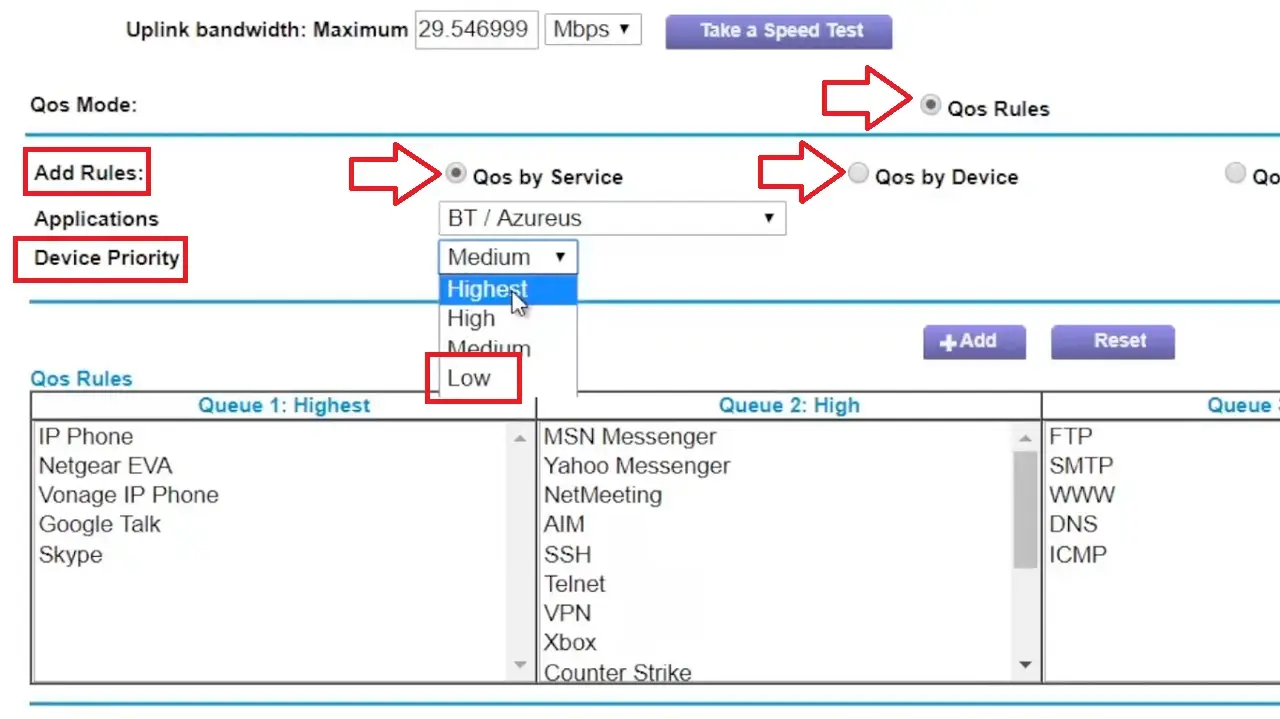
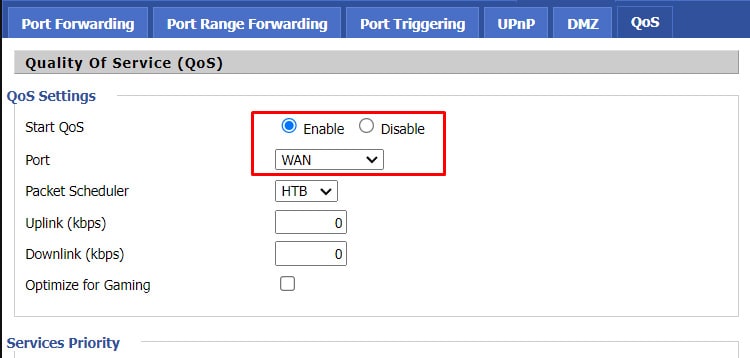
How to Configure QoS on a Router
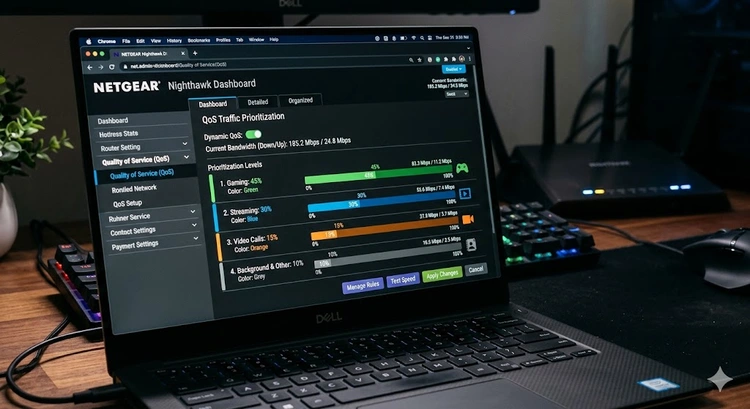
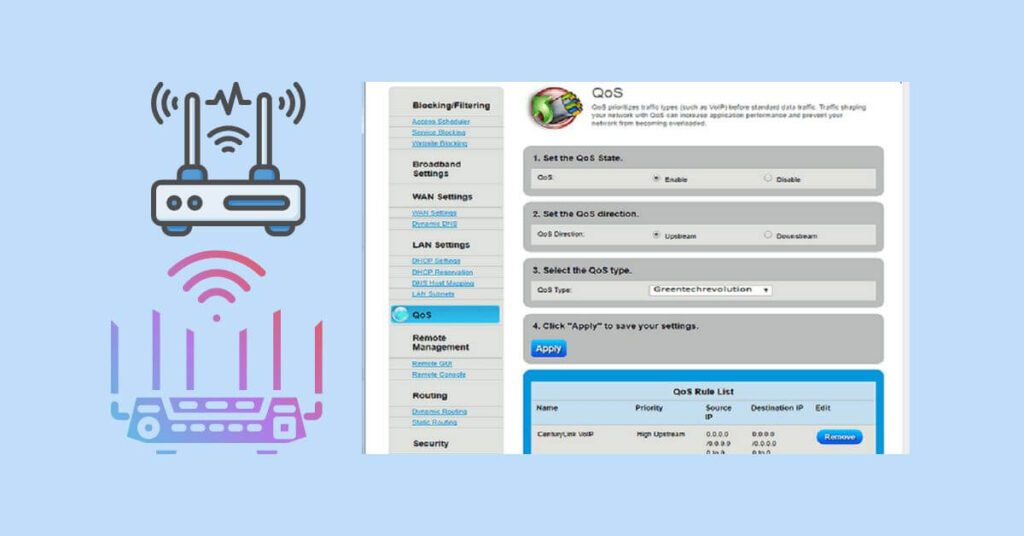
Configuring Quality of Service ( QoS ) on your router can greatly improve your internet experience by prioritizing essential traffic. This guide walks you through the steps to set up QoS effectively, ensuring that important applications like video calls and gaming receive the bandwidth they need.