Remove Malware From Registry Without Reinstalling Operating System
Breathtaking Photos and Facts About Remove Malware From Registry Without Reinstalling Operating System
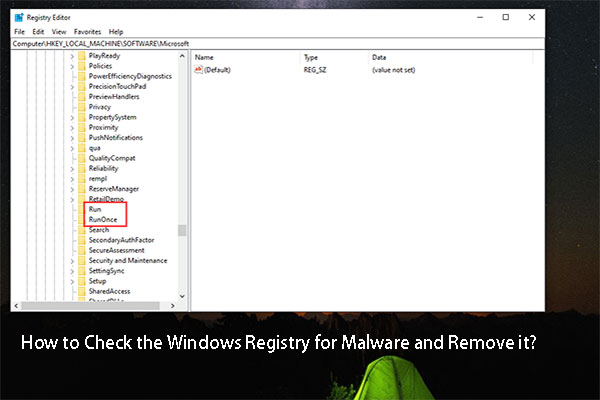
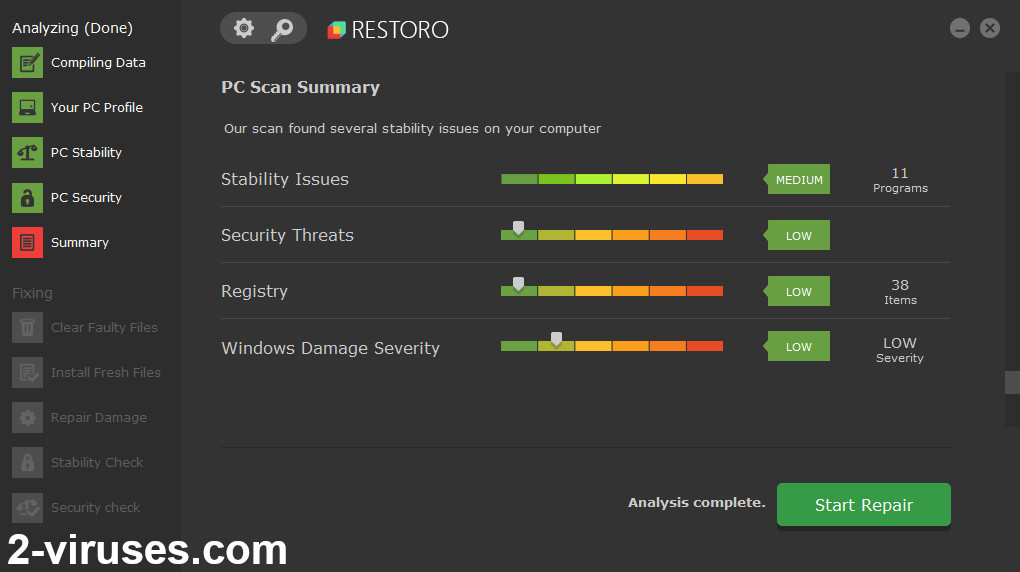
Secure Way to Check Windows Registry for Malware and Removal
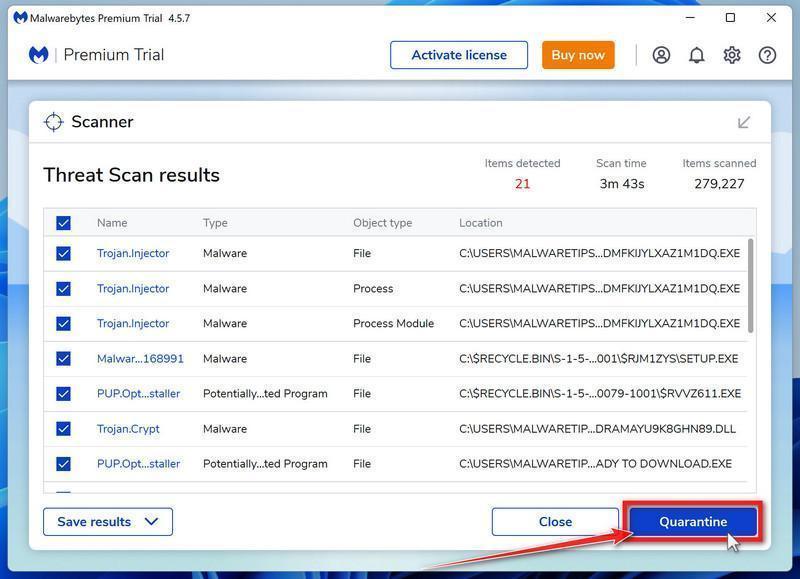
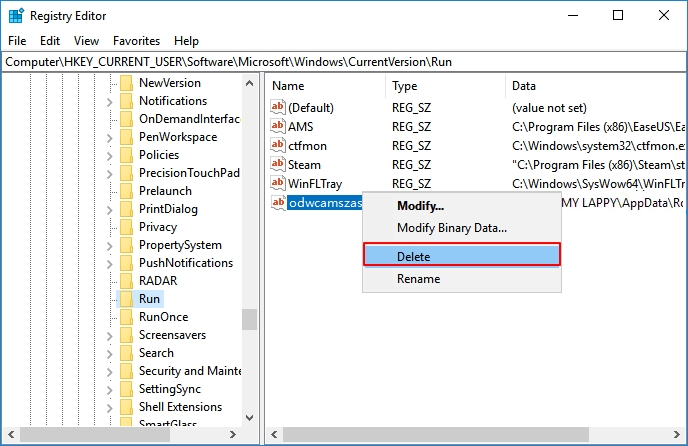
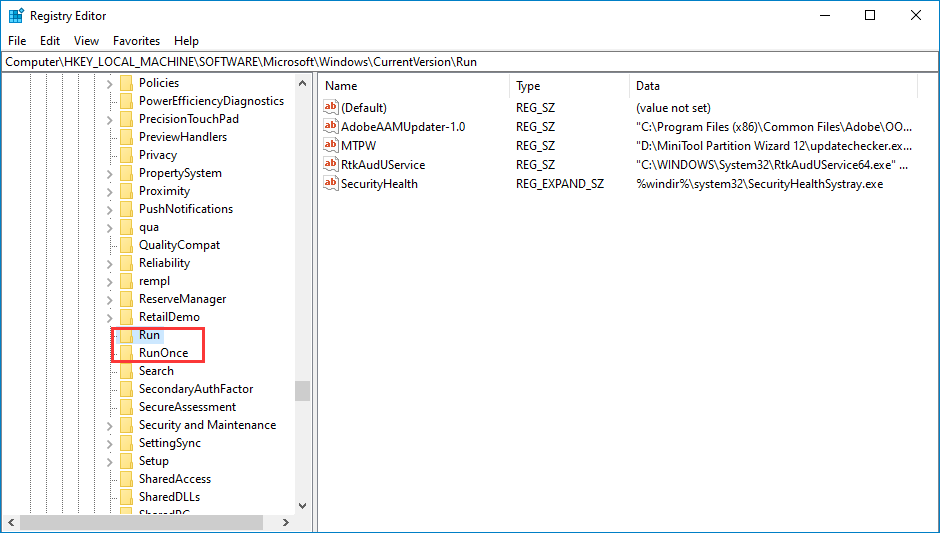
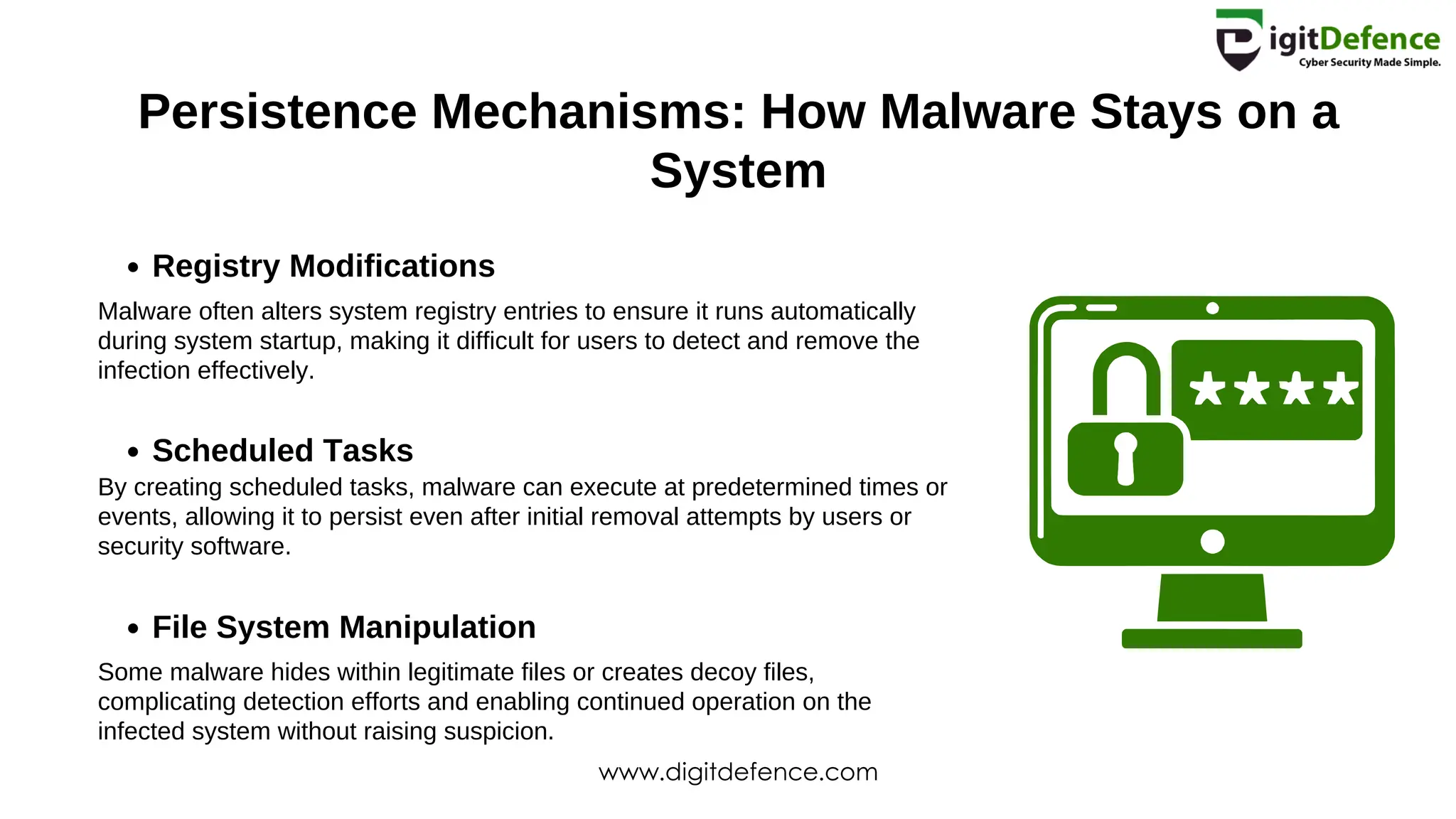
Registry malware can crash your Windows operating system and data on the device. To safeguard your computer, you can use third-party antivirus software to scan and remove malware . However, there is another method and it is to remove malware from Windows Registry . MiniTool Software will show you how to use the second method in this post.
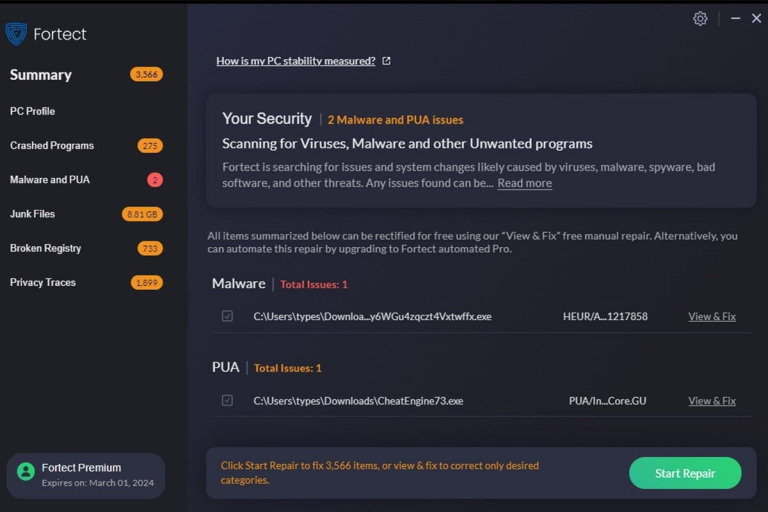
EUSING FREE REGISTRY CLEANER without registration Let it scan and it will find registry keys that referred to missing files or folders (yea because you had already deleted them)
Remove Malware From Registry Without Reinstalling Operating System
As we can see from the illustration, Remove Malware From Registry Without Reinstalling Operating System has many fascinating aspects to explore.
Life Without Antivirus
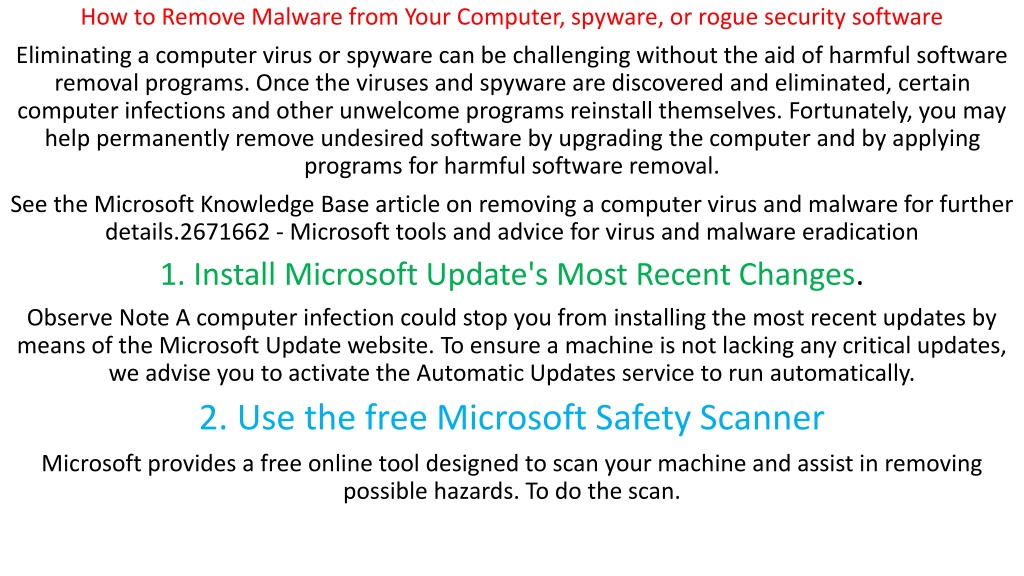
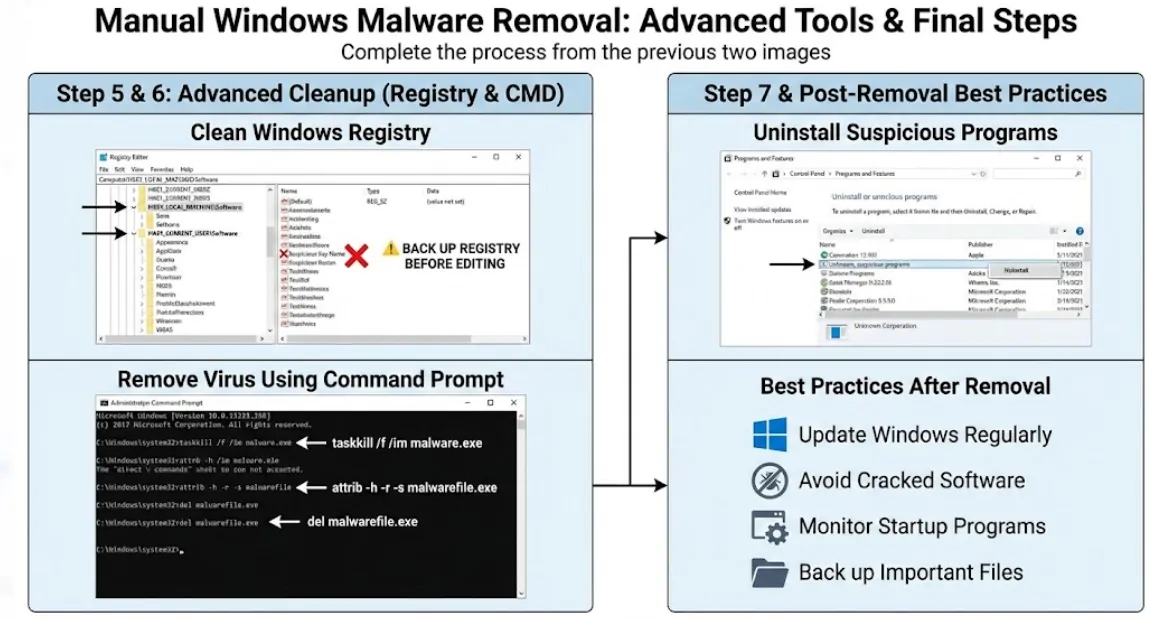
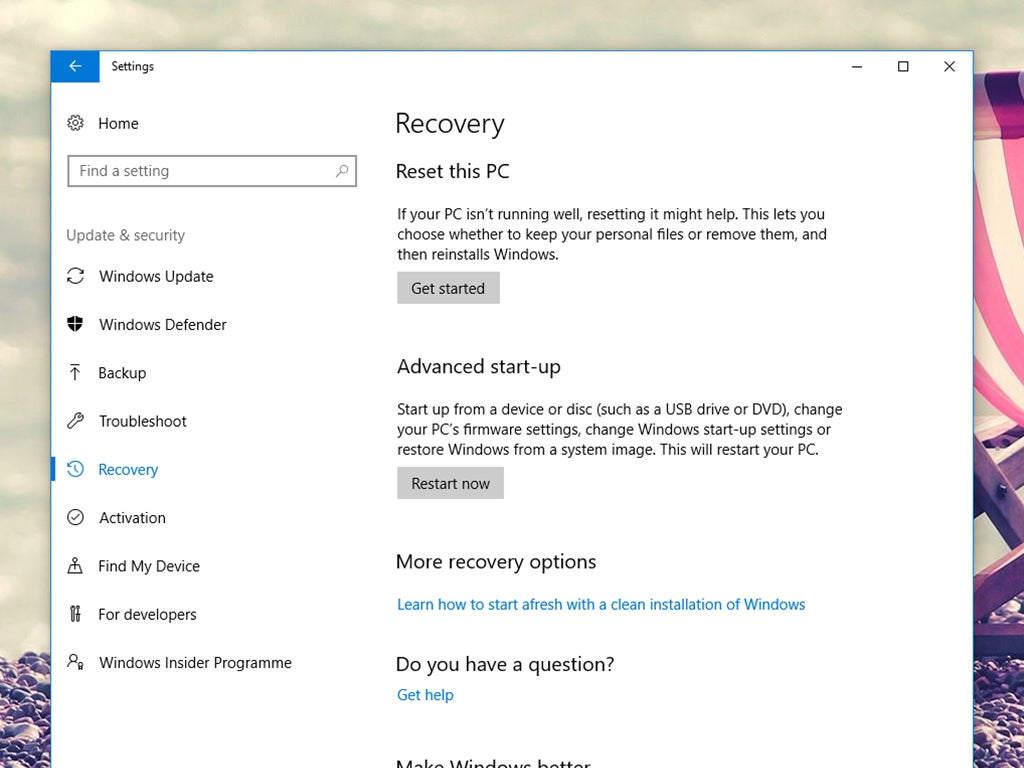
Despite your best efforts, viruses can slip through your defenses and compromise your computer. When you cannot rely on your antivirus software to do the job, that doesn't mean that you have to live with the virus or reinstall your operating system . As shown in this tutorial, you can remove the most common culprits without antivirus software by enlisting the help of your command line.
Remove Malware From Registry Without Reinstalling Operating System
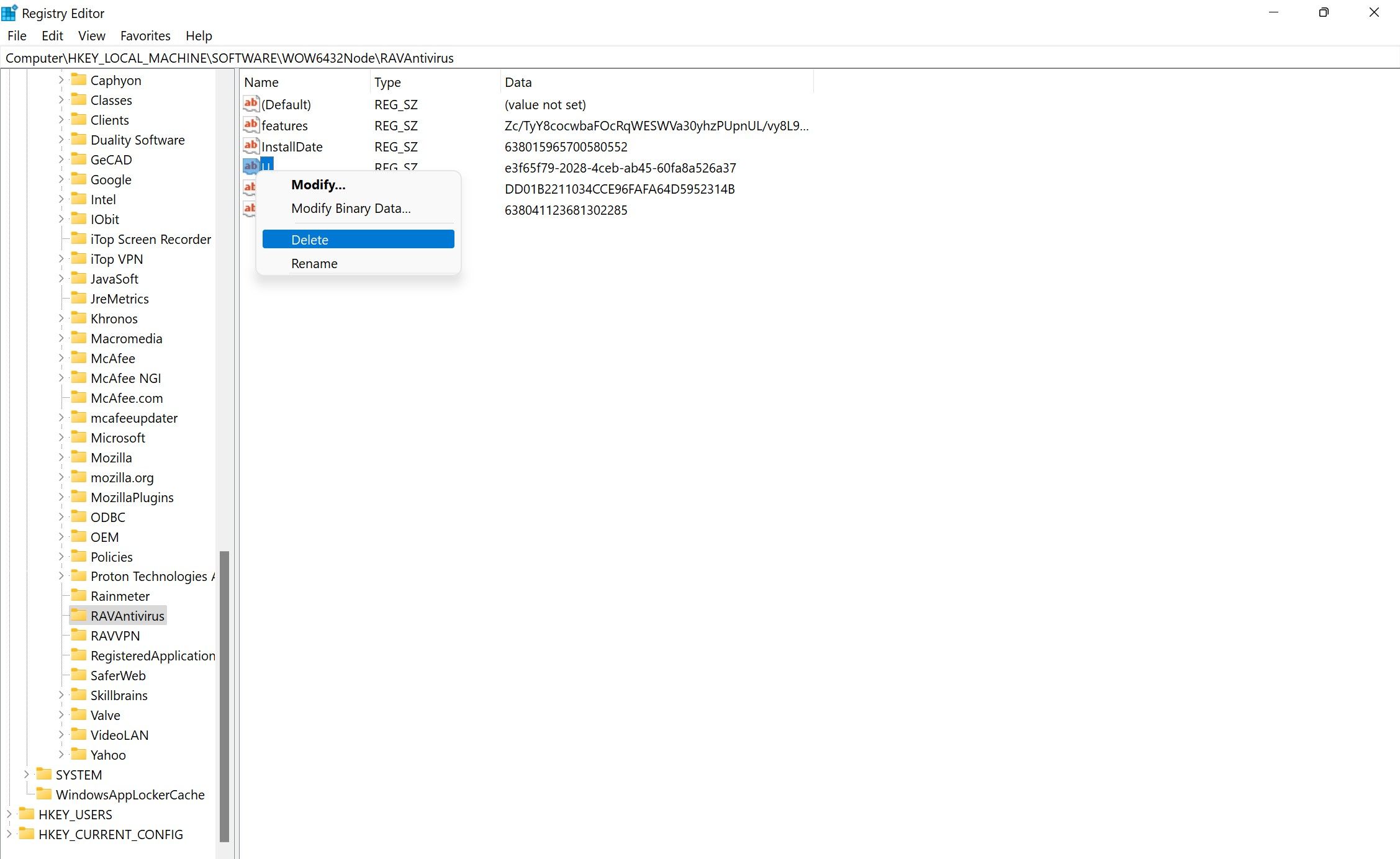
How to check Registry for malware in Windows 11
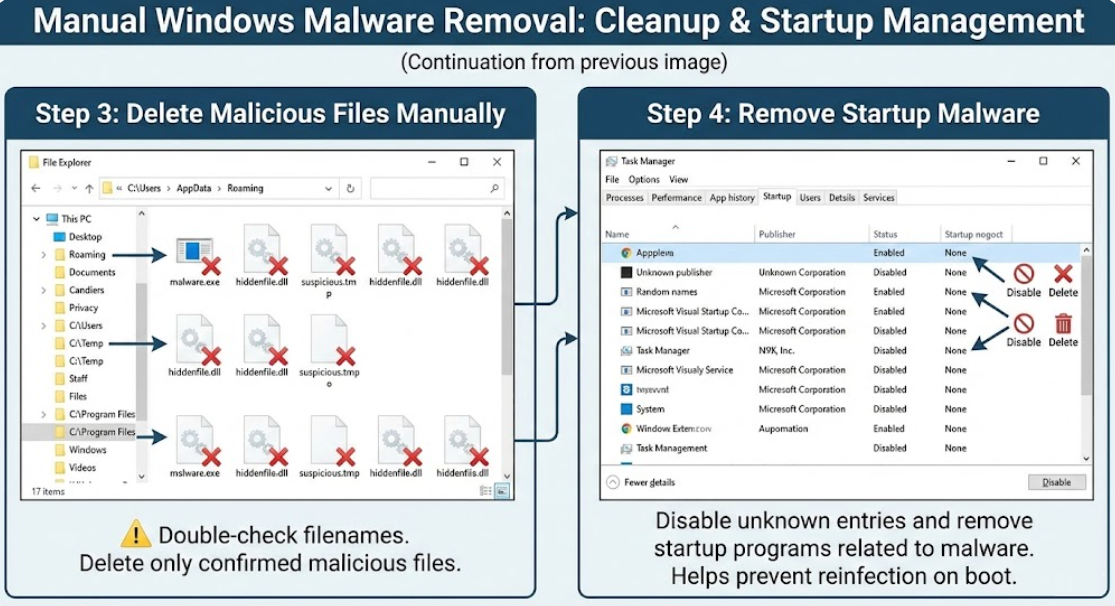
This post provides guidance on how to quickly and easily check and manually remove malware & virus from the Registry in Windows 11/10 computers.
Remove Malware From Registry Without Reinstalling Operating System
Such details provide a deeper understanding and appreciation for Remove Malware From Registry Without Reinstalling Operating System.
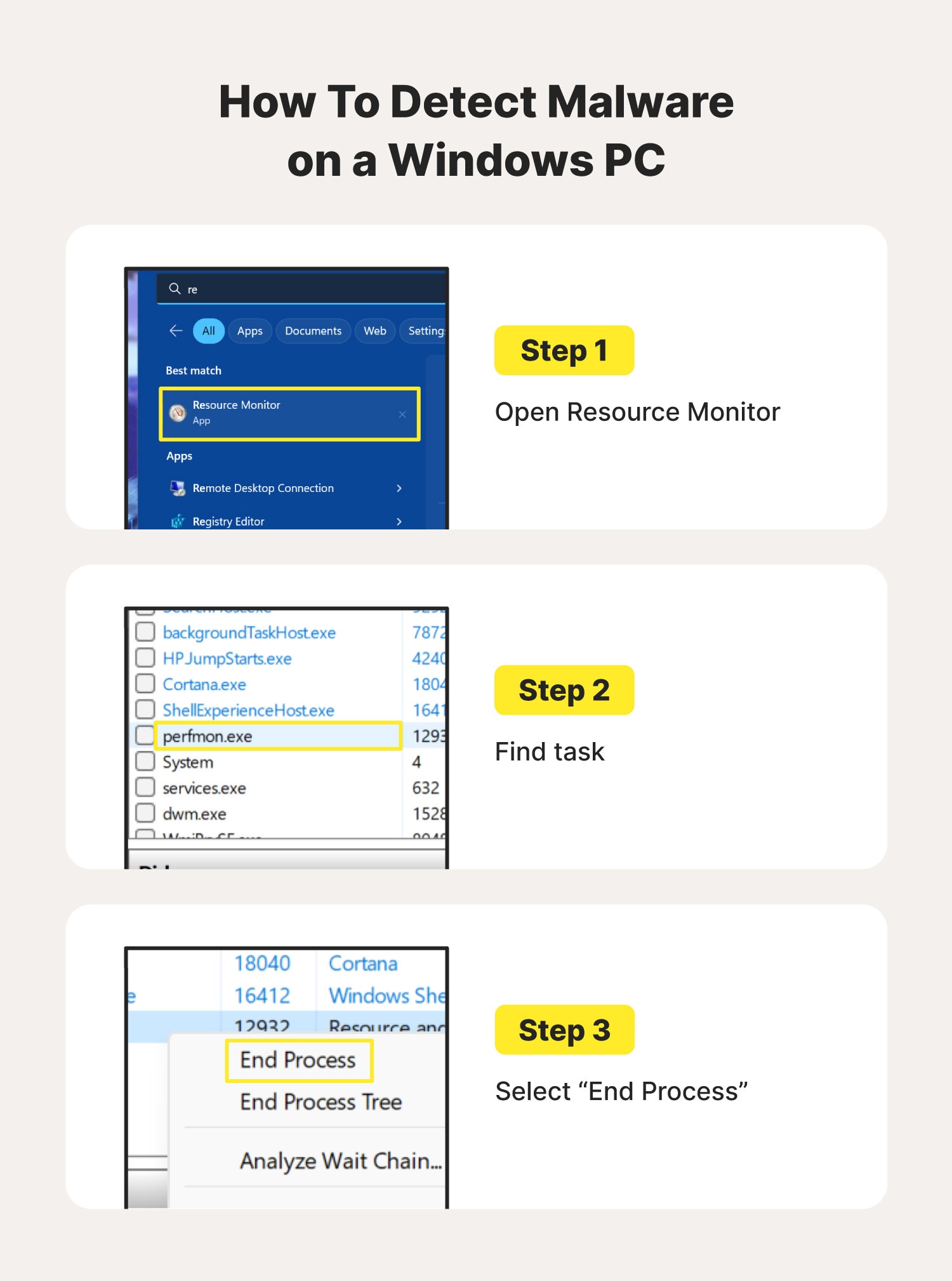
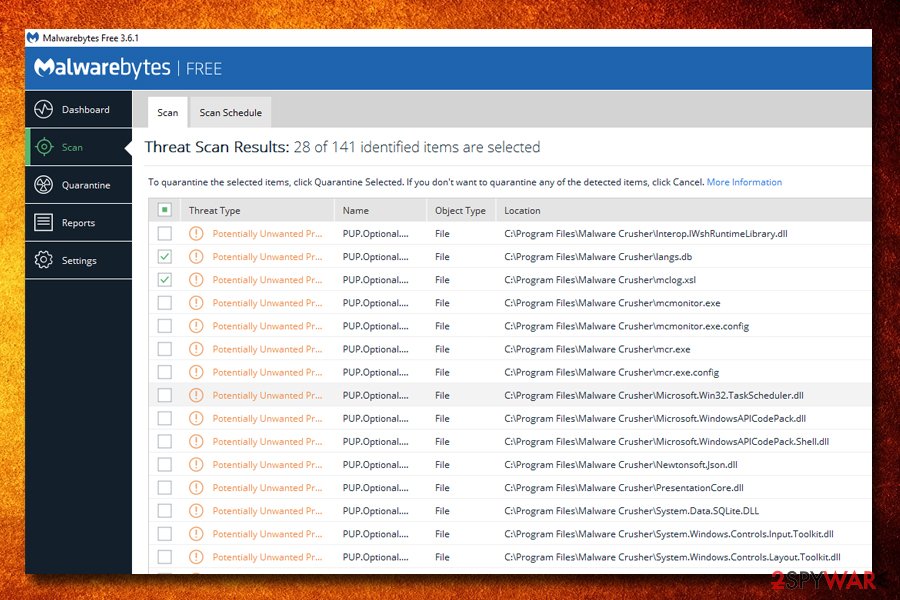
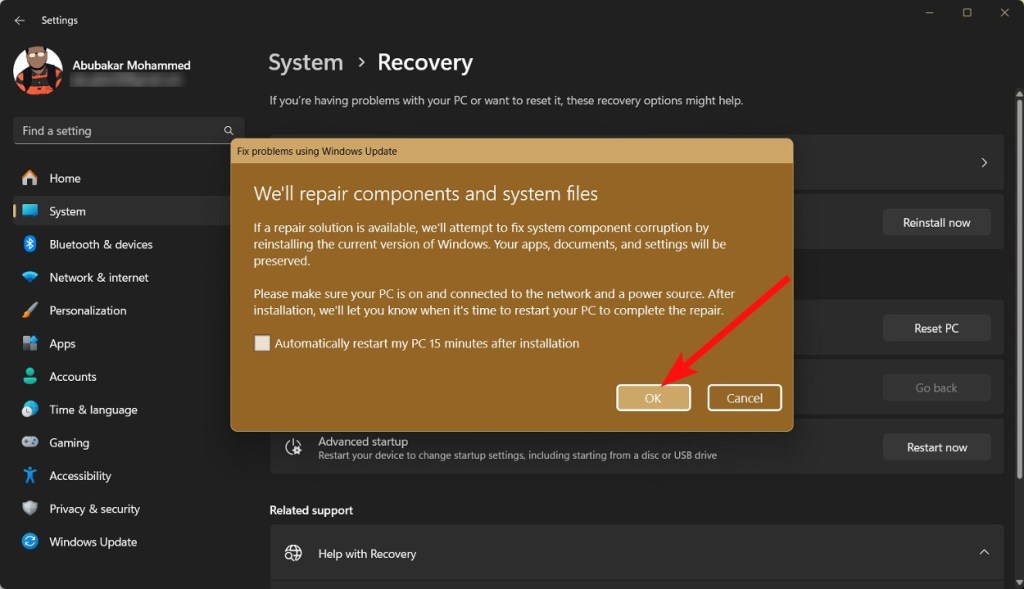
The best way forward is to reinstall Windows to reinstall all malware possible. However, here is a few things we can do before that. Run full scan using Windows Defender. Please open Windows Defender or any antivirus tool that you are using and perform a full system scan. You should quarantine any anomalies found. Remove the task from Task ...