PDF PrintSecure Printer Administration Guide (en)
They are on to allow the setup /use of the printer . Once you have configured your printer for your environment you should disable any services that are not needed.
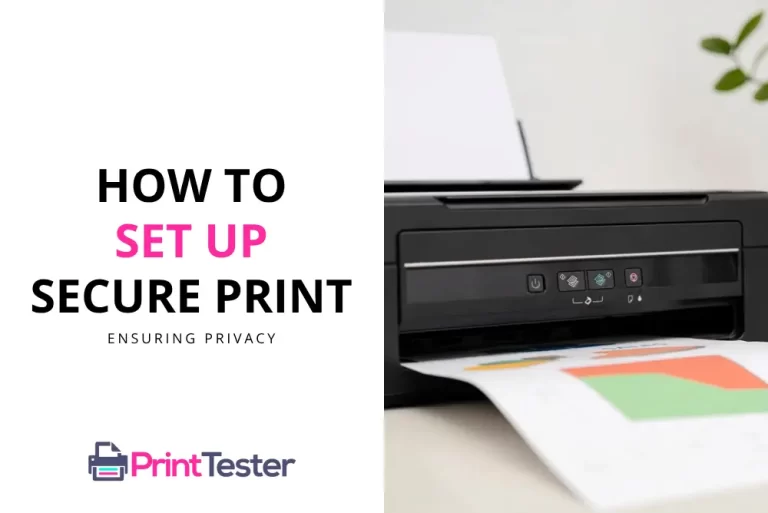
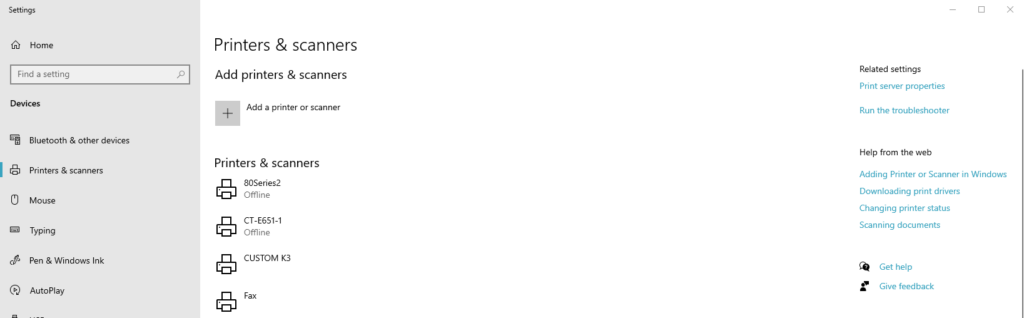
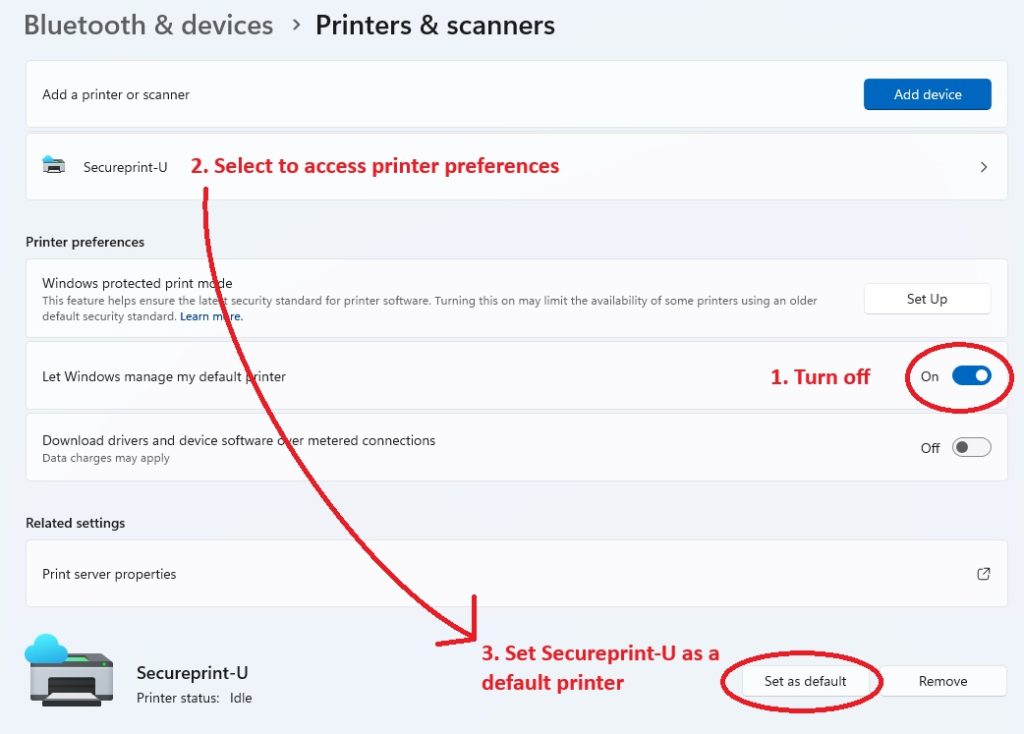
Select the printer : Choose the printer you want to use for secure printing. Access printer properties: Look for an option that says 'Properties', 'Preferences', or 'Printer Setup' . Enable secure print: This option may be under a 'Job Type', 'Output Method', or similar menu. Select 'Secure Print' or 'Private Print'.
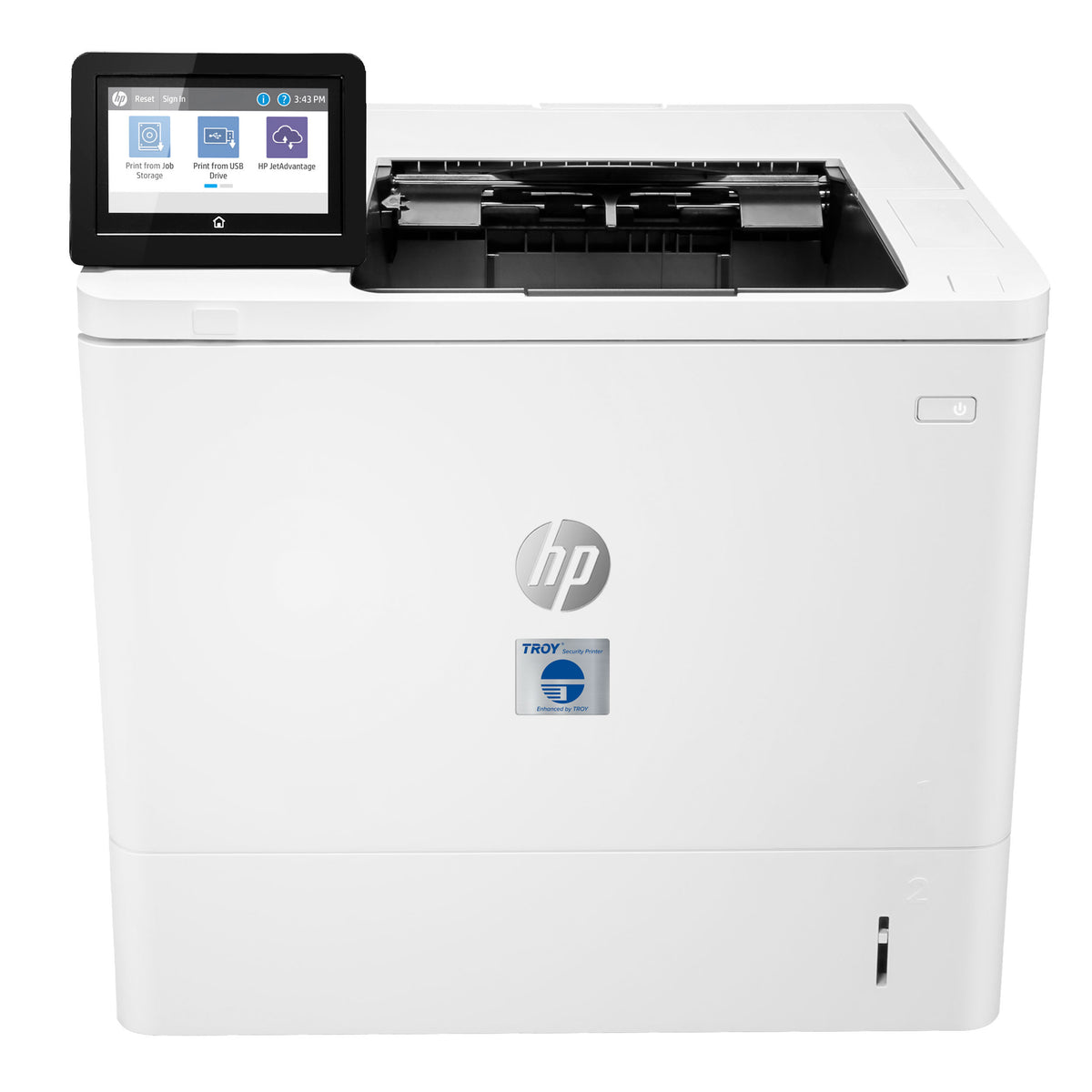
Setup & Configure Printer in SAP
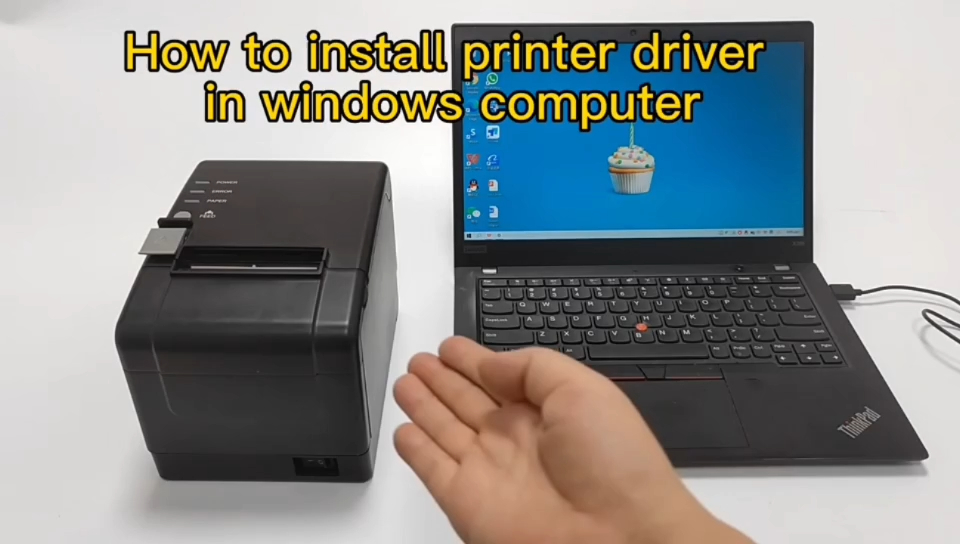
Please consult the printer hardware manufacturers for further helps. In the Access Method tab, define the Host Spool Access Method - You can refer to SAP Printing Access Method article and choose the best suited printing for your environment. Define the Host printer (put the value as printer's IP address or _DEFAULT).

Page topic: "Link-OS PrintSecure - Printer Administration Guide - Zebra Technologies". Created by: Willie Pope. Language: english.
Secure Printing There are no changes necessary on your computer to enable secure printing. If a user wishes to have a copier hold a print job for security reasons, select HSE Print Queue as the printer in your printer dialog box.
PrintSecure is a security software solution by Zebra Technologies designed to protect networked thermal printers from security vulnerabilities and cyber attacks. As part of the Zebra DNA for Printers ecosystem powered by Link-OS, PrintSecure provides tools to configure printers for secure connections, assess vulnerabilities, block unauthorized access, and control data exchanges. This ...