Wireless Gaming Network Setup With Linksys Access Point
A Complete Visual Reference for Wireless Gaming Network Setup With Linksys Access Point
PDF WGA600N User Guide
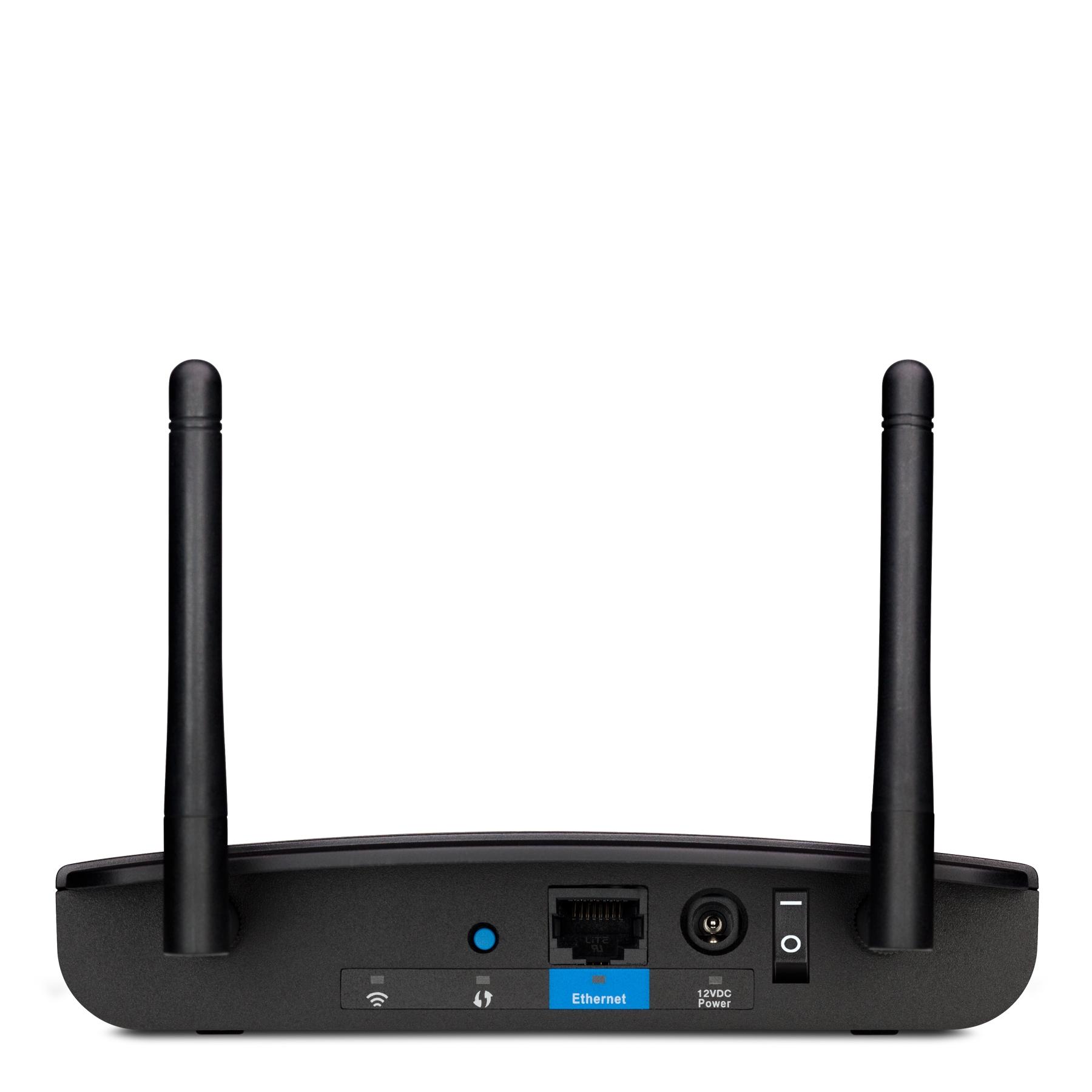
Secur ty Button If you have an Access Point that supports Wi-Fi Protected Setup , then you can use the Security button to automatically configure the Adapter's wireless security for your wireless network . Power (Green/Orange) The Power LED alternates between orange and green during booting, diagnostics, system self-test and firmware upgrades.
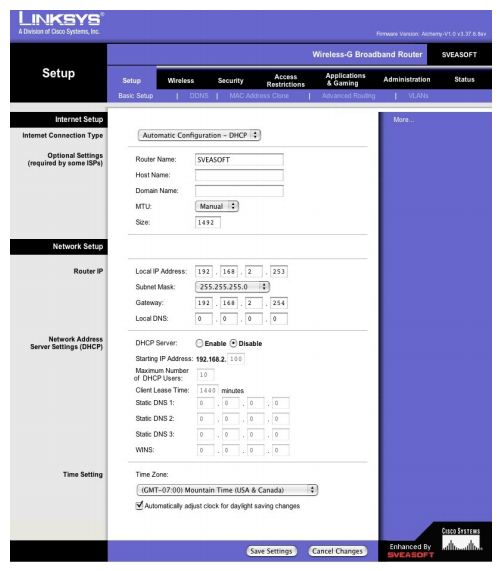
Understanding Access Point Mode Before diving into the setup process, it's essential to understand what access point mode is and how it differs from router mode. In access point mode, the Velop router acts as a wireless extension of an existing network , allowing you to expand the Wi-Fi coverage without the need for a separate internet connection.
Wireless Gaming Network Setup With Linksys Access Point
Furthermore, visual representations like the one above help us fully grasp the concept of Wireless Gaming Network Setup With Linksys Access Point.
how to use Linksys as an Access Point
In this video i show you how to setup Access Point mode on Linksys router. Linksys Wireless Router setup , Access Point ModeLinksys EA8300 https://amzn.to/3Qd...
Wireless Gaming Network Setup With Linksys Access Point
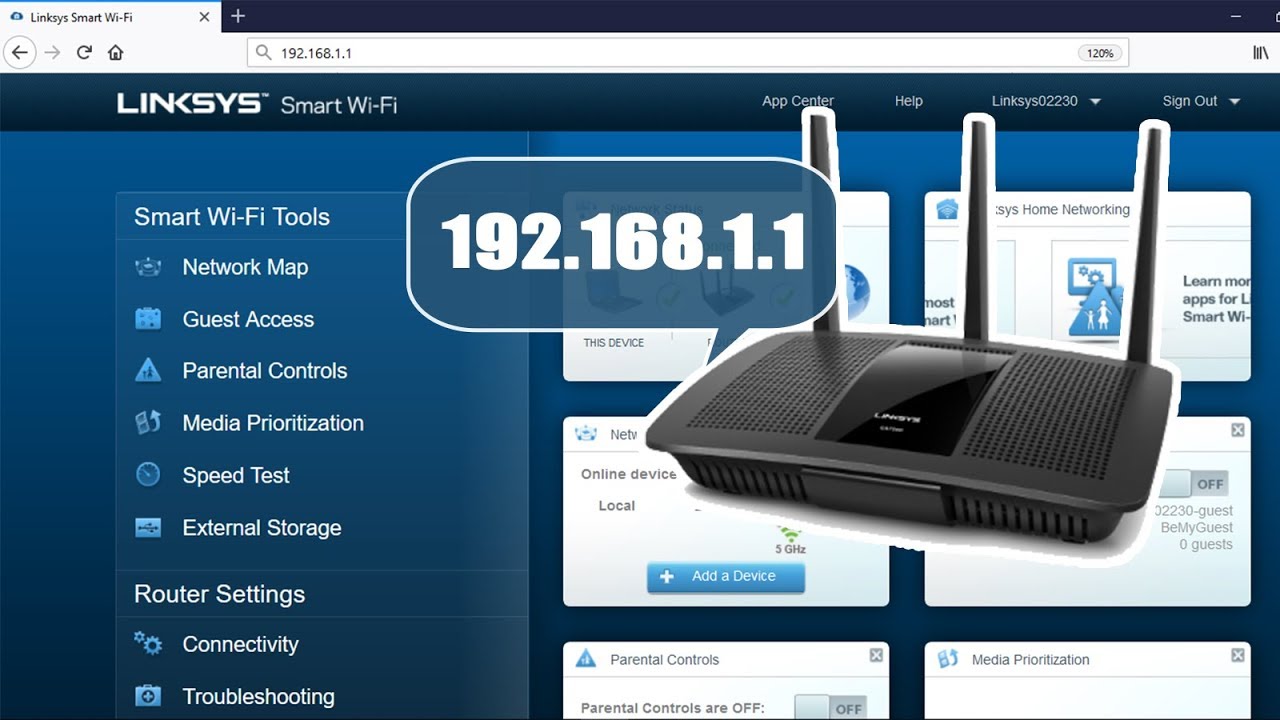
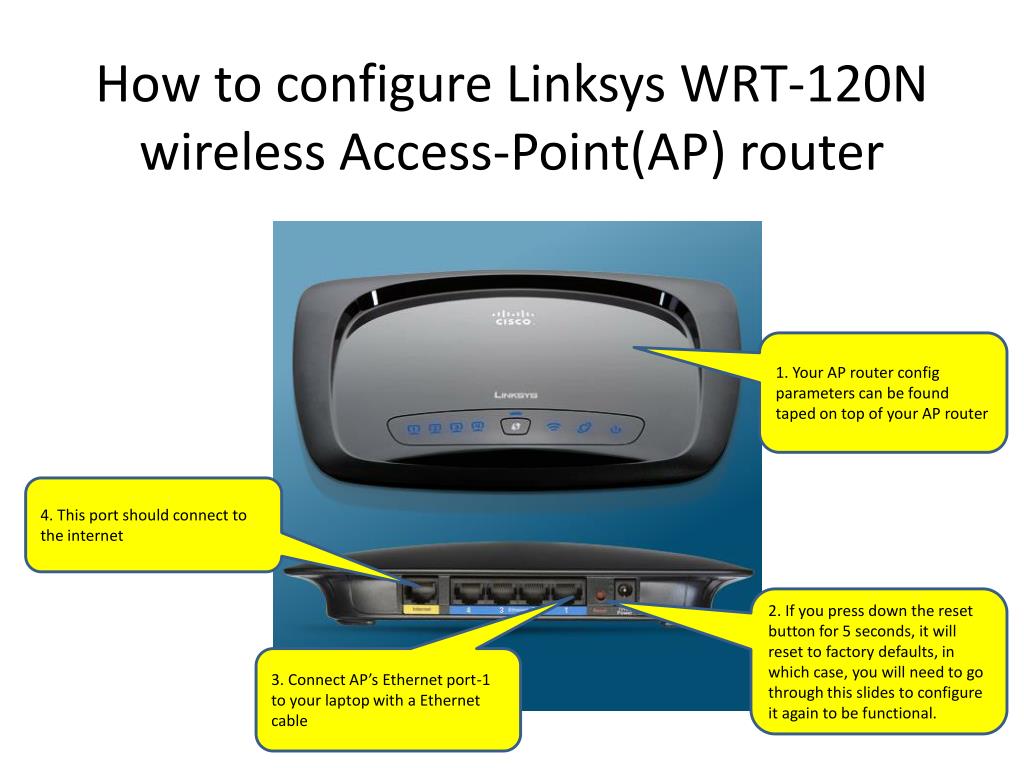
4 Ways to Configure a Linksys Router
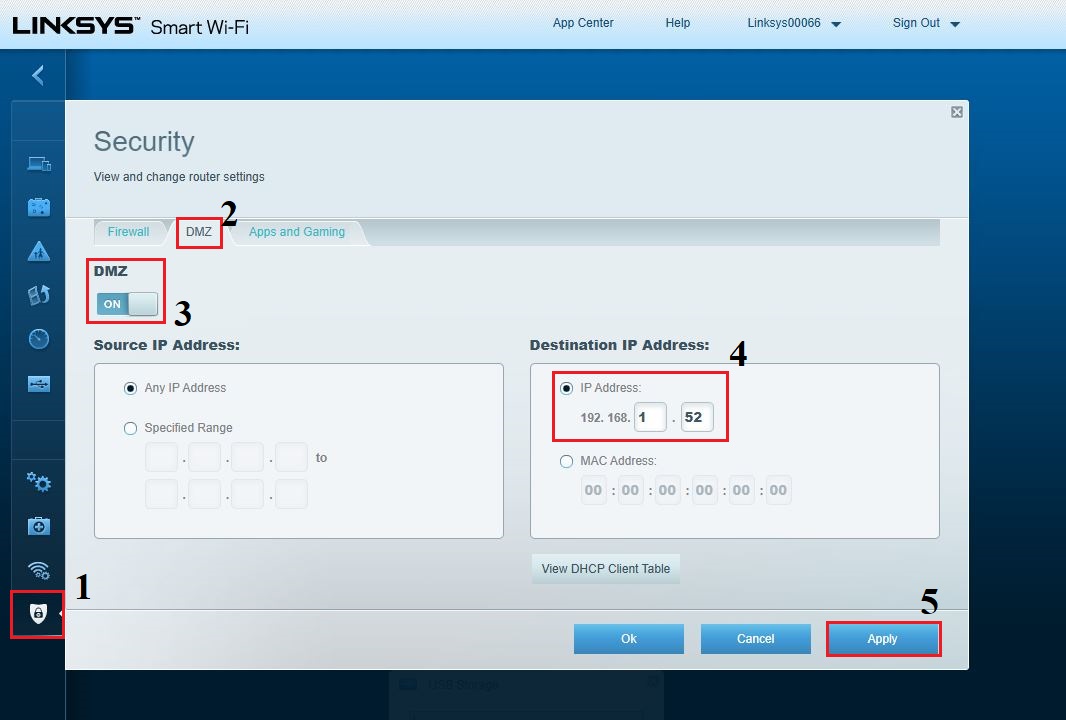
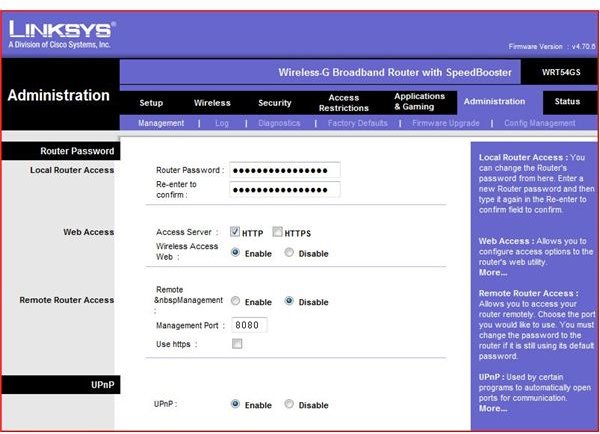
When using a wireless router, you can change the security and access settings to allow or disallow wireless connections. Password-protecting your router should stop unwanted users from accessing your network and Internet connection.
Wireless Gaming Network Setup With Linksys Access Point
This particular example perfectly highlights why Wireless Gaming Network Setup With Linksys Access Point is so captivating.
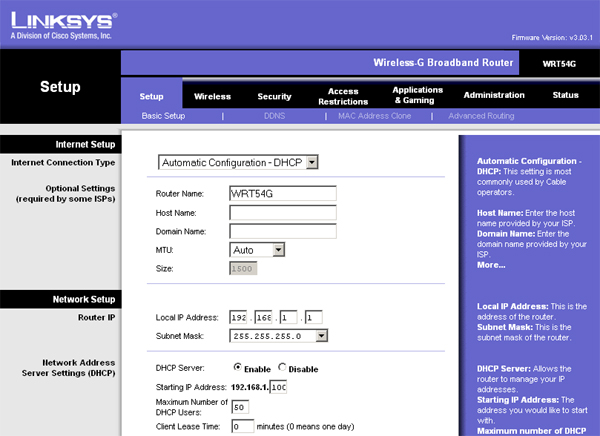
Available Wireless Networks 11. Select the appropriate network configuration for the Gaming Adapter. Wireless Network Name 13. Select the level of wireless security is used on your wireless network . Advanced Setup > Network Settings • Obtain network settings automatically (DHCP) Select this option to have your network settings assigned ...